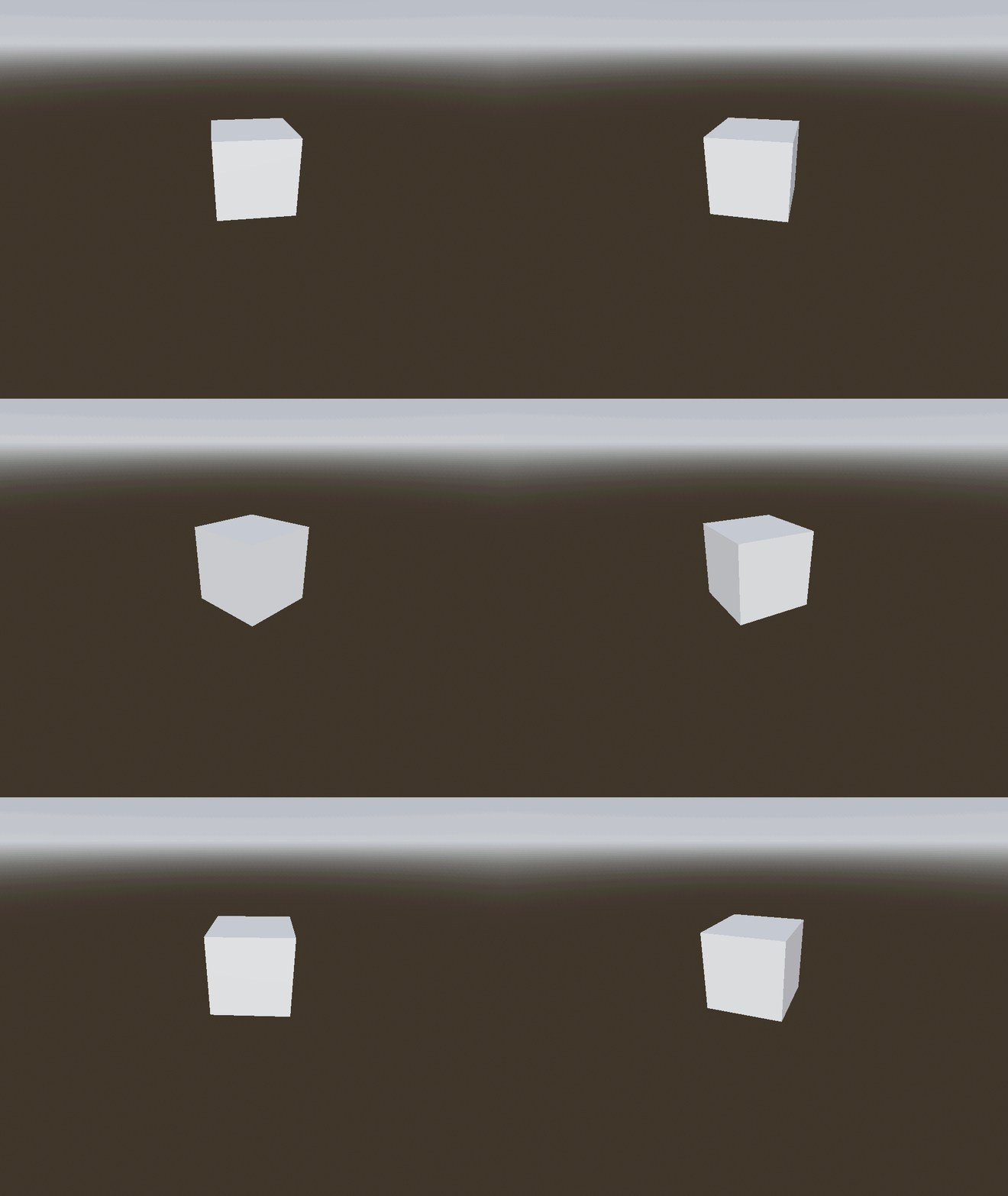
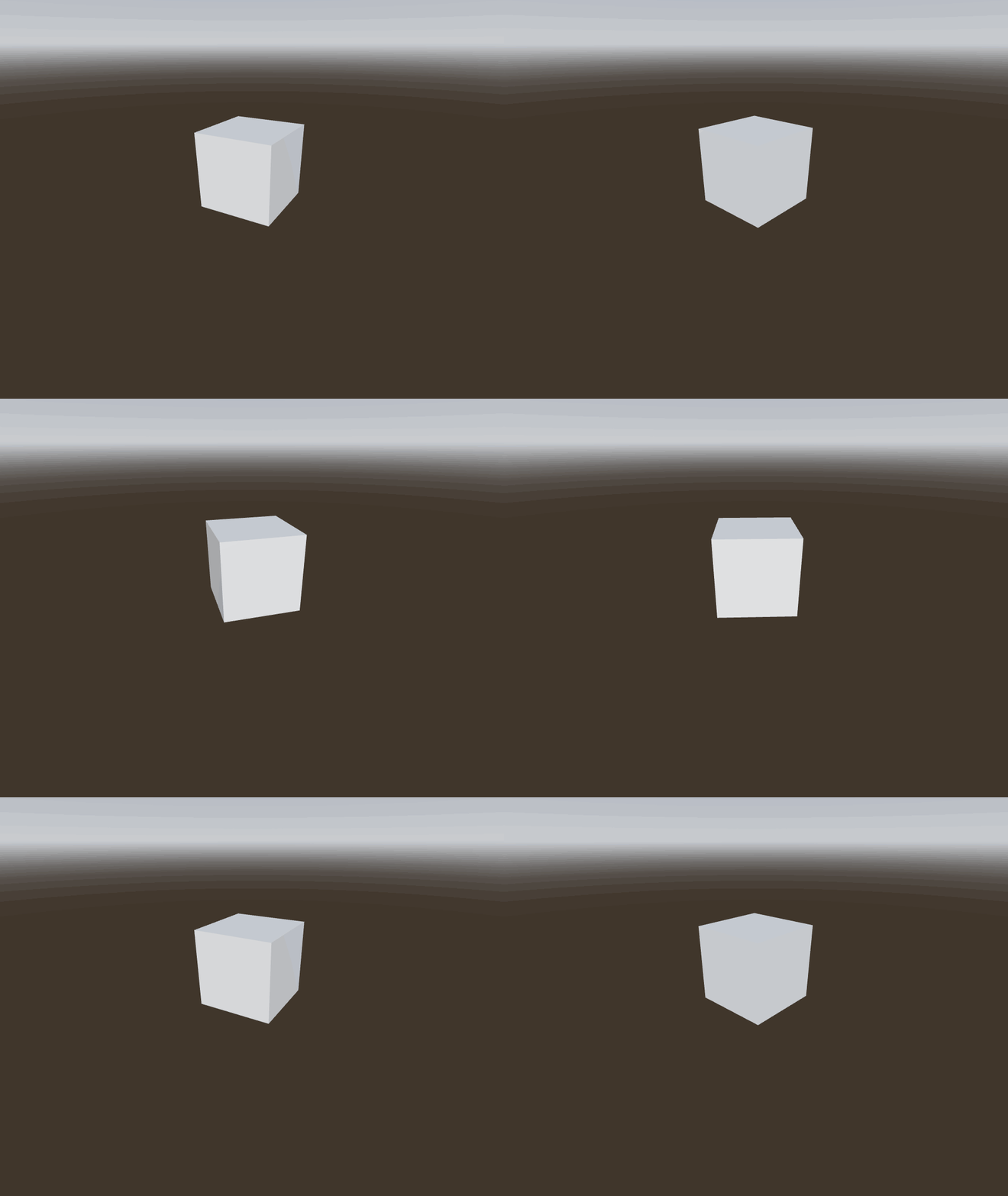
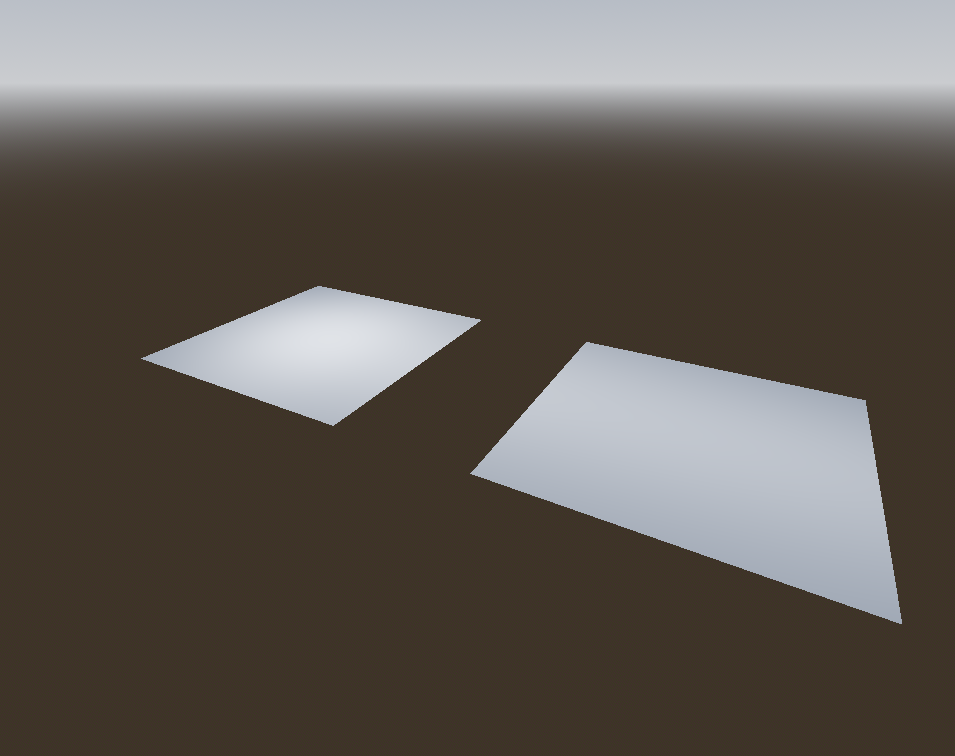
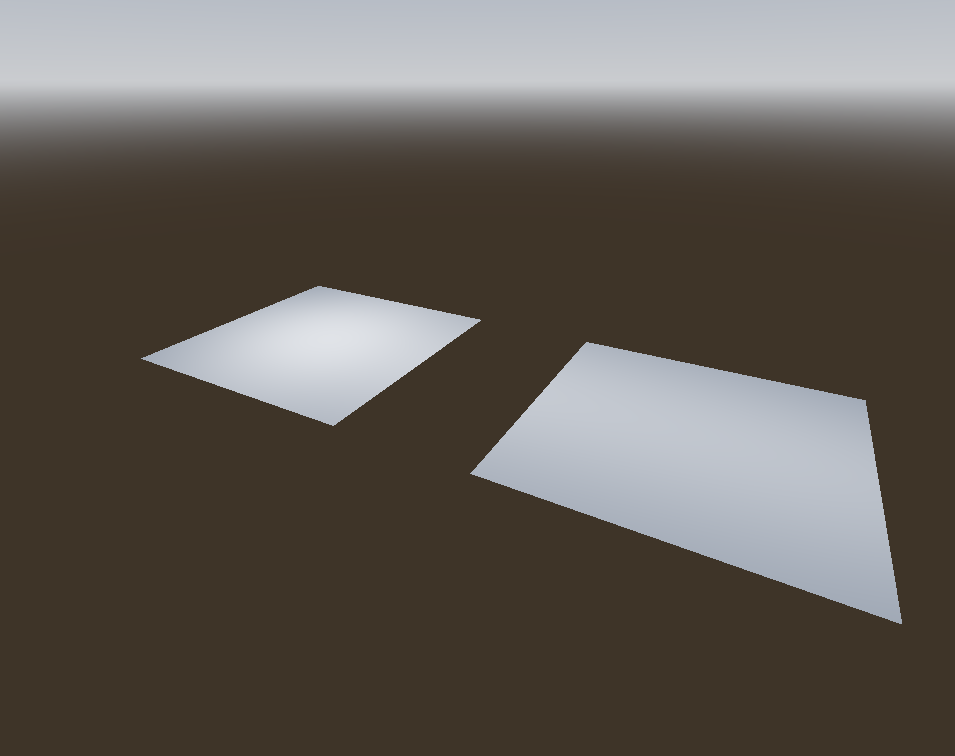
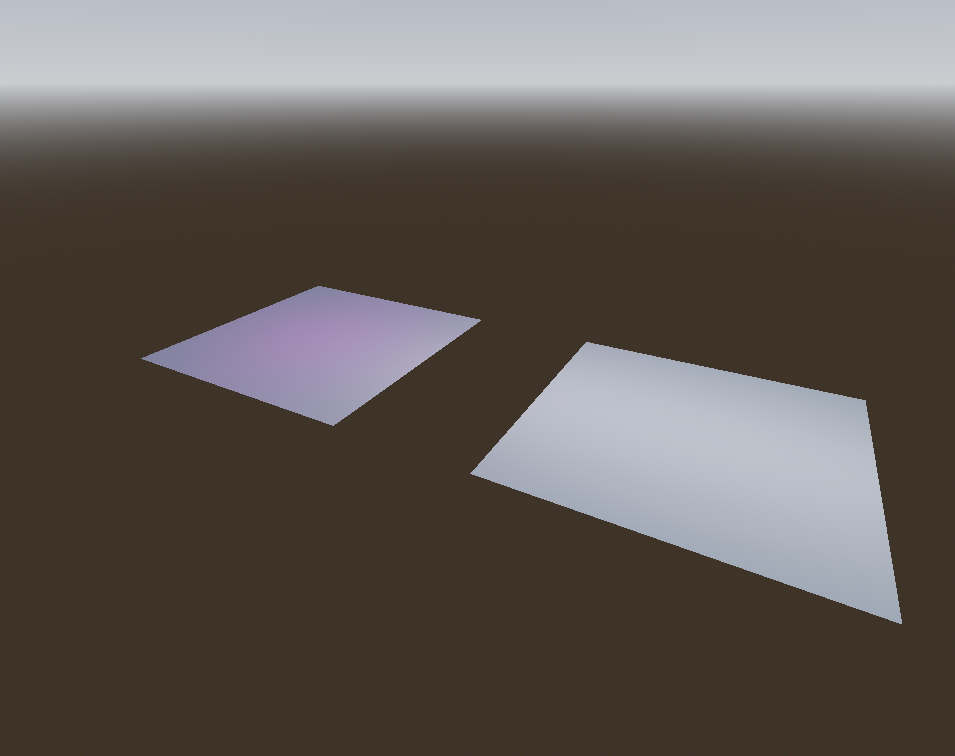
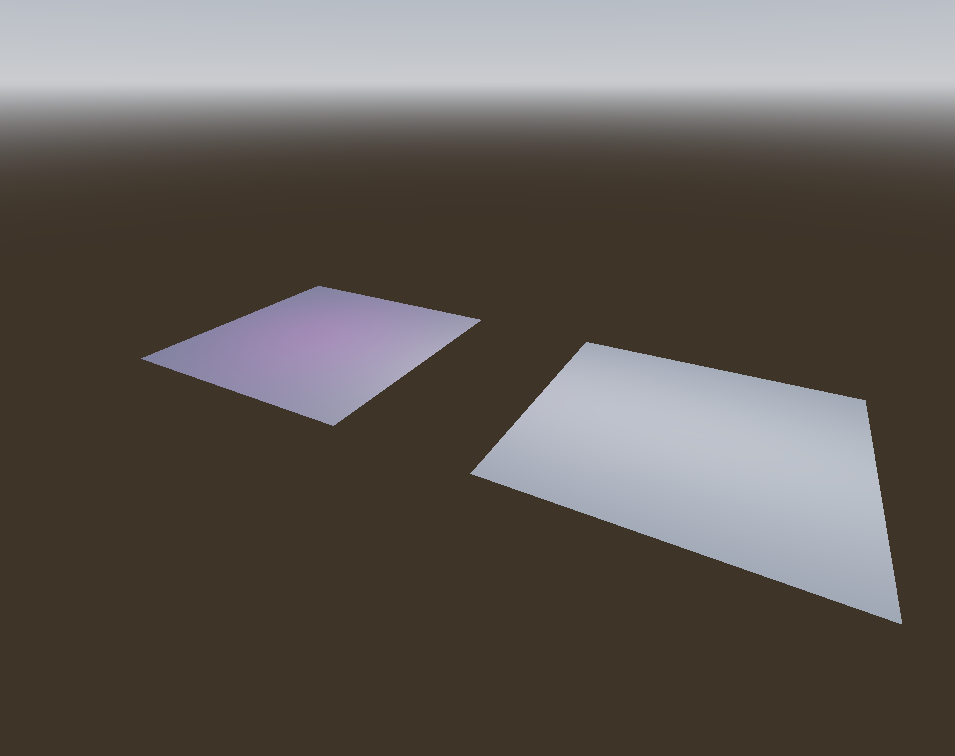
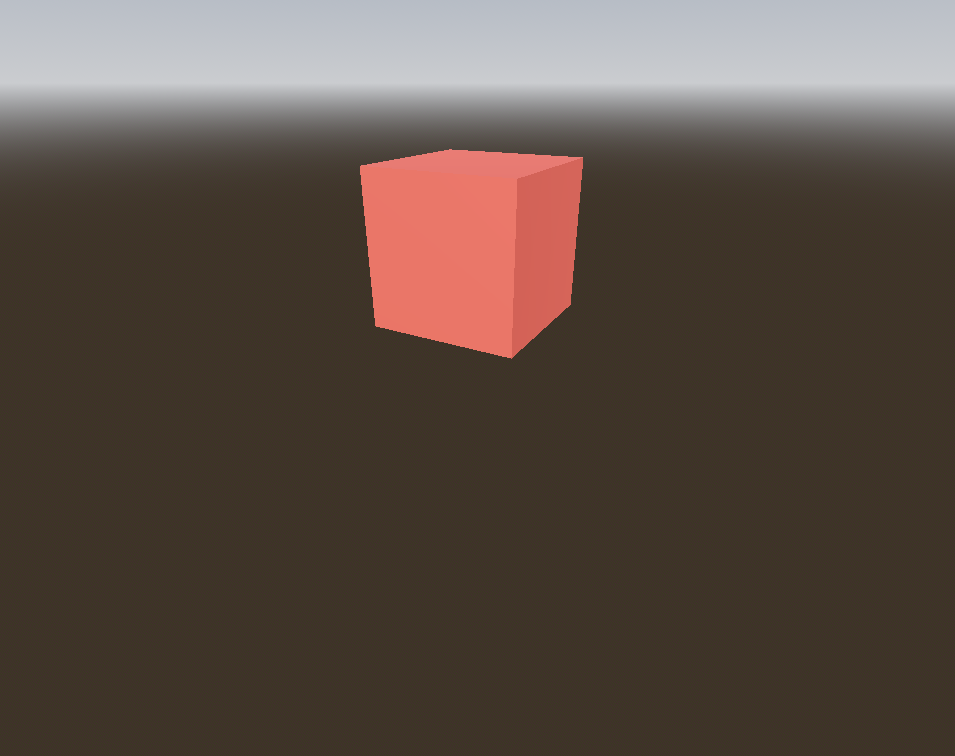
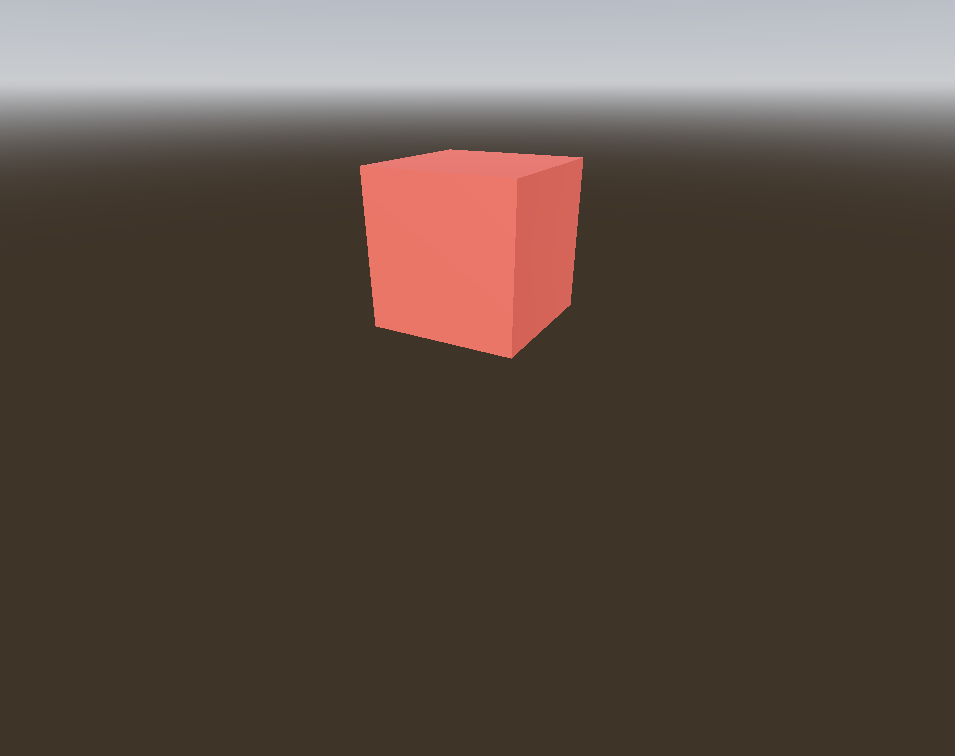
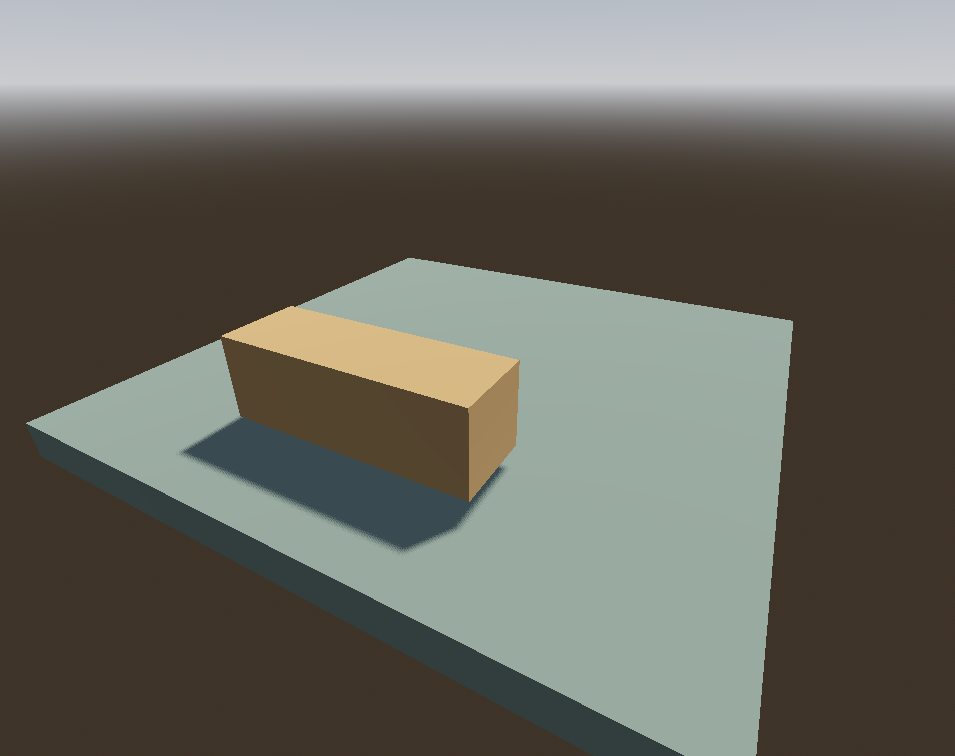
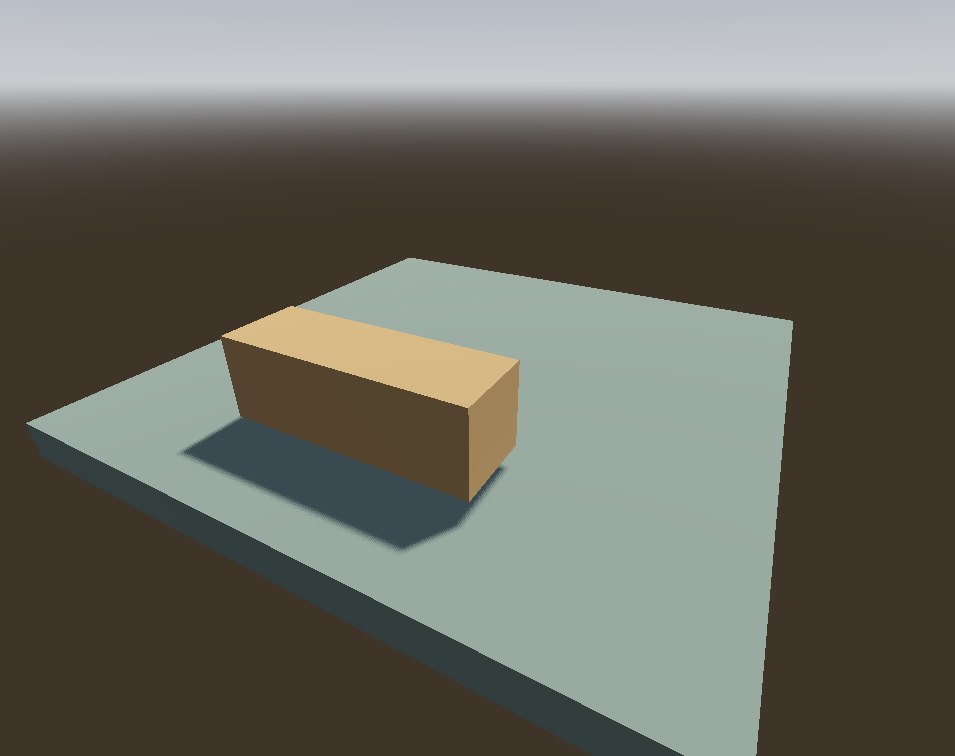
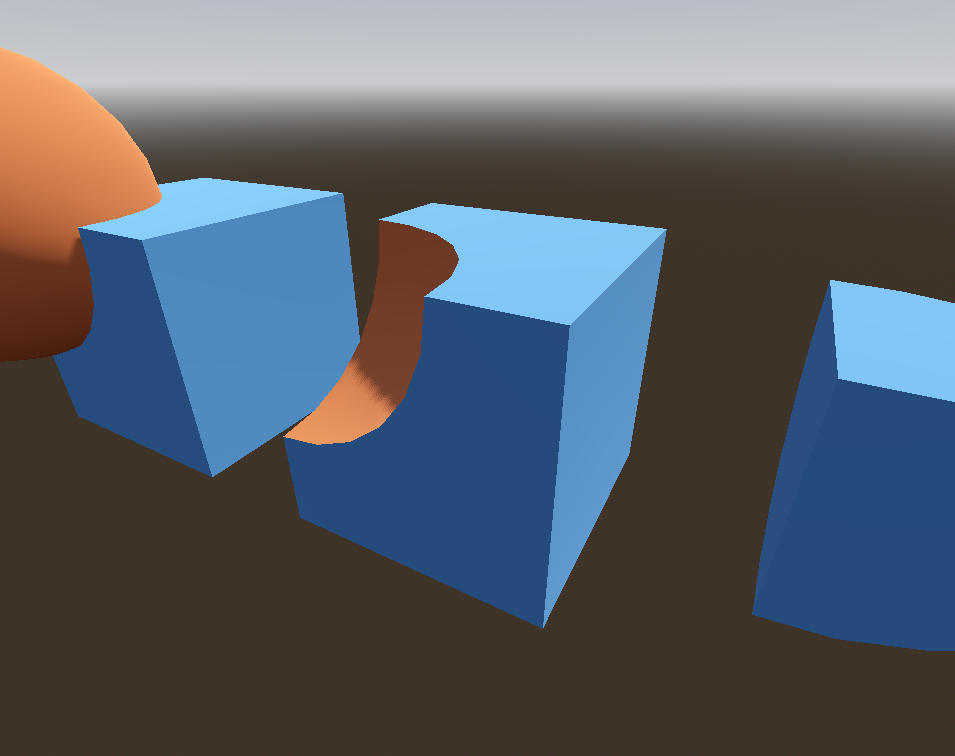
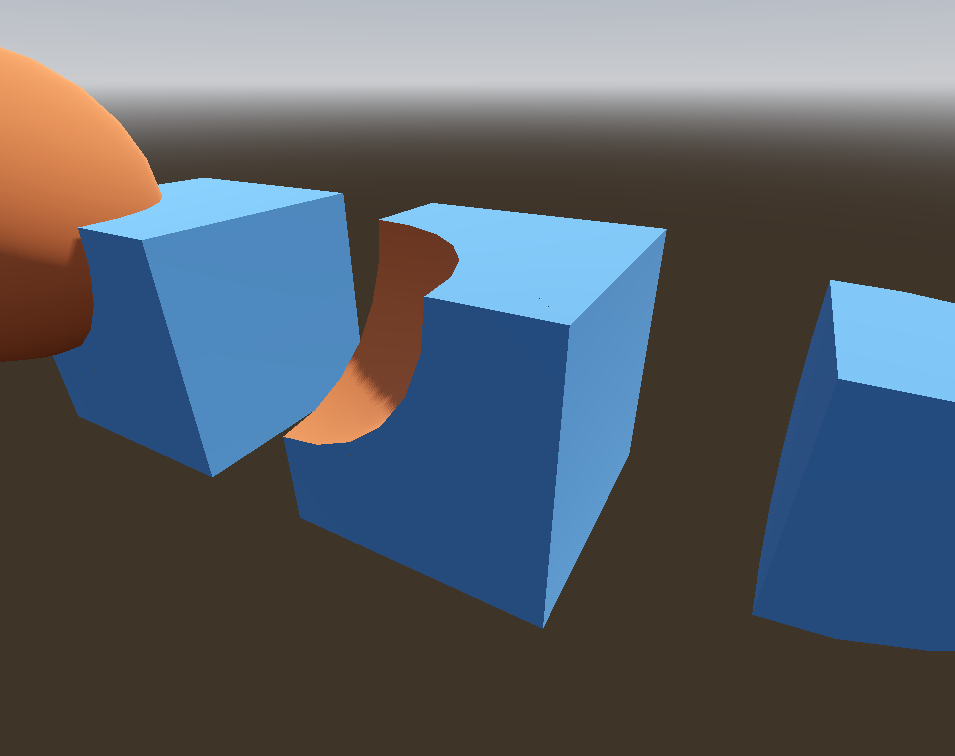
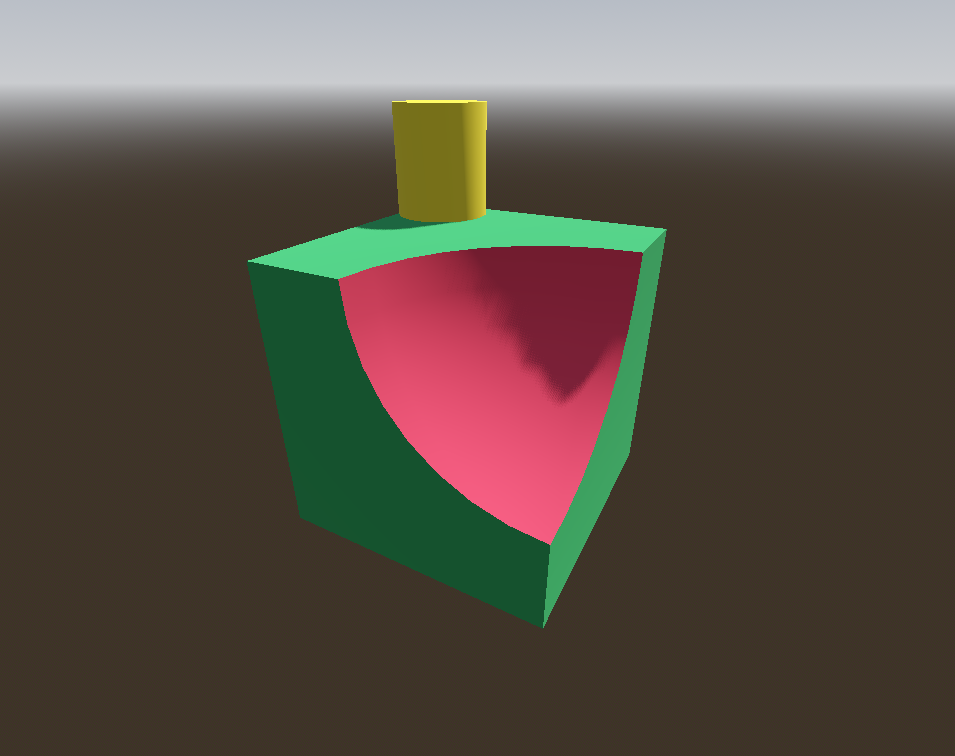
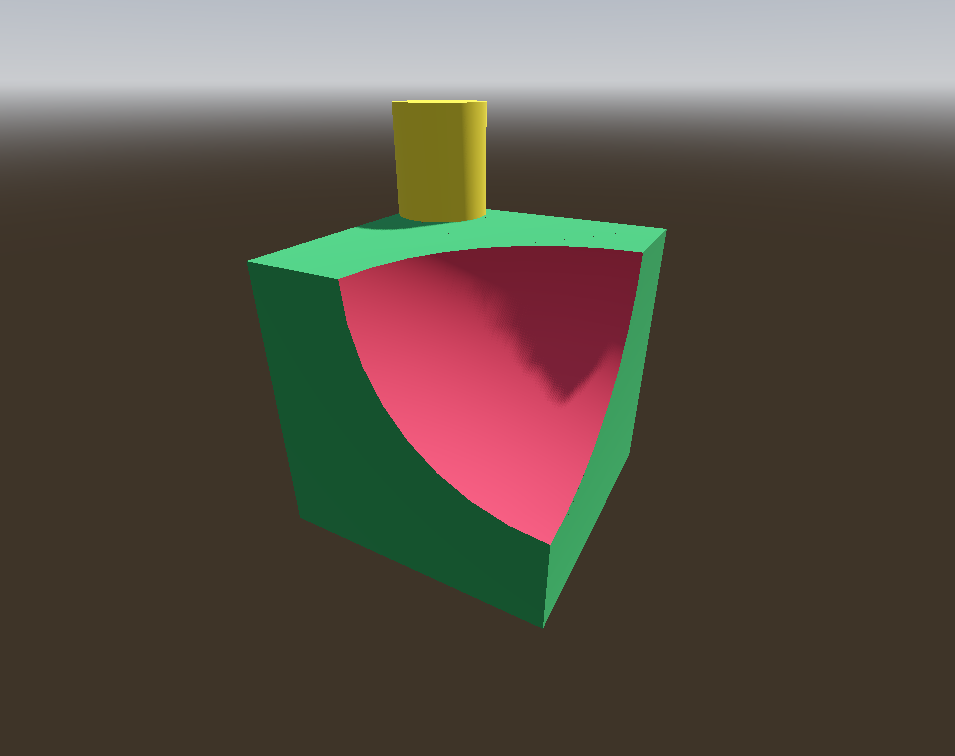
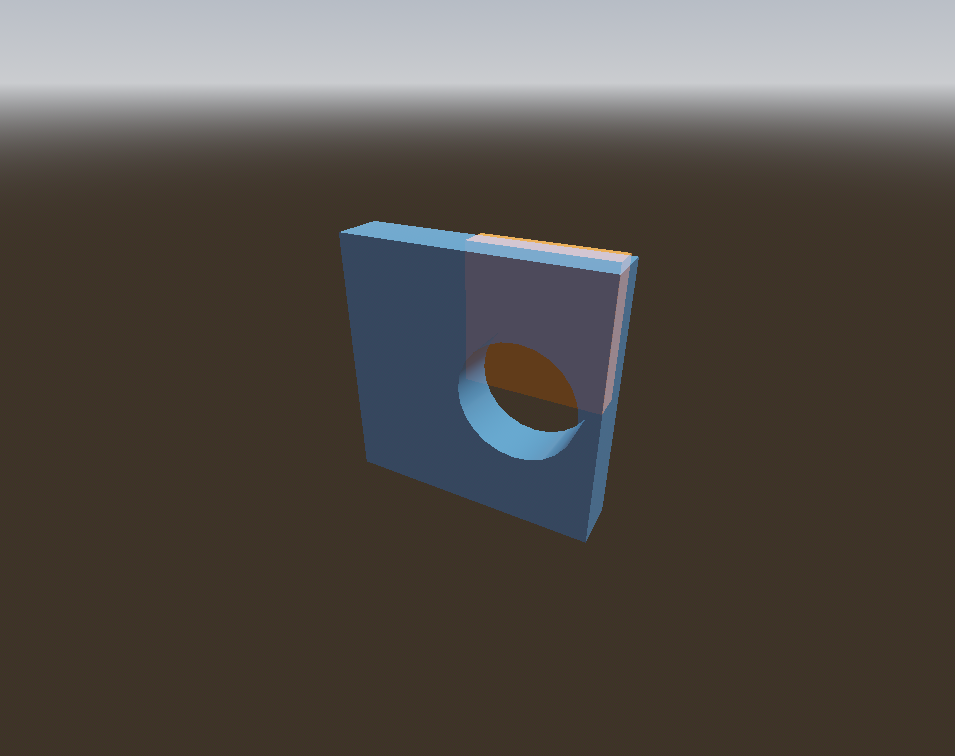
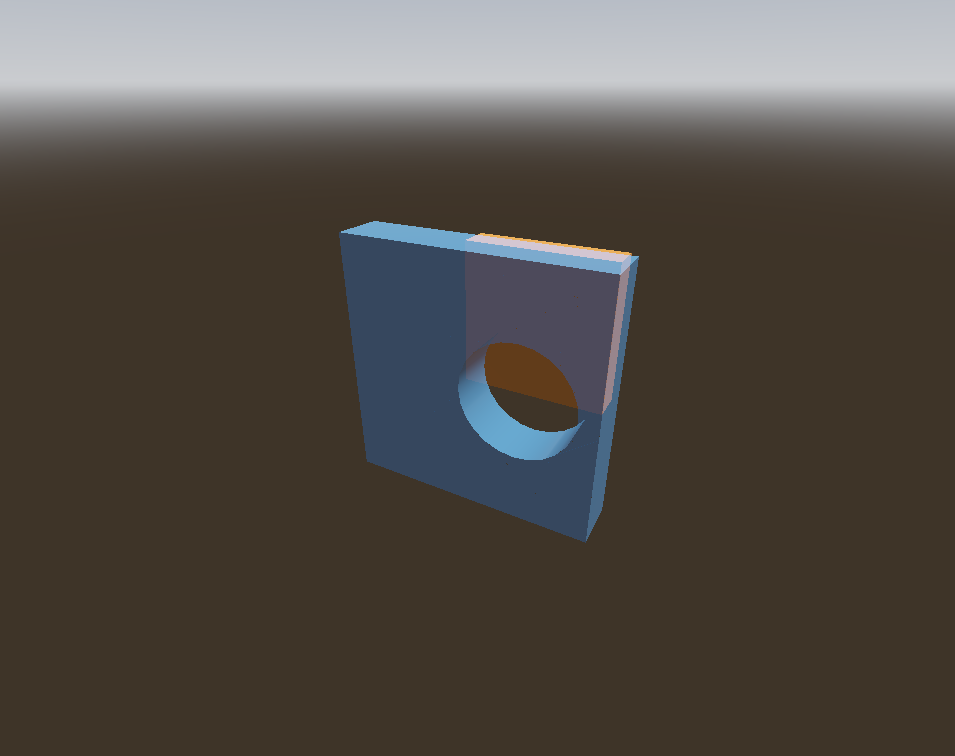
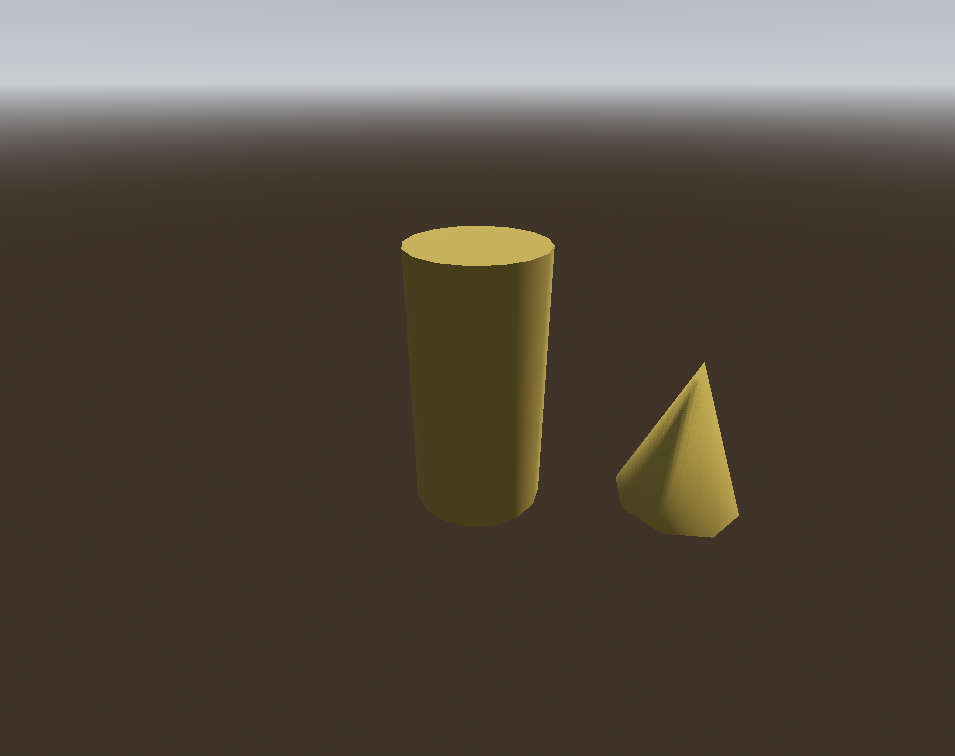
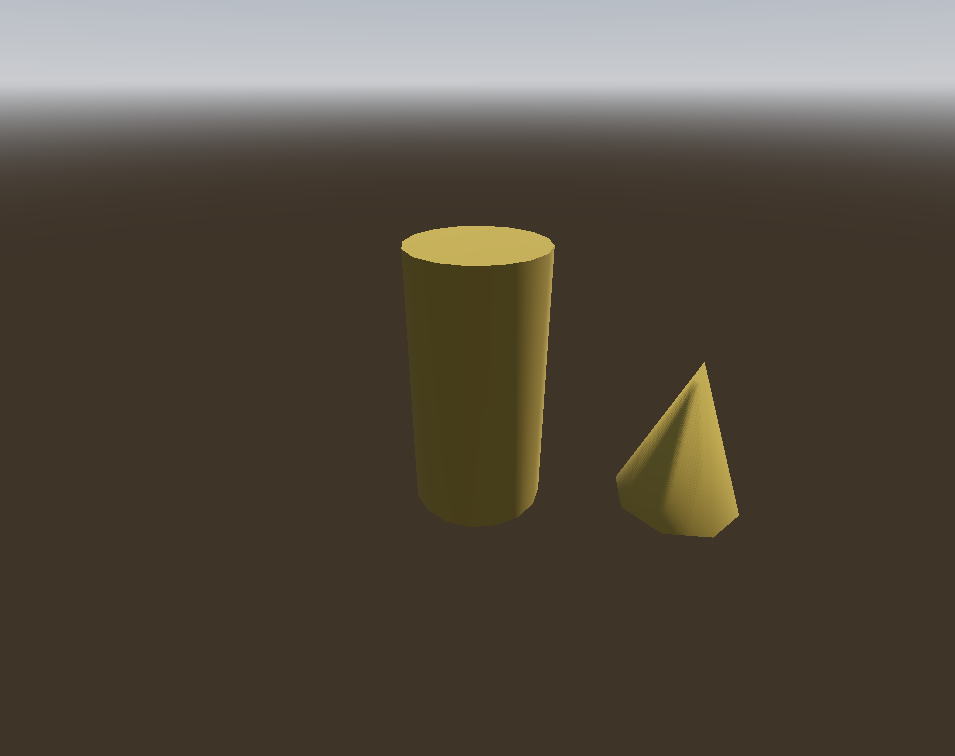
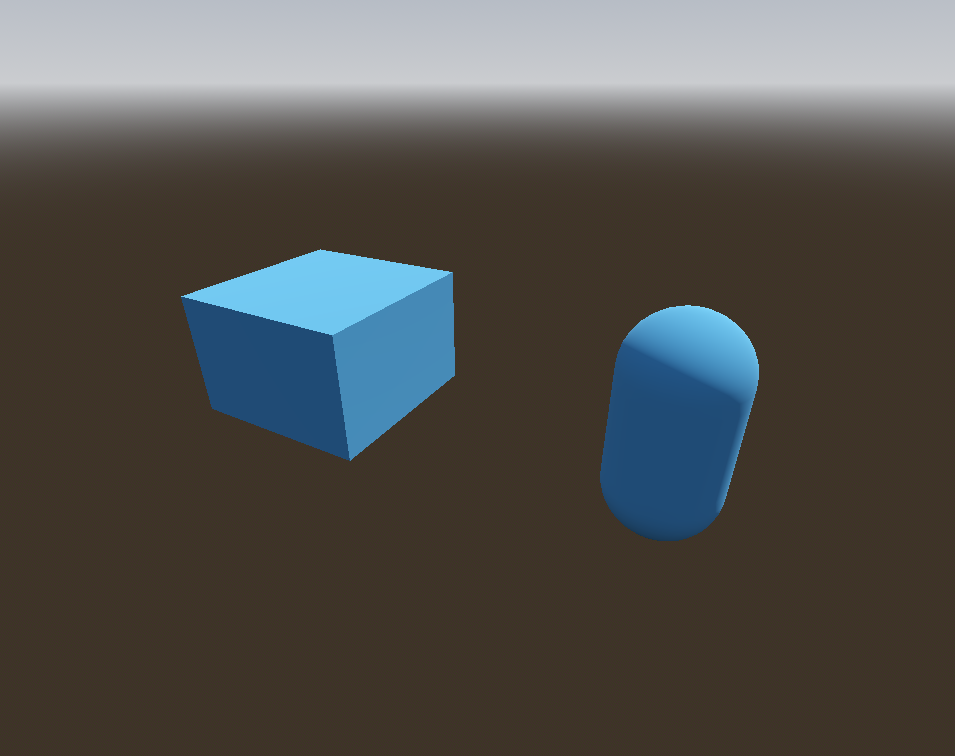
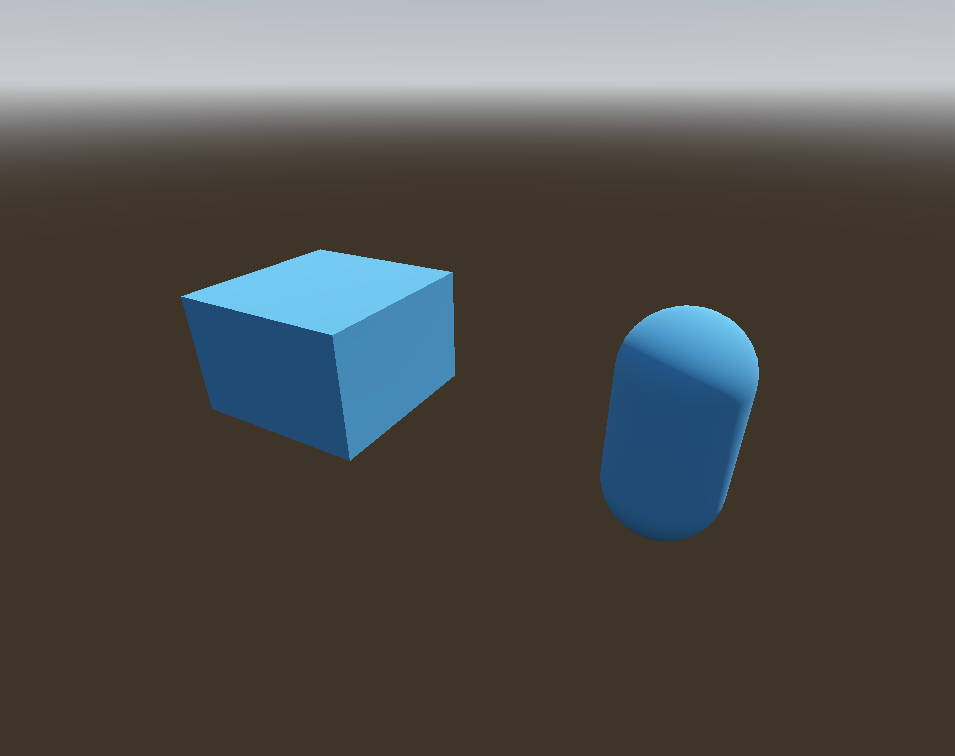
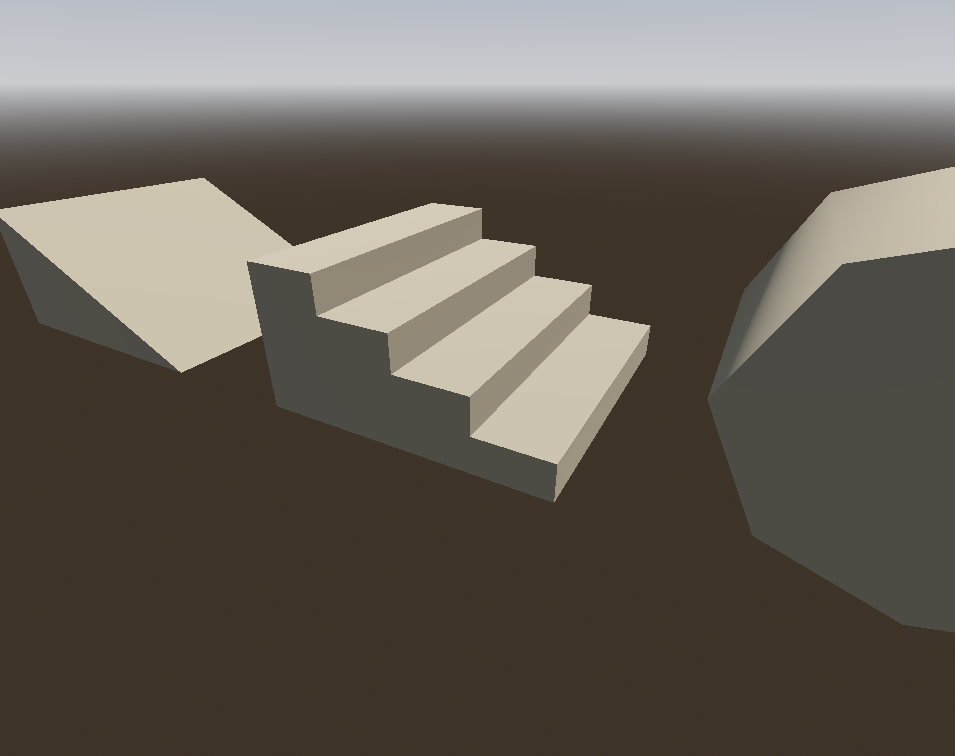
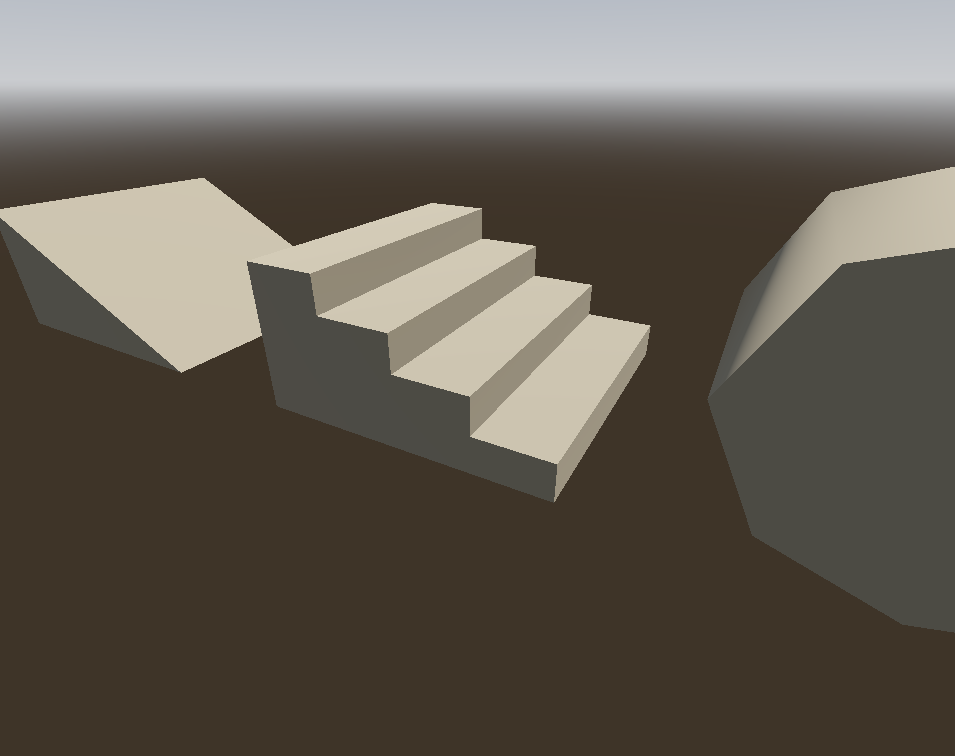
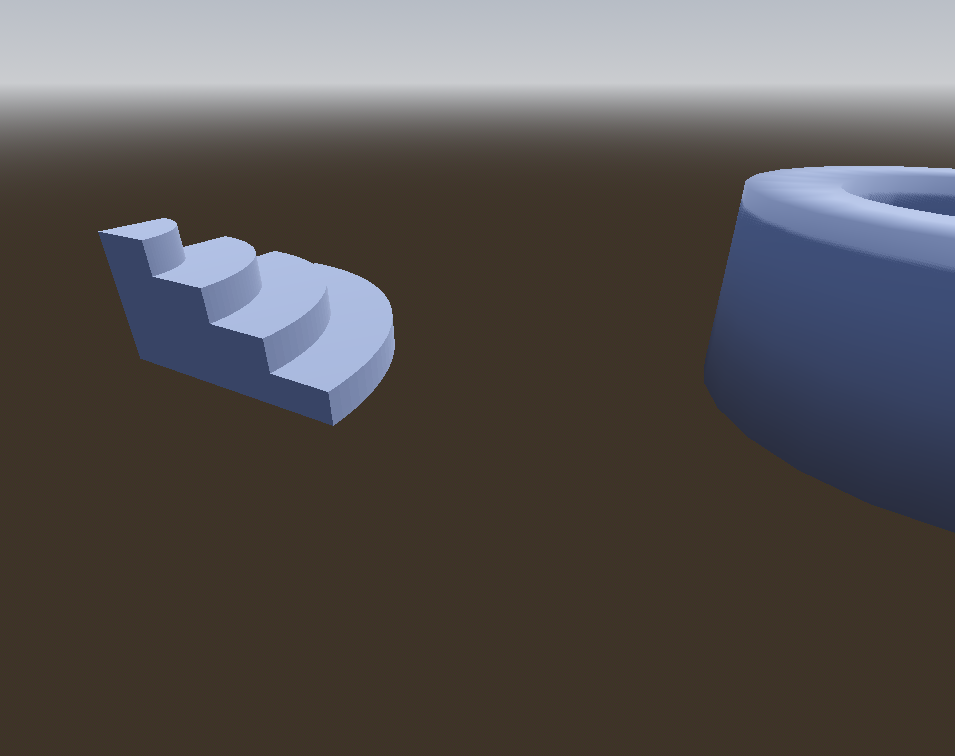
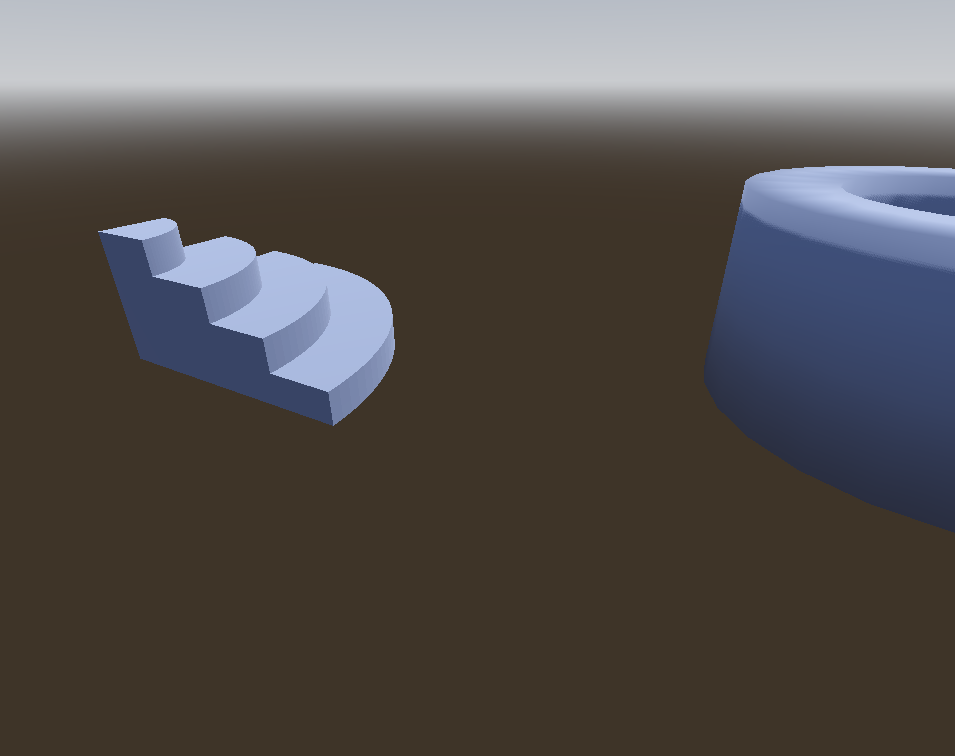
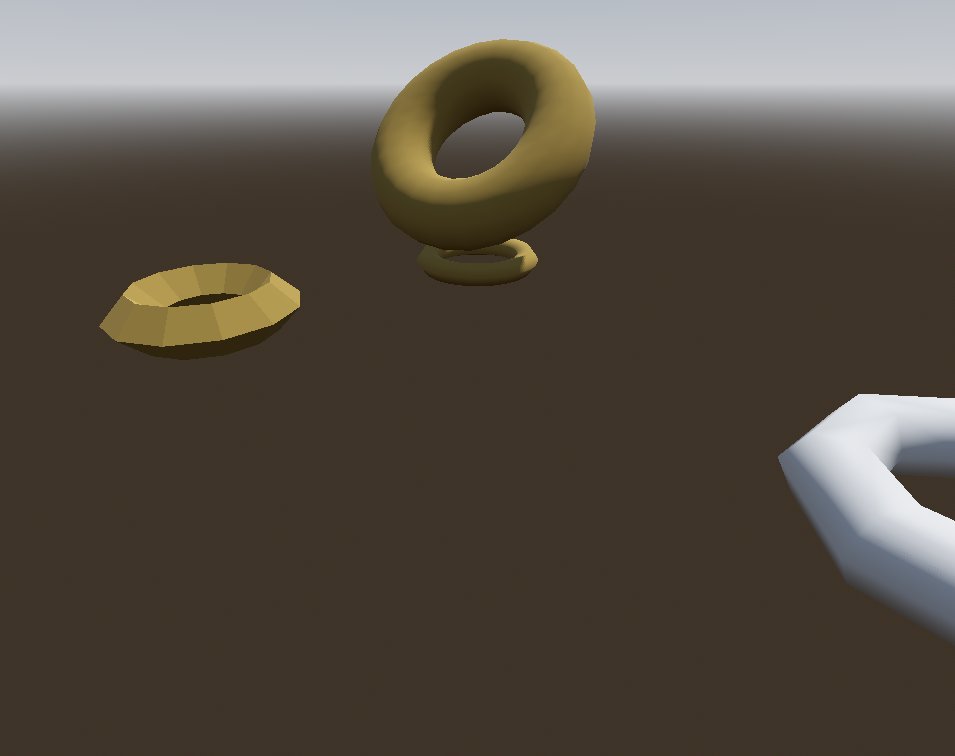
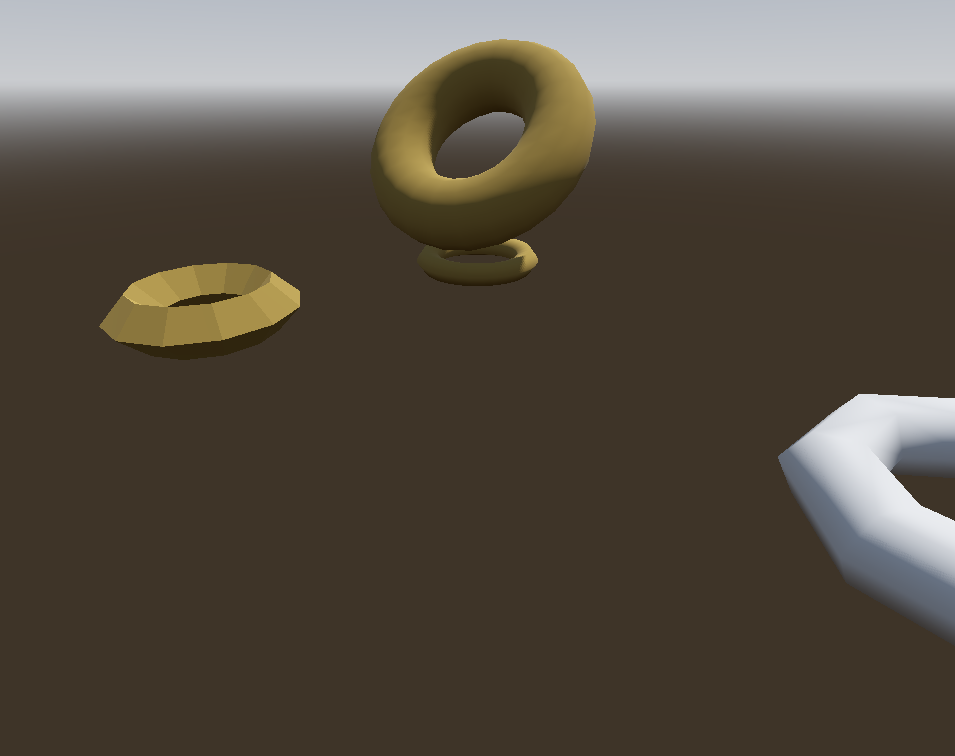
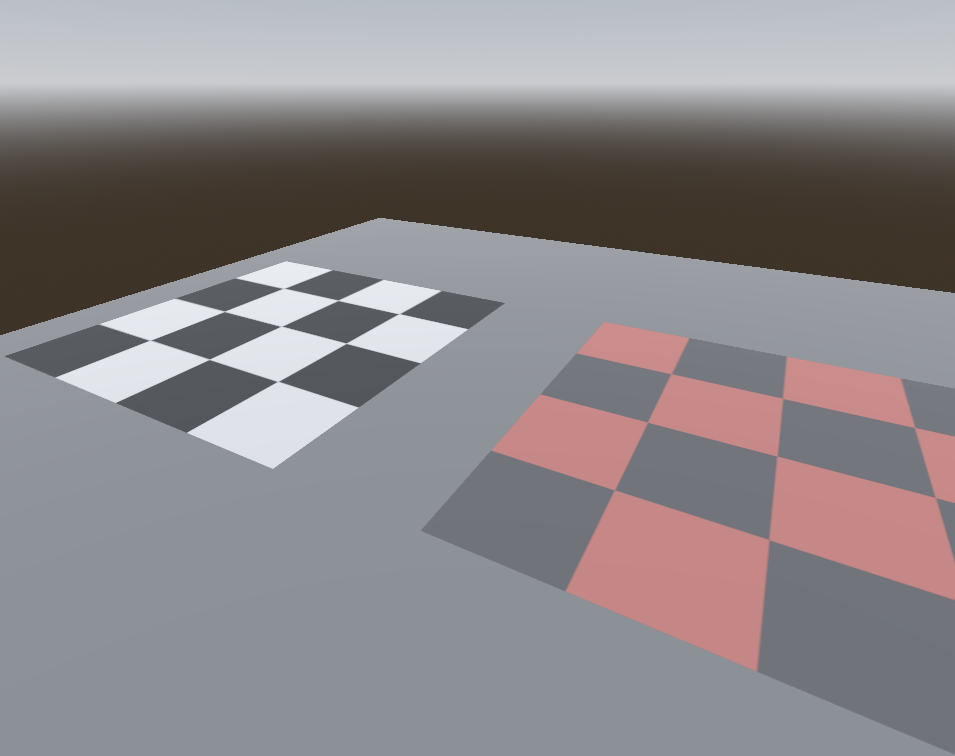
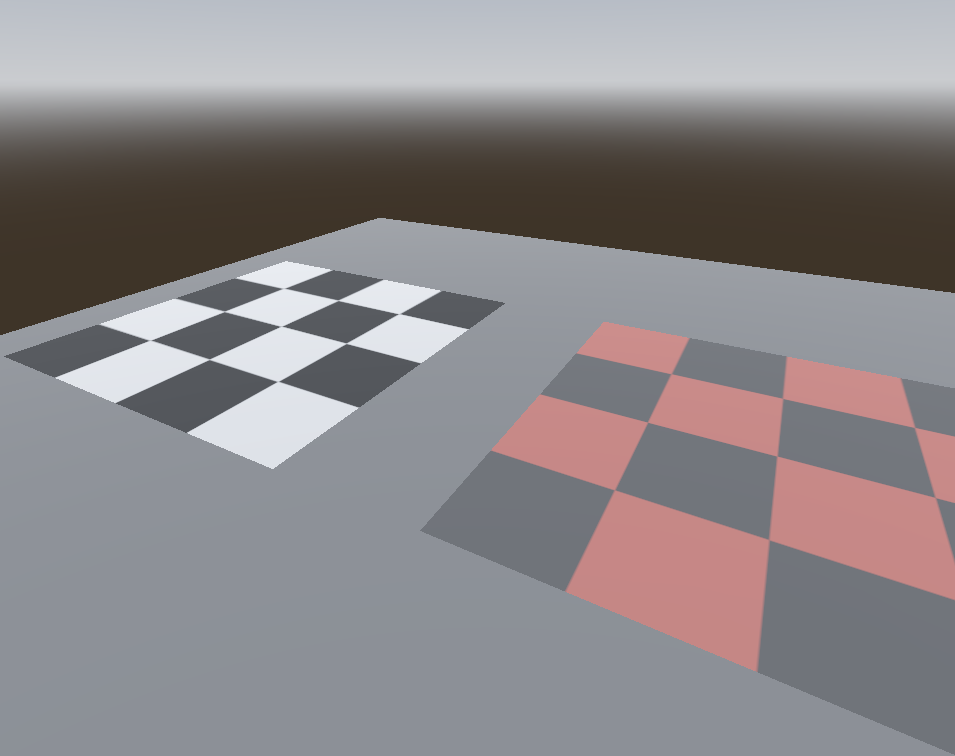
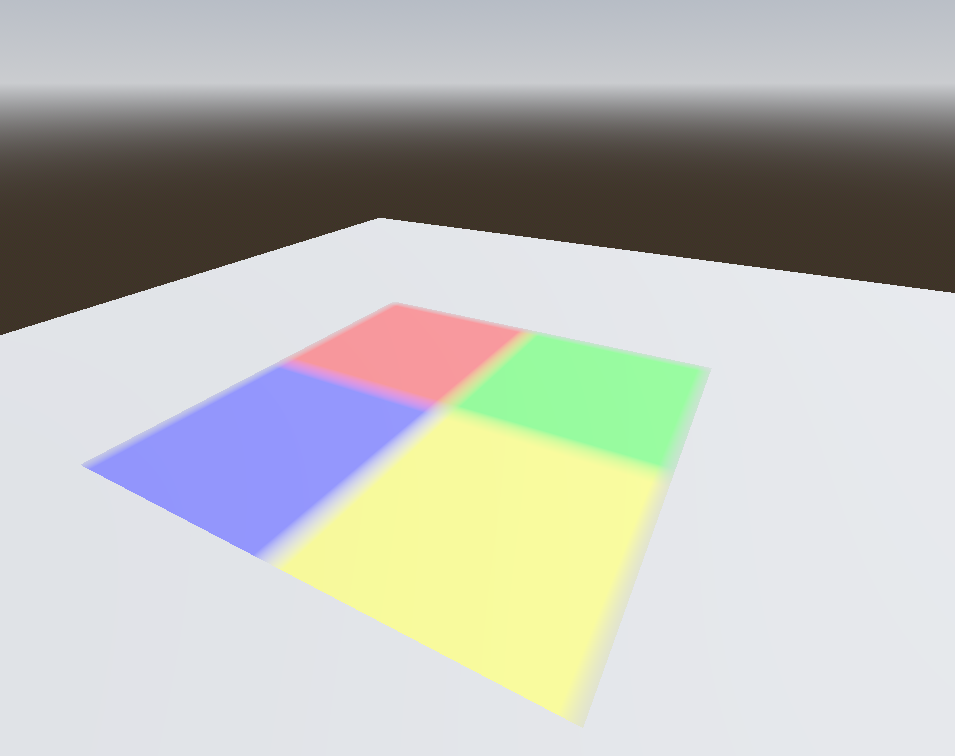
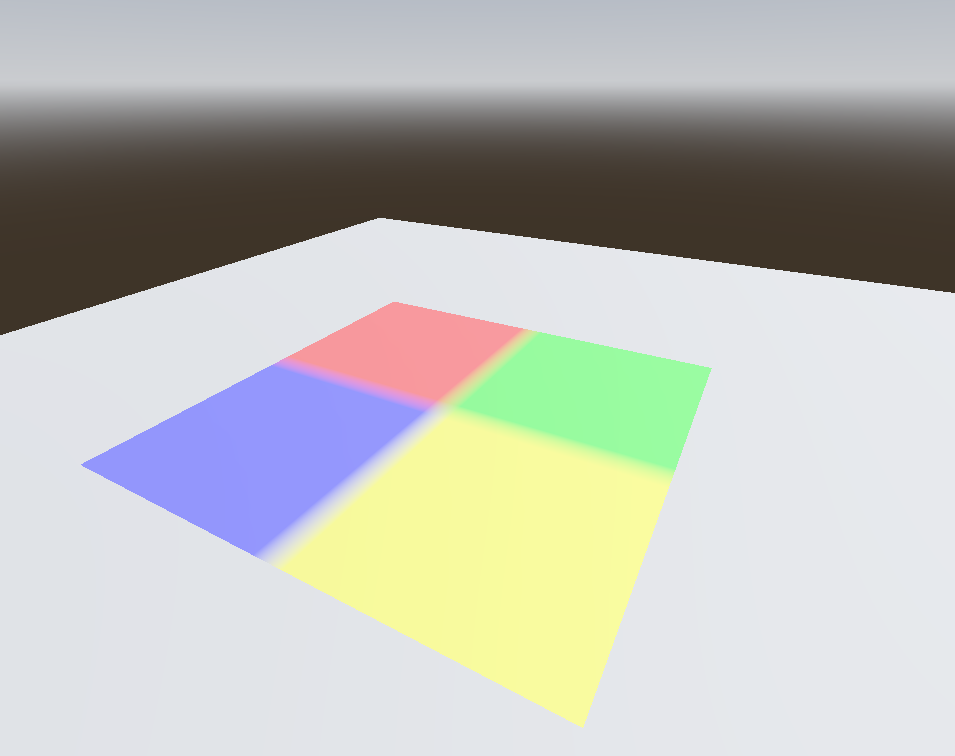
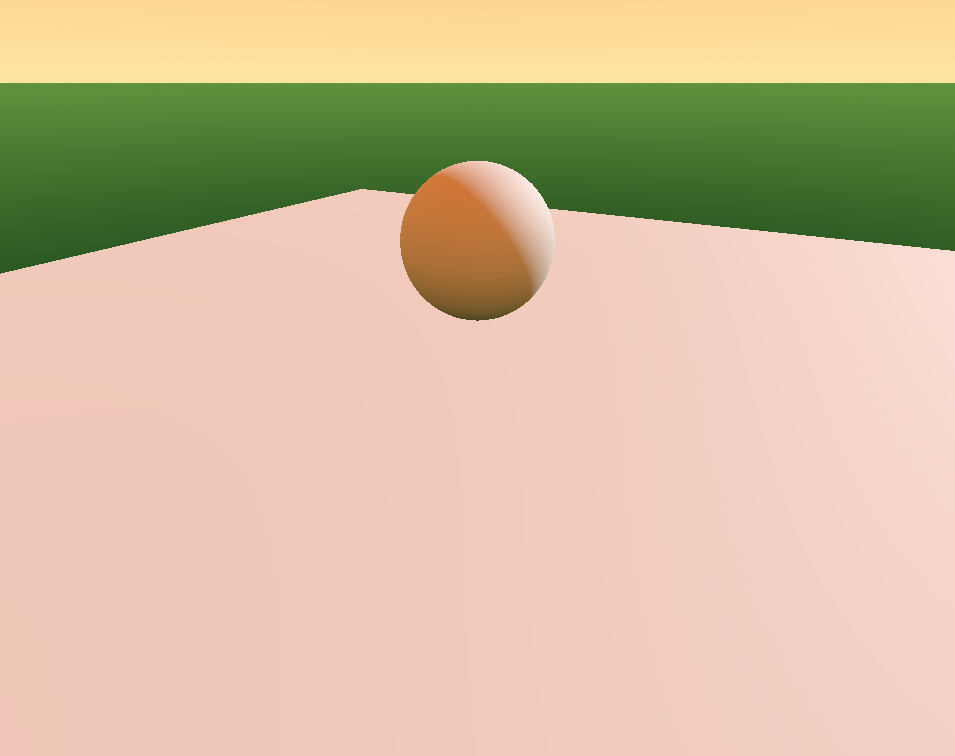
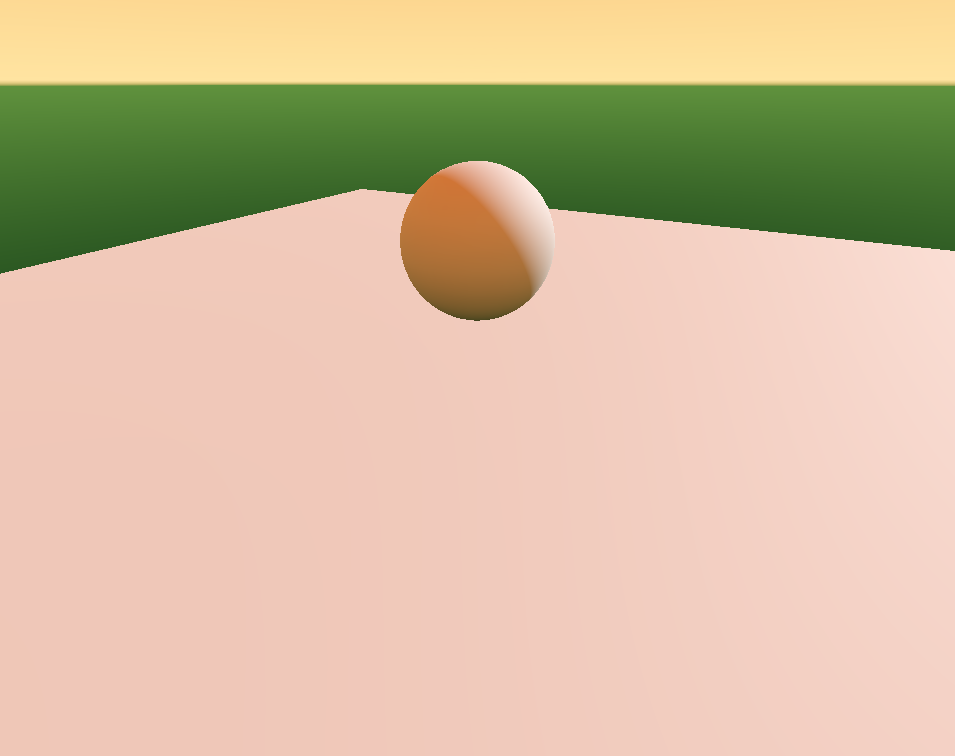
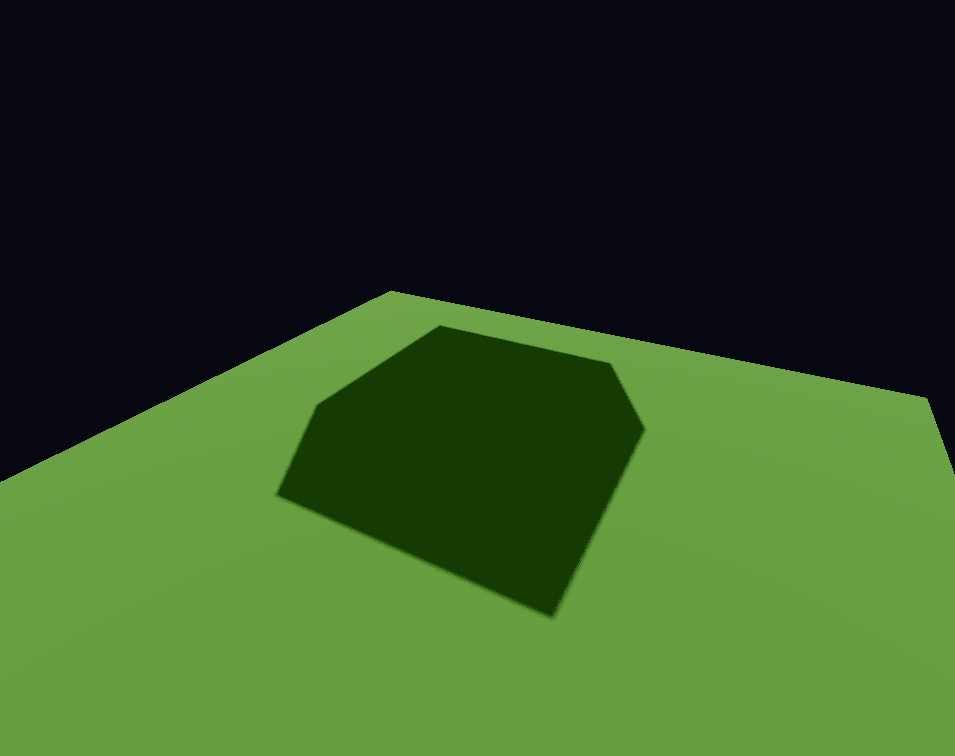
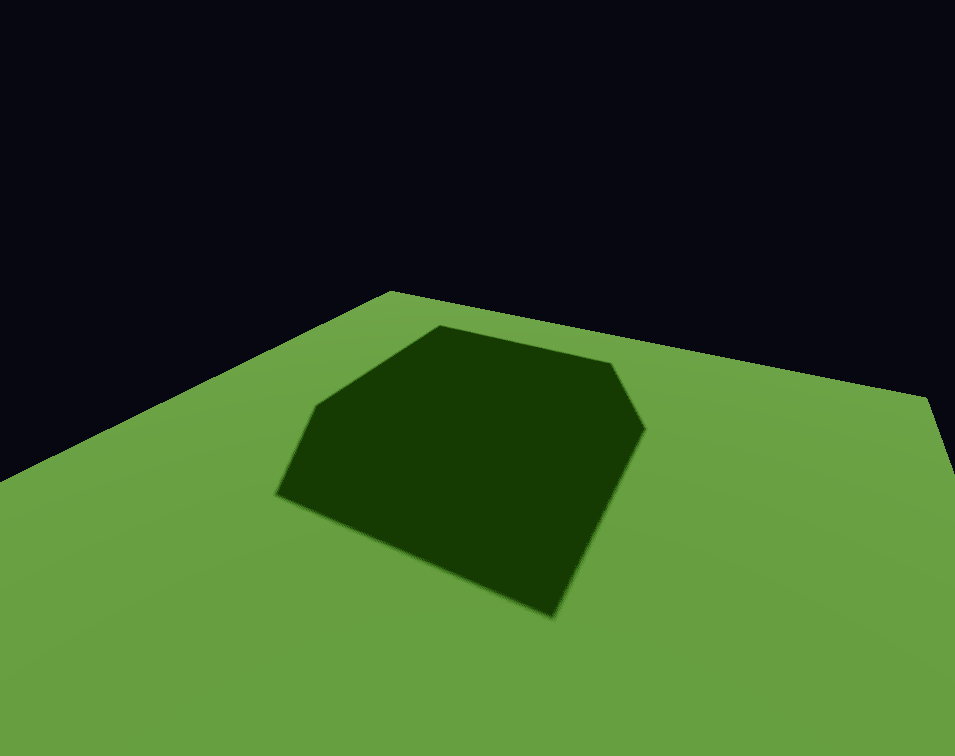
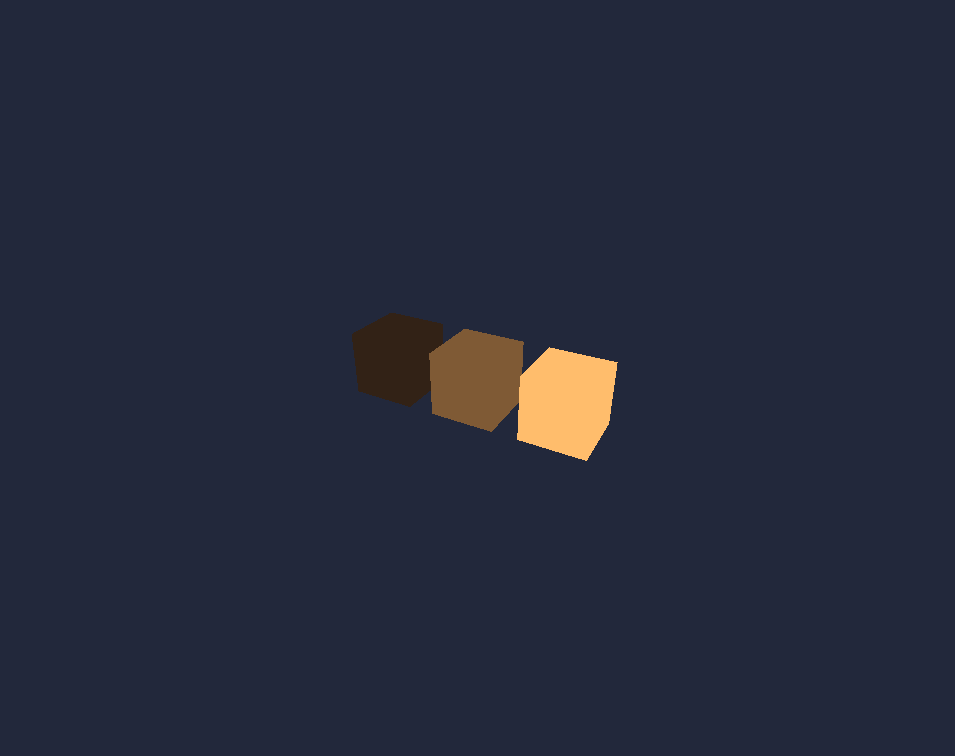
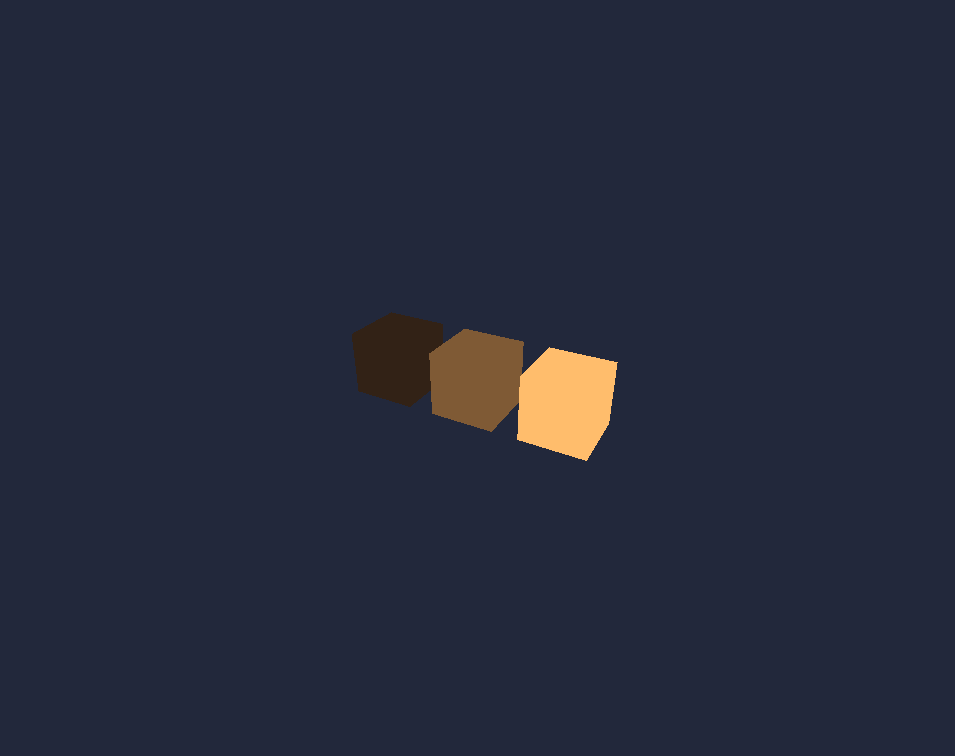
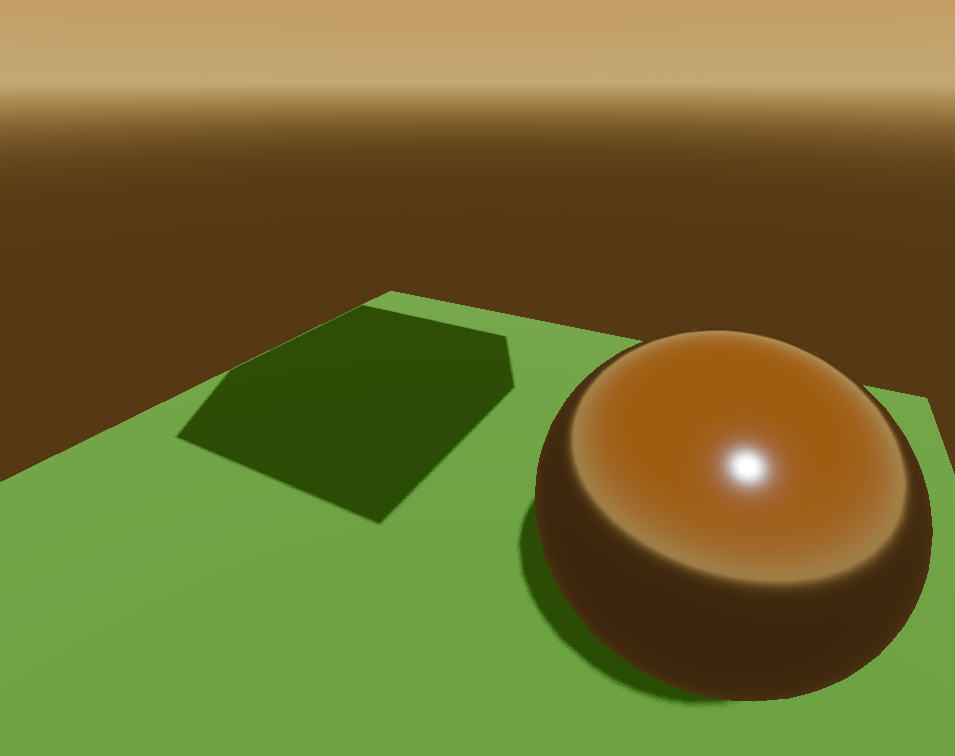
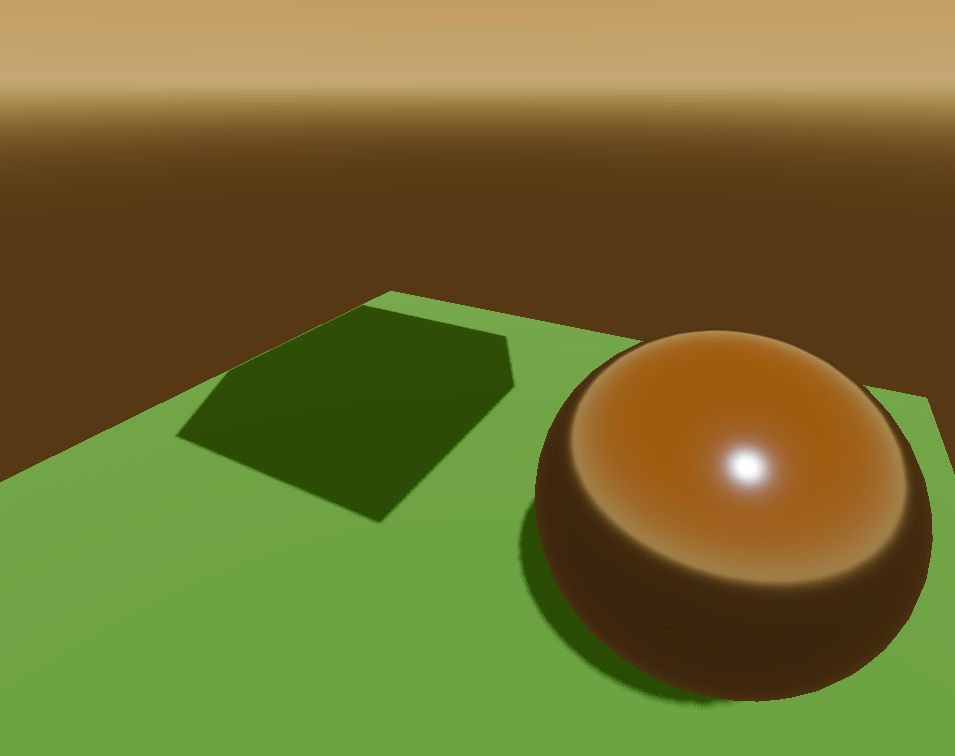
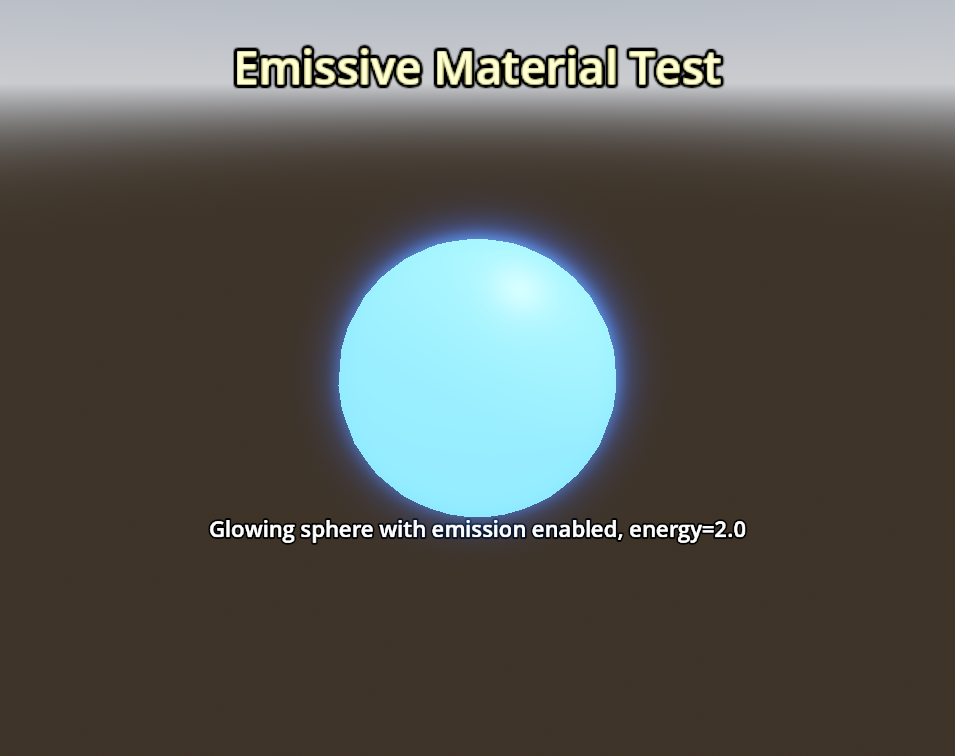
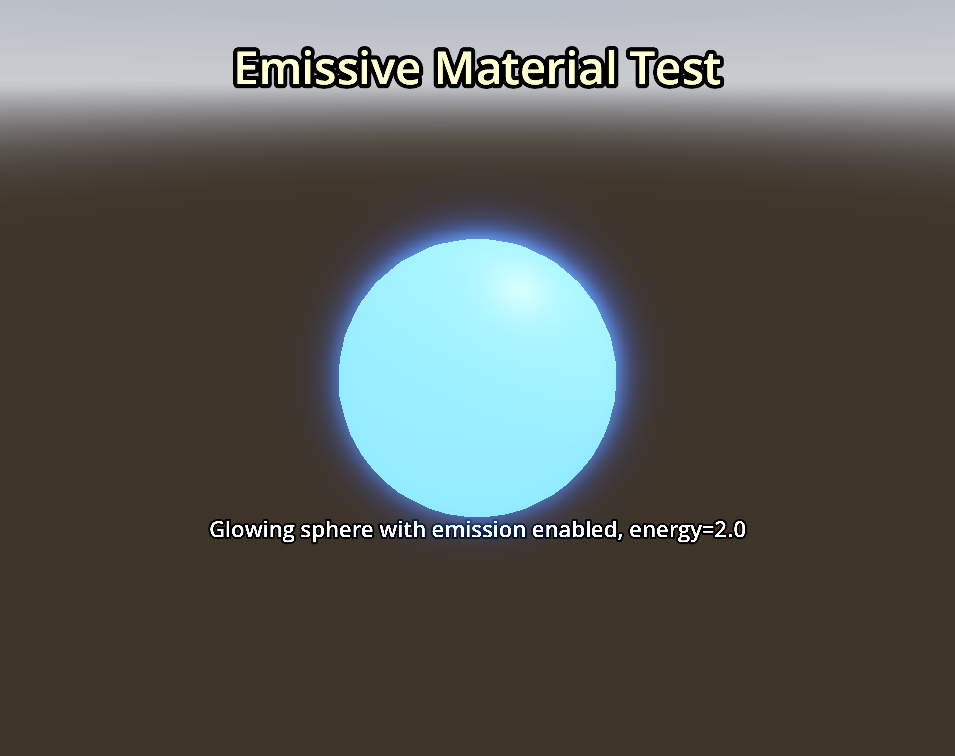
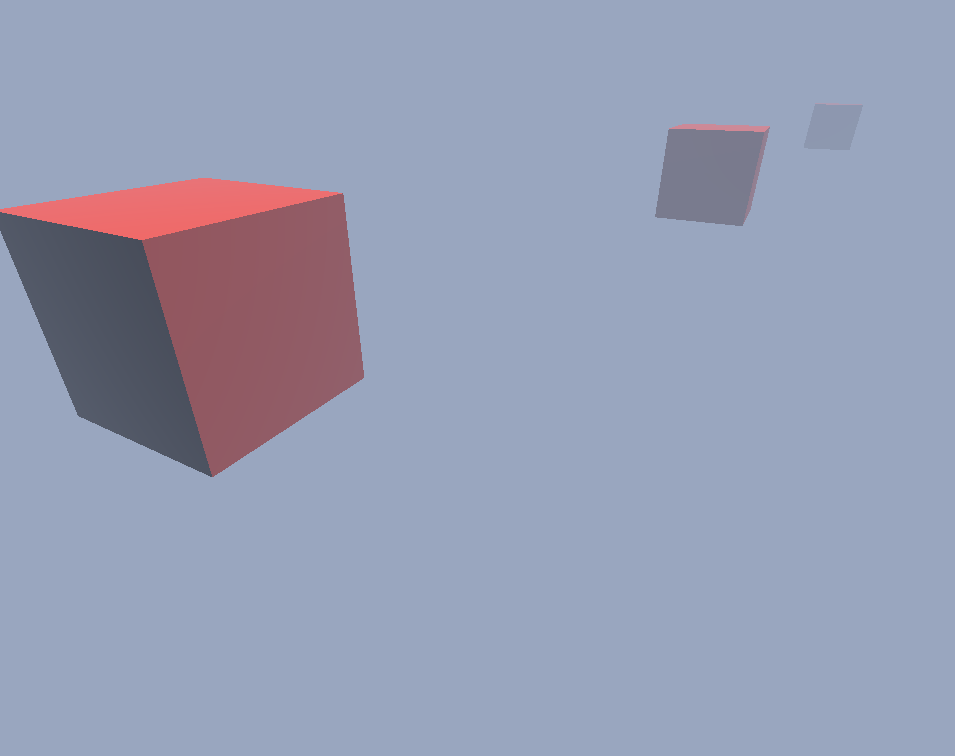
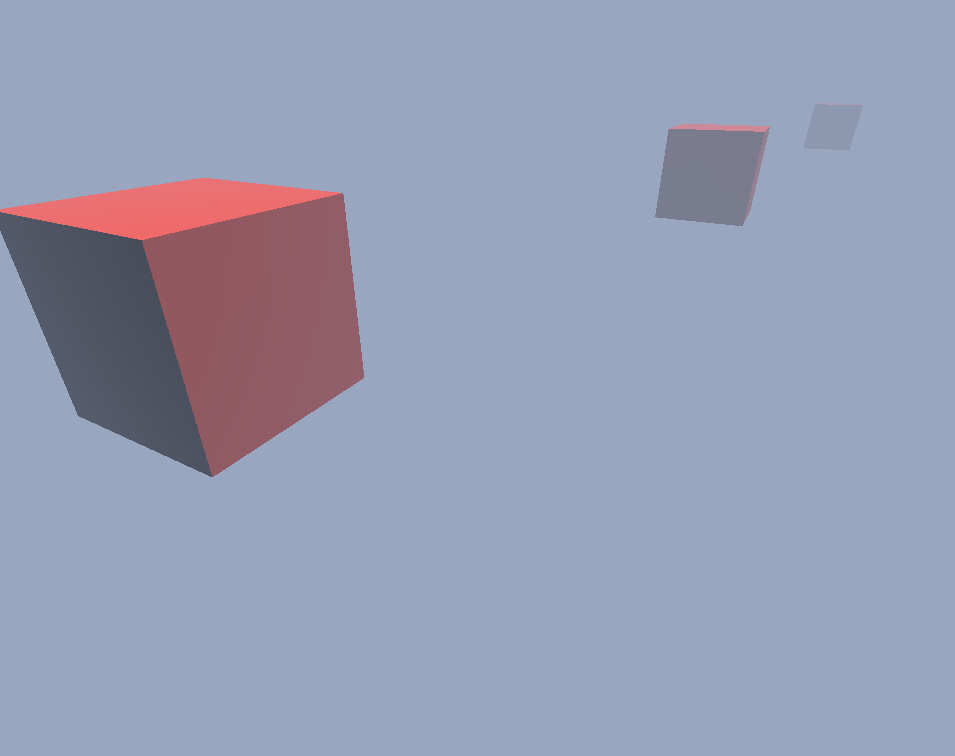
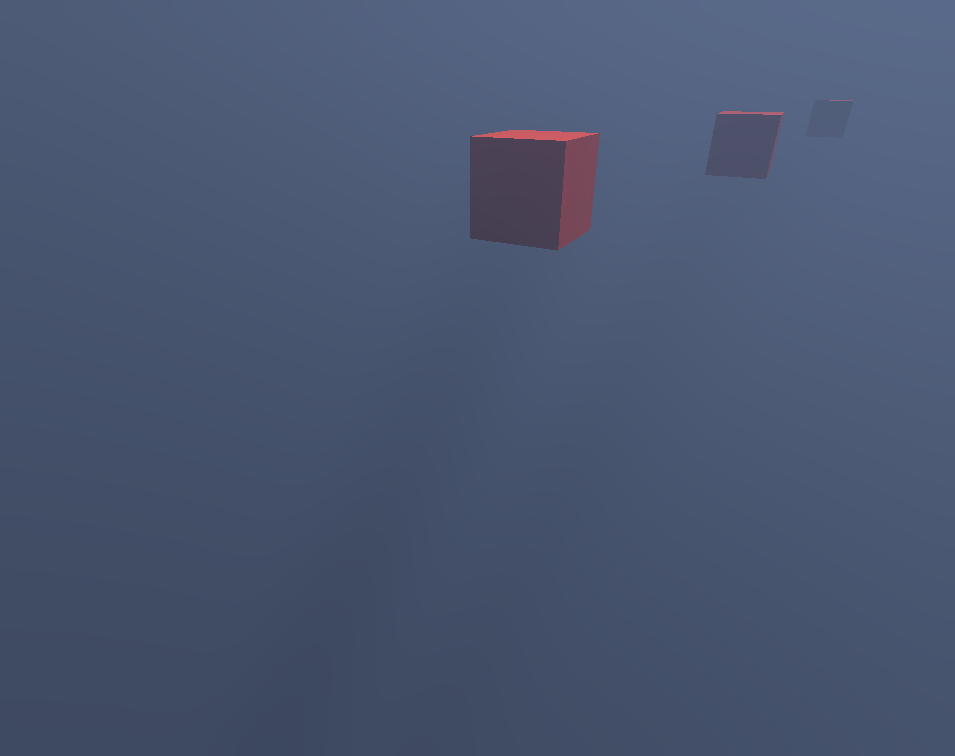
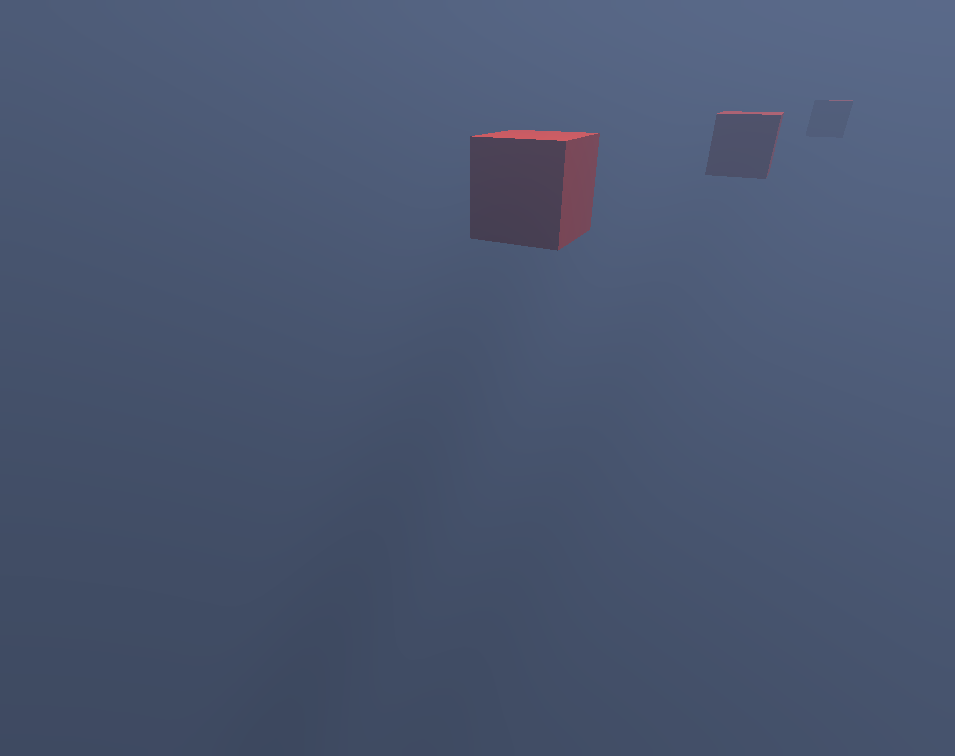
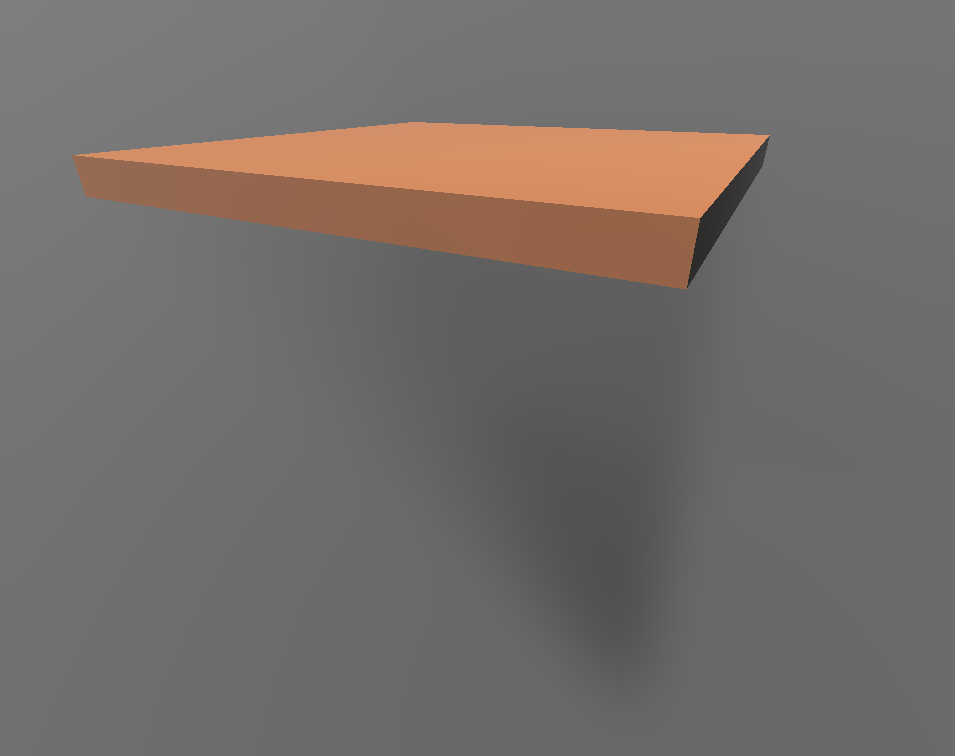
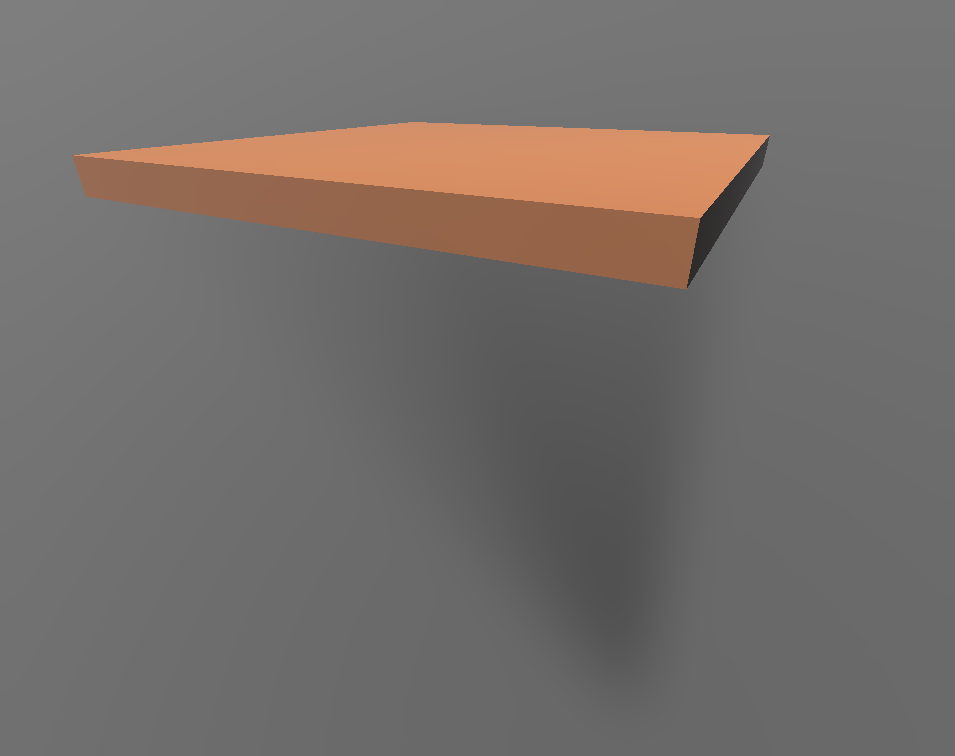
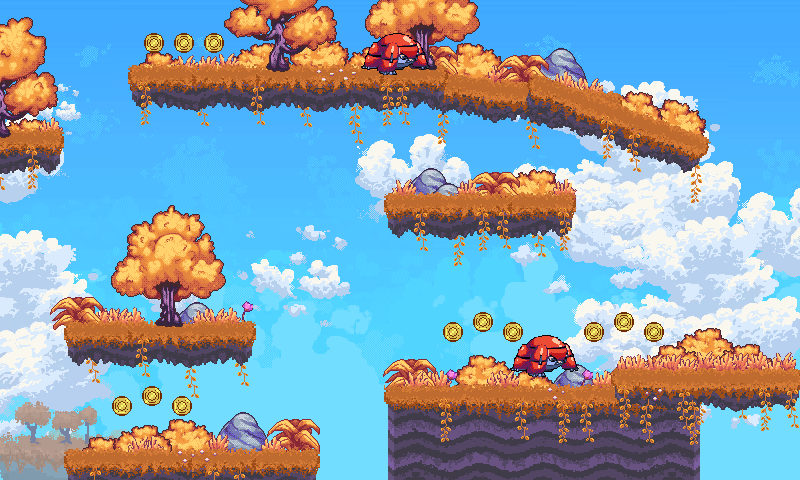
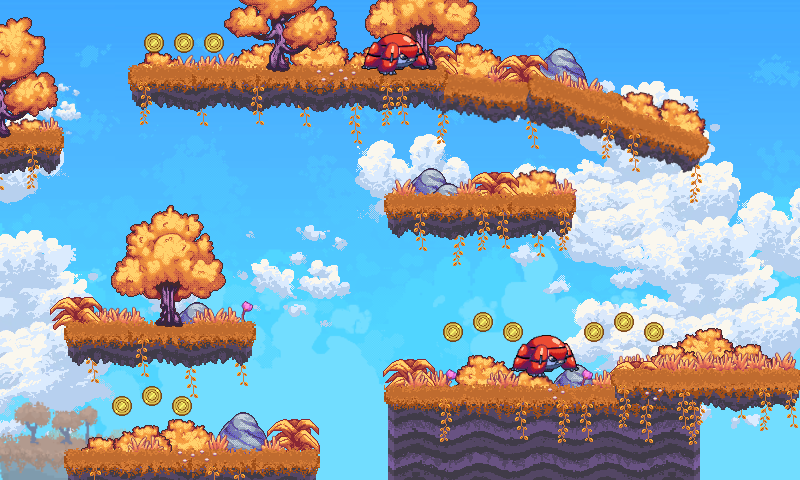
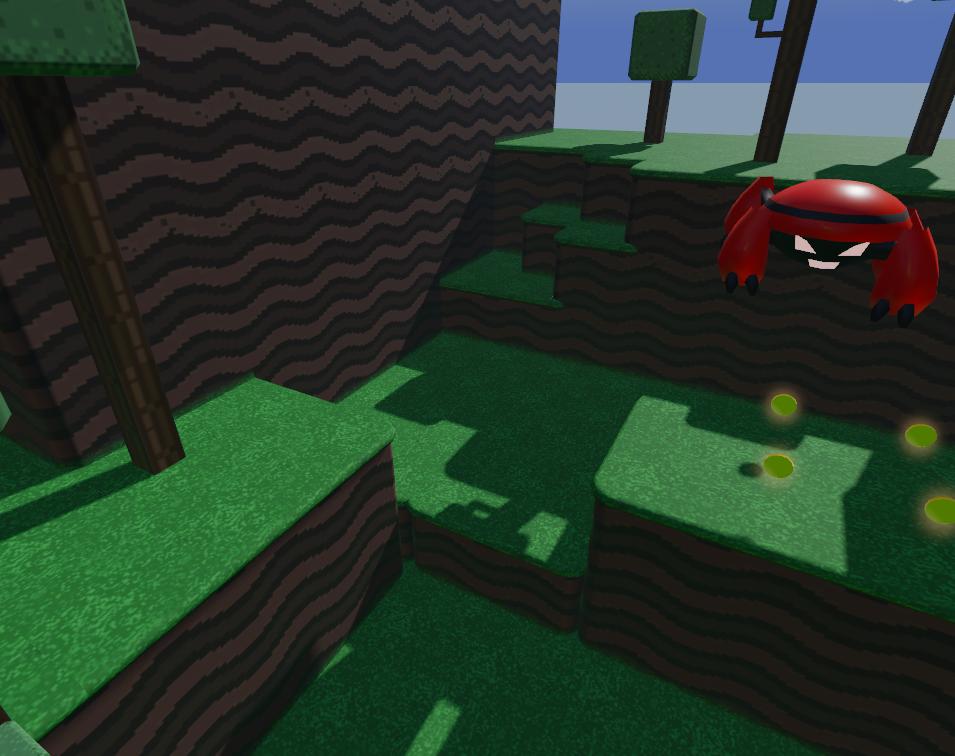
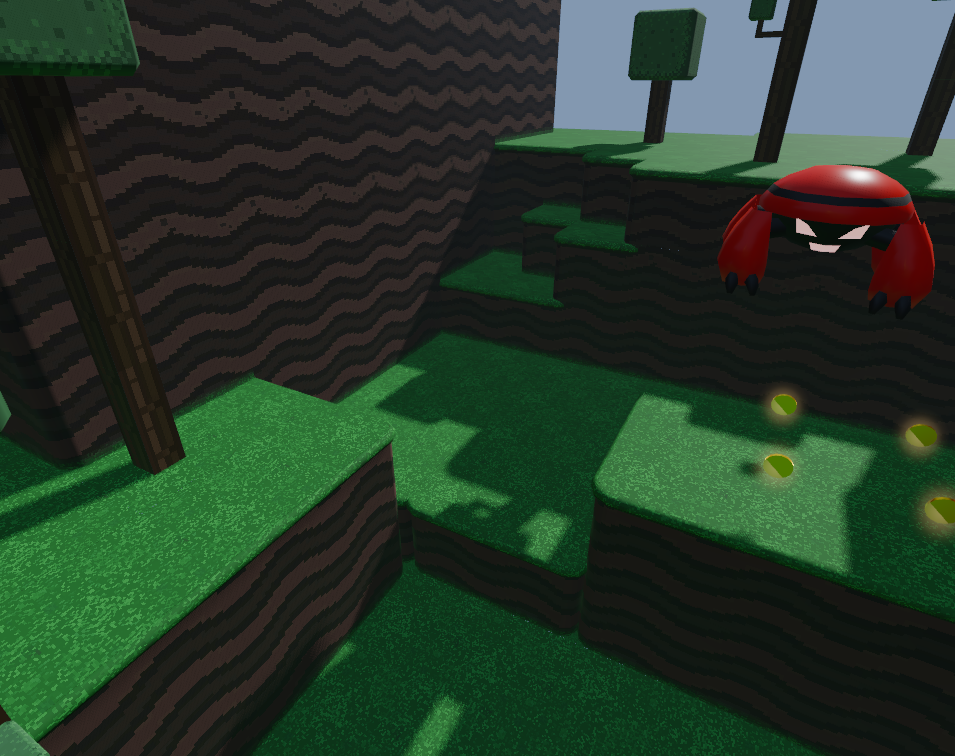
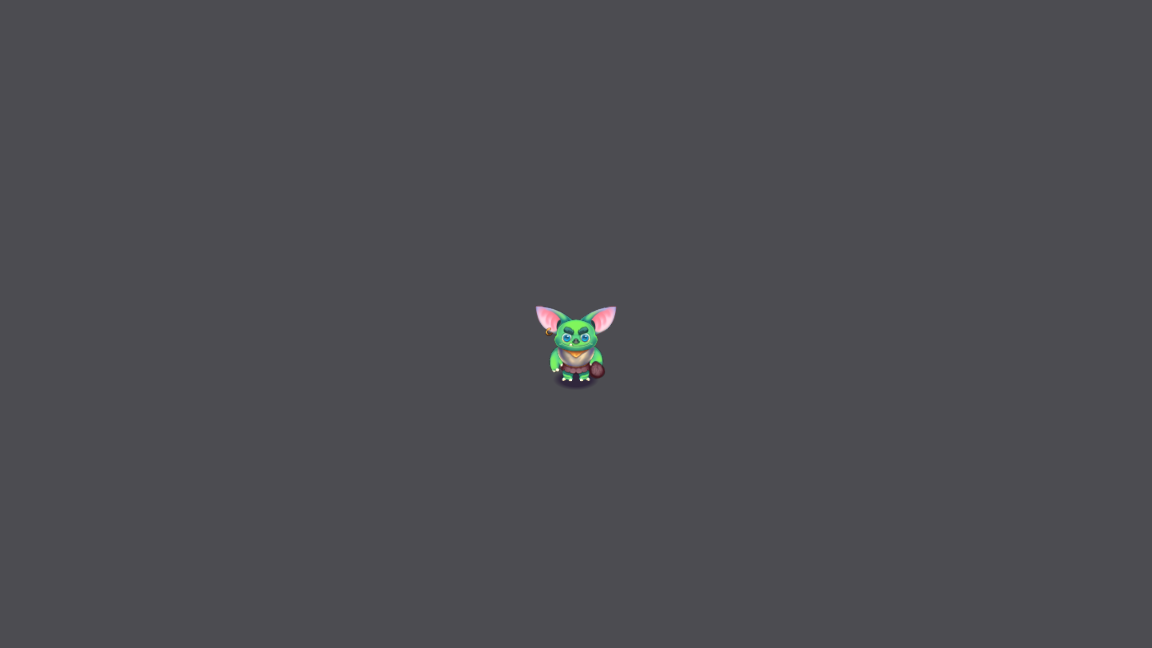
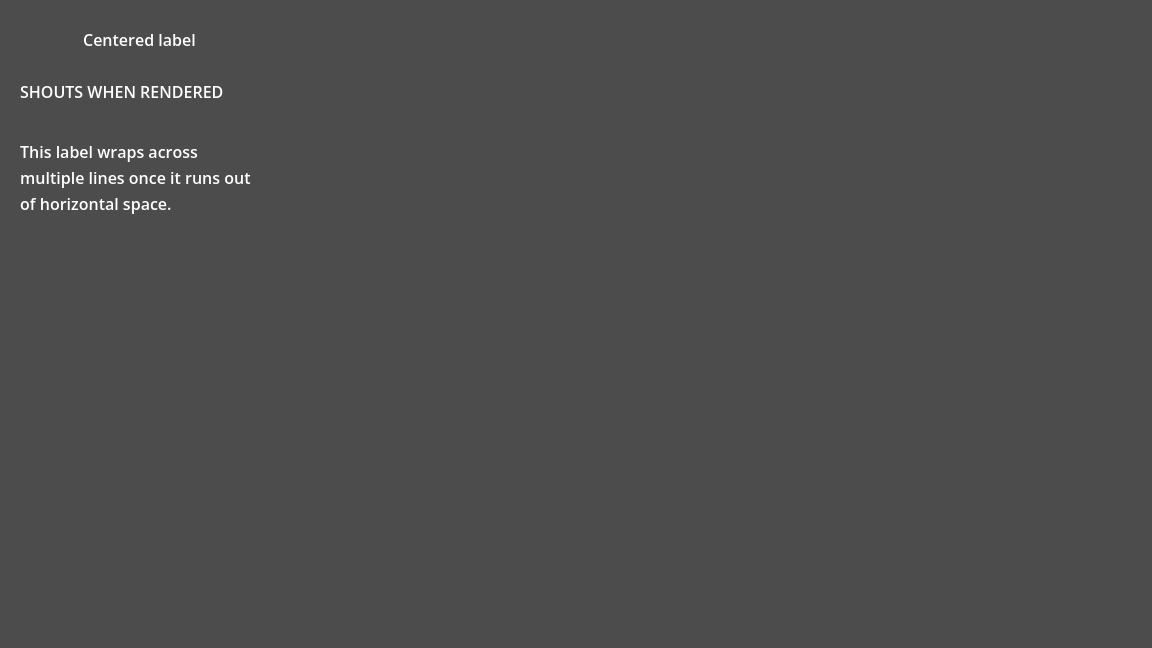
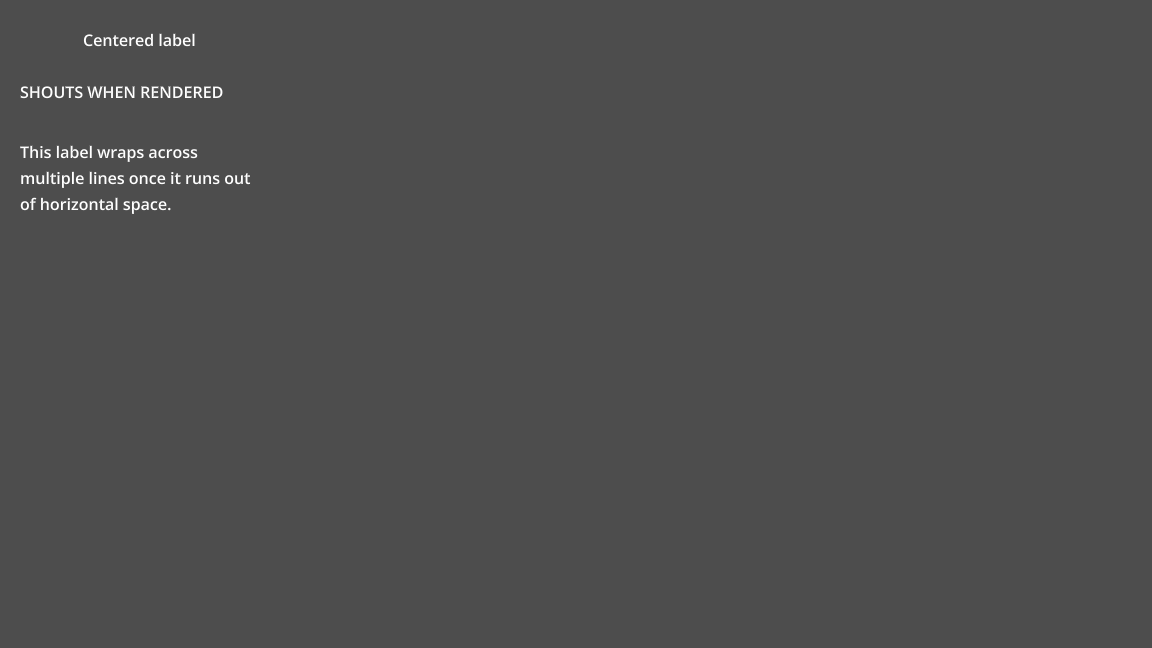
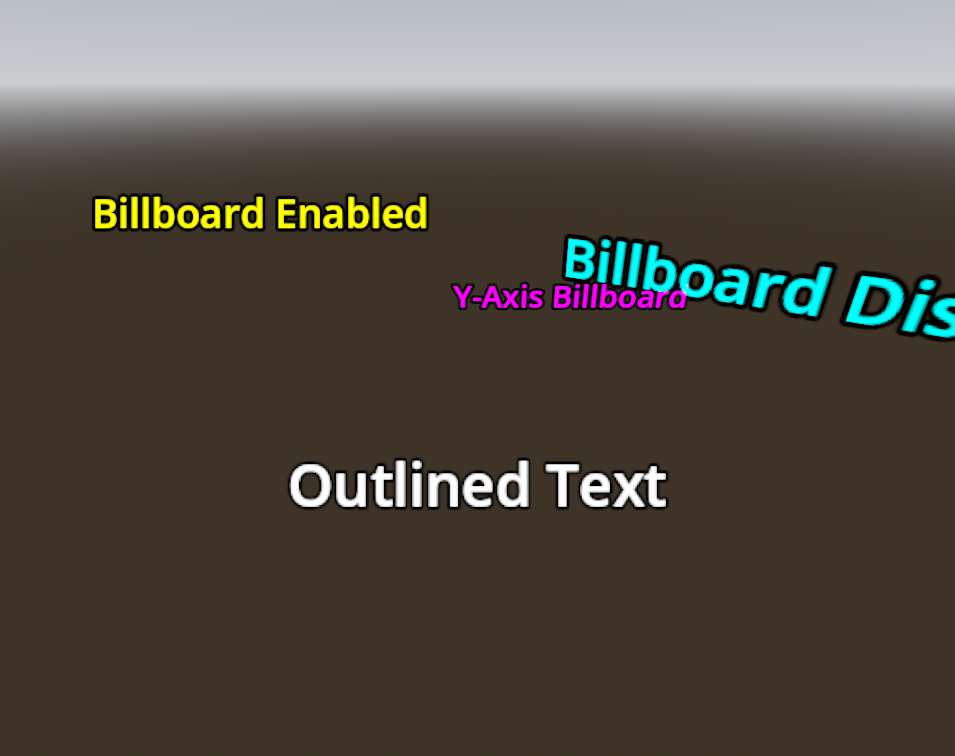
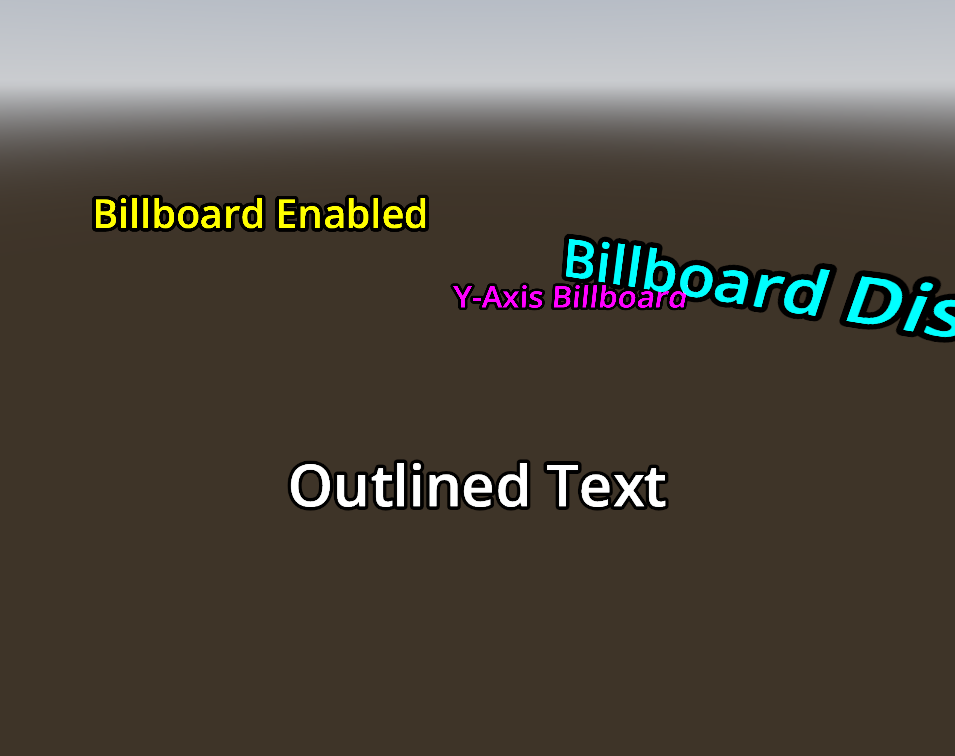
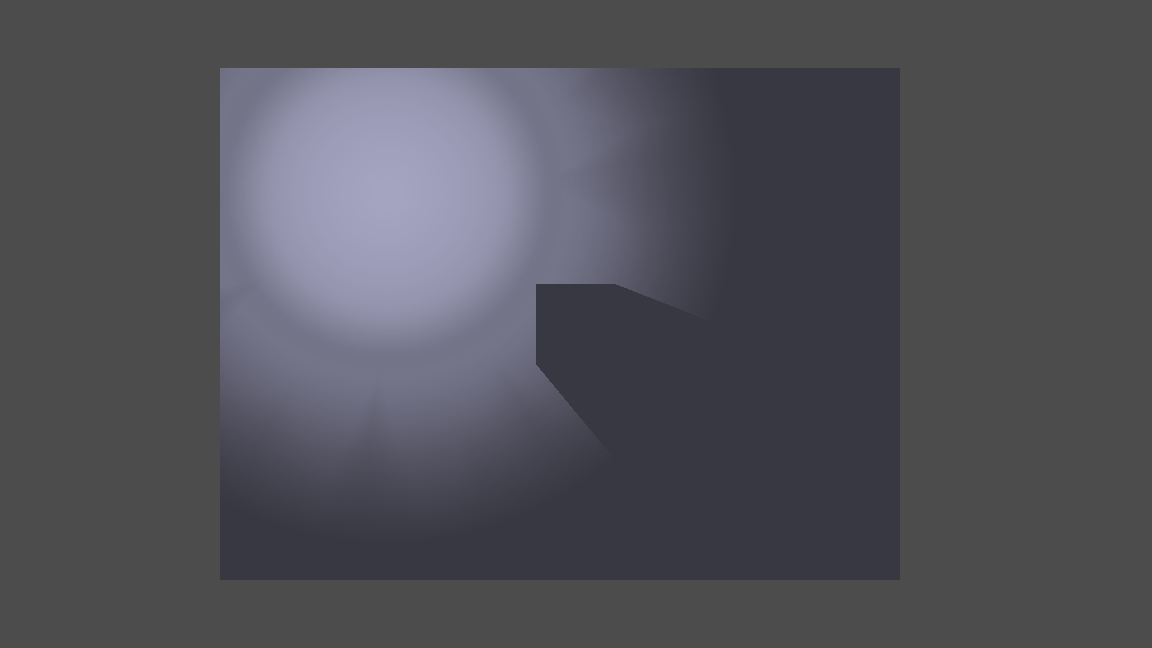
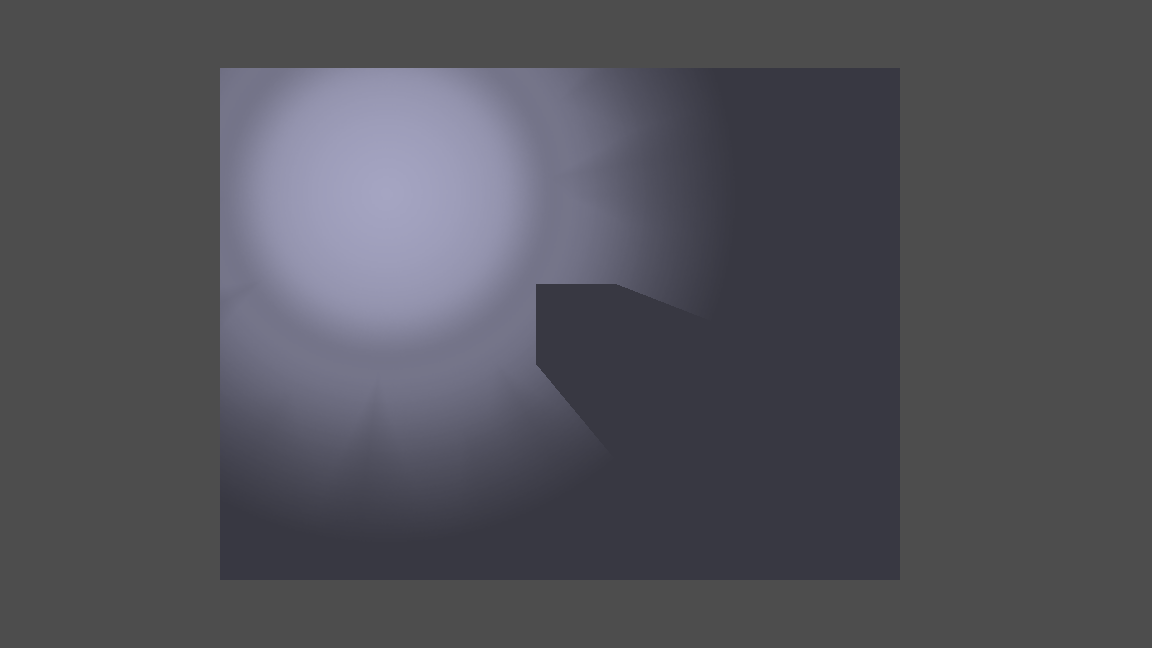
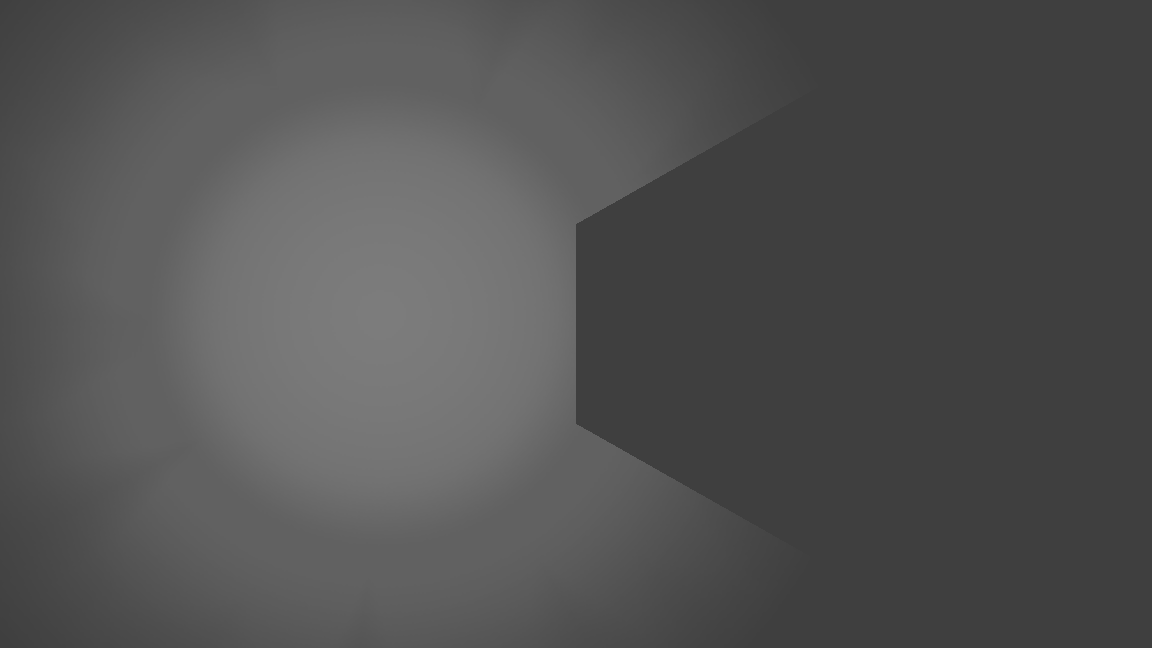
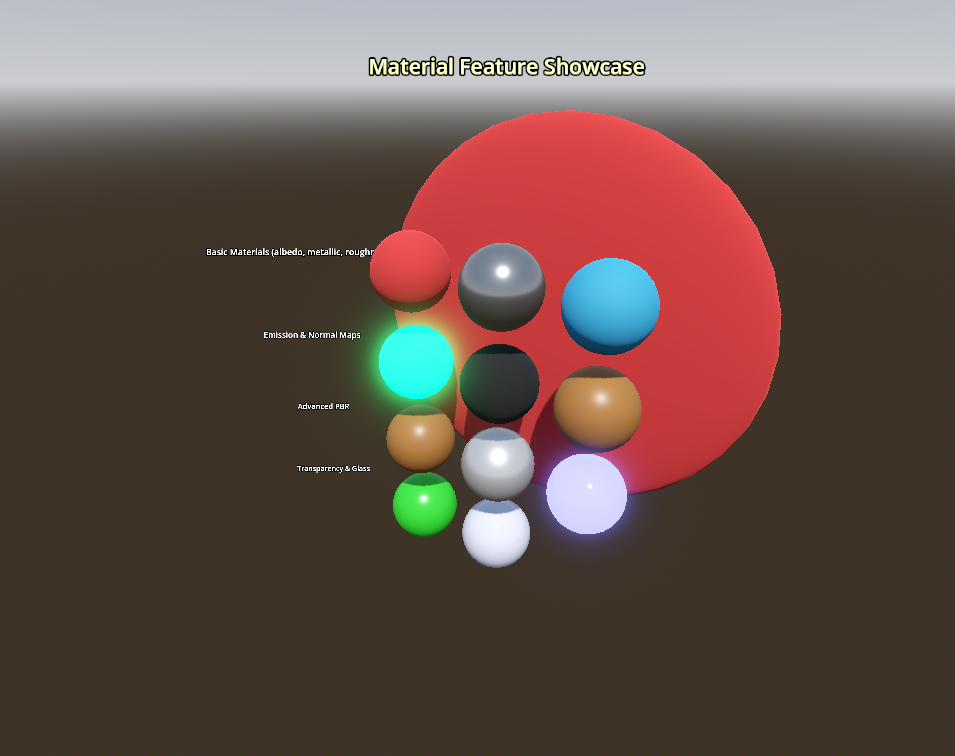
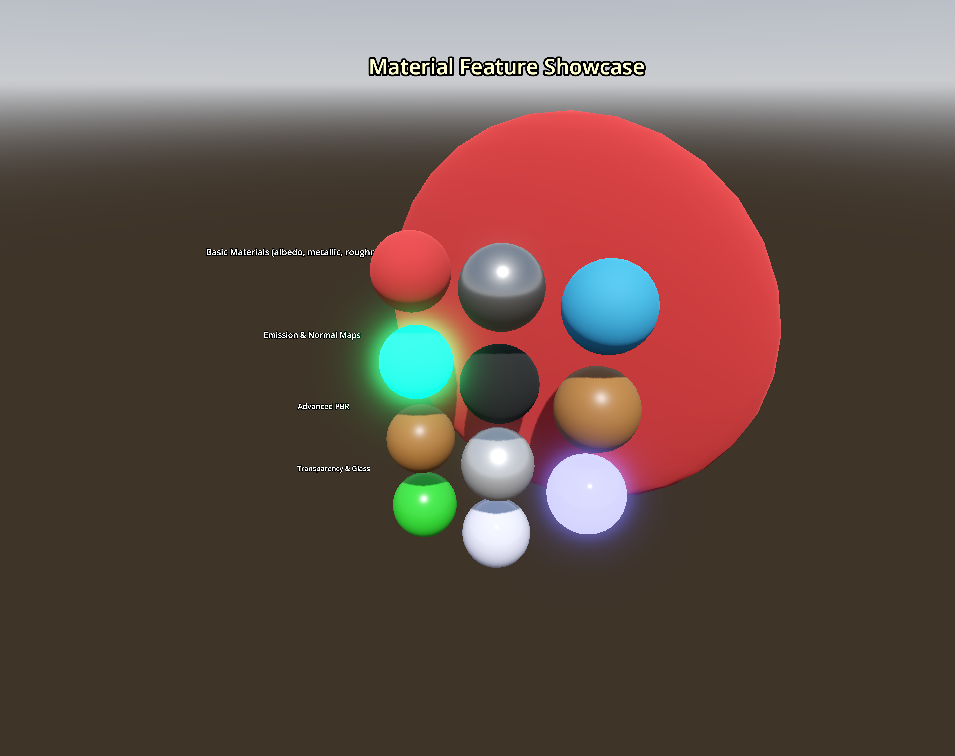
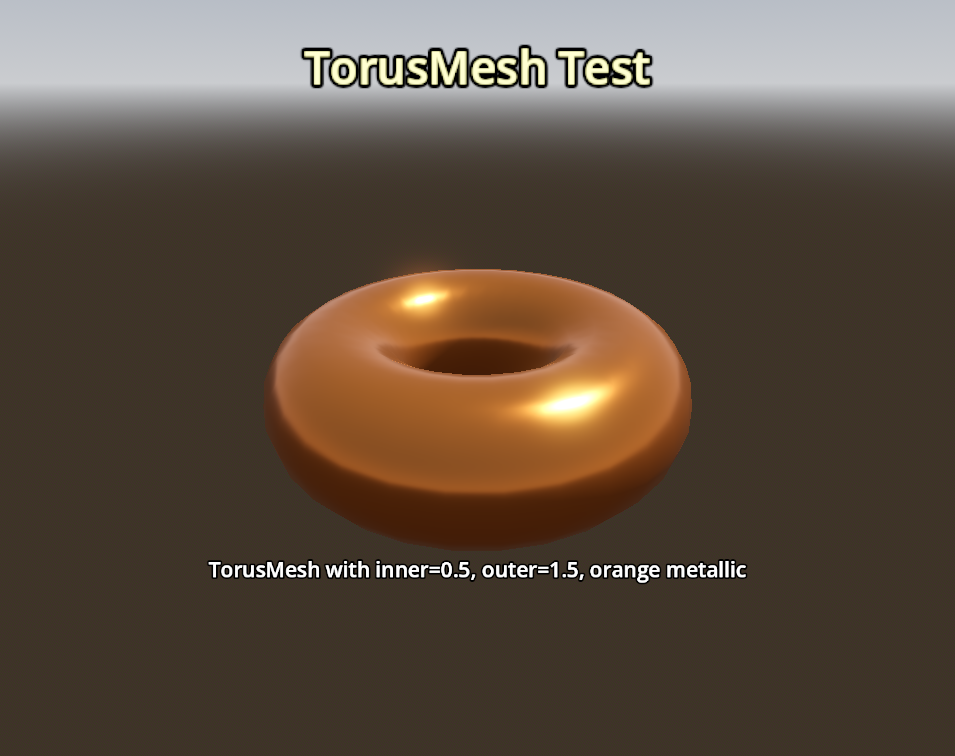
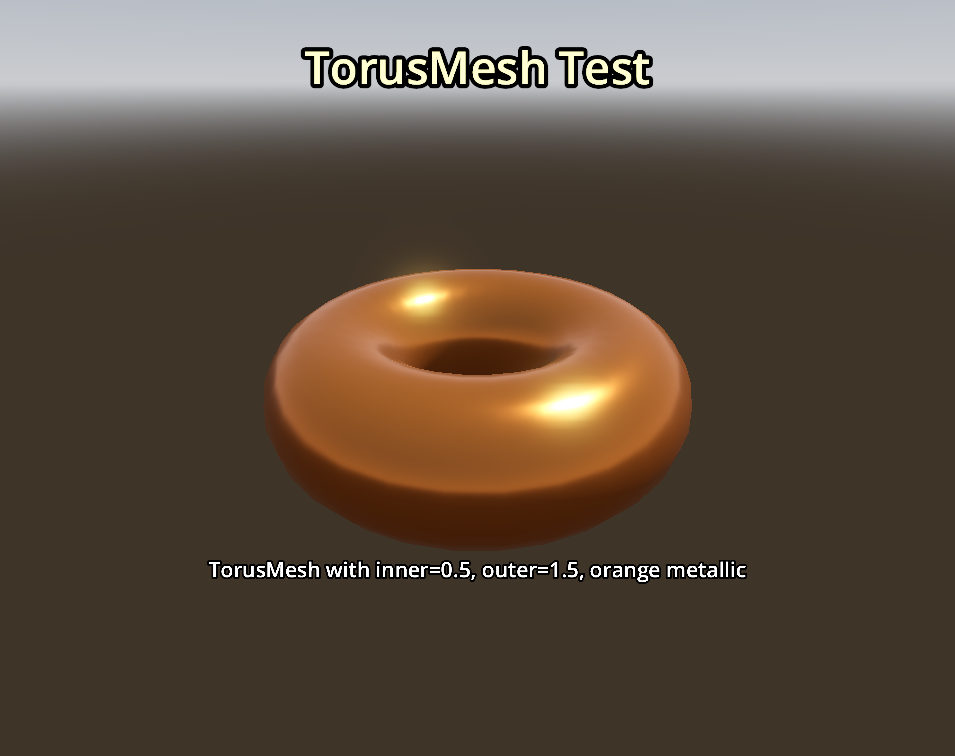
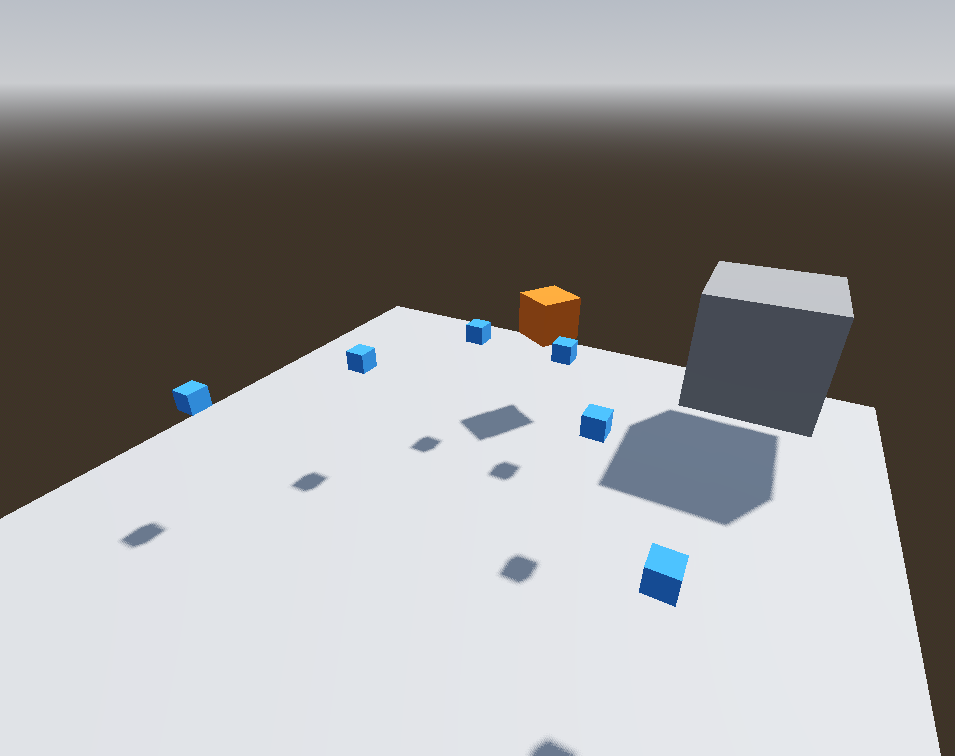
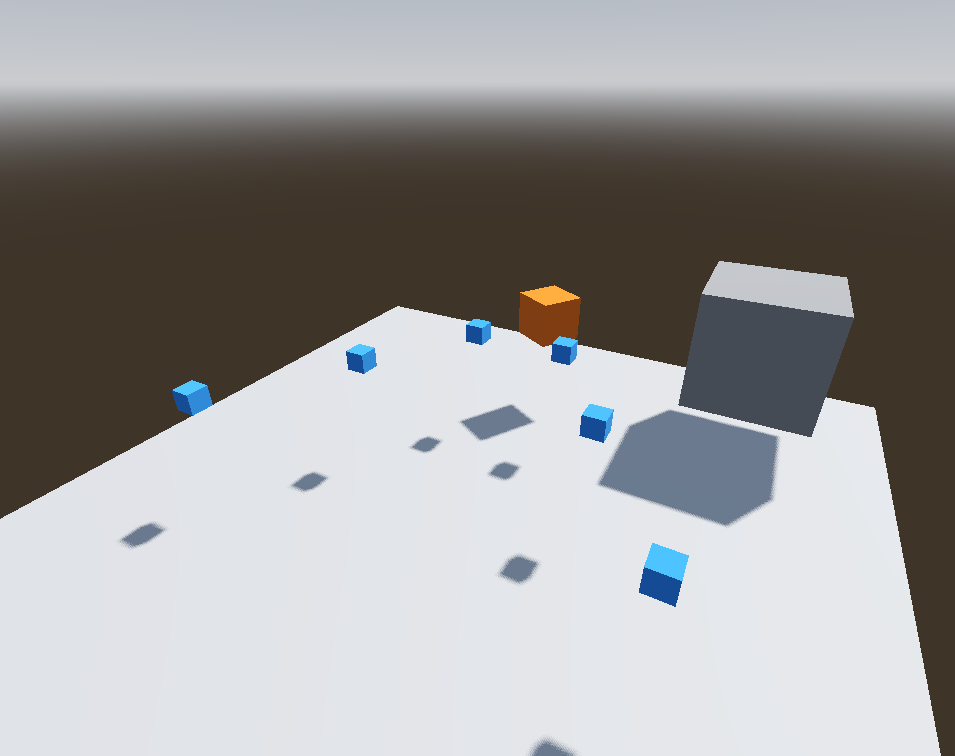
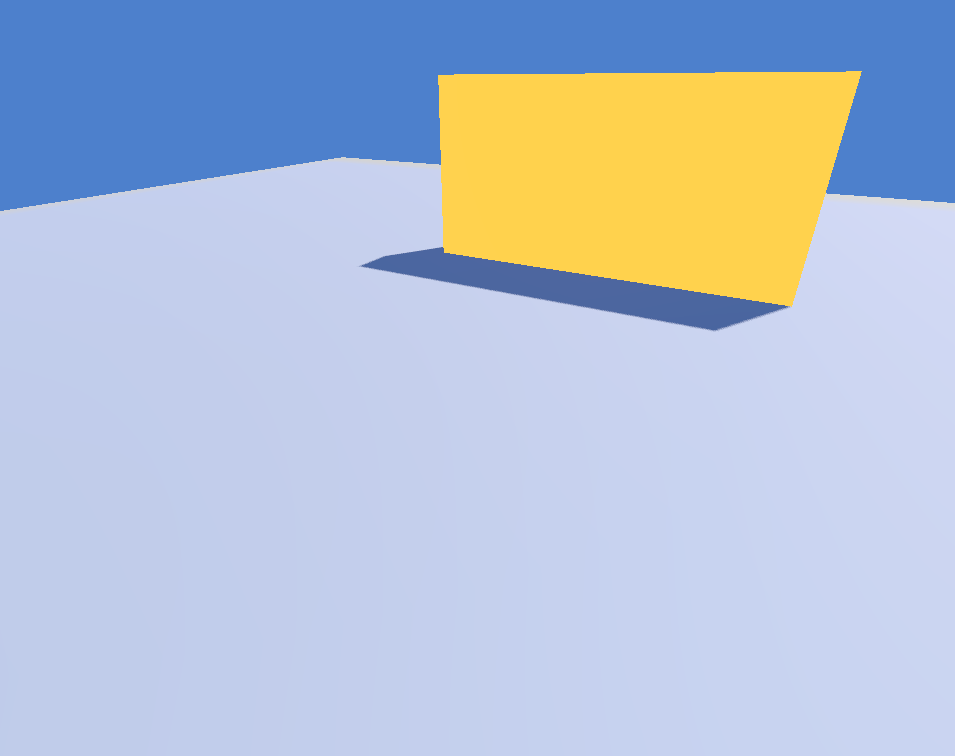
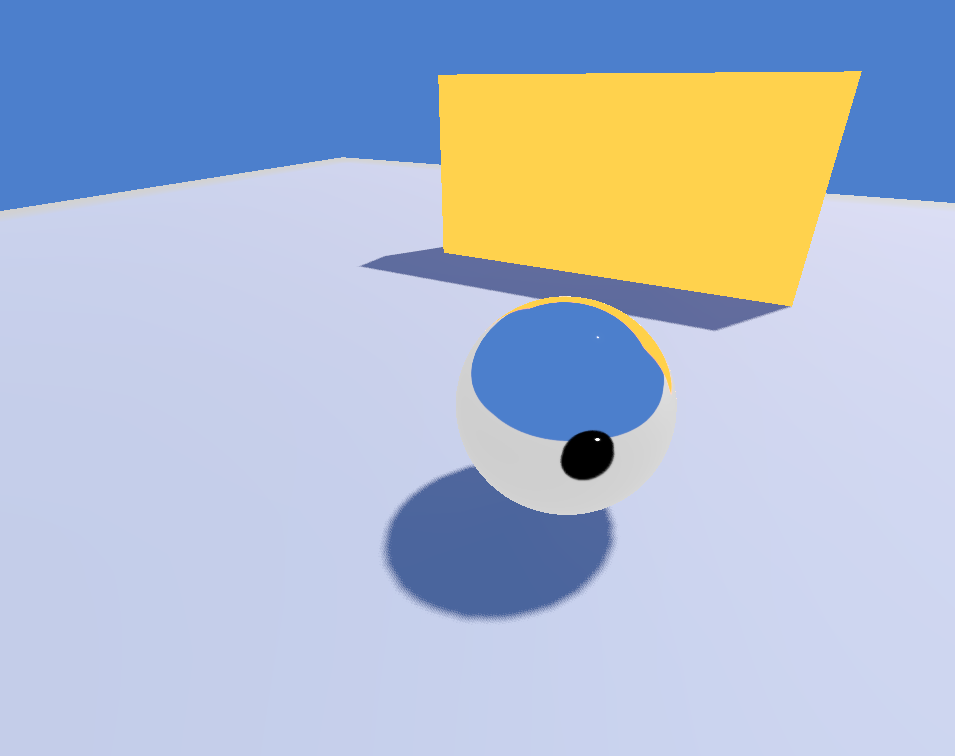
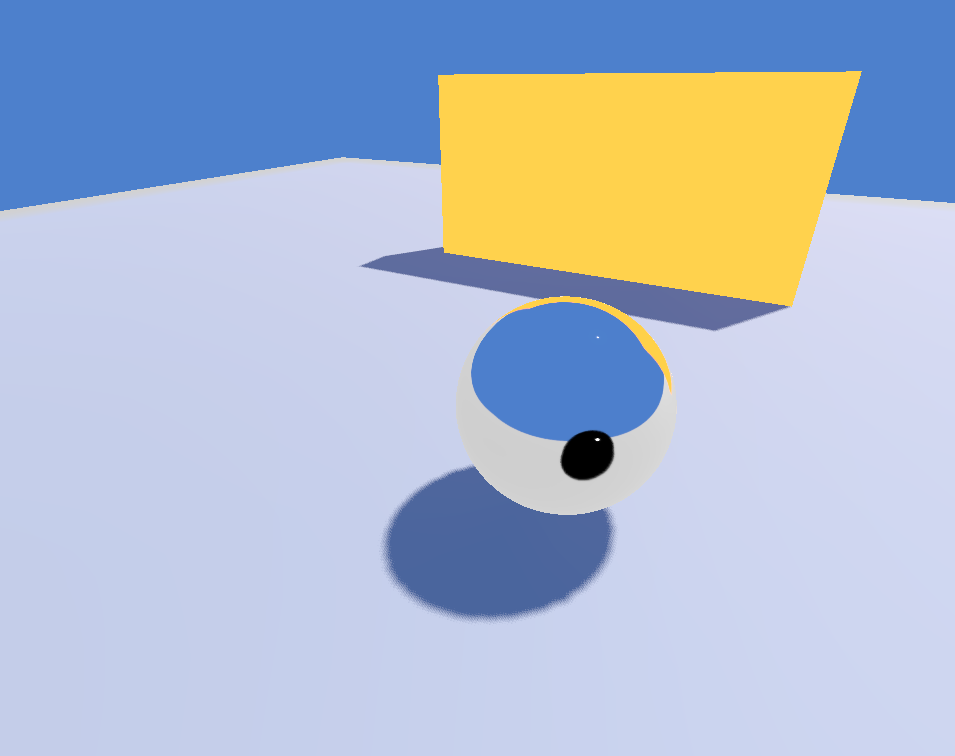
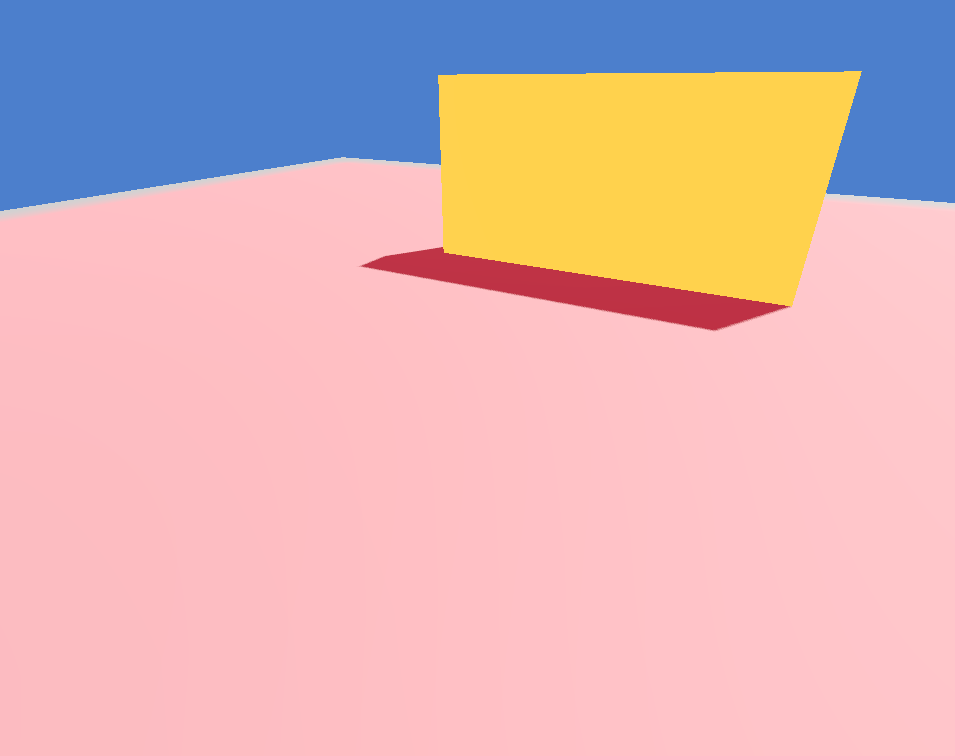
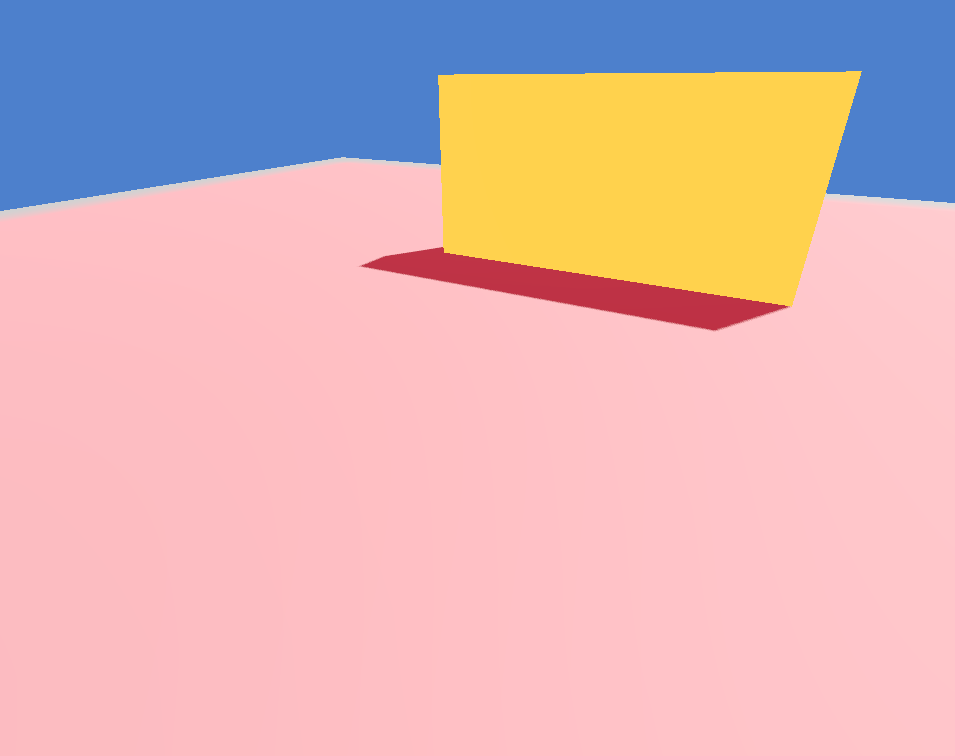
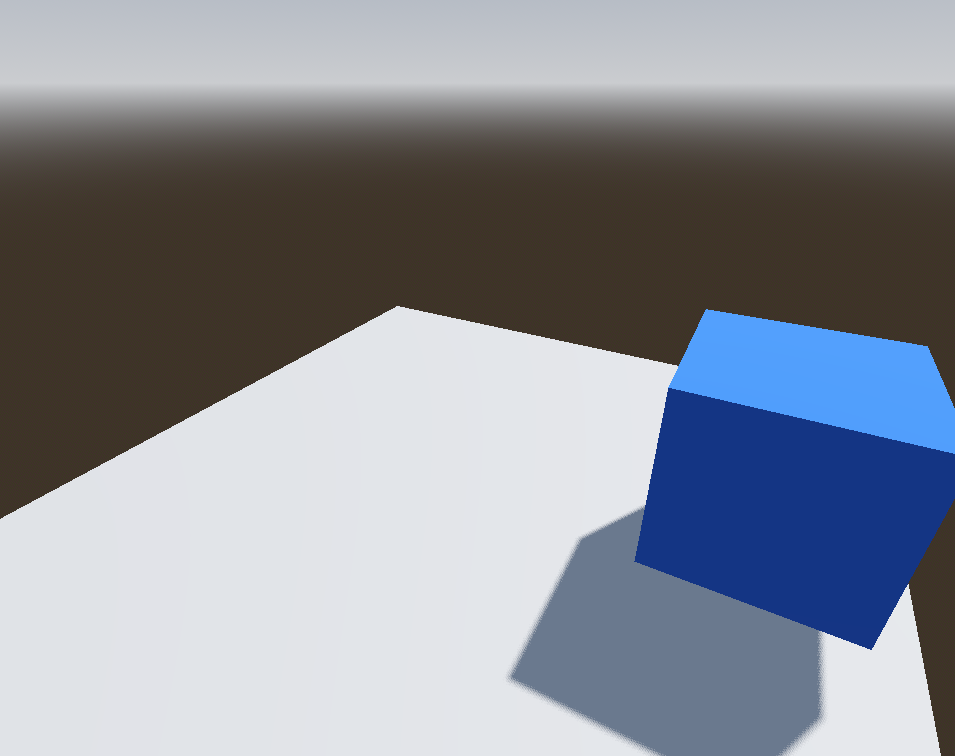
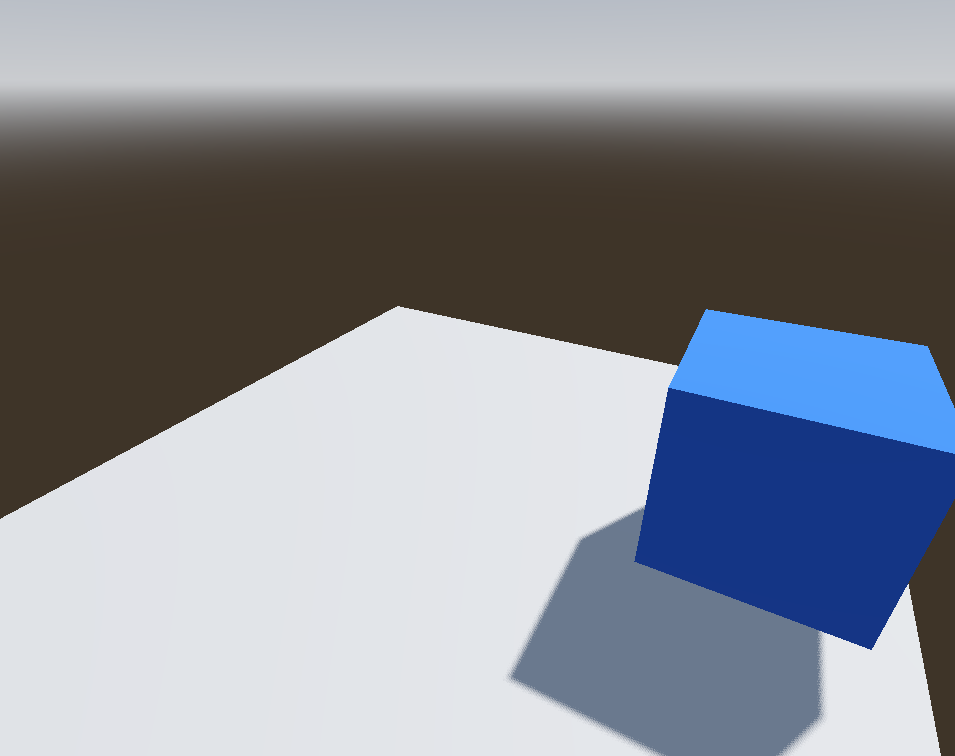
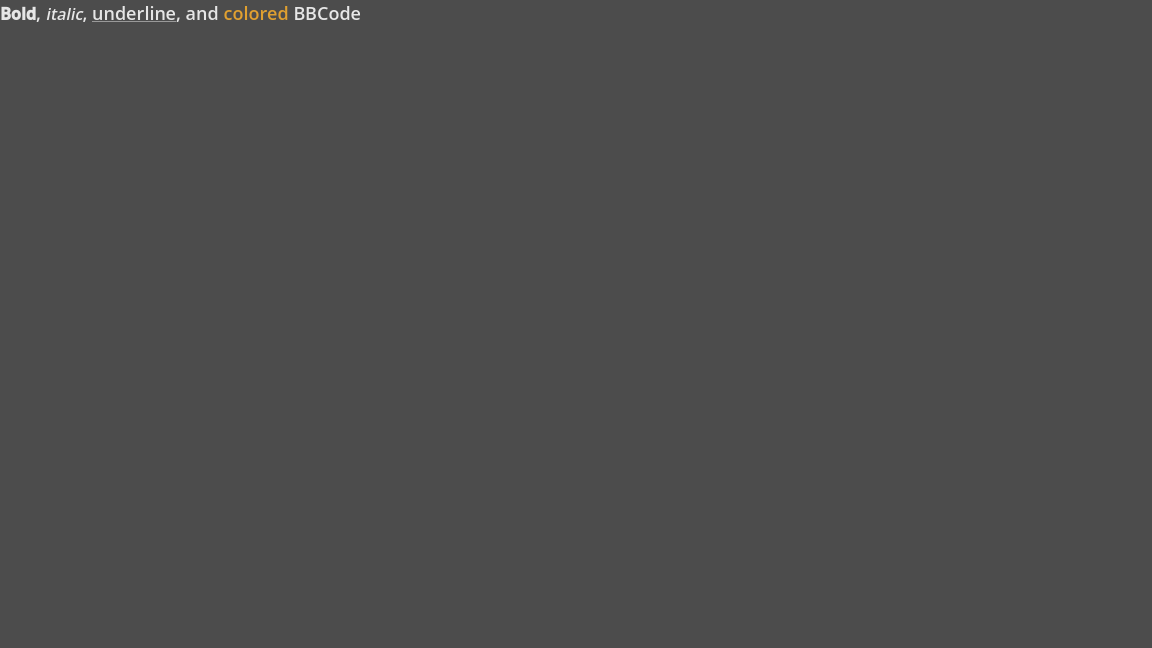
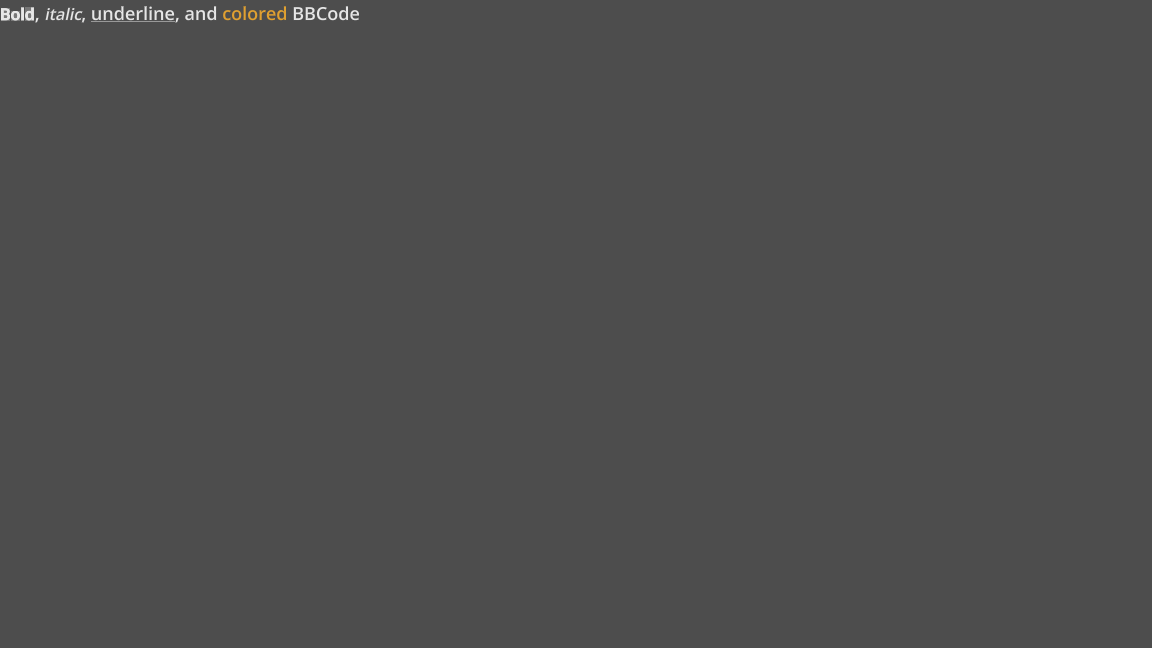
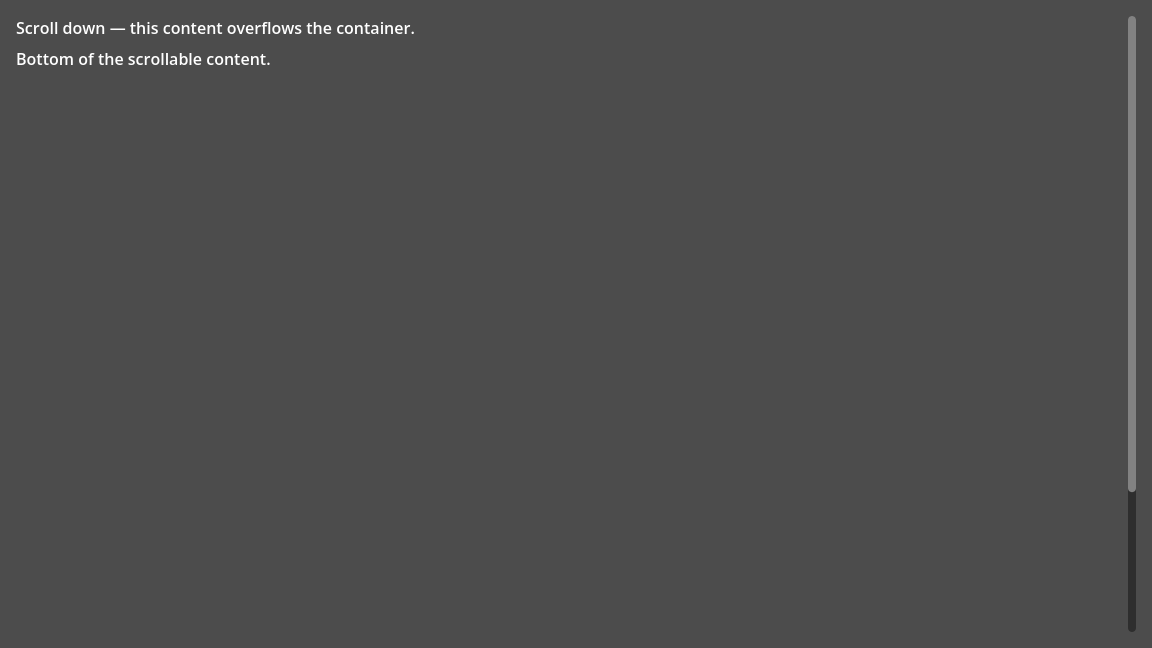
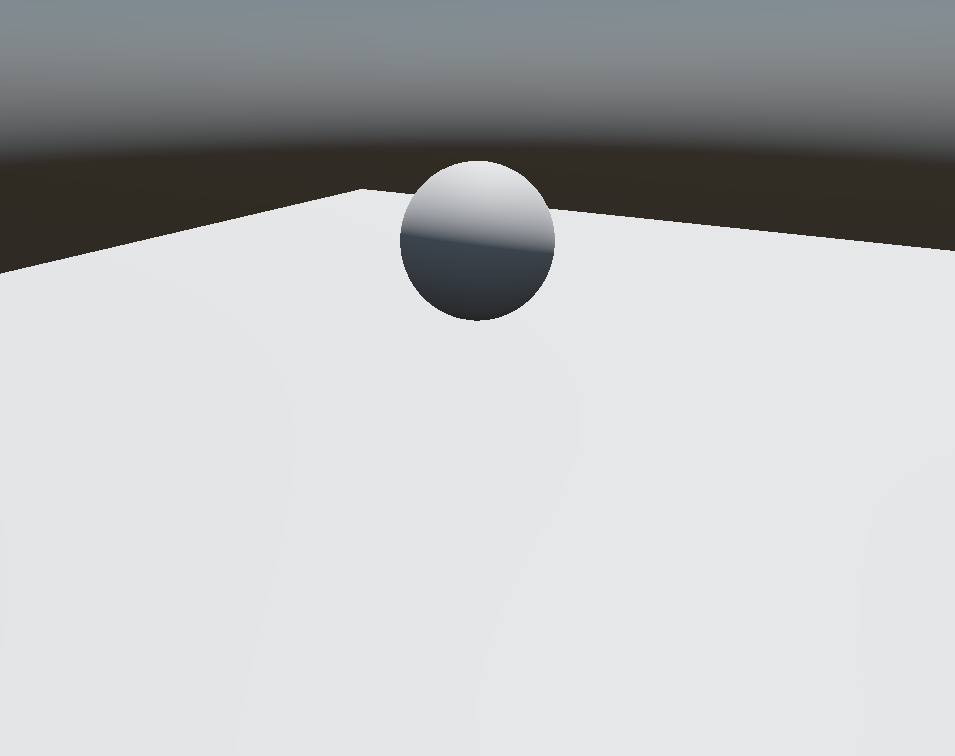
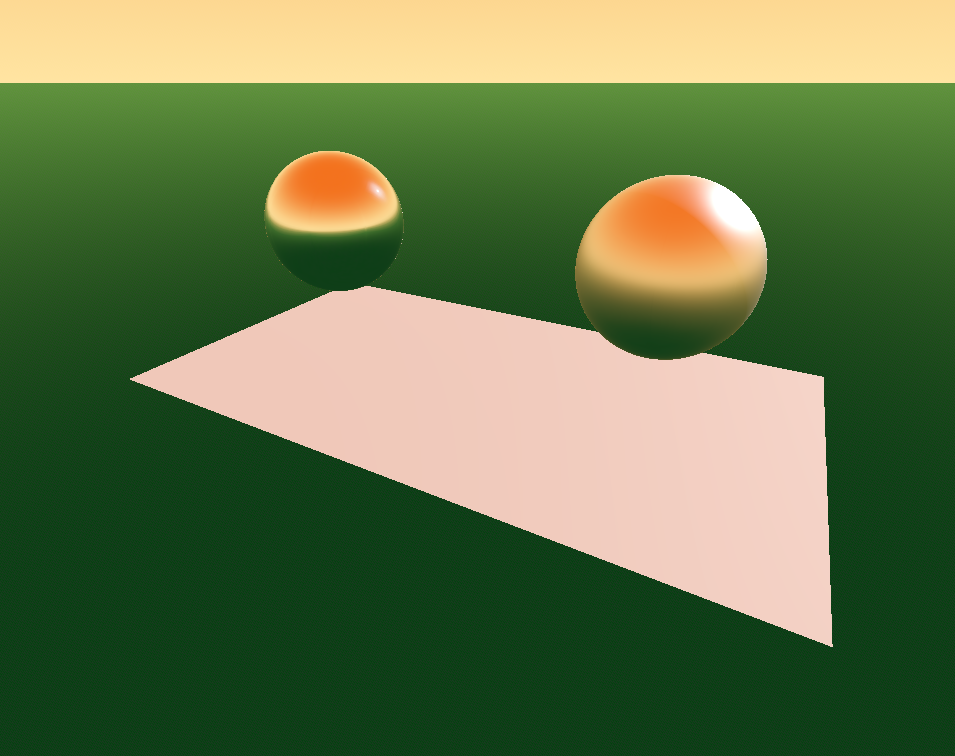
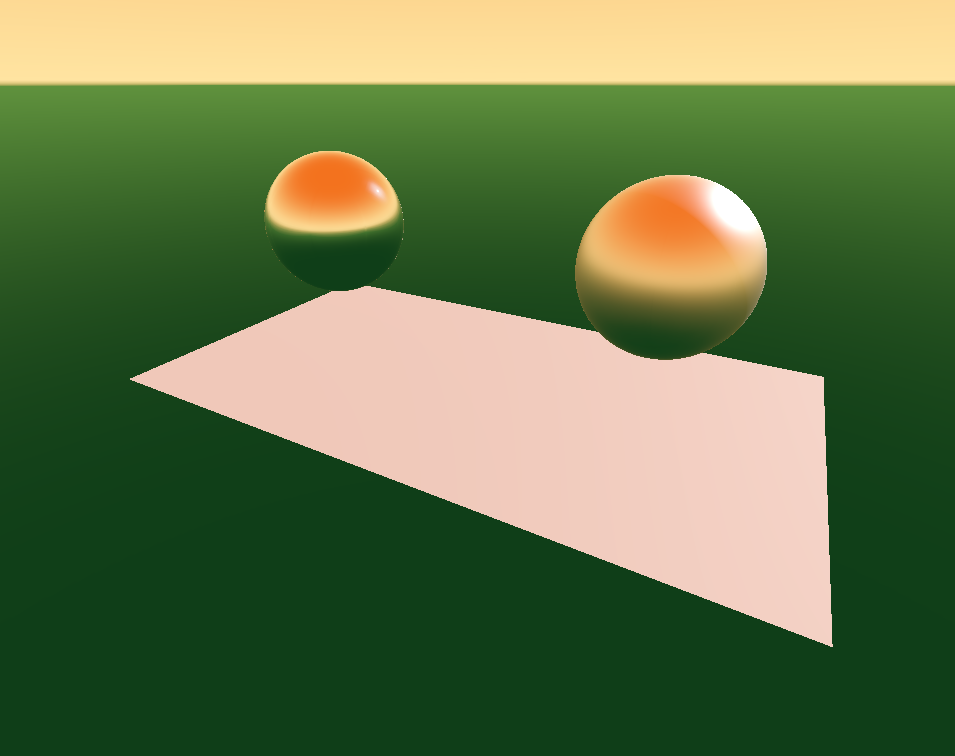
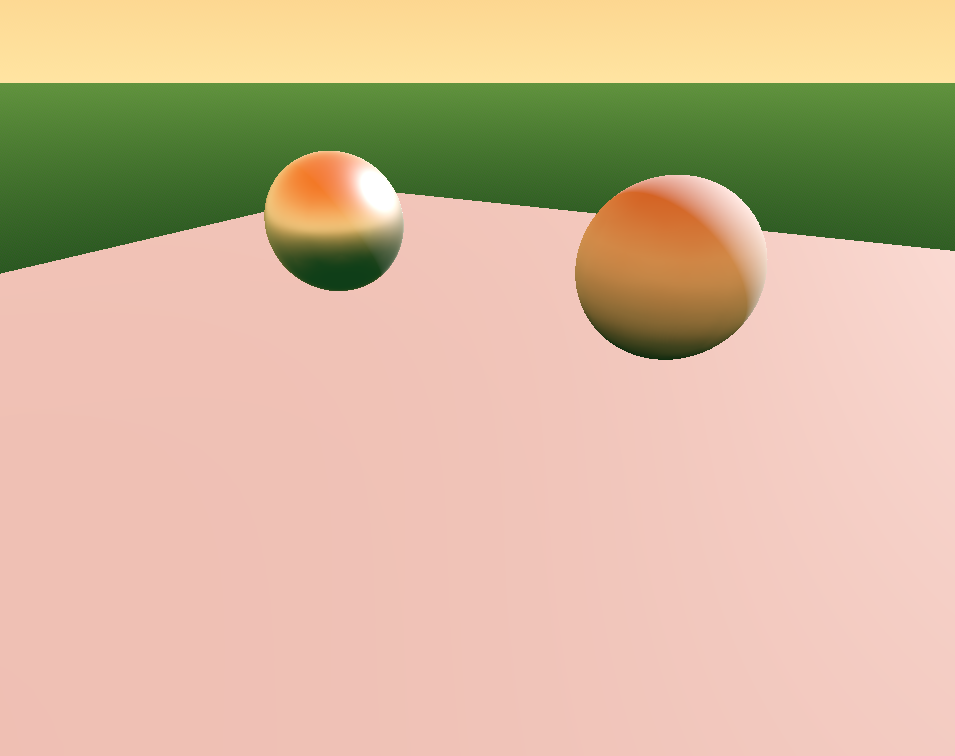
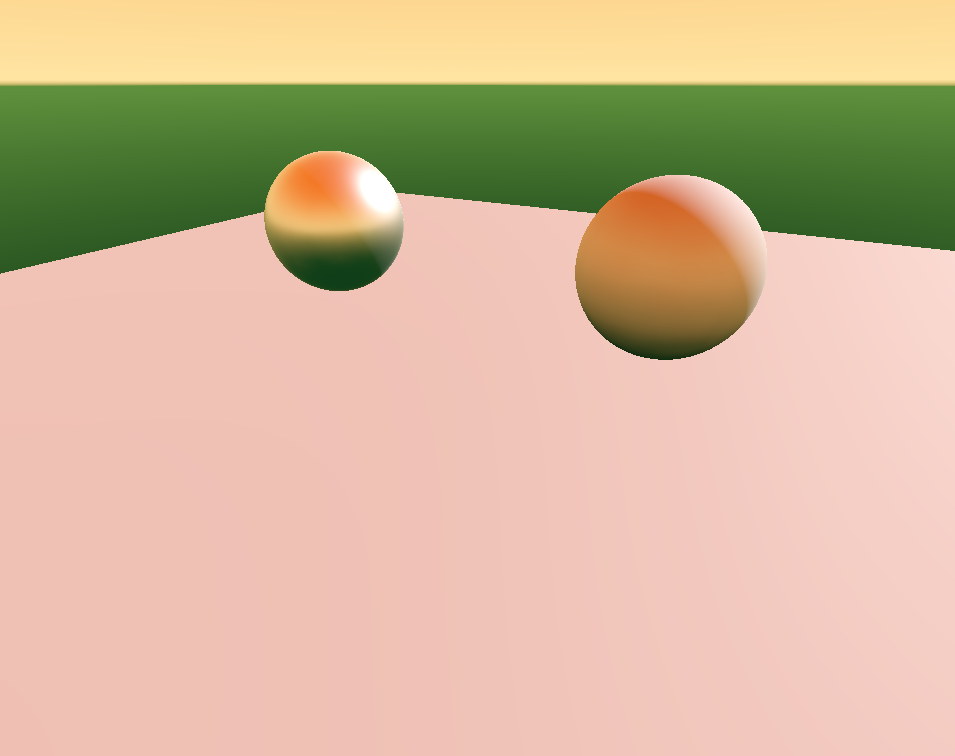
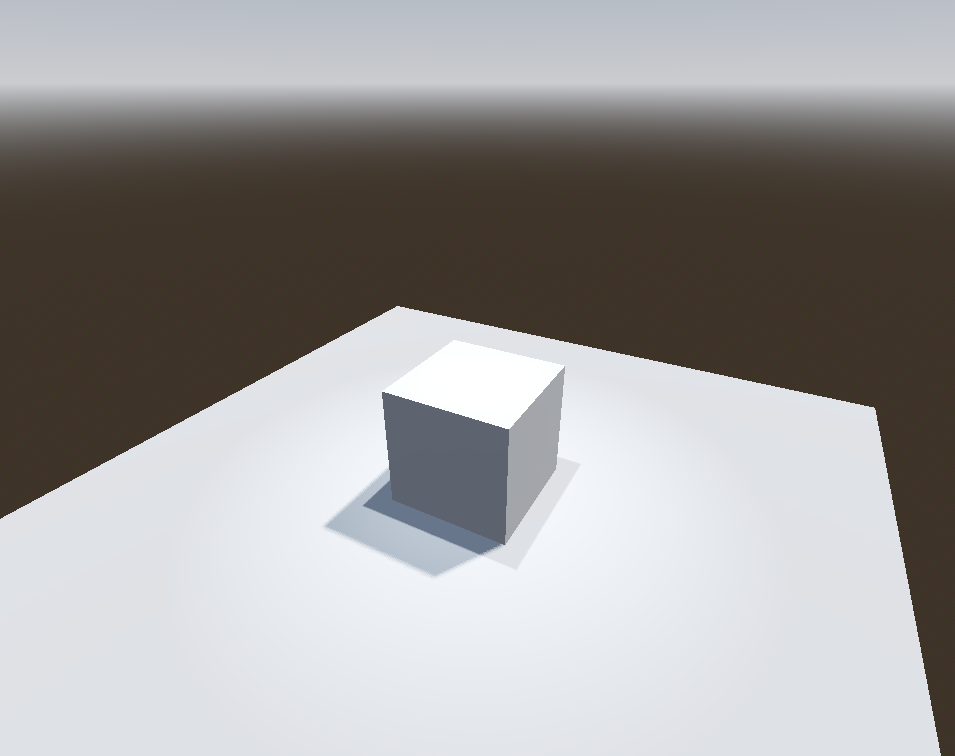
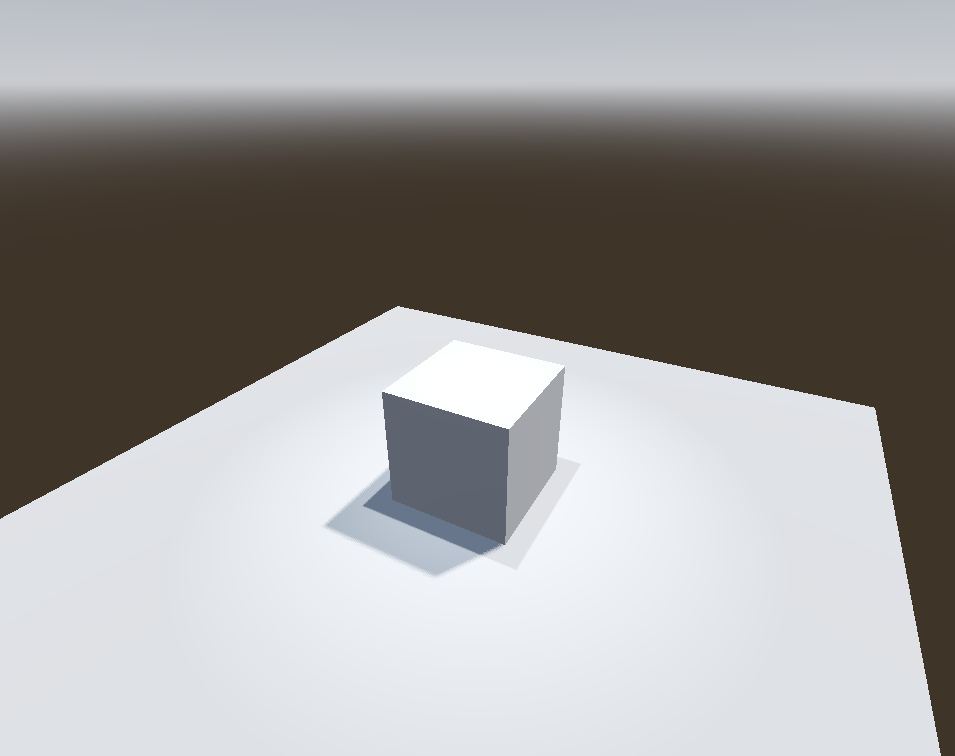
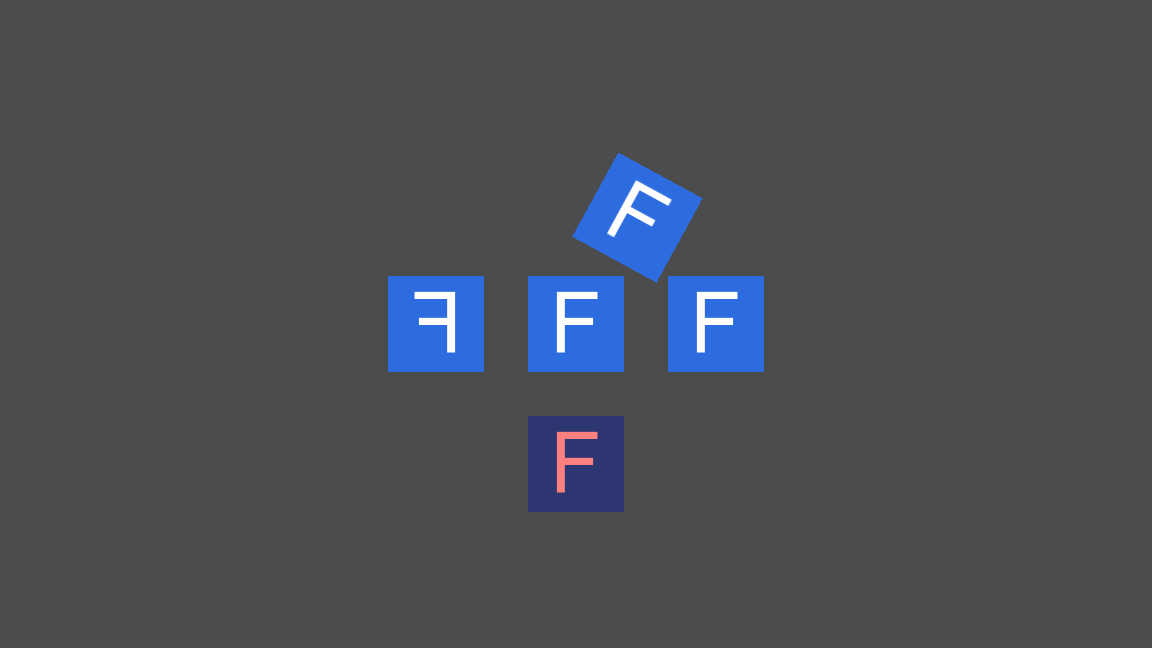
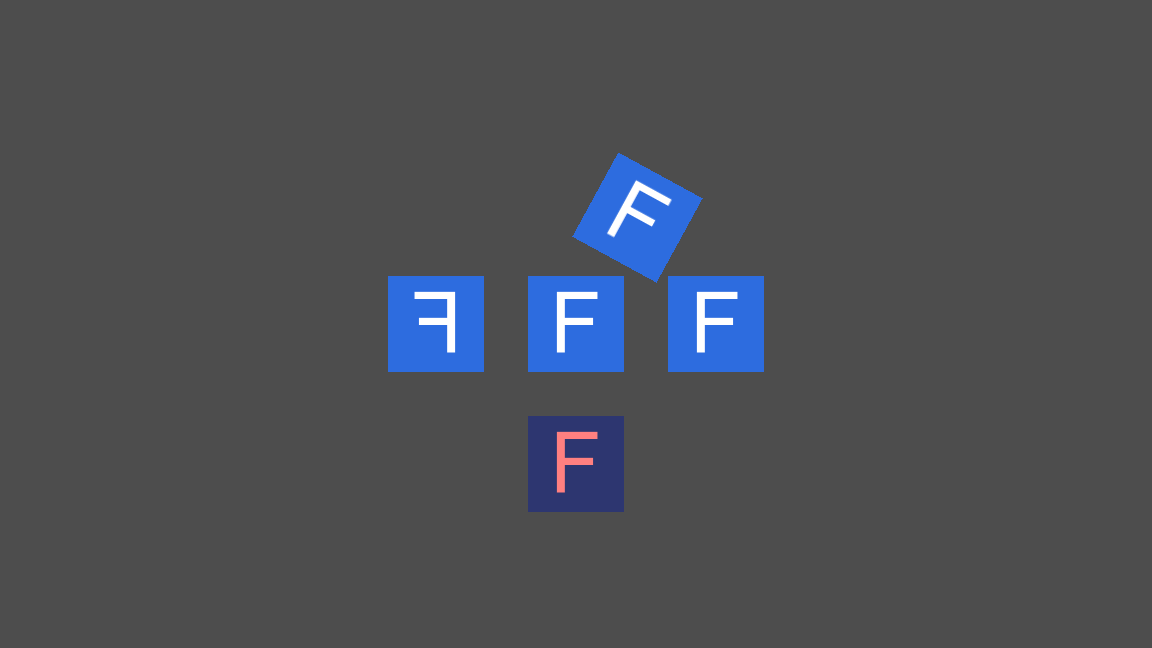
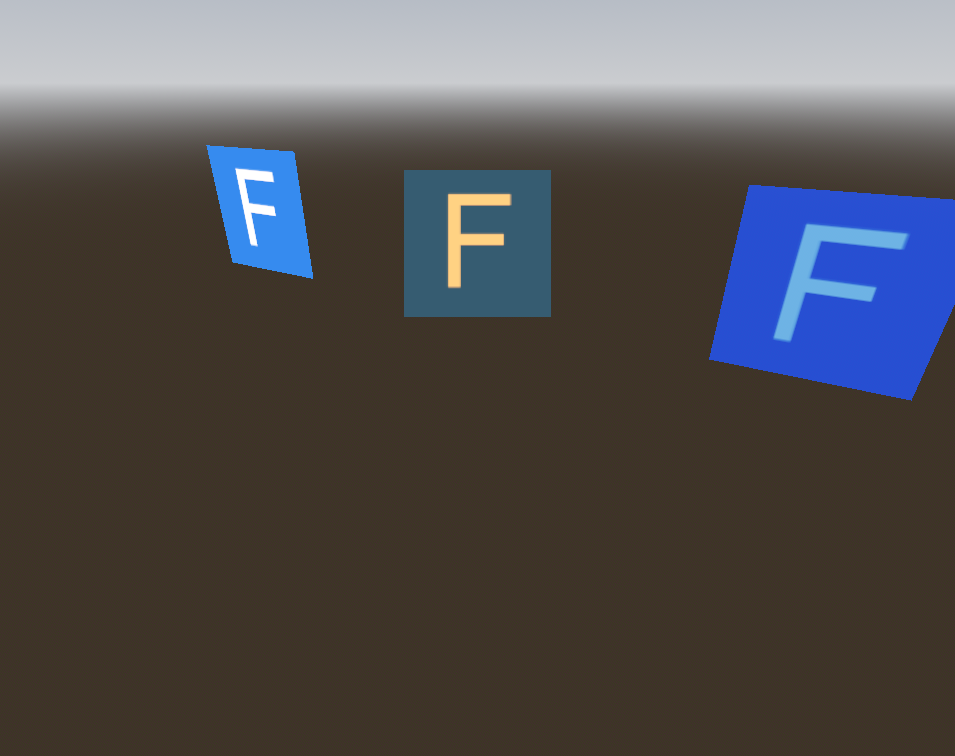
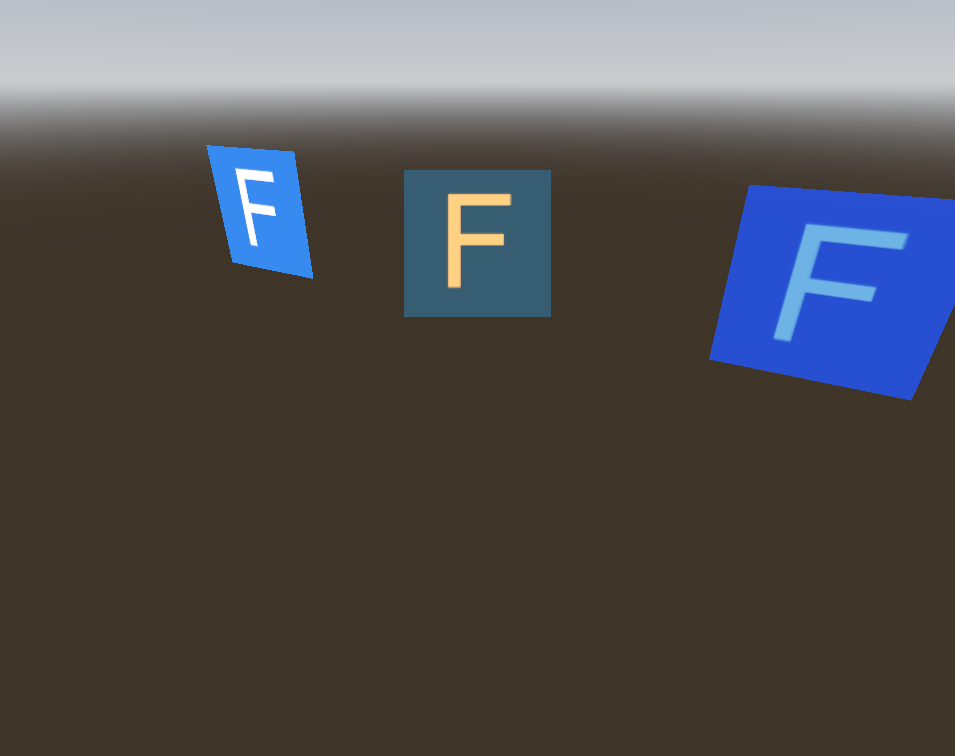
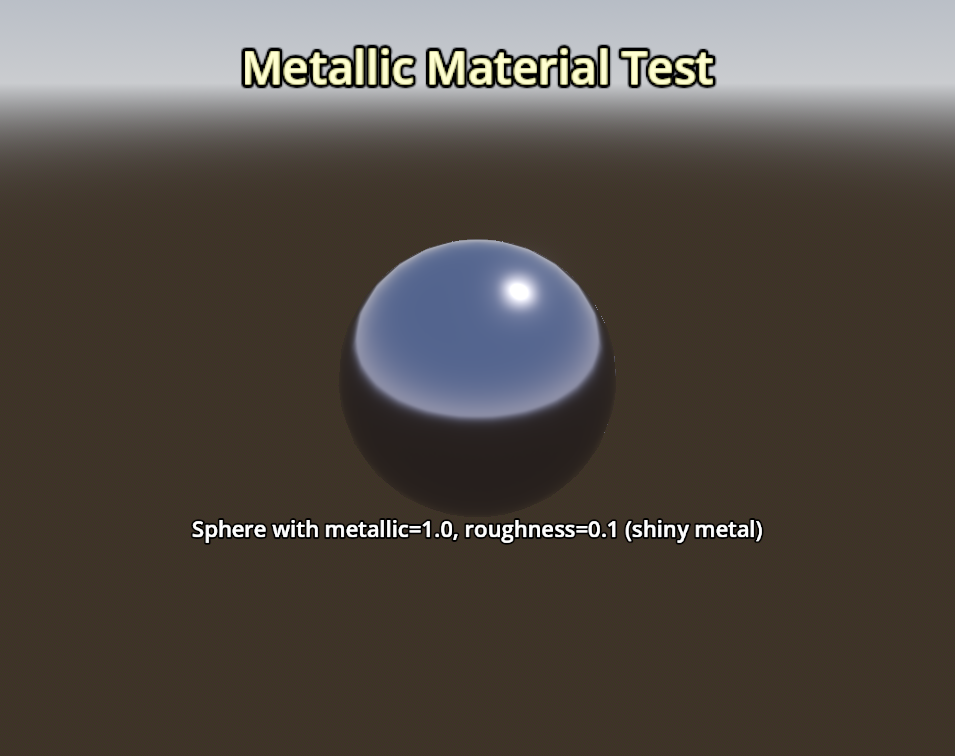
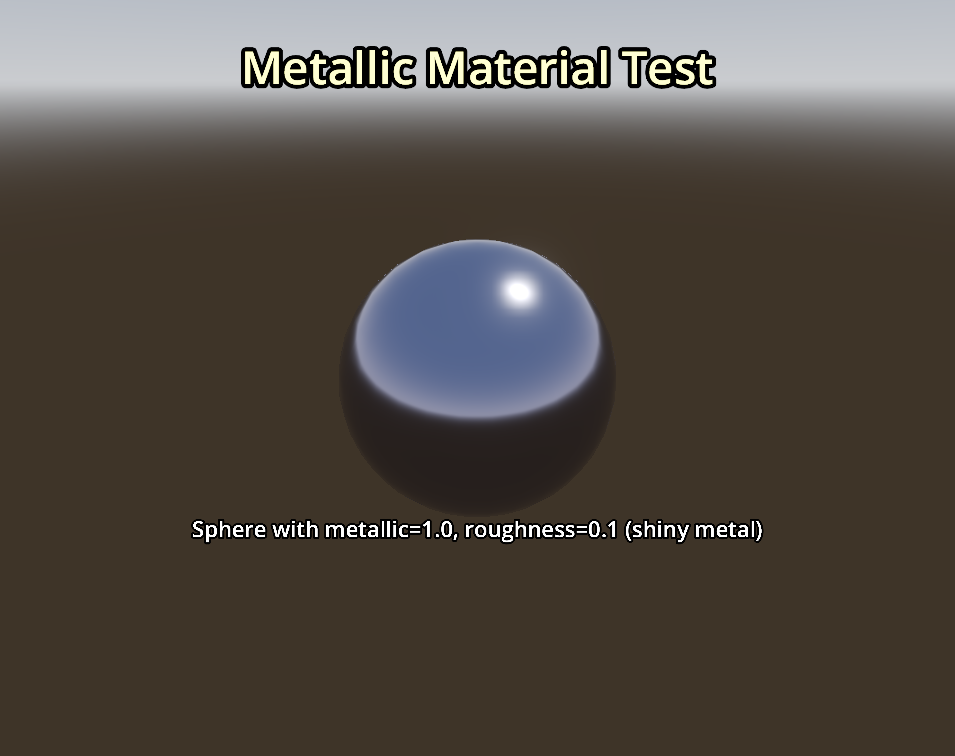
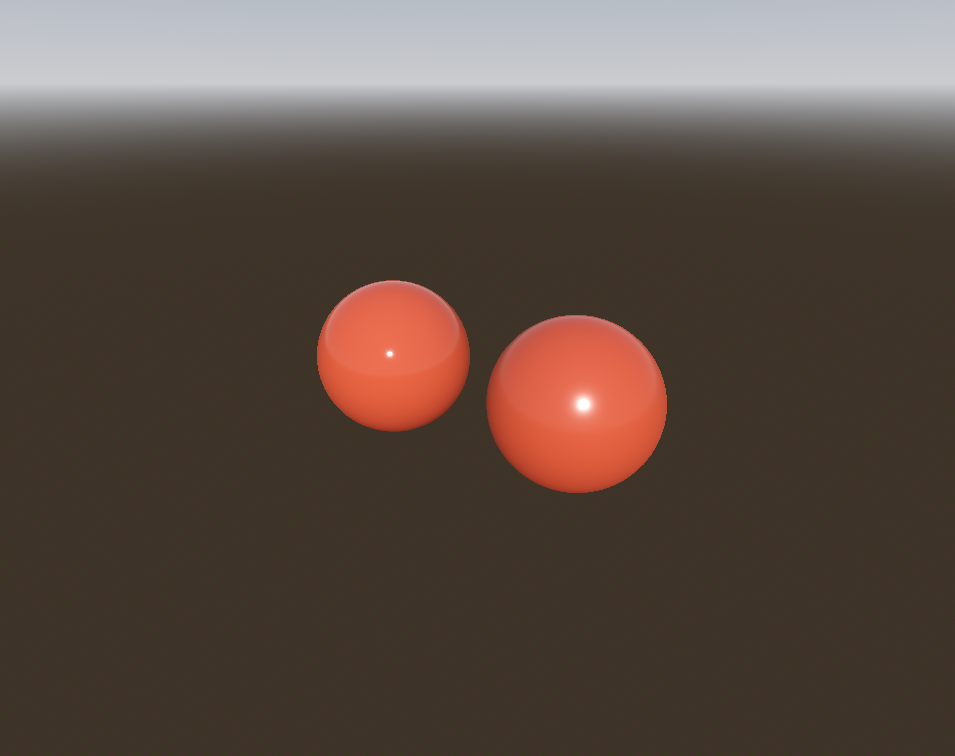
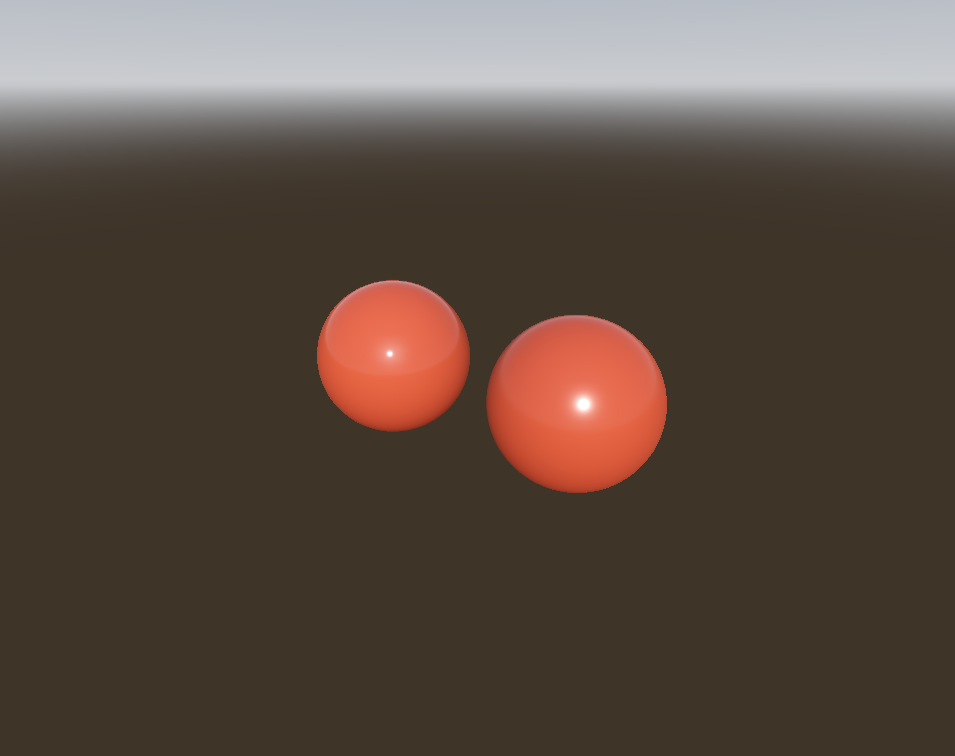
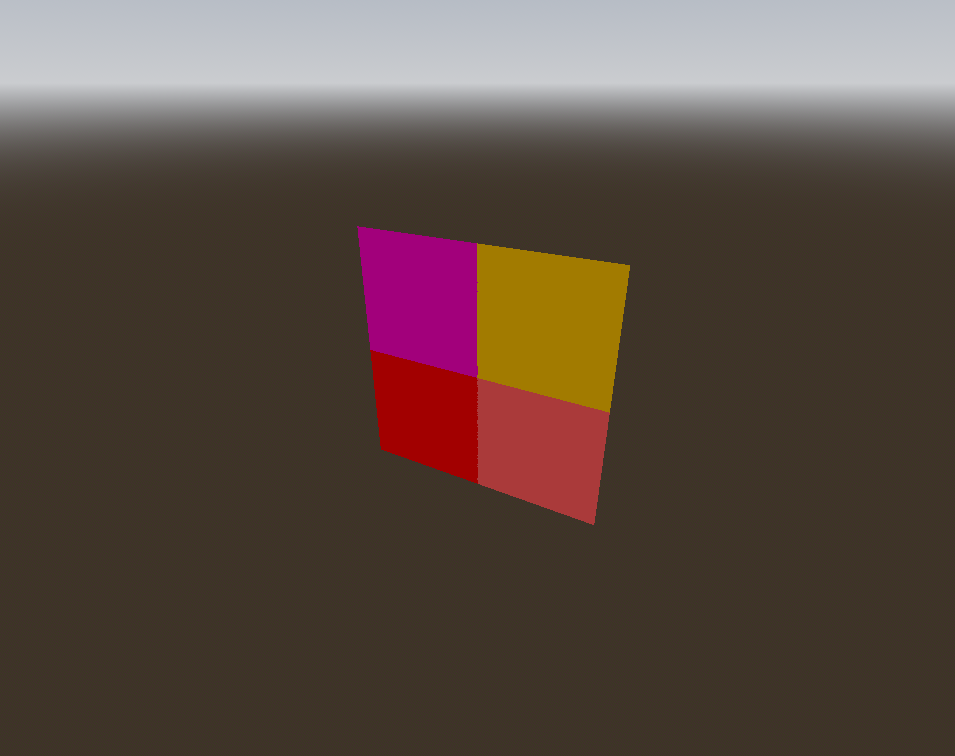
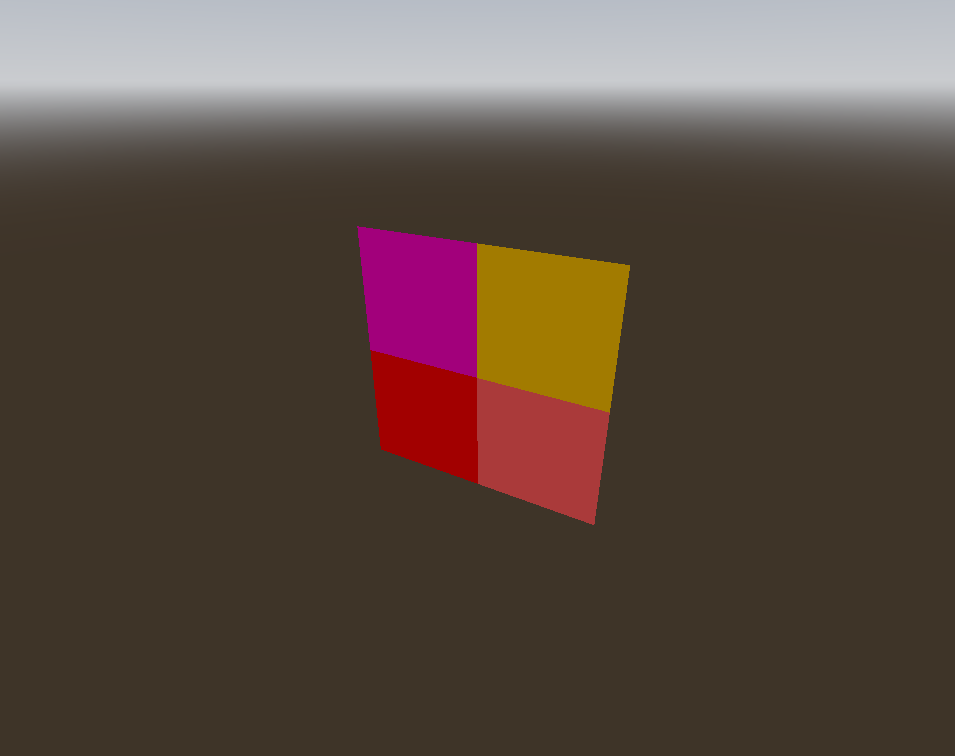
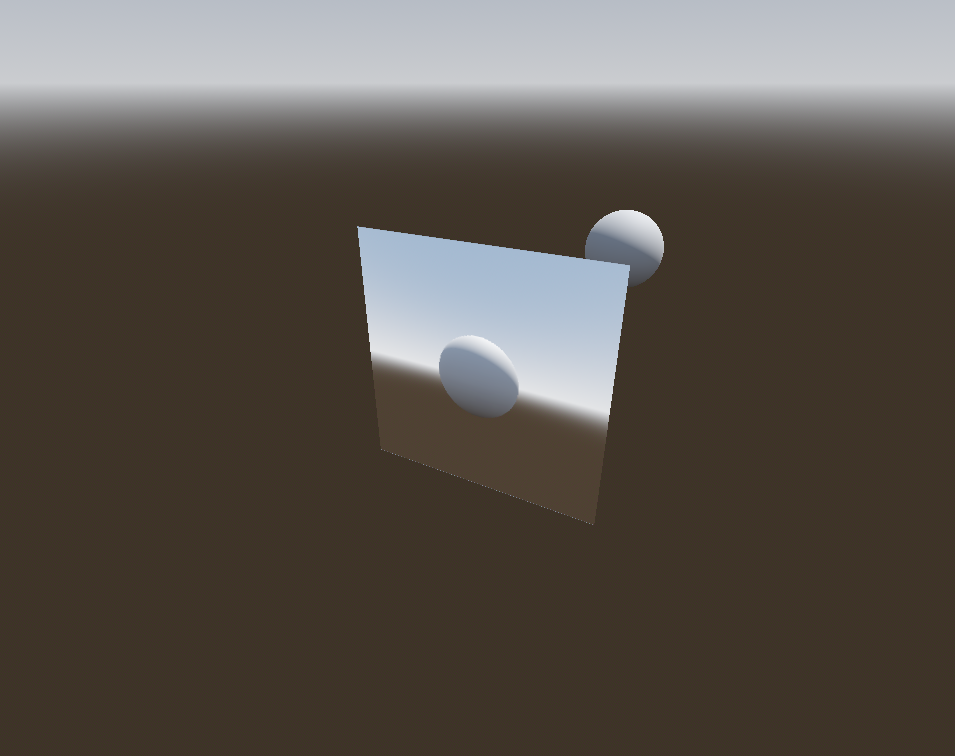
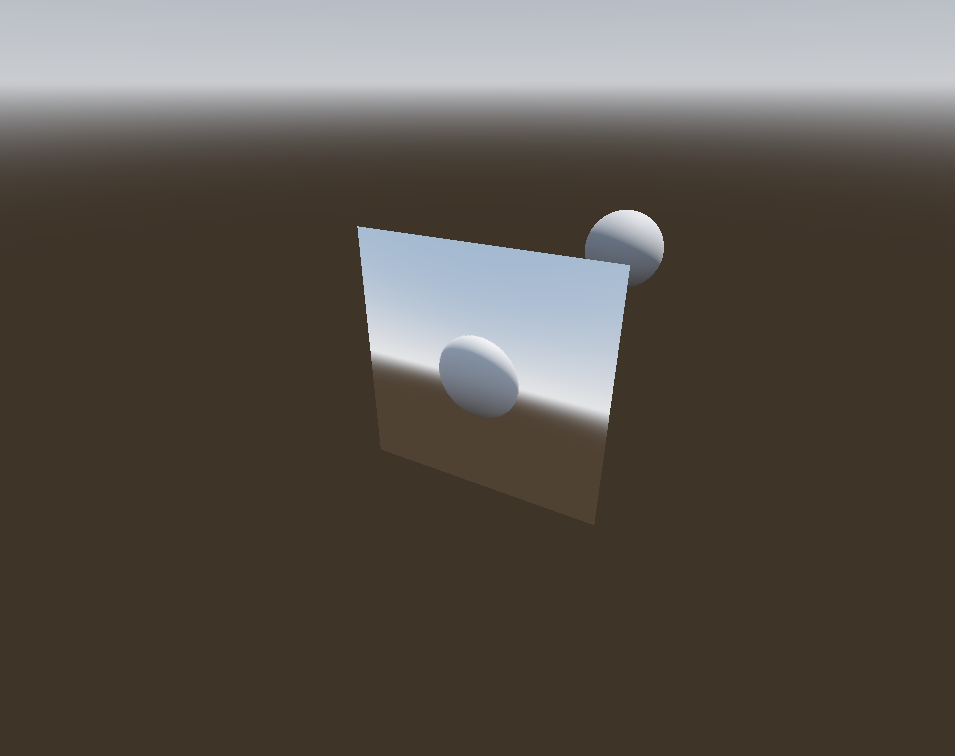
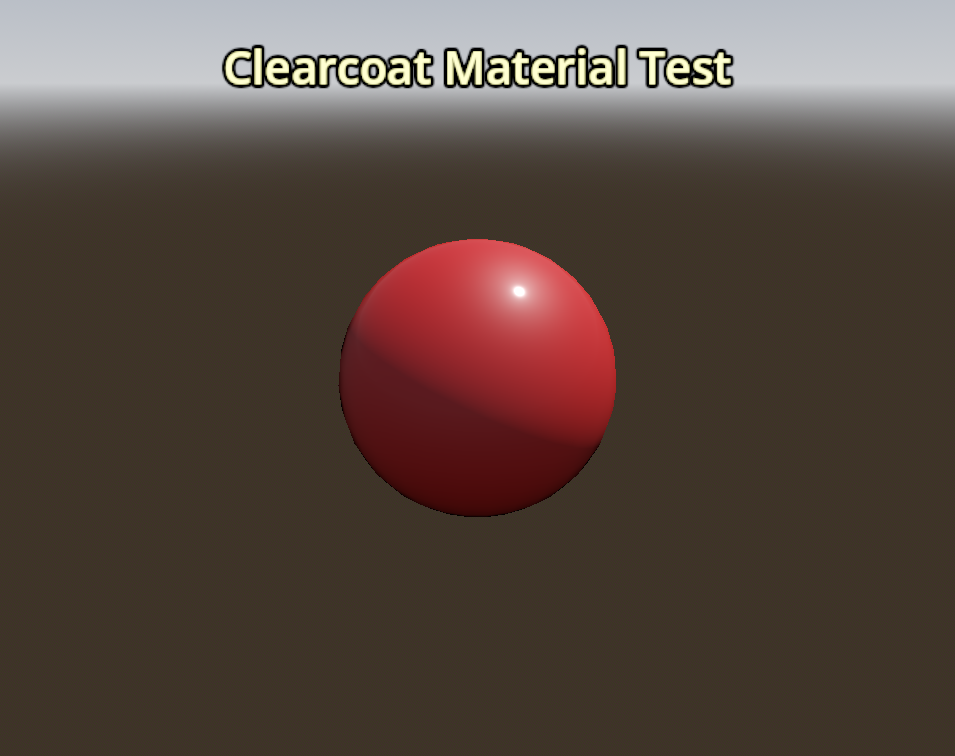
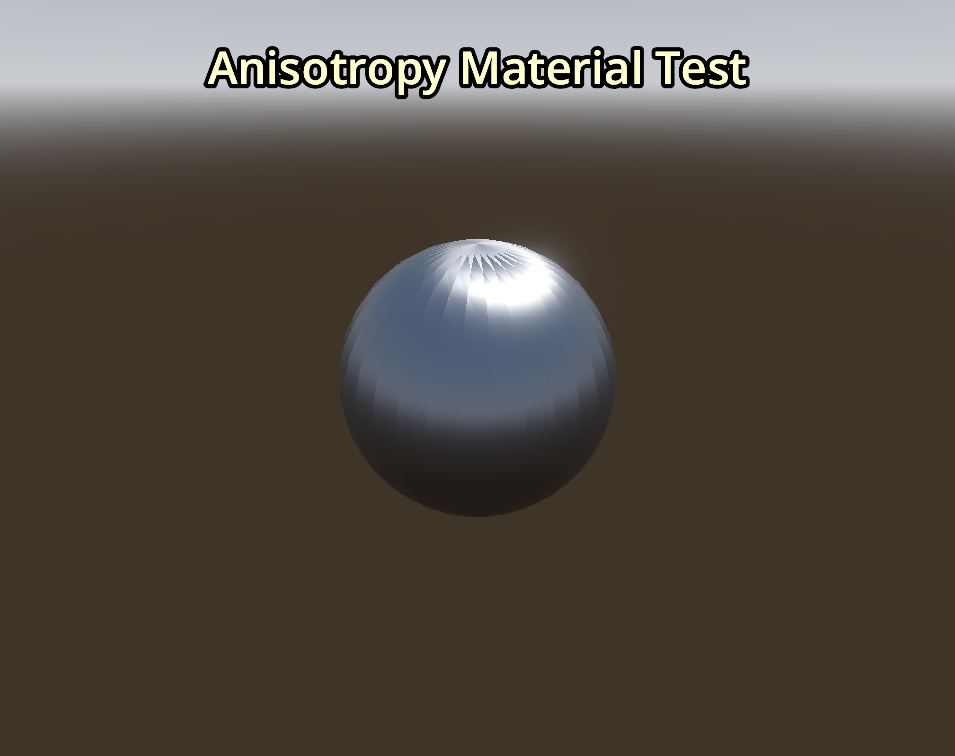
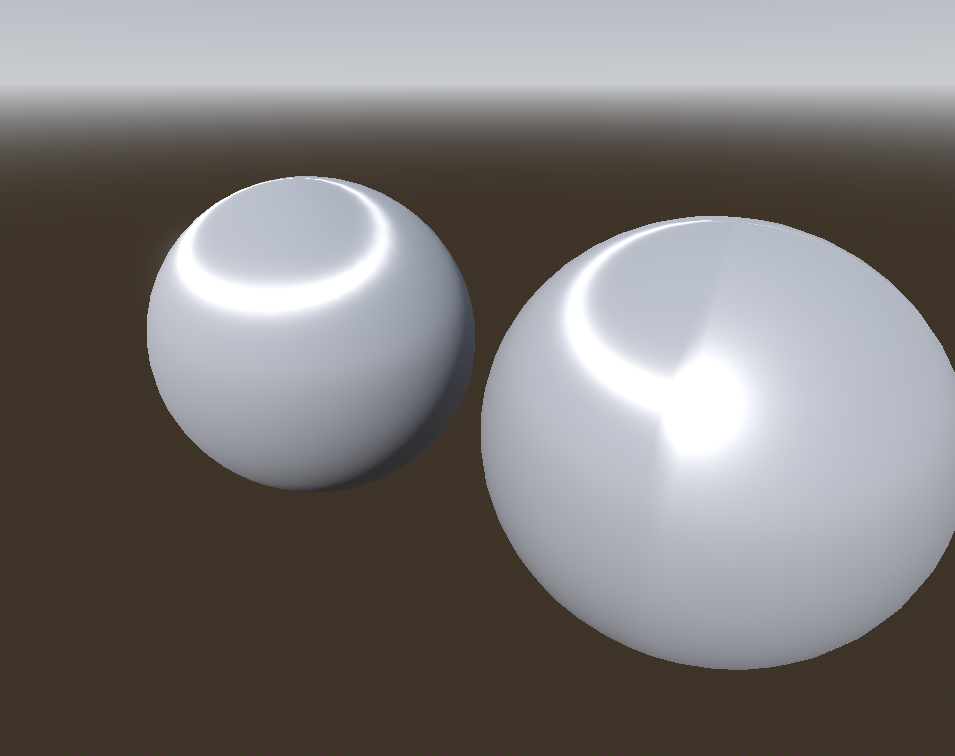
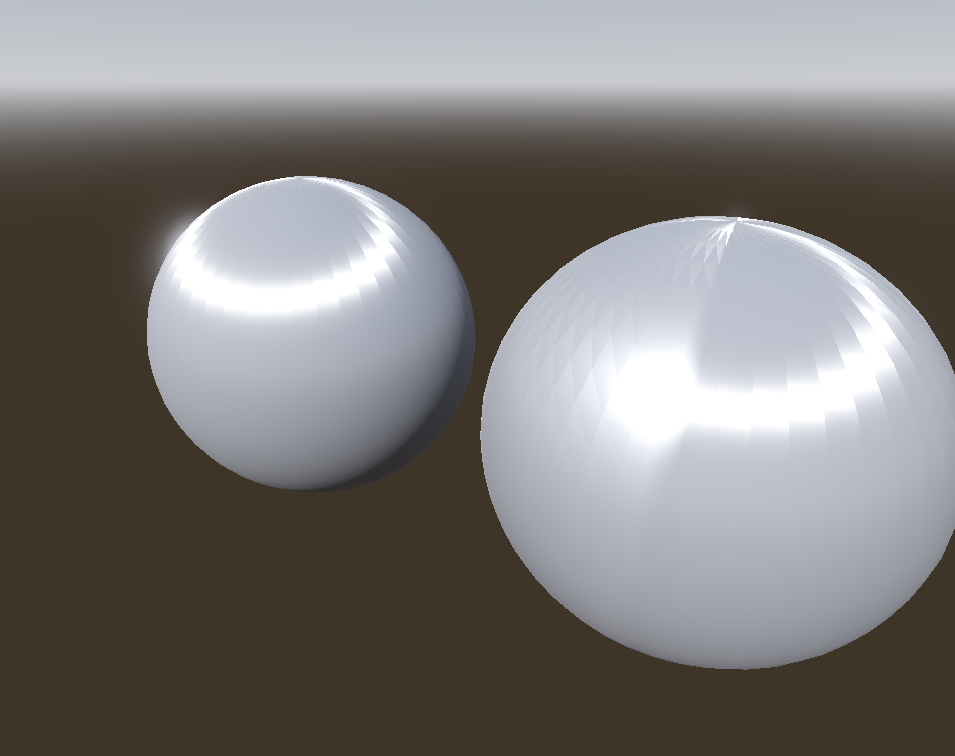
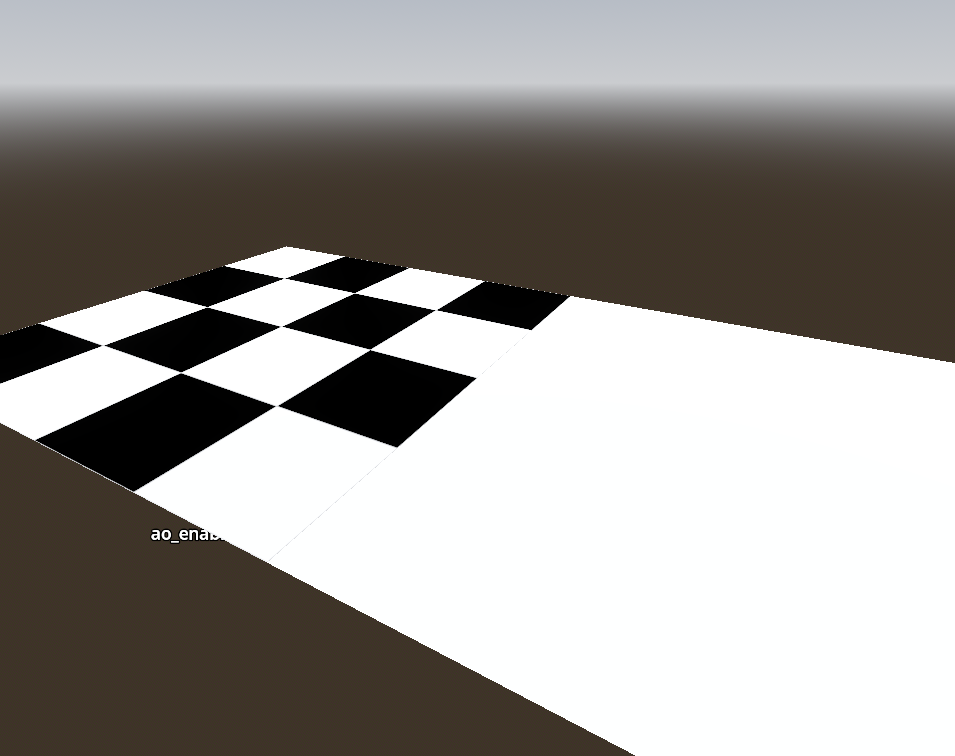
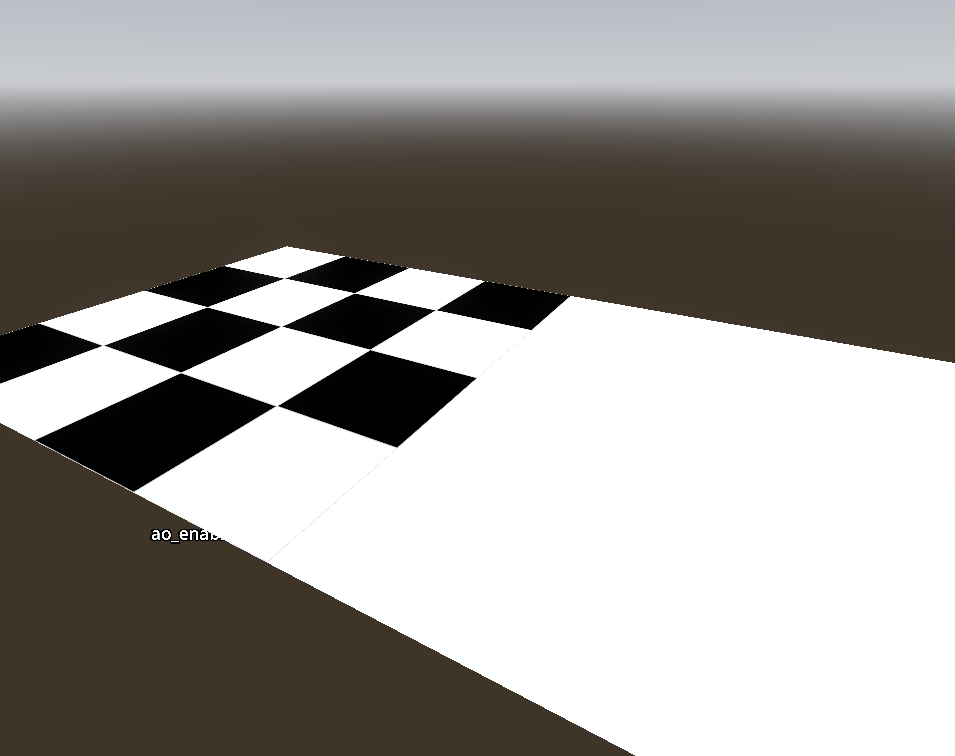
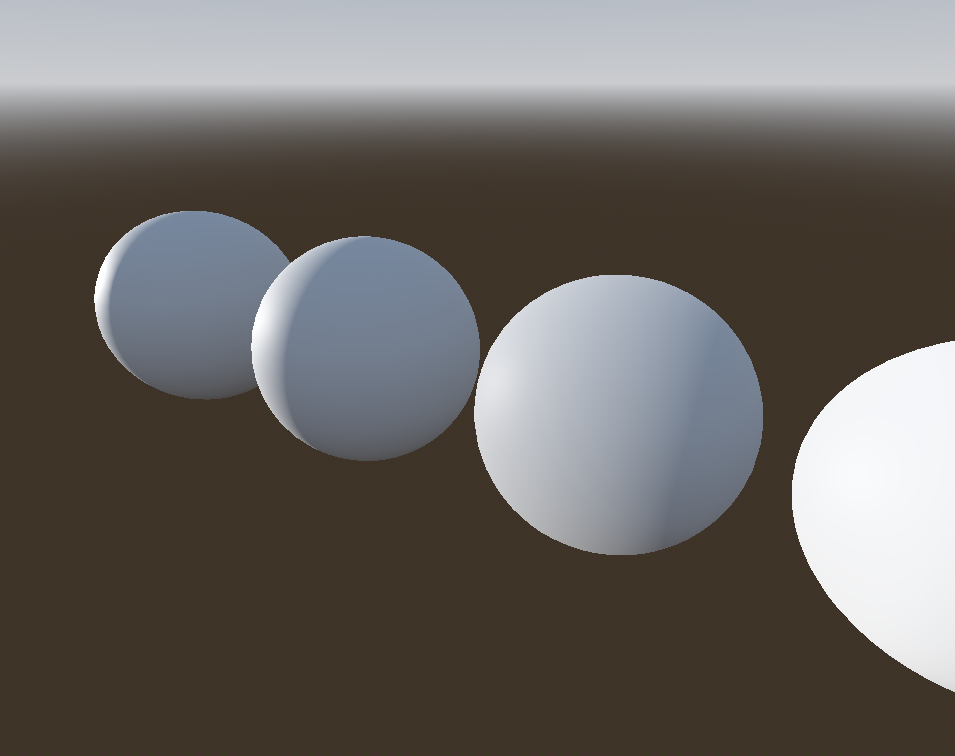
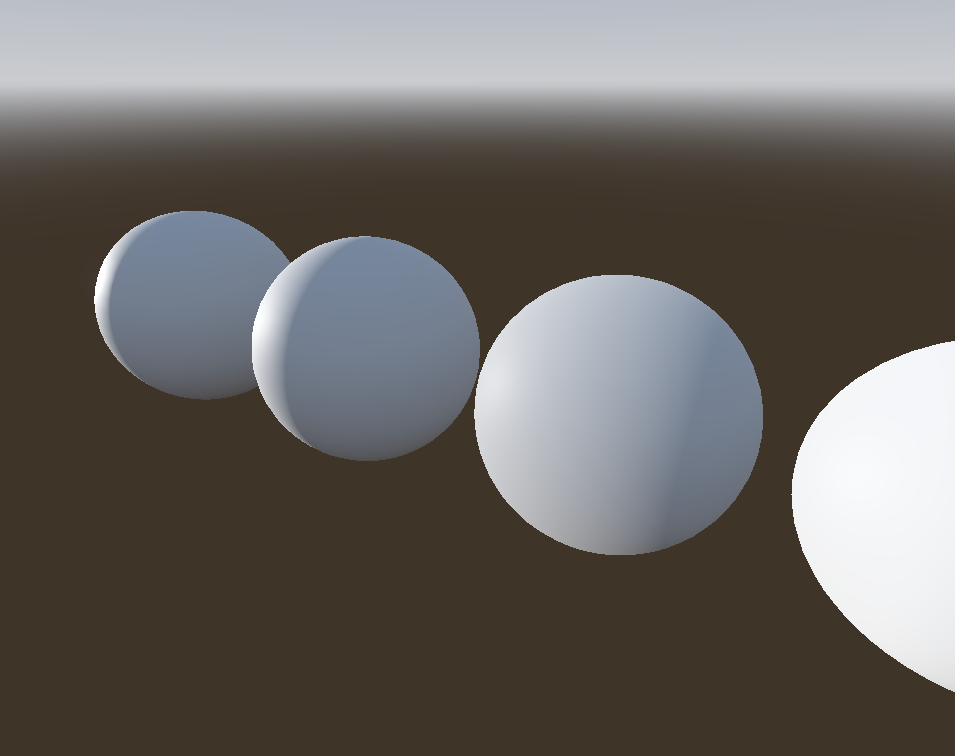
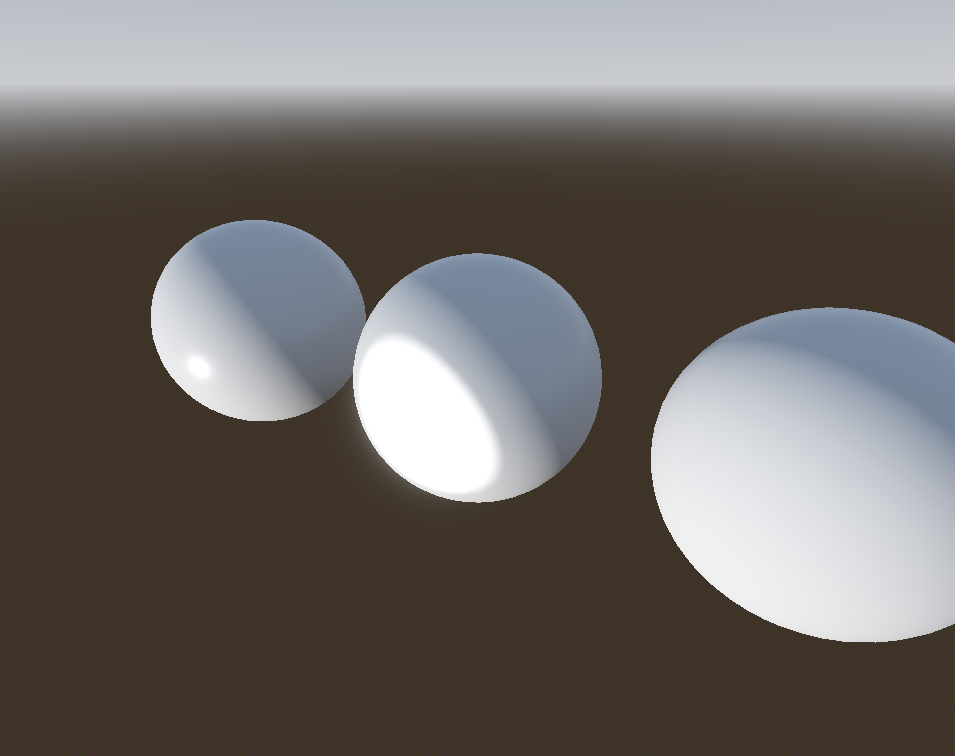
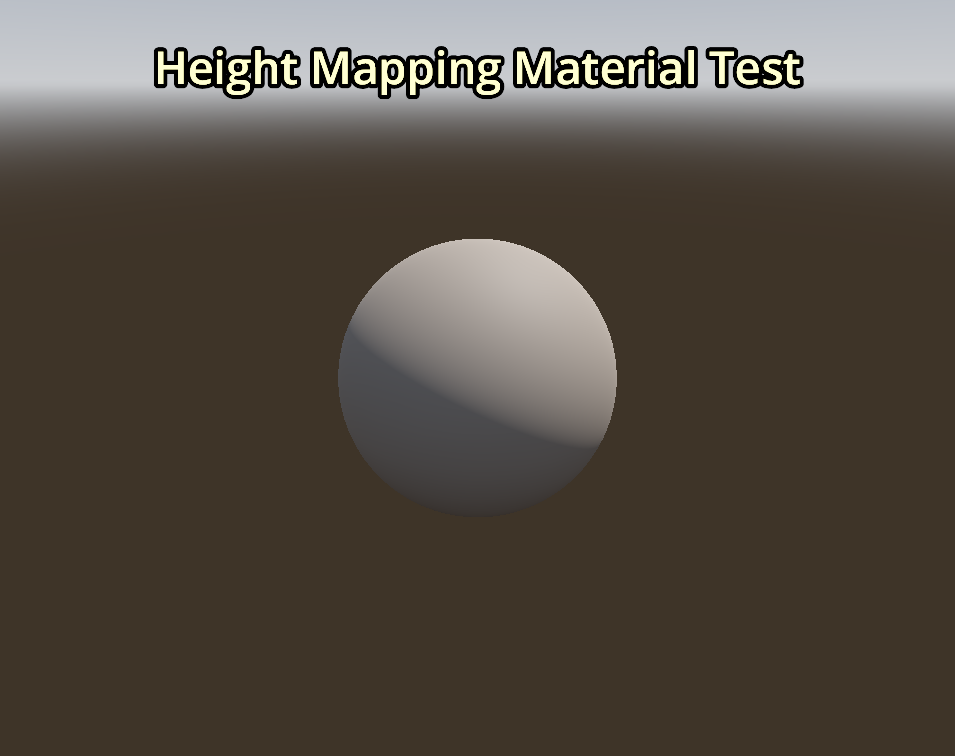
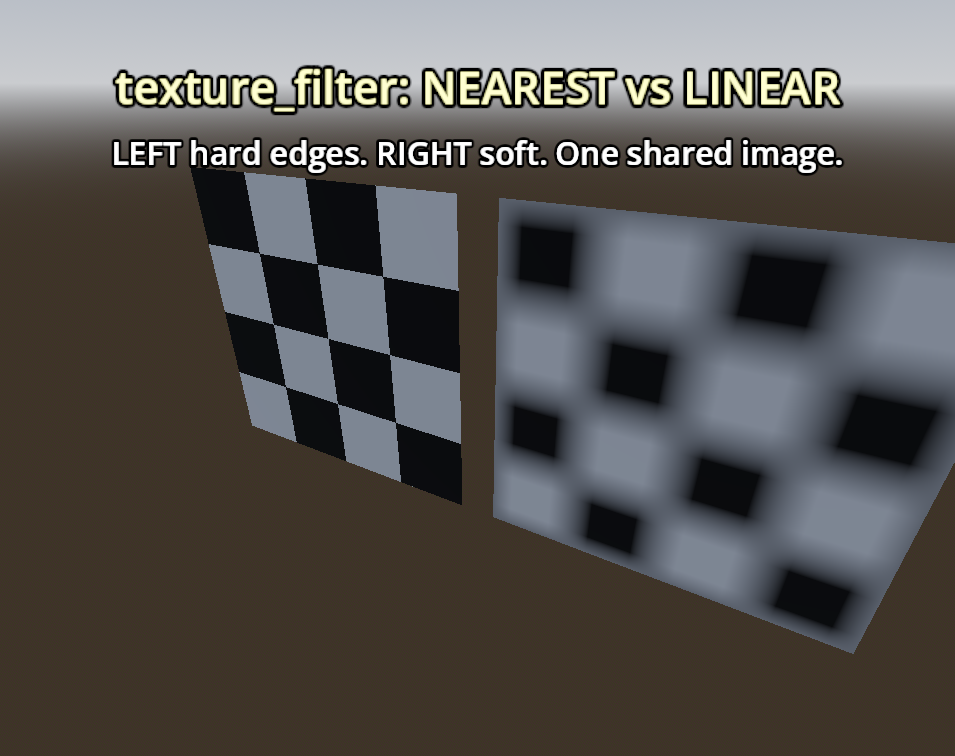
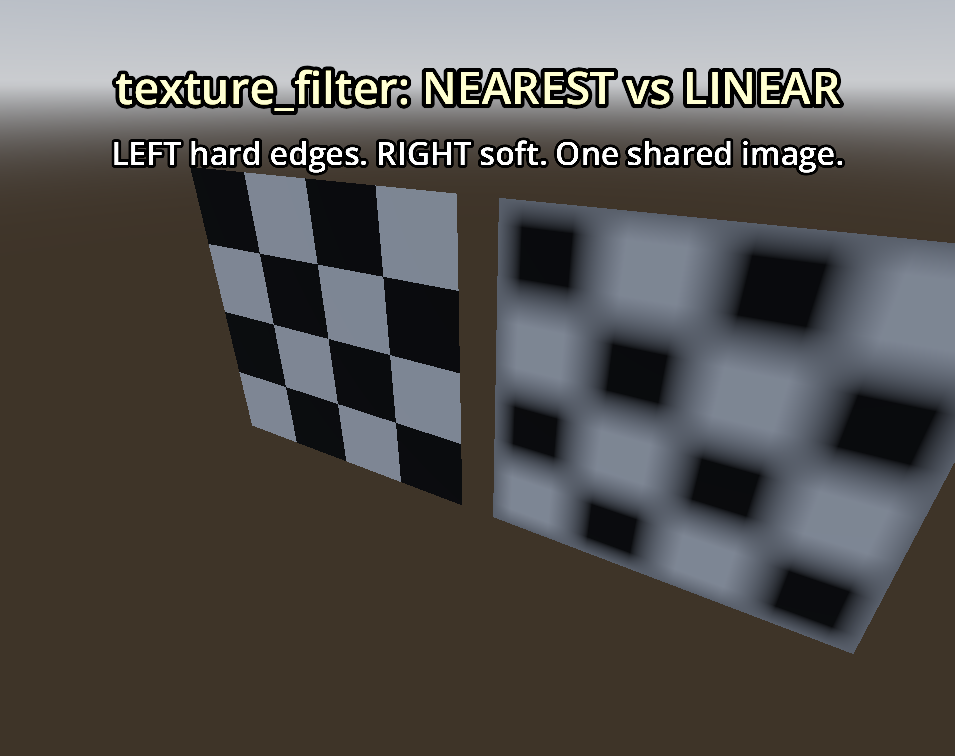
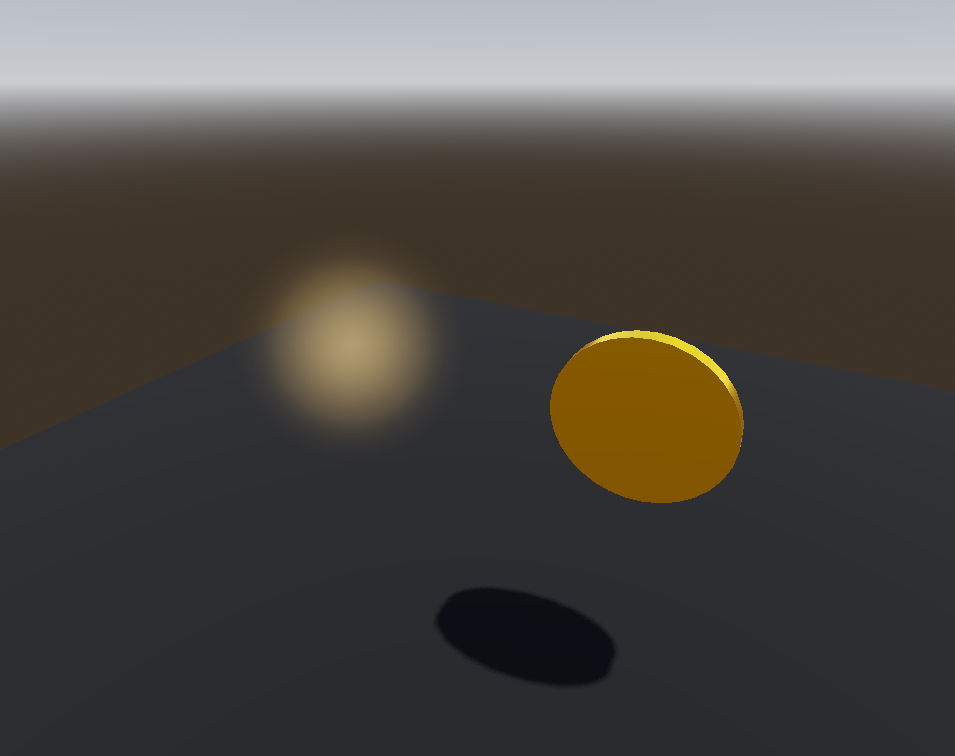
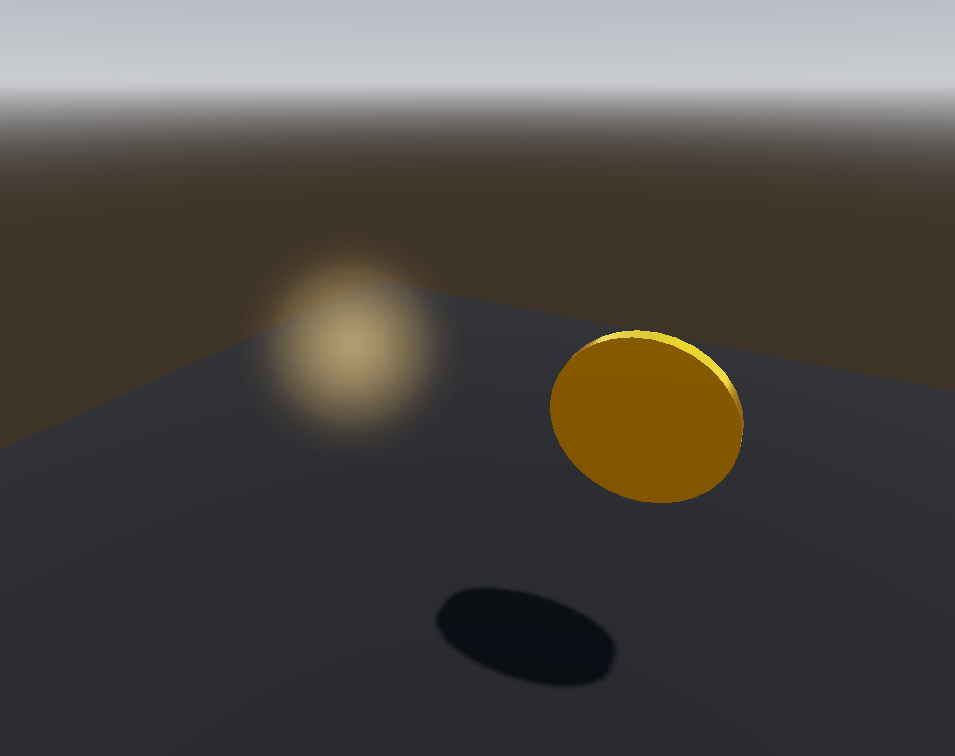
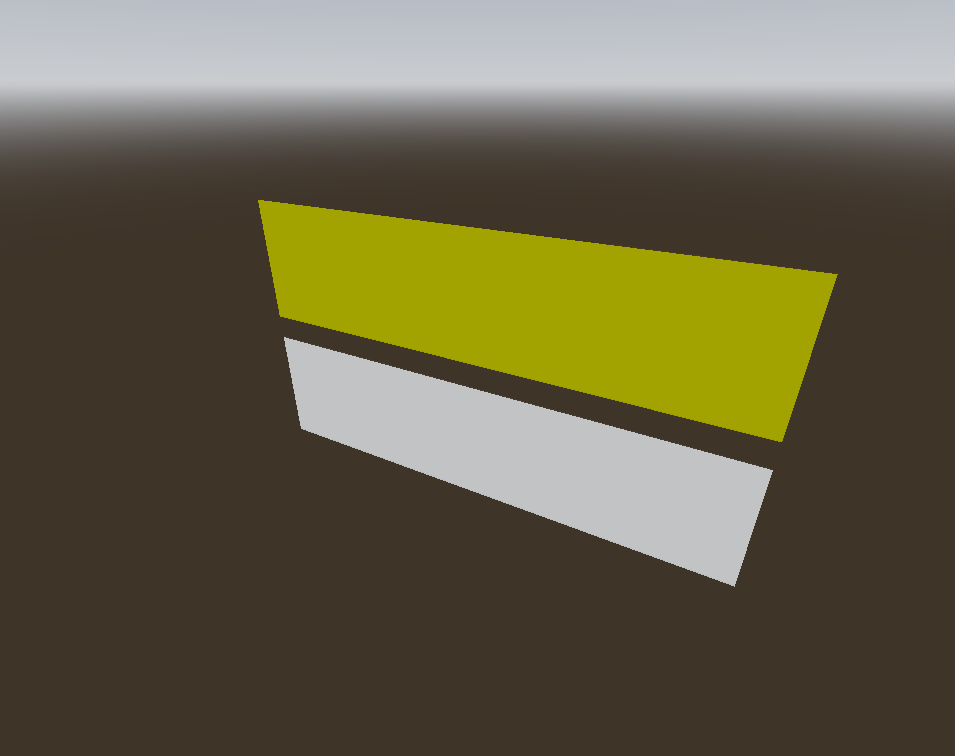
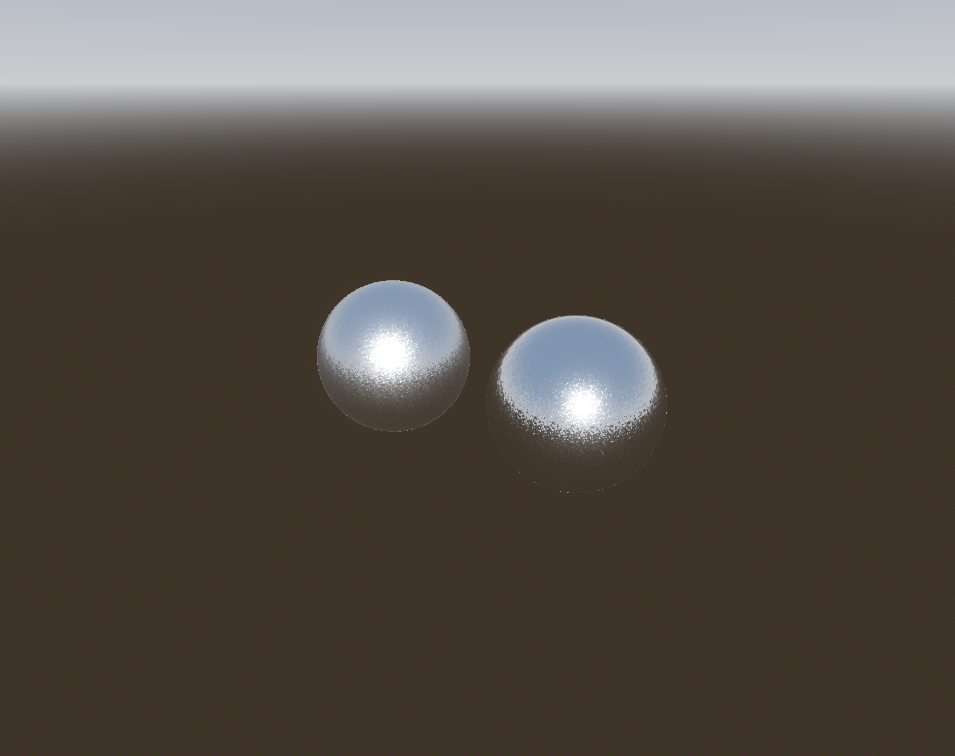
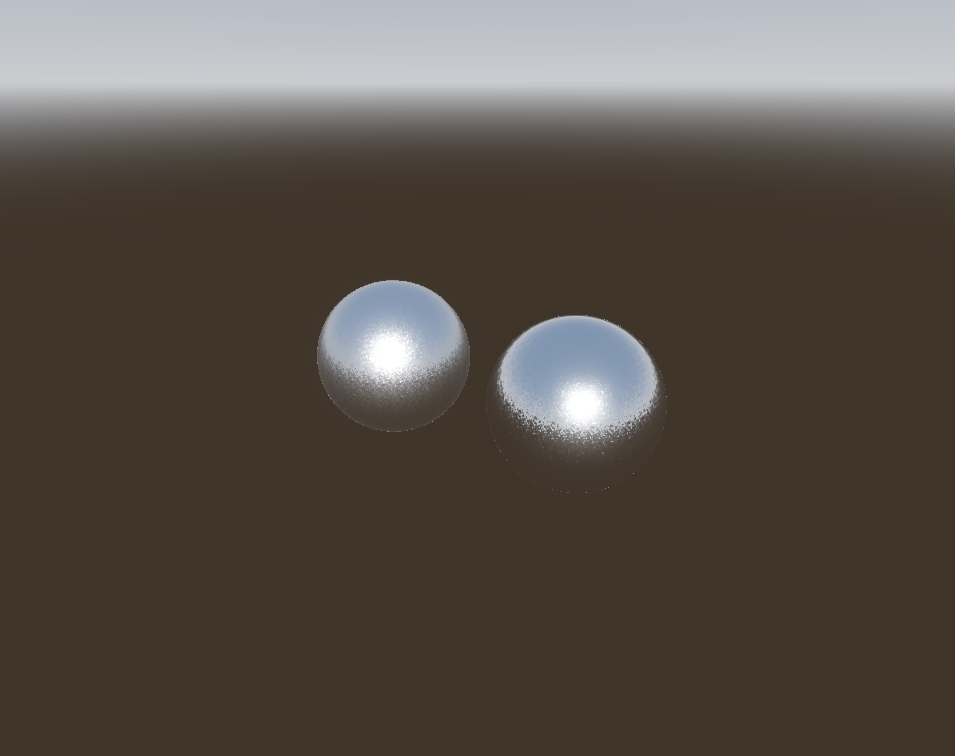
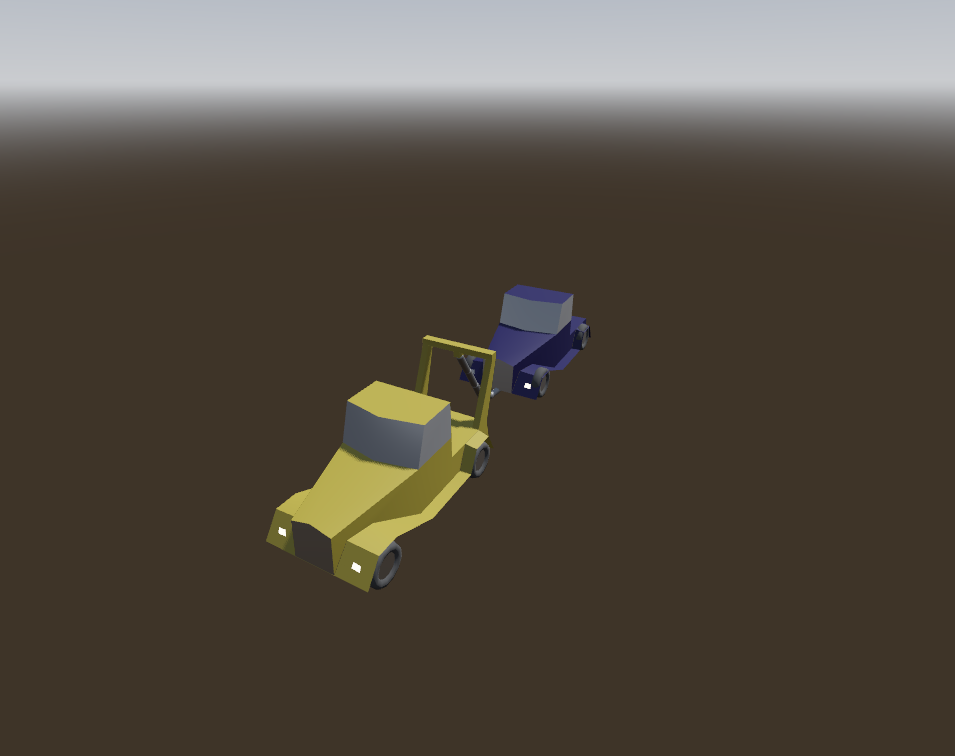
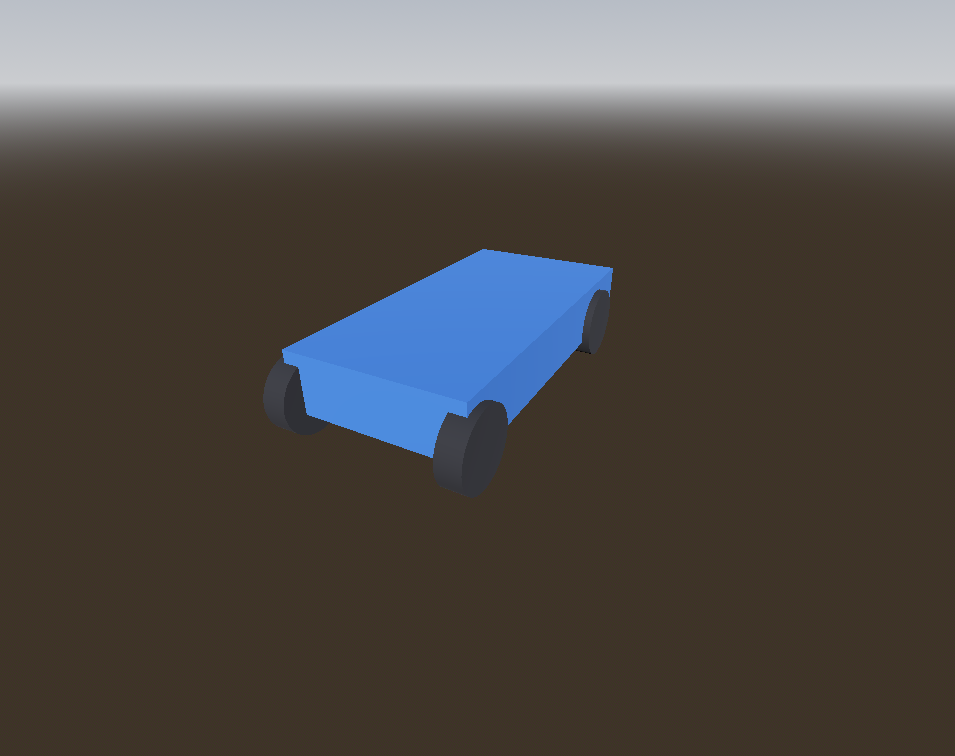
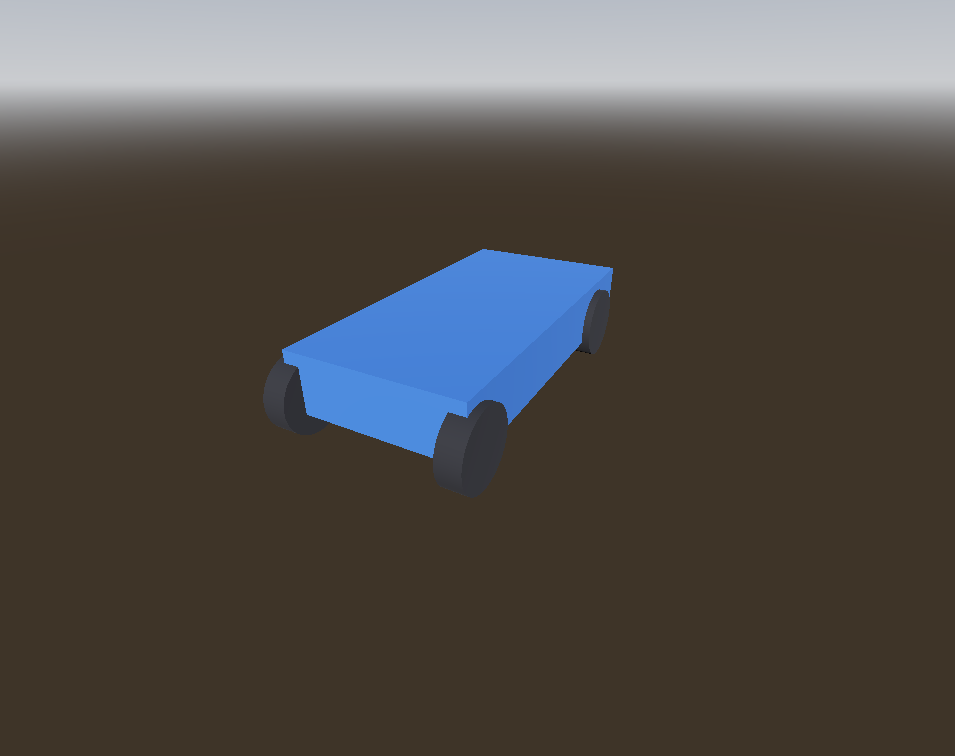
Each sheet shows how this previewer renders one Godot node type against real Godot 4.6.3, from the same camera. Images are regenerated by scripts/compare-docs/capture.mjs. The gallery is index.html, which pnpm docs:gallery rebuilds and pnpm docs:gallery --check holds to the sheets in validate and CI.
Each sheet lives beside the code it documents, as <slice>/comparison.md.
How to read a sheet's Linting chapter
Every sheet carries a generated ## Linting block (pnpm docs:lint-sections, verified in CI). It lists the validators and rules that reach that node type. Hand-written prose below it says what the lenient parser does instead. The four facts below are true of every node, so this file states them once.
The two parsers disagree on purpose.TscnParser renders what it can. StrictTscnParser reports everything. Where strict rejects a value, lenient substitutes a documented default and continues. Each sheet's prose describes that substitution.
The lenient parser swallows five structural errors silently, with no warning and no node dropped from the render: INVALID_HEADING_FORMAT, INVALID_PROPERTY_FORMAT, MISSING_NODE_NAME, MISSING_NODE_IDENTIFIER and INSTANCE_PLACEHOLDER_ROOT.
Two classes of property are never format-checked, even by strict.StrictTscnParser.onProperty skips validation for multiline values (shader source, long label text) and for any property whose owning type is unknown. A property override on an instanced child (instance=) is therefore never validated. Existence checks stay silent across an instance boundary on purpose.
Semantic rules run on every scene the strict parser could build. A format error does not withhold the tree, so a file reports its parse errors and the semantic findings under them together. A pre-current format header is the one exception. It reports a single legacy-format-version info and nothing else.
What a RemoteTransform relay does not reproduce
RemoteTransform2D and RemoteTransform3D share one implementation and one set of limitations, so this file records them once.
A relay copies its transform onto its remote_path target once on load: the static enter-tree effect, not a per-frame drive. Three cases are not fully reproduced:
use_global_coordinates = false is a no-op on a static load. Only the default global-coordinate drive repositions the target.
A cross-instance remote_path, one crossing into or out of an instanced sub-scene, stays unresolved. In-scene resolution, the common case, works.
Relay chains resolve in document (pre-order) order. A feedback loop is not iterated to a fixed point.
Why a 2D background reads 77 here and 76 in Godot
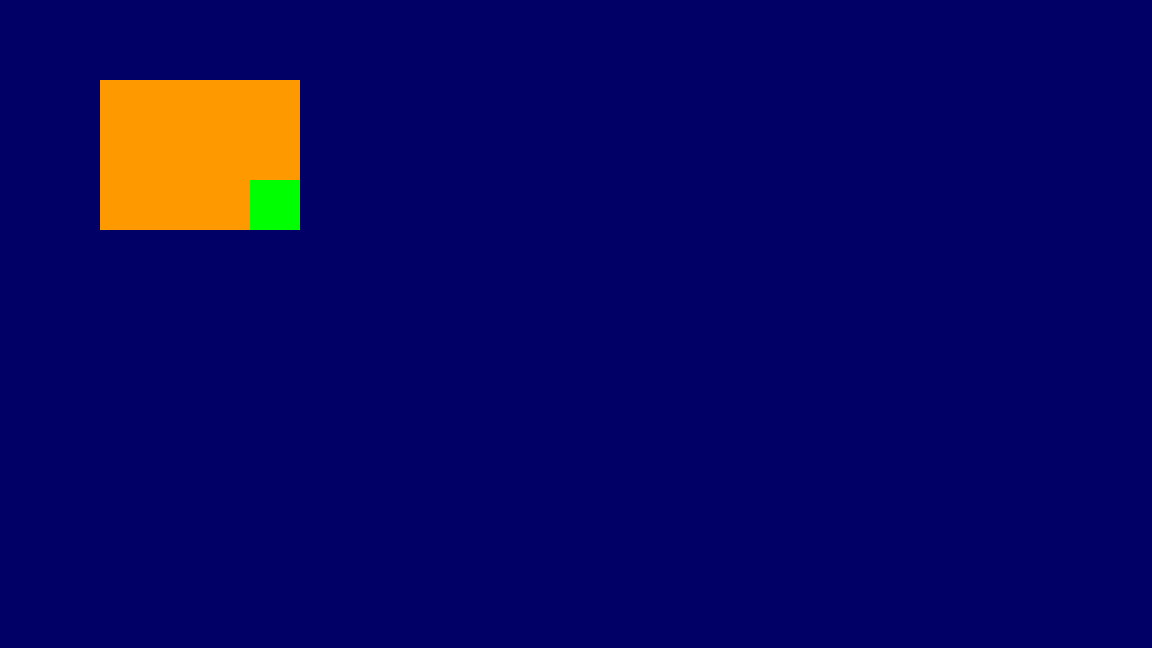
Both sides clear a 2D scene to default_clear_color, 0.3 grey. The Godot images read 76 there, and the previewer reads 77. The value is 76.5 in 8 bits, so the driver's rounding decides the byte. pnpm ref:godot renders on Vulkan through lavapipe, which gives 76, and --rendering-driver opengl3 gives 77. The previewer clears through WebGL, which gives 77. This 1/255 gap is not a parity defect.
Comparison images not captured yet for AcceptDialog.
A base dialog with an OK button and a message, which ConfirmationDialog and FileDialog build on. The previewer parses and validates it but does not draw it. The base Node mounts under renderIntent: 'pending' as an empty group, and its children still show (ADR-0045).
Linting
Strict parsing format-checks these AcceptDialog properties, plus 45 inherited from Window, 47 inherited from Viewport, 10 inherited from Node. A malformed value is always an error; a value that is merely outside a bound is an error only where Godot's setter refuses it, and a warning where only the property's inspector hint states the bound (ADR-0032).
Property
Accepts
Out of range
dialog_autowrap
true or false
dialog_close_on_escape
true or false
dialog_hide_on_ok
true or false
dialog_text
quoted string, or the &"…" StringName or NodePath("…") it converts
ok_button_text
quoted string, or the &"…" StringName or NodePath("…") it converts
Rule
Reports
Severity
binary-resource-reference (all nodes)
binary-resource-reference
info
valid-window-properties (type-family match)
window-max-size-below-min-size
info
window-size-clamped-by-limits
warning
window-content-scale-factor-floored
warning
The lenient parser registers the plain Node reader, which reads only the heading attributes and an optional transform. A bad dialog_text is never read, substituted or reported on the lenient path.
Known limitations
Not drawn Godot displays the dialog once popped up, but the previewer draws nothing for it.
No visual output — this node draws nothing to compare.
Rotates a bone of its parent skeleton to point at a reference bone or node. It is a simplified LookAtModifier3D without angle limits or interpolation. Godot runs that drive each frame, and the previewer does not yet (ADR-0045). It mounts the Node3D base, so children still show and the bones hold their rest pose.
Linting
Strict parsing format-checks these AimModifier3D properties, plus 2 inherited from SkeletonModifier3D, 17 inherited from Node3D, 10 inherited from Node. A malformed value is always an error; a value that is merely outside a bound is an error only where Godot's setter refuses it, and a warning where only the property's inspector hint states the bound (ADR-0032).
The lenient parser reuses parseNode3D, so every settings/<i>/ leaf is dropped rather than substituted. Strict warns on an out-of-range forward_axis or primary_rotation_axis rather than erroring, since Godot's setter assigns it unclamped.
No visual output — this node draws nothing to compare.
A kinematic 2D body meant to be moved by code, an AnimationMixer or a RemoteTransform2D. It draws nothing at runtime, so the previewer renders it as a transform-only group (ADR-0008) and its children still show.
Linting
Strict parsing format-checks these AnimatableBody2D properties, plus 3 inherited from StaticBody2D, 5 inherited from CollisionObject2D, 12 inherited from Node2D, 16 inherited from CanvasItem, 10 inherited from Node. A malformed value is always an error; a value that is merely outside a bound is an error only where Godot's setter refuses it, and a warning where only the property's inspector hint states the bound (ADR-0032).
No visual output — this node draws nothing to compare.
A StaticBody3D meant to be moved by code, AnimationMixer or RemoteTransform3D rather than by physics. It draws nothing at runtime, so the previewer renders it as a transform-only group (ADR-0008).
Linting
Strict parsing format-checks these AnimatableBody3D properties, plus 3 inherited from StaticBody3D, 6 inherited from PhysicsBody3D, 6 inherited from CollisionObject3D, 17 inherited from Node3D, 10 inherited from Node. A malformed value is always an error; a value that is merely outside a bound is an error only where Godot's setter refuses it, and a warning where only the property's inspector hint states the bound (ADR-0032).
Property
Accepts
Out of range
sync_to_physics
true or false
Rule
Reports
Severity
binary-resource-reference (all nodes)
binary-resource-reference
info
valid-node3d-visibility (type-family match)
valid-node3d-visibility
error
valid-collisionobject3d-scale (type-family match)
collisionobject3d-non-uniform-scale
warning
valid-collisionobject3d (type-family match)
collisionobject3d-needs-collision-shape
warning
AnimatableBody3D registers parseNode3D directly, which reads only transform and visible. A non-boolean sync_to_physics = "maybe" is dropped rather than substituted or warned on, and survives only on rawProperties.
AnimatedSprite2D plays a SpriteFrames clip. The previewer draws the current frame as a textured quad, and its transport plays the clip while the node is selected (ADR-0012).
Linting
Strict parsing format-checks these AnimatedSprite2D properties, plus 12 inherited from Node2D, 16 inherited from CanvasItem, 10 inherited from Node. A malformed value is always an error; a value that is merely outside a bound is an error only where Godot's setter refuses it, and a warning where only the property's inspector hint states the bound (ADR-0032). AnimatedSprite2D also REFUSES playing outright.
Property
Accepts
Out of range
animation
quoted string or &"name"
autoplay
quoted string or &"name"
centered
true or false
flip_h
true or false
flip_v
true or false
frame
integer >= 0
error below
frame_progress
float
offset
Vector2(x, y), or the Vector2i spelling Godot converts
speed_scale
float
sprite_frames
null, SubResource("id"), ExtResource("id") or Resource("path")
frame falls back to 0 on a non-numeric value, but a negative frame passes through with no warning. centered falls back to true, flip_h and flip_v to false and offset to (0, 0), each warning first when the value is malformed. speed_scale, frame_progress and autoplay are never read.
Known limitations
Needs runtime An autoplay clip does not run on its own, so the sprite shows its authored frame until it is selected and the transport plays it.
Approximated The scaled sprite's outline is a little sharper than Godot's, which shows a slightly darker fringe along the curved edge.
Comparison images not captured yet for AnimatedSprite3D.
Plays a frame-by-frame animation from a SpriteFrames resource on a quad in 3D space, the animated twin of Sprite3D. The previewer does not draw a frame yet, so the node is an invisible transform-only fallback and its children still show.
Linting
Strict parsing format-checks these AnimatedSprite3D properties, plus 20 inherited from SpriteBase3D, 18 inherited from GeometryInstance3D, 1 inherited from VisualInstance3D, 17 inherited from Node3D, 10 inherited from Node. A malformed value is always an error; a value that is merely outside a bound is an error only where Godot's setter refuses it, and a warning where only the property's inspector hint states the bound (ADR-0032). AnimatedSprite3D also REFUSES playing outright.
Property
Accepts
Out of range
animation
quoted string or &"name"
autoplay
quoted string or &"name"
frame
integer >= 0
error below
frame_progress
float
speed_scale
float
sprite_frames
null, SubResource("id"), ExtResource("id") or Resource("path")
The lenient parser reads the GeometryInstance3D base. It also reads what places the quad: pixel_size, axis, billboard, offset and centered. The scene cull measures the node by the quad of the frame that sprite_frames, animation and frame select. So its visibility range still decides its visibility dependants. autoplay, frame_progress and speed_scale are never read.
Known limitations
Not drawn Godot shows the current animation frame, but here the quad is absent.
Godot's keyframe animation driver. It has no geometry of its own, but the previewer plays its clips through a THREE.AnimationMixer (ADR-0011). The animated pair above steps through one loop of the spin clip, and the box turns in both.
Linting
Strict parsing format-checks these AnimationPlayer properties, plus 13 inherited from AnimationMixer, 10 inherited from Node. A malformed value is always an error; a value that is merely outside a bound is an error only where Godot's setter refuses it, and a warning where only the property's inspector hint states the bound (ADR-0032).
speed_scale and playback_default_blend_time fall back to 1.0 and 0.0 only when the value fails to parse as a float. callback_mode_process and callback_mode_method re-check the enum through enumOr and fall back to IDLE (1) and DEFERRED (0). Each has a deprecated 3.x spelling that Godot forwards to the same setter, so the parser reads both spellings into one field. root_node defaults to NodePath("..") when absent.
Known limitations
Not drawn Only transform and value tracks play, so bezier, method, audio and nested animation tracks are parsed and ignored (ADR-0011).
Approximated Cubic interpolation plays as a smooth spline on transform tracks and as linear on modulate and size tracks (ADR-0017).
Approximated Per-key transition easing plays as linear, so an eased clip reaches the same poses on a different curve (ADR-0017).
AnimationTree drives another node's clips through a blend tree and draws no geometry of its own. The previewer evaluates the tree while playing, so two clips from its AnimationPlayer are mixed and applied at once (ADR-0019). The stills show the rest pose only.
Linting
Strict parsing format-checks these AnimationTree properties, plus 13 inherited from AnimationMixer, 10 inherited from Node. A malformed value is always an error; a value that is merely outside a bound is an error only where Godot's setter refuses it, and a warning where only the property's inspector hint states the bound (ADR-0032).
Property
Accepts
Out of range
advance_expression_base_node
NodePath("path/to/node")
anim_player
NodePath("path/to/node")
parameters/*
any Variant — the type comes from the live AnimationNode graph, not the .tscn
process_callback
enum 0-2 (PHYSICS/IDLE/MANUAL)
warning
tree_root
null, SubResource("id"), ExtResource("id") or Resource("path")
Rule
Reports
Severity
binary-resource-reference (all nodes)
binary-resource-reference
info
valid-animationtree-properties
animationtree-missing-tree-root
warning
animationtree-anim-player-not-found
warning
animationtree-anim-player-wrong-type
info
animationtree-inactive
info
active, deterministic and reset_on_save fall back to true on an unparseable bool, and root_motion_local to false. The enums re-check membership through enumOr and fall back to IDLE (1), DEFERRED (0) and FORCE_CONTINUOUS (2). audio_max_polyphony falls back to 32 on a parse failure, but an out-of-range integer passes through unwarned. tree_root has no fallback: absent, it stays unset.
Known limitations
Approximated Blend weights are per clip, not per bone, so a filtered AnimationNodeBlend2 moves the whole skeleton.
No visual output — this node draws nothing to compare.
A 2D physics region that detects overlaps. It has no runtime visual, so the previewer mounts it as a transform-only Node2D group (ADR-0008). Both captures are an empty grey frame.
Linting
Strict parsing format-checks these Area2D properties, plus 5 inherited from CollisionObject2D, 12 inherited from Node2D, 16 inherited from CanvasItem, 10 inherited from Node. A malformed value is always an error; a value that is merely outside a bound is an error only where Godot's setter refuses it, and a warning where only the property's inspector hint states the bound (ADR-0032).
The lenient parser reads only monitoring, monitorable, collision_layer and collision_mask through the parseOptional* readers, which omit an absent or unparseable value with no warning. Every other Area2D property is never read, since none touches a pixel.
No visual output — this node draws nothing to compare.
A physics region for detecting overlaps, with no runtime visual of its own. The previewer mounts it as a transform-only Node3D group, so both images show only the preview environment's sky.
Linting
Strict parsing format-checks these Area3D properties, plus 6 inherited from CollisionObject3D, 17 inherited from Node3D, 10 inherited from Node. A malformed value is always an error; a value that is merely outside a bound is an error only where Godot's setter refuses it, and a warning where only the property's inspector hint states the bound (ADR-0032).
Area3D reuses parseNode3D unmodified, so none of its own properties (monitoring, the gravity and damp settings, audio_bus_name, priority) is ever read. The transform-only render needs none of them.
AreaLight3D
renders as a THREE.RectAreaLight shaded as Godot 4.7.2's area lightdocs ↗source ↗Done
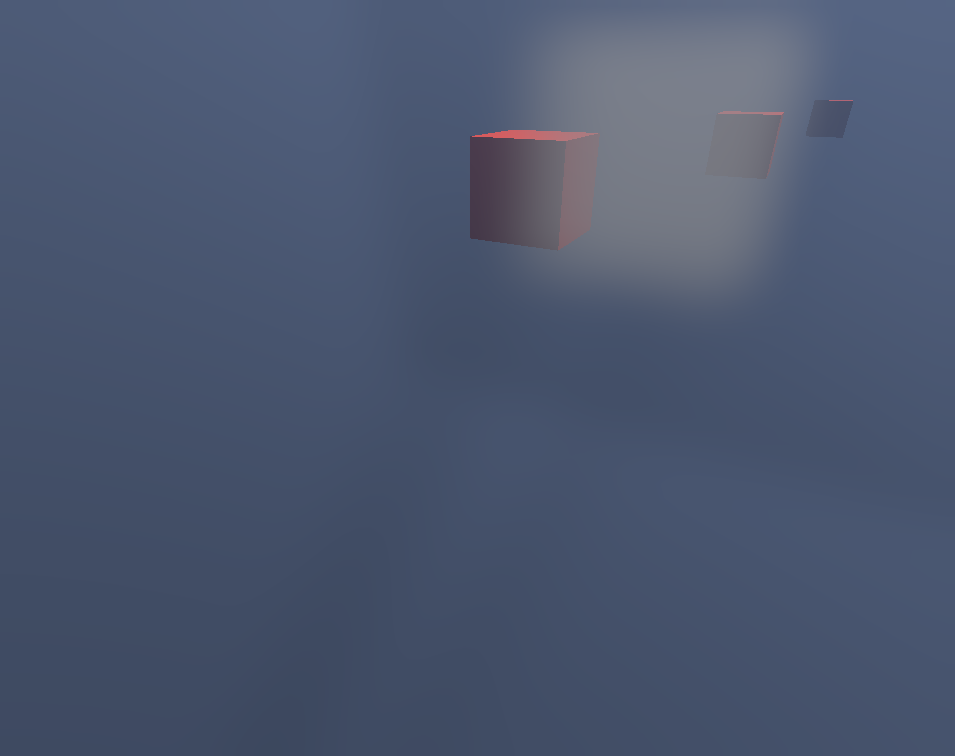
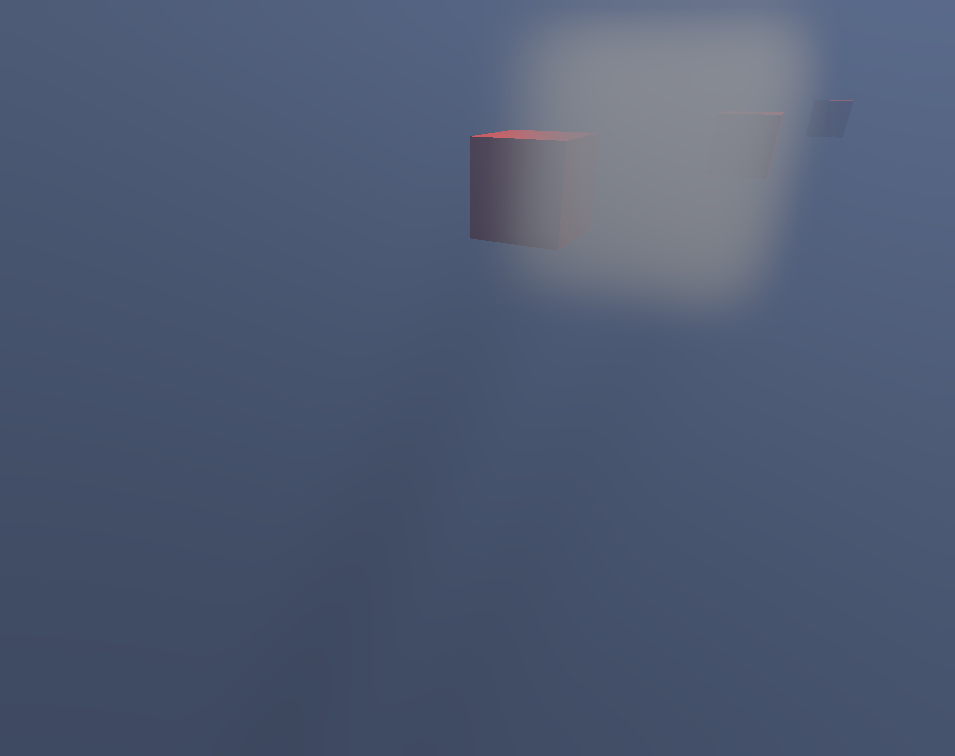
Godot's rectangular area lamp, which lights the side its local -Z faces. The previewer draws Godot 4.7.2's area light: light_energy spread over area_size, faded by area_range and area_attenuation, with light_specular on the highlight. area_texture colours the light. It shades each material in its diffuse_mode and specular_mode, and a clearcoat dims the light beneath it. With distance_fade_enabled, the light fades by Godot's smoothstep over the distance from the rendering camera. In volumetric fog, it scatters light_volumetric_fog_energy times its light into the medium, under its shadow. The reference images come from Godot 4.7.2, as Godot 4.6.3 emits no light from the node.
Energy over the rectangle
Done
Godot 4.6.3Ours
A 1×1 panel and a 4×0.05 strip at the same energy, over matte plates. area_normalize_energy divides each light's colour by its area, so both plates receive the same total light.
Texture
Done
Godot 4.6.3Ours
The 1×1 panel of the energy scene with a red-to-blue gradient as its area_texture. The plate below the panel turns purple: at that distance the light reads a blurred mip of the texture, which mixes the two colours. A surface closer to the panel reads a sharper mip and shows the red and the blue apart.
An AtlasTexture as the area_texture colours the light with its whole sheet, not its region, as Godot does. Godot reads the texture by its RID, which is the sheet's.
Shadow
Done
Godot 4.6.3Ours
A 2×1 light over a box on the ground, with shadow_enabled on and area_range 6. The box casts a soft shadow on the ground that widens away from the box, at the default light_size of 0.5. shadow_opacity, shadow_bias, shadow_normal_bias, shadow_blur and the distance fade apply as in Godot.
Linting
Strict parsing format-checks these AreaLight3D properties, plus 27 inherited from Light3D, 1 inherited from VisualInstance3D, 17 inherited from Node3D, 10 inherited from Node. A malformed value is always an error; a value that is merely outside a bound is an error only where Godot's setter refuses it, and a warning where only the property's inspector hint states the bound (ADR-0032).
Property
Accepts
Out of range
area_attenuation
float
area_normalize_energy
true or false
area_range
float >= 0
warning below
area_size
Vector2(x, y), each >= 0
area_texture
null, SubResource("id"), ExtResource("id") or Resource("path")
Rule
Reports
Severity
binary-resource-reference (all nodes)
binary-resource-reference
info
valid-node3d-visibility (type-family match)
valid-node3d-visibility
error
valid-arealight3d-properties
arealight3d-projector-unsupported
warning
valid-light3d-scale (type-family match)
light3d-non-unit-scale
warning
The linter warns (resource-type-excluded-by-hint) when area_texture or light_projector holds a class its hint excludes, such as an AtlasTexture. Godot's editor never offers such a class, and the setter keeps it with a debug warning (4.7.2 light_3d.cpp:698-716).
The lenient parser falls back silently when a key is absent. When a key is unparseable, it warns and falls back: area_range to 5.0, area_attenuation to 1.0, area_size to Vector2(1, 1), area_normalize_energy to true, light_size to 0.5.
ArrayMesh
renders as one merged THREE.BufferGeometry with a draw group per surfacedocs ↗source ↗Unreviewed
Comparison images not captured yet for ArrayMesh.
A baked mesh whose surfaces are base64 PackedByteArray blobs laid out by a format bitfield. The previewer decodes both the plain and the compressed layout and merges every triangle surface into one BufferGeometry with a draw group per surface. A surface's TEX_UV2 becomes the mesh's UV2, and a compressed UV2 re-expands by uv_scale's z and w as in Godot (rendering_server.cpp:1581-1582).
Linting
Strict parsing format-checks the inherited set (1 inherited from Mesh, 2 inherited from Resource); ArrayMesh declares none of its own. A malformed value is always an error; a value that is merely outside a bound is an error only where Godot's setter refuses it, and a warning where only the property's inspector hint states the bound (ADR-0032).
Rule
Reports
Severity
binary-resource-reference (all nodes)
binary-resource-reference
info
The lenient parser never rejects a mesh property. An unreadable subdivide_width or uv2_padding falls back to Godot's default through the shared value decoders. A surface whose arrays are malformed is dropped with a warning, and the mesh's other surfaces still render.
Known limitations
Not drawn A POINTS, LINES or strip surface is skipped, since only triangle surfaces are decoded.
Approximated Blend shapes, LODs and skins are ignored, so a skinned mesh renders in its rest pose.
Approximated A compressed surface with a normal but no tangent is decoded by symmetry and is not measured against Godot.
Approximated A .tres whose every surface is undecodable is listed in the missing-resources panel even though the file is present.
Comparison images not captured yet for AspectRatioContainer.
AspectRatioContainer scales and aligns every child to a fixed width-to-height ratio, fitting, covering, or driving one axis from the other per stretch_mode. It draws nothing itself. A right-to-left layout_direction mirrors the horizontal alignment, so alignment_horizontal Begin puts the child against the right edge.
Linting
Strict parsing format-checks these AspectRatioContainer properties, plus 53 inherited from Control, 16 inherited from CanvasItem, 10 inherited from Node. A malformed value is always an error; a value that is merely outside a bound is an error only where Godot's setter refuses it, and a warning where only the property's inspector hint states the bound (ADR-0032).
parser.ts reads all four members straight through, unclamped: the same values linterParser.ts only warns about. The solver applies aspect_ratio_container.h's own defaults (ratio 1.0, stretch_mode FIT, both alignments CENTER) and, for an out-of-range stretch_mode, falls through to no scaling at all, matching the engine's own unmatched-switch behaviour. linter.ts's rule for a direct TextureRect child with a proportional expand_mode names a child the solver also skips from sorting, matching Godot's own sort pass.
No visual output — this node draws nothing to compare.
AudioListener2D is the point 2D audio is panned from. It draws nothing at runtime, so the previewer renders it as a transform-only group (ADR-0008) and its children still show.
Linting
Strict parsing format-checks these AudioListener2D properties, plus 12 inherited from Node2D, 16 inherited from CanvasItem, 10 inherited from Node. A malformed value is always an error; a value that is merely outside a bound is an error only where Godot's setter refuses it, and a warning where only the property's inspector hint states the bound (ADR-0032).
Strict checks current as a bool. The lenient parser reuses parseNode2D, which never reads current, and a malformed position warns and falls back to Vector2(0, 0).
No visual output — this node draws nothing to compare.
Sets the point 3D audio is heard from. It draws nothing at runtime, so the previewer renders it as a transform-only group (ADR-0008) and its children still show.
Linting
Strict parsing format-checks these AudioListener3D properties, plus 17 inherited from Node3D, 10 inherited from Node. A malformed value is always an error; a value that is merely outside a bound is an error only where Godot's setter refuses it, and a warning where only the property's inspector hint states the bound (ADR-0032).
Property
Accepts
Out of range
current
true or false
doppler_tracking
enum 0-2 (DISABLED/IDLE_STEP/PHYSICS_STEP)
warning
Rule
Reports
Severity
binary-resource-reference (all nodes)
binary-resource-reference
info
valid-node3d-visibility (type-family match)
valid-node3d-visibility
error
The lenient parser never consults doppler_tracking, the node's only own property, since nothing reads it for drawing. An out-of-range or non-numeric value has no fallback and is carried through untouched, while strict warns on it.
No visual output — this node draws nothing to compare.
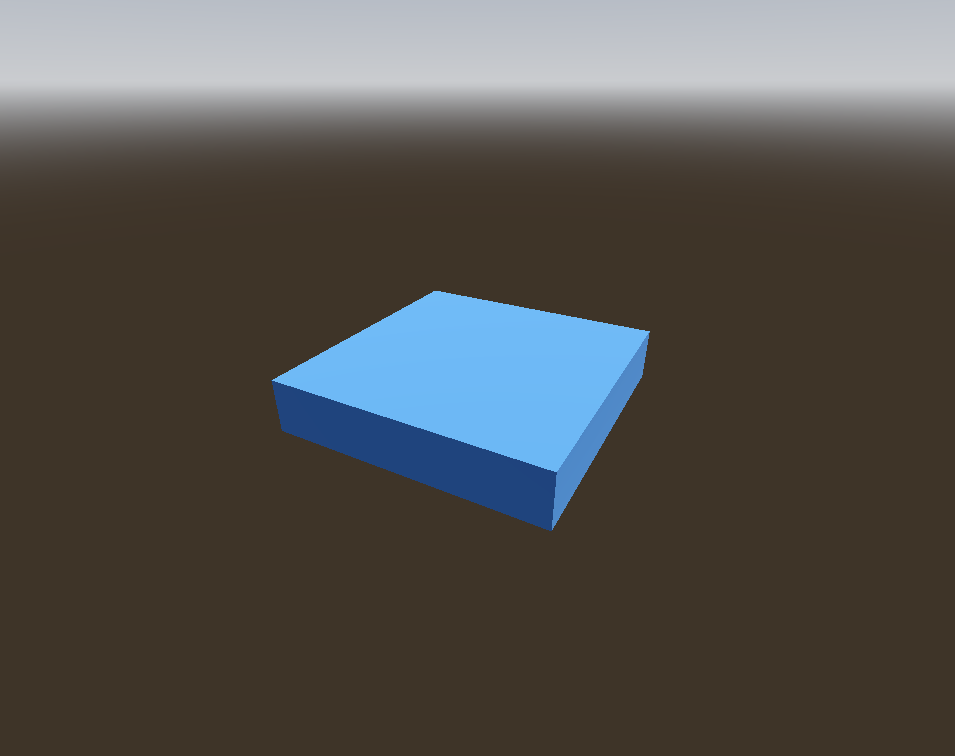
Plays a non-spatial audio stream and has no runtime visual. The previewer draws nothing for it, reusing the base Node component. The blue slab in both images is the fixture's Ground StaticBody3D.
Linting
Strict parsing format-checks these AudioStreamPlayer properties, plus 10 inherited from Node. A malformed value is always an error; a value that is merely outside a bound is an error only where Godot's setter refuses it, and a warning where only the property's inspector hint states the bound (ADR-0032).
Property
Accepts
Out of range
autoplay
true or false
bus
quoted string or &"name"
max_polyphony
integer >= 1
error below
mix_target
enum 0-2 (STEREO/SURROUND/CENTER)
warning
pitch_scale
float >= 0.01
error at or below 0, warning below 0.01
playback_type
enum 0-2 (DEFAULT/STREAM/SAMPLE)
warning
playing
true or false
stream
null, SubResource("id"), ExtResource("id") or Resource("path")
stream_paused
true or false
volume_db
float -80-24
warning
Rule
Reports
Severity
binary-resource-reference (all nodes)
binary-resource-reference
info
valid-audiostreamplayer-properties
audiostreamplayer-autoplay-without-stream
info
pitch_scale, volume_db and the playing, autoplay and stream_paused flags fall back to 1, 0, false, false and false, with a warning when present but unparseable. max_polyphony defaults to 1 with no floor. bus defaults to "Master" only when absent and accepts any string with its quotes stripped.
No visual output — this node draws nothing to compare.
A positional audio emitter with no runtime visual. The previewer reuses the Node2D transform-group component (ADR-0008), which positions its children and draws nothing itself. Both images are an empty scene.
Linting
Strict parsing format-checks these AudioStreamPlayer2D properties, plus 12 inherited from Node2D, 16 inherited from CanvasItem, 10 inherited from Node. A malformed value is always an error; a value that is merely outside a bound is an error only where Godot's setter refuses it, and a warning where only the property's inspector hint states the bound (ADR-0032).
Property
Accepts
Out of range
area_mask
32-bit layer mask (layers 1-32)
attenuation
float
autoplay
true or false
bus
quoted string or &"name"
max_distance
float >= 1
error at or below 0, warning below 1
max_polyphony
integer >= 1
error below
panning_strength
float >= 0
error below
pitch_scale
float >= 0.01
error at or below 0, warning below 0.01
playback_type
enum 0-2 (DEFAULT/STREAM/SAMPLE)
warning
playing
true or false
stream
null, SubResource("id"), ExtResource("id") or Resource("path")
max_distance defaults to 2000, attenuation to 1 and panning_strength to 1 when absent. Those defaults are reused with a warning when the value fails to parse. playback_type re-checks the enum through enumOr and falls back to DEFAULT (0) for any value outside 0-2. Strict's floors on max_distance and panning_strength have no lenient counterpart.
A positional audio source with no runtime visual. The previewer draws a speaker gizmo with a range circle and emission cone, gated on selection like the camera and light gizmos. Both images show only the ground plane and the preview sky.
Linting
Strict parsing format-checks these AudioStreamPlayer3D properties, plus 17 inherited from Node3D, 10 inherited from Node. A malformed value is always an error; a value that is merely outside a bound is an error only where Godot's setter refuses it, and a warning where only the property's inspector hint states the bound (ADR-0032).
null, SubResource("id"), ExtResource("id") or Resource("path")
stream_paused
true or false
unit_size
float >= 0.1
warning below
volume_db
float -80-80
warning
Rule
Reports
Severity
binary-resource-reference (all nodes)
binary-resource-reference
info
valid-node3d-visibility (type-family match)
valid-node3d-visibility
error
valid-audiostreamplayer3d-properties
audiostreamplayer3d-emission-angle-not-enabled
info
audiostreamplayer3d-emission-filter-not-enabled
info
Every numeric property defaults through floatOr without strict's range checks: unit_size falls back to 10, max_distance to 0, attenuation_filter_cutoff_hz to 5000 and emission_angle_degrees to 45. attenuation_model and doppler_tracking re-check the enum through enumOr and fall back to 0 for any out-of-range value.
Known limitations
Editor only The speaker gizmo draws only for the selected node, so a plain capture shows nothing for the three speakers.
No visual output — this node draws nothing to compare.
BackBufferCopy copies a screen region into the backbuffer for shaders to sample. It draws nothing of its own, so the previewer renders it as a transform-only group (ADR-0008) and its children still show.
Linting
Strict parsing format-checks these BackBufferCopy properties, plus 12 inherited from Node2D, 16 inherited from CanvasItem, 10 inherited from Node. A malformed value is always an error; a value that is merely outside a bound is an error only where Godot's setter refuses it, and a warning where only the property's inspector hint states the bound (ADR-0032).
Property
Accepts
Out of range
copy_mode
enum 0-2 (Disabled/Rect/Viewport)
warning
rect
Rect2(x, y, w, h), or the Rect2i spelling Godot converts
Comparison images not captured yet for BaseButton.
BaseButton is the base of every clickable Control and draws nothing of its own. Godot's BaseButton::_notification handles only accessibility, mouse and focus, never NOTIFICATION_DRAW. A concrete descendant like Button draws. BaseButton's disabled/toggle_mode/button_pressed/… interaction state is real but has no chrome of its own to affect. The previewer's native painter is registered but empty, and its children still show.
Linting
Strict parsing format-checks these BaseButton properties, plus 53 inherited from Control, 16 inherited from CanvasItem, 10 inherited from Node. A malformed value is always an error; a value that is merely outside a bound is an error only where Godot's setter refuses it, and a warning where only the property's inspector hint states the bound (ADR-0032).
linterParser.ts format-checks all ten of BaseButton's own members. The lenient parser reuses parseControl unchanged and reads none of them, so a bad toggle_mode or button_group is neither substituted nor warned on.
No visual output — this node draws nothing to compare.
Bone2D is one bone of a Skeleton2D chain. Its gizmo draws only in the editor, so at runtime the node is a transform, and the previewer renders it as a transform-only group (ADR-0008).
Linting
Strict parsing format-checks these Bone2D properties, plus 12 inherited from Node2D, 16 inherited from CanvasItem, 10 inherited from Node. A malformed value is always an error; a value that is merely outside a bound is an error only where Godot's setter refuses it, and a warning where only the property's inspector hint states the bound (ADR-0032).
The lenient parser reuses parseNode2D, which reads none of the five bone keys. A length of 2048 or a bone_angle of 900 is carried through untouched and changes nothing on screen, where strict warns on both. default_length is a legacy alias Godot never writes, so an old scene carrying it lints clean.
No visual output — this node draws nothing to compare.
Copies one bone's global pose onto itself so its children ride that bone, or with override_pose on pushes its own transform back onto the bone. Godot updates that relay every frame, and the previewer does not yet (ADR-0045): the node sits at the transform the scene file states.
Linting
Strict parsing format-checks these BoneAttachment3D properties, plus 17 inherited from Node3D, 10 inherited from Node. A malformed value is always an error; a value that is merely outside a bound is an error only where Godot's setter refuses it, and a warning where only the property's inspector hint states the bound (ADR-0032).
The lenient parser reads BoneAttachment3D through parseNode3D, so bone_name, bone_idx, override_pose, use_external_skeleton and external_skeleton reach no fallback at all. Only strict reads them, and a bad value there is an error rather than a substitution.
Known limitations
Approximated The attachment and its children sit at the authored transform, where Godot moves them to the bone's pose each update.
No visual output — this node draws nothing to compare.
The base class of the bone constraint modifiers, holding the settings/<i>/ entries that name an apply bone and a reference bone or node. Godot applies those constraints to its Skeleton3D each frame, and the previewer does not yet (ADR-0045): the bones hold their rest pose.
Linting
Strict parsing format-checks these BoneConstraint3D properties, plus 2 inherited from SkeletonModifier3D, 17 inherited from Node3D, 10 inherited from Node. A malformed value is always an error; a value that is merely outside a bound is an error only where Godot's setter refuses it, and a warning where only the property's inspector hint states the bound (ADR-0032).
The lenient parser reuses parseNode3D, which reads only transform and visible. Every settings/<i>/ leaf is dropped rather than substituted, and only strict reports a bad one.
No visual output — this node draws nothing to compare.
Spreads one bone's twist back up its parent chain, so a wrist rotation becomes a smooth spiral through the forearm. It changes only the twist about each joint's axis. Godot runs it each frame, and the previewer does not yet (ADR-0045). The bones hold their rest pose.
Linting
Strict parsing format-checks these BoneTwistDisperser3D properties, plus 2 inherited from SkeletonModifier3D, 17 inherited from Node3D, 10 inherited from Node. A malformed value is always an error; a value that is merely outside a bound is an error only where Godot's setter refuses it, and a warning where only the property's inspector hint states the bound (ADR-0032).
Property
Accepts
Out of range
mutable_bone_axes
true or false
setting_count
integer >= 0
error below
settings/*
settings/<i>/<leaf> and settings/<i>/joints/<j>/<leaf>
The lenient parser reuses parseNode3D, so setting_count and every settings/<i>/ value is dropped rather than substituted, with no fallback to name. Strict warns on a disperse_mode, end_bone_direction or weight_position outside its hint, and refuses the read-only reference_bone_name and joints/<j>/bone keys outright.
Comparison images not captured yet for BoxContainer.
BoxContainer is the base behind HBoxContainer and VBoxContainer that stacks children along one axis. Here vertical is an authorable property, and the previewer reads it to pick the axis. Children lay out as in HBoxContainer and VBoxContainer: spaced by separation and sized by each child's size_flags.
Linting
Strict parsing format-checks these BoxContainer properties, plus 53 inherited from Control, 16 inherited from CanvasItem, 10 inherited from Node. A malformed value is always an error; a value that is merely outside a bound is an error only where Godot's setter refuses it, and a warning where only the property's inspector hint states the bound (ADR-0032).
index.ts parses alignment through the shared BoxContainer base, and reads vertical itself, since the fixed-axis subclasses hide that property. An unparseable alignment becomes undefined with no warning and falls back to Godot's BEGIN default. An unparseable vertical reads as false (horizontal), because a bool slot stores what it can and is never unset.
Button is Godot's clickable text control. The previewer paints the StyleBox its state calls for and centres the label on it, wrapping it to the box where autowrap_mode asks for it.
Linting
Strict parsing format-checks these Button properties, plus 10 inherited from BaseButton, 53 inherited from Control, 16 inherited from CanvasItem, 10 inherited from Node. A malformed value is always an error; a value that is merely outside a bound is an error only where Godot's setter refuses it, and a warning where only the property's inspector hint states the bound (ADR-0032).
Button's own keys, text, disabled, flat, alignment, icon, icon_alignment, vertical_icon_alignment and expand_icon, have no strict counterpart. disabled, flat and expand_icon become false for any value that does not read as true, with no warning. The three alignments go through parseOptionalInt, so a malformed value becomes undefined and the render default applies.
Known limitations
Approximated Under layout_direction = 3 or text_direction = 2, the label's glyphs keep left-to-right order for a right-to-left script or trailing punctuation, though layout_direction = 3 swaps the label, icon and chrome.
Camera2D defines which slice of the canvas the viewport shows, and the previewer draws no geometry for it. A sub-viewport's 2D pass frames through it, while the main 2D stage frames the whole scene (ADR-0006).
Linting
Strict parsing format-checks these Camera2D properties, plus 12 inherited from Node2D, 16 inherited from CanvasItem, 10 inherited from Node. A malformed value is always an error; a value that is merely outside a bound is an error only where Godot's setter refuses it, and a warning where only the property's inspector hint states the bound (ADR-0032).
Property
Accepts
Out of range
anchor_mode
enum 0-1 (FIXED_TOP_LEFT/DRAG_CENTER)
warning
drag_bottom_margin
float 0-1
warning
drag_horizontal_enabled
true or false
drag_horizontal_offset
float -1-1
warning
drag_left_margin
float 0-1
warning
drag_right_margin
float 0-1
warning
drag_top_margin
float 0-1
warning
drag_vertical_enabled
true or false
drag_vertical_offset
float -1-1
warning
editor_draw_drag_margin
true or false
editor_draw_limits
true or false
editor_draw_screen
true or false
enabled
true or false
ignore_rotation
true or false
limit_bottom
integer
limit_enabled
true or false
limit_left
integer
limit_right
integer
limit_smoothed
true or false
limit_top
integer
offset
Vector2(x, y), or the Vector2i spelling Godot converts
zoom falls back to (1, 1) only when absent or ungrammatical, so a zero or negative component that strict rejects renders as authored. anchor_mode falls back to DRAG_CENTER, the four limit_* keys to plus or minus 10000000, limit_enabled to true and offset to (0, 0). enabled is true unless the value reads as false. The smoothing, drag and editor_draw_* keys are never read.
Known limitations
Approximated The main 2D stage opens on the whole scene rather than the enabled camera's view, which a Cameras panel row shows on request.
An authored viewpoint that draws nothing at runtime. The previewer matches that and draws only a frustum gizmo, which is selection-gated (ADR-0018), so with nothing selected the camera is absent from both images.
Linting
Strict parsing format-checks these Camera3D properties, plus 17 inherited from Node3D, 10 inherited from Node. A malformed value is always an error; a value that is merely outside a bound is an error only where Godot's setter refuses it, and a warning where only the property's inspector hint states the bound (ADR-0032).
Property
Accepts
Out of range
attributes
null, SubResource("id"), ExtResource("id") or Resource("path")
compositor
null, SubResource("id"), ExtResource("id") or Resource("path")
cull_mask
32-bit layer mask (layers 1-32)
current
true or false
doppler_tracking
enum 0-2 (DISABLED/IDLE_STEP/PHYSICS_STEP)
warning
environment
null, SubResource("id"), ExtResource("id") or Resource("path")
far
float >= 0.01
warning below
fov
float 1-179
error
frustum_offset
Vector2(x, y), or the Vector2i spelling Godot converts
h_offset
float
keep_aspect
enum 0-1 (KEEP_WIDTH/KEEP_HEIGHT)
warning
near
float >= 0.001
warning below
projection
enum 0-2 (PERSPECTIVE/ORTHOGONAL/FRUSTUM)
error
size
float >= 0.001
error at or below 0.00001, warning below 0.001
v_offset
float
Rule
Reports
Severity
binary-resource-reference (all nodes)
binary-resource-reference
info
valid-node3d-visibility (type-family match)
valid-node3d-visibility
error
valid-camera3d-properties (type-family match)
camera3d-multiple-current
info
camera3d-invalid-clipping-planes
error
camera3d-zero-depth-range
warning
The numeric keys (fov, size, near, far, h_offset, v_offset, frustum_offset) warn and fall back to Godot's defaults through floatOr and vec2Or, and cull_mask and doppler_tracking to 1048575 and 0. projection and keep_aspect silently treat any unrecognised value as the default. current is a raw === 'true' comparison, so "1" leaves the camera inactive.
Known limitations
Editor only The frustum gizmo appears only in Godot's editor, but here it is selection-gated.
CanvasGroup
renders as invisible transform-only fallback, the children's composite into one offscreen buffer is not reproduceddocs ↗source ↗unit-canvas-group.tscn ↗Not implemented
Comparison images not captured yet for CanvasGroup.
CanvasGroup composites its children into one offscreen buffer and blends that buffer once. The previewer parses and validates it but does not reproduce the compositing, so it renders as a transform-only fallback and its children still show.
Linting
Strict parsing format-checks these CanvasGroup properties, plus 12 inherited from Node2D, 16 inherited from CanvasItem, 10 inherited from Node. A malformed value is always an error; a value that is merely outside a bound is an error only where Godot's setter refuses it, and a warning where only the property's inspector hint states the bound (ADR-0032).
CanvasLayer is not a Control and paints nothing of its own. It puts its children on their own draw layer, above or below the 2D world, and gives them a viewport to anchor against.
Godot 4.6.3Ours
The canvas transform
Done
Godot 4.6.3Ours
offset, rotation and scale, or transform when written, place the layer's whole canvas. A Control and a Node2D inside it both draw through that transform, while the square outside stays put.
In a sub-viewport that draws through a Camera2D (ADR-0006), the layer stays in viewport pixels. With follow_viewport_enabled it draws through the camera's view, scaled about the view's centre by follow_viewport_scale. The editor view has no Camera2D transform to follow, and the editor turns the follow scale off.
Linting
Strict parsing format-checks these CanvasLayer properties, plus 10 inherited from Node. A malformed value is always an error; a value that is merely outside a bound is an error only where Godot's setter refuses it, and a warning where only the property's inspector hint states the bound (ADR-0032).
Property
Accepts
Out of range
follow_viewport_enabled
true or false
follow_viewport_scale
float
layer
integer -2147483648-2147483647
warning
offset
Vector2(x, y), or the Vector2i spelling Godot converts
rotation
float
scale
Vector2(x, y), or the Vector2i spelling Godot converts
transform
Transform2D(6 floats)
visible
true or false
Rule
Reports
Severity
binary-resource-reference (all nodes)
binary-resource-reference
info
layer goes through parseOptionalInt, so an absent or unparseable value becomes undefined with no warning. visible is true for anything other than a value that reads as false. A malformed transform falls back to offset, rotation and scale. Each of those, and follow_viewport_enabled and follow_viewport_scale, falls back to its Godot default.
CanvasModulate tints every CanvasItem on its canvas by one color. The previewer multiplies that colour onto each item it draws on the same canvas, wherever the node sits in the tree.
Linting
Strict parsing format-checks these CanvasModulate properties, plus 12 inherited from Node2D, 16 inherited from CanvasItem, 10 inherited from Node. A malformed value is always an error; a value that is merely outside a bound is an error only where Godot's setter refuses it, and a warning where only the property's inspector hint states the bound (ADR-0032).
Property
Accepts
Out of range
color
Color(r, g, b, a), or the colour string or int it converts
color falls back to opaque white (1, 1, 1, 1) when absent or malformed, with no warning, since parseColor swallows its own parse failures.
Known limitations
Approximated A CanvasModulate inside an instanced sub-scene is not found, so its tint is not applied where Godot would apply it.
CCDIK3D
renders as nothing yet, Godot solves its chain onto the target each frame, the previewer does notdocs ↗source ↗unit-ccdik-3d.tscn ↗Not implemented
No visual output — this node draws nothing to compare.
Cyclic coordinate descent inverse kinematics. It rotates a bone chain joint by joint, from the far end back to the root, until the tip reaches the target. Godot runs it each frame, and the previewer does not yet (ADR-0045). The bones hold their rest pose.
Linting
Strict parsing format-checks the inherited set (6 inherited from IterateIK3D, 1 inherited from IKModifier3D, 2 inherited from SkeletonModifier3D, 17 inherited from Node3D, 10 inherited from Node); CCDIK3D declares none of its own. A malformed value is always an error; a value that is merely outside a bound is an error only where Godot's setter refuses it, and a warning where only the property's inspector hint states the bound (ADR-0032).
CCDIK3D registers no validator of its own, and the lenient parser reuses parseNode3D. influence, max_iterations, min_distance, angular_delta_limit, deterministic and mutable_bone_axes are dropped with no fallback, and strict range-checks them through the base-walk.
CenterContainer places its single child at the centre of its rect, at the child's own minimum size, and draws nothing itself.
Linting
Strict parsing format-checks these CenterContainer properties, plus 53 inherited from Control, 16 inherited from CanvasItem, 10 inherited from Node. A malformed value is always an error; a value that is merely outside a bound is an error only where Godot's setter refuses it, and a warning where only the property's inspector hint states the bound (ADR-0032).
use_top_left carries a strict bool check, since set_use_top_left assigns straight through. The lenient parser is a pure passthrough to parseControl and never reads it.
No visual output — this node draws nothing to compare.
A 2D body moved by script rather than by the solver. It draws nothing in Godot, and the previewer mounts it as a transform-only Node2D group (ADR-0008) whose children carry the picture.
Linting
Strict parsing format-checks these CharacterBody2D properties, plus 5 inherited from CollisionObject2D, 12 inherited from Node2D, 16 inherited from CanvasItem, 10 inherited from Node. A malformed value is always an error; a value that is merely outside a bound is an error only where Godot's setter refuses it, and a warning where only the property's inspector hint states the bound (ADR-0032).
velocity is checked for Vector2(x, y) shape only. It has no bound in either direction, since Godot neither clamps nor rejects a value there, and the lenient parser never reads it.
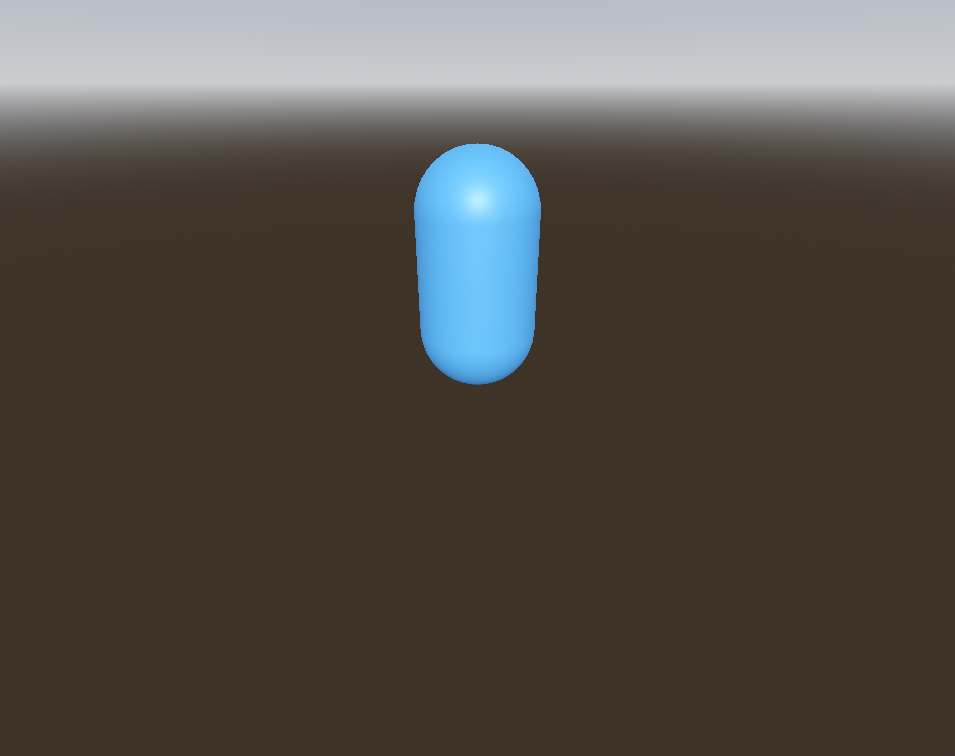
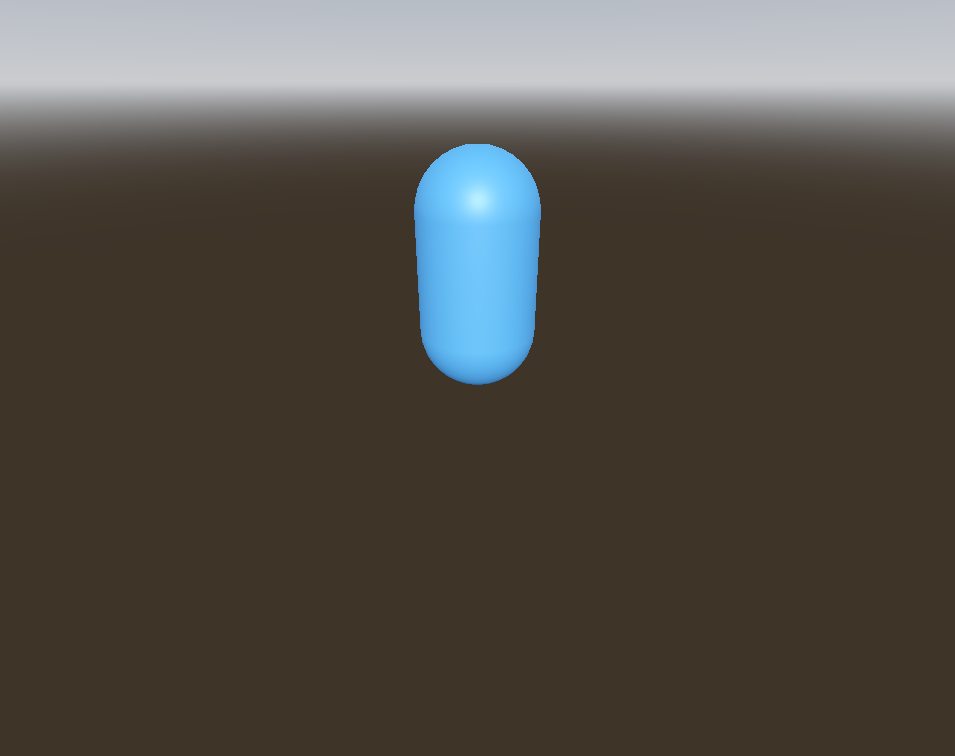
A physics body with no visual of its own. It renders as a transform-only group (ADR-0008), reusing the Node3D component. The blue capsule on screen is its child MeshInstance3D.
Linting
Strict parsing format-checks these CharacterBody3D properties, plus 6 inherited from PhysicsBody3D, 6 inherited from CollisionObject3D, 17 inherited from Node3D, 10 inherited from Node. A malformed value is always an error; a value that is merely outside a bound is an error only where Godot's setter refuses it, and a warning where only the property's inspector hint states the bound (ADR-0032).
Vector3(x, y, z) other than the zero vector, or the Vector3i spelling Godot converts
velocity
Vector3(x, y, z), or the Vector3i spelling Godot converts
wall_min_slide_angle
radians, 0° to 180°
warning
Rule
Reports
Severity
binary-resource-reference (all nodes)
binary-resource-reference
info
valid-node3d-visibility (type-family match)
valid-node3d-visibility
error
valid-collisionobject3d-scale (type-family match)
collisionobject3d-non-uniform-scale
warning
valid-characterbody3d
characterbody3d-floor-props-in-floating-mode
info
characterbody3d-slide-on-ceiling-in-floating-mode
info
valid-collisionobject3d (type-family match)
collisionobject3d-needs-collision-shape
warning
CharacterBody3D reuses parseNode3D directly, so motion_mode, velocity, the floor and wall settings and max_slides are never read by the lenient parser. The node renders as an empty group, so no substitution is needed.
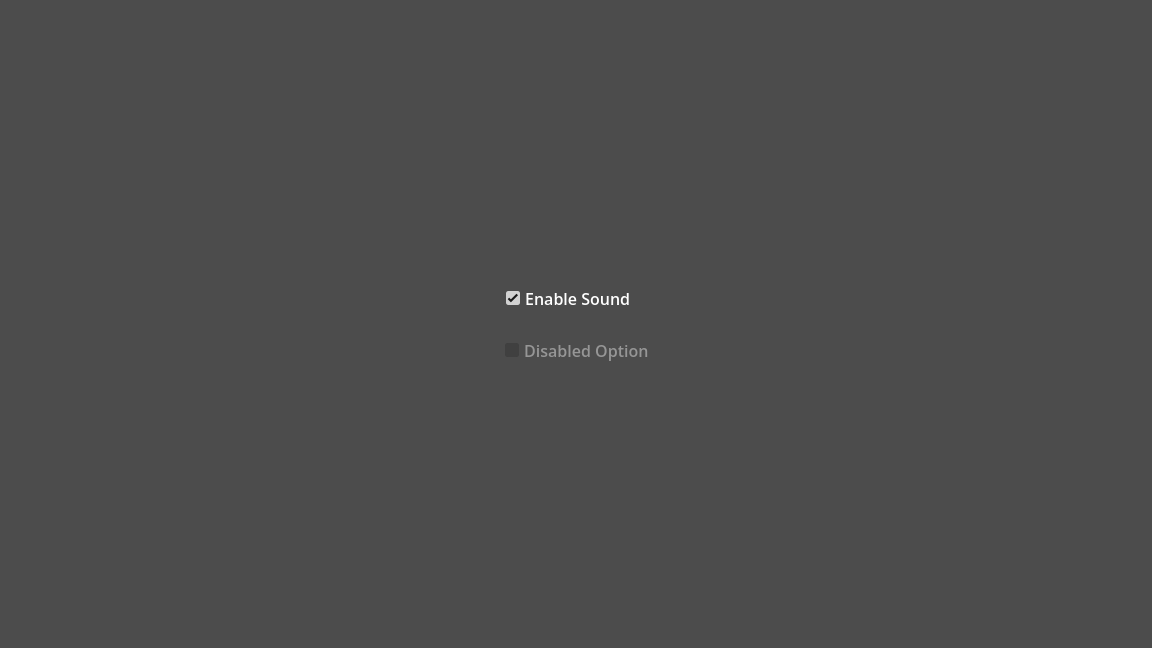
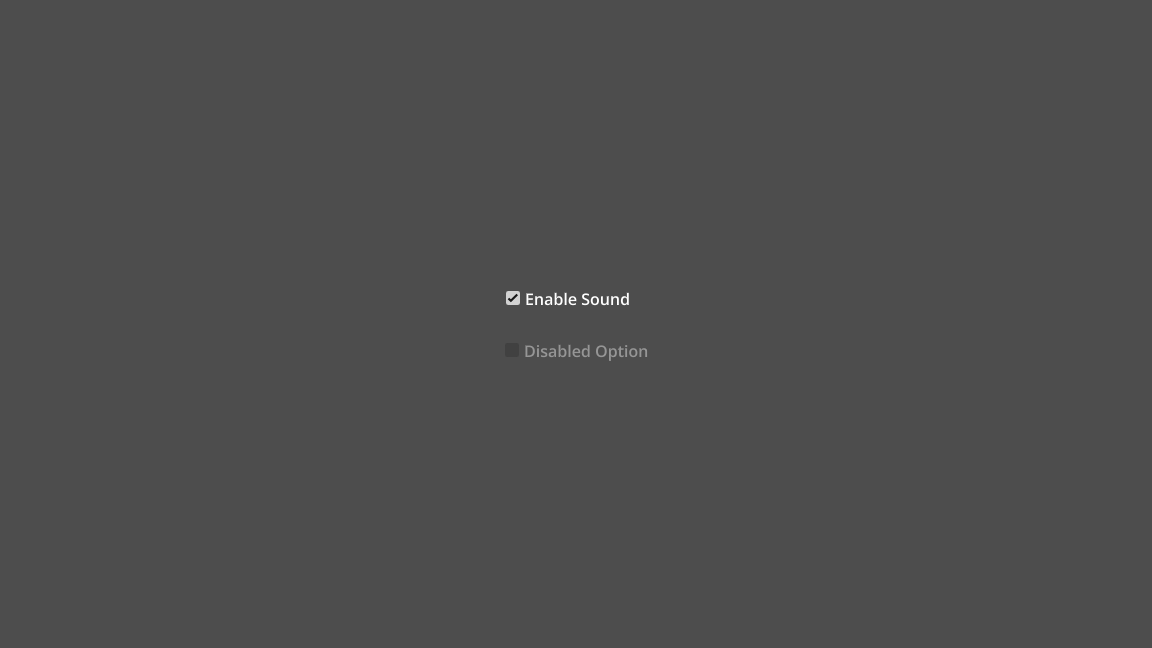
CheckBox is a toggle button with a check indicator to the left of its label. The previewer draws the theme's indicator icon and the label beside it.
Linting
Strict parsing format-checks the inherited set (13 inherited from Button, 10 inherited from BaseButton, 53 inherited from Control, 16 inherited from CanvasItem, 10 inherited from Node); CheckBox declares none of its own. A malformed value is always an error; a value that is merely outside a bound is an error only where Godot's setter refuses it, and a warning where only the property's inspector hint states the bound (ADR-0032).
text, button_pressed, disabled and button_group have no strict counterpart beyond the inherited Control set. button_pressed and disabled become false for any value that does not read as true, with no warning. button_group is stored as the raw string.
Known limitations
Approximated Under layout_direction = 3 or text_direction = 2, the label's glyphs keep left-to-right order for a right-to-left script or trailing punctuation, though layout_direction = 3 swaps the label, icon and chrome.
Comparison images not captured yet for CheckButton.
CheckButton is a labelled on-off switch. The previewer draws the theme's toggle-switch icon flush against the right edge and the label to its left, with no StyleBox chrome (CheckButton's own StyleBoxes are all a StyleBoxEmpty).
Linting
Strict parsing format-checks the inherited set (13 inherited from Button, 10 inherited from BaseButton, 53 inherited from Control, 16 inherited from CanvasItem, 10 inherited from Node); CheckButton declares none of its own. A malformed value is always an error; a value that is merely outside a bound is an error only where Godot's setter refuses it, and a warning where only the property's inspector hint states the bound (ADR-0032).
CheckButton binds no new property beyond Button's, only theme items, so the strict and lenient parsers agree on every key Button's parser reads. The lenient parser also reads button_pressed (a BaseButton property) for the on/off state of the switch.
Known limitations
Not drawn Button's inherited icon property (distinct from the toggle glyph) is parsed but never drawn.
Approximated Under layout_direction = 3 or text_direction = 2, the label's glyphs keep left-to-right order for a right-to-left script or trailing punctuation, while the label, icon and chrome swap sides.
CodeEdit is the source-code editor Control, a TextEdit with gutters, completion, indentation and folding. The previewer draws everything TextEdit's painter draws, shifted right by this node's gutter band. It adds the line-numbers gutter, the fold gutter's arrows and the line_length_guidelines rules.
Linting
Strict parsing format-checks these CodeEdit properties, plus 47 inherited from TextEdit, 53 inherited from Control, 16 inherited from CanvasItem, 10 inherited from Node. A malformed value is always an error; a value that is merely outside a bound is an error only where Godot's setter refuses it, and a warning where only the property's inspector hint states the bound (ADR-0032).
Property
Accepts
Out of range
auto_brace_completion_enabled
true or false
auto_brace_completion_highlight_matching
true or false
auto_brace_completion_pairs
Dictionary { "open": "close", … }, each key a symbol-only string
code_completion_enabled
true or false
code_completion_prefixes
string array (ArrayString, PackedStringArray(…) or […]), each a single character
delimiter_comments
string array (ArrayString, PackedStringArray(…) or […]), each a symbol-only "start[ end]" delimiter key
delimiter_strings
string array (ArrayString, PackedStringArray(…) or […]), each a symbol-only "start[ end]" delimiter key
gutters_draw_bookmarks
true or false
gutters_draw_breakpoints_gutter
true or false
gutters_draw_executing_lines
true or false
gutters_draw_fold_gutter
true or false
gutters_draw_line_numbers
true or false
gutters_line_numbers_min_digits
integer 1-5
warning
gutters_zero_pad_line_numbers
true or false
indent_automatic
true or false
indent_automatic_prefixes
string array (ArrayString, PackedStringArray(…) or […]), each a single character
linterParser.ts format-checks every one of CodeEdit's own members. The registered lenient parser reads the members the picture needs: gutters_draw_line_numbers, gutters_zero_pad_line_numbers, gutters_line_numbers_min_digits, gutters_draw_bookmarks, gutters_draw_breakpoints_gutter, gutters_draw_executing_lines, gutters_draw_fold_gutter, line_folding, indent_size, line_length_guidelines, delimiter_comments and delimiter_strings. It also reads every property TextEdit's parser reads.
A malformed boolean reads as false, and a malformed integer reads as unset. line_folding gates the fold-gutter arrows: with it off, the gutter draws none. The two delimiter arrays decide which lines can fold. indent_size widens every tab stop (see the doc of indentSize). The strict linter format-checks the completion and brace-pair members, and this parser never reads them, because none of them changes the picture.
Known limitations
Not drawn The main gutter reserves its width but draws no bookmark, breakpoint or executing-line icon, since a .tscn cannot set that per-line state (code_edit.cpp:1419-1503).
Not drawn The fold gutter's folded/folded_code_region icons, since nothing in a .tscn folds a line (code_edit.cpp:1619-1650).
Not drawn The completion popup's RTL arms (code_edit.cpp:75,236) and the fold-icon hit test's (:426,451,471): a popup needs code_completion_active, the hit test pointer state.
No visual output — this node draws nothing to compare.
Gives a polygon collision shape to a CollisionObject2D parent. Its outline is an editor and debug gizmo with no runtime visual, so the previewer renders it as a transform-only group (ADR-0008).
Linting
Strict parsing format-checks these CollisionPolygon2D properties, plus 12 inherited from Node2D, 16 inherited from CanvasItem, 10 inherited from Node. A malformed value is always an error; a value that is merely outside a bound is an error only where Godot's setter refuses it, and a warning where only the property's inspector hint states the bound (ADR-0032).
The lenient parser reuses parseNode2D, so it never reads build_mode, polygon, disabled, one_way_collision or one_way_collision_margin. A malformed value passes through unexamined with no substitution.
No visual output — this node draws nothing to compare.
Gives a CollisionObject3D parent a prism collision shape extruded from a 2D polygon. That shape is editor and debug visualisation only, so the previewer renders it as a transform-only group (ADR-0008).
Linting
Strict parsing format-checks these CollisionPolygon3D properties, plus 17 inherited from Node3D, 10 inherited from Node. A malformed value is always an error; a value that is merely outside a bound is an error only where Godot's setter refuses it, and a warning where only the property's inspector hint states the bound (ADR-0032).
Property
Accepts
Out of range
debug_color
Color(r, g, b, a), or the colour string or int it converts
debug_fill
true or false
depth
float
disabled
true or false
margin
float 0.001-10
warning
polygon
PackedVector2Array(x, y, …)
Rule
Reports
Severity
binary-resource-reference (all nodes)
binary-resource-reference
info
valid-node3d-visibility (type-family match)
valid-node3d-visibility
error
valid-collisionpolygon3d
collisionpolygon3d-no-parent
warning
collisionpolygon3d-invalid-parent
warning
collisionpolygon3d-empty-polygon
warning
collisionpolygon3d-non-uniform-scale
warning
polygon, depth, margin, disabled, debug_color and debug_fill are never read by the lenient parser, which reuses parseNode3D wholesale. A malformed value lints only through the strict validators.
No visual output — this node draws nothing to compare.
Attaches a 2D collision shape to a physics body. Its outline is a debug gizmo gated behind "Visible Collision Shapes" (ADR-0005, ADR-0006), so a plain capture draws nothing.
Linting
Strict parsing format-checks these CollisionShape2D properties, plus 12 inherited from Node2D, 16 inherited from CanvasItem, 10 inherited from Node. A malformed value is always an error; a value that is merely outside a bound is an error only where Godot's setter refuses it, and a warning where only the property's inspector hint states the bound (ADR-0032).
Property
Accepts
Out of range
debug_color
Color(r, g, b, a), or the colour string or int it converts
disabled
true or false
one_way_collision
true or false
one_way_collision_margin
float 0-128
warning
shape
null, SubResource("id"), ExtResource("id") or Resource("path")
shape is copied through verbatim with no format check. disabled is true only for the literal string true. debug_color falls back to the project default Color(0, 0.6, 0.7, 0.42) for an absent or unparseable value, with no warning.
Known limitations
Editor only The shape outline draws only while the collision-shape toggle is on.
Attaches a collision shape to a physics body and has no visible form at runtime. Its wireframe draws only when "Visible Collision Shapes" is on (ADR-0005, ADR-0006). The salmon cube on screen is the sibling mesh.
Linting
Strict parsing format-checks these CollisionShape3D properties, plus 17 inherited from Node3D, 10 inherited from Node. A malformed value is always an error; a value that is merely outside a bound is an error only where Godot's setter refuses it, and a warning where only the property's inspector hint states the bound (ADR-0032).
Property
Accepts
Out of range
debug_color
Color(r, g, b, a), or the colour string or int it converts
debug_fill
true or false
disabled
true or false
shape
null, SubResource("id"), ExtResource("id") or Resource("path")
Rule
Reports
Severity
binary-resource-reference (all nodes)
binary-resource-reference
info
valid-node3d-visibility (type-family match)
valid-node3d-visibility
error
valid-collisionshape3d
collisionshape3d-requires-shape
warning
collisionshape3d-invalid-parent
warning
collisionshape3d-no-parent
warning
collisionshape3d-non-uniform-scale
warning
collisionshape3d-concave-under-rigidbody
warning
collisionshape3d-worldboundary-under-rigidbody
warning
collisionshape3d-concave-under-characterbody
warning
shape is copied through verbatim with no format check. disabled is true only for the literal string true. debug_color falls back to the project default Color(0, 0.6, 0.7, 0.42) for an absent or unparseable value, with no warning.
Known limitations
Editor only The shape wireframe draws only while the collision-shape toggle is on.
ColorPicker
renders as the sample row, the RGB/HSV/Linear mode row, the channel slider grid, the hex field, the swatches rows and, at the default picker_shape, an SV square + hue sliderdocs ↗source ↗unit-color-picker.tscn ↗Unreviewed
Comparison images not captured yet for ColorPicker.
ColorPicker is the widget for choosing a colour through sliders, a wheel, hex input and presets. Its C++ constructor builds the whole widget as internal children, and a .tscn never serialises them. So the previewer's painter draws the composite directly from color, picker_shape and every row-visibility property, not from a subtree it could walk. It draws these parts:
The pick and shape buttons, with their screen_picker and shape_rect icons, and the colour sample (checkerboard and swatch).
The RGB/HSV/Linear mode row. OKHSL has no button, and only the dropdown reaches it. The current mode's button draws TabContainer's tab_selected box and white font_pressed_color text, which BIND_THEME_ITEM_EXT brings in from color_picker.cpp:2060-2062. Every other mode button draws tab_unselected, and btn_mode adds its menu_option icon.
The channel slider grid for the current color_mode, with the alpha and intensity rows that edit_alpha and edit_intensity add. Every channel and alpha row draws the stock HSlider chrome under its gradient band, with the bar_arrow grabber that _reset_sliders_theme sets (color_picker.cpp:628-651). Intensity keeps the default circle grabber, since that override skips it.
The value SpinBox of each row, at the real width of its LineEdit field (spin_box.cpp:82-86), with the up/down stepper icons beside it.
The hex/expression field.
The swatches rows: a collapsed "Swatches" toggle with its folded_arrow and a menu button, and a "Recent Colors" toggle. Neither toggle changes state. This is all a .tscn-loaded picker holds: presets arrive only through add_preset() at runtime, never as a serialised property. Godot leaves the swatches grid collapsed until a viewer expands it, so there is no grid to draw.
At the default picker_shape (the HSV rectangle), the SV square and the hue slider with their cursor and indicator.
Every row-visibility flag also moves this node's minimum size, to match the combined minimum of real_vbox. "Known limitations" lists everything else.
Linting
Strict parsing format-checks these ColorPicker properties, plus 1 inherited from BoxContainer, 53 inherited from Control, 16 inherited from CanvasItem, 10 inherited from Node. A malformed value is always an error; a value that is merely outside a bound is an error only where Godot's setter refuses it, and a warning where only the property's inspector hint states the bound (ADR-0032). ColorPicker also REFUSES vertical, which its base declares but this class cannot carry.
Property
Accepts
Out of range
can_add_swatches
true or false
color
Color(r, g, b, a), or the colour string or int it converts
index.ts reads color, picker_shape, color_mode, color_modes_visible, sliders_visible, hex_visible, presets_visible, sampler_visible, edit_alpha and edit_intensity with VBoxContainer's properties. can_add_swatches and deferred_mode stay unread, and the allowlist's citation gives the reason: a button that is never visible, and signal timing. A picker_shape of 7 or a malformed color loads and renders the same as a well-formed value. An absent color renders opaque white, not the raw Color() member default, because ColorPicker::ColorPicker() calls set_pick_color(Color(1, 1, 1)) (color_picker.cpp:2289).
Known limitations
Shader missing A picker_shape other than 0 (HSV Rectangle) or 4 (none) selects a shader-backed shape (wheel, VHS/OKHSL circle, either OK rectangle), so only the sample row draws.
Not drawn The script icon of text_type (color_picker.cpp:1324), which shows only for an HDR or negative color.
Approximated The HSV hue channel row (color_mode = MODE_HSV, slider index 0) draws a flat grey base with no rainbow overlay, where Godot blends one in at alpha = saturation (color_mode.cpp:218-221).
Approximated The minimum-size calculation floors the channel-label column at label_width (10px), not the widest label's width, which the shape row's 290px floor hides in every fixture.
Not drawn Focus rings (draw_focus_rect/draw_focus_circle): a static previewer has no focus.
Comparison images not captured yet for ColorPickerButton.
ColorPickerButton is a Button that opens a ColorPicker popup and shows the chosen color on its face. The previewer draws the button's chrome, then the checkerboard and colour swatch on top, inset by the "normal" StyleBox's content margins.
Linting
Strict parsing format-checks these ColorPickerButton properties, plus 13 inherited from Button, 10 inherited from BaseButton, 53 inherited from Control, 16 inherited from CanvasItem, 10 inherited from Node. A malformed value is always an error; a value that is merely outside a bound is an error only where Godot's setter refuses it, and a warning where only the property's inspector hint states the bound (ADR-0032).
Property
Accepts
Out of range
color
Color(r, g, b, a), or the colour string or int it converts
index.ts reads color (default: Godot's opaque black) with Button's properties. It never reads edit_alpha or edit_intensity, so a malformed value for either loads and renders the same as a well-formed one. A malformed color = Color(1, 1) fails COLOR_RE and falls back to the white of parseColor.
Known limitations
Not drawnedit_alpha/edit_intensity only affect the internal ColorPicker popup, a Window this previewer never opens.
ColorRect fills its rect with one flat color, alpha included.
Linting
Strict parsing format-checks these ColorRect properties, plus 53 inherited from Control, 16 inherited from CanvasItem, 10 inherited from Node. A malformed value is always an error; a value that is merely outside a bound is an error only where Godot's setter refuses it, and a warning where only the property's inspector hint states the bound (ADR-0032).
Property
Accepts
Out of range
color
Color(r, g, b, a), or the colour string or int it converts
color gets a format-only check, since set_color assigns any value unclamped and a component outside 0 to 1 is legal HDR. The render parser keeps the raw string verbatim, so even a malformed literal reaches the renderer. Only an absent or empty value falls back to Color(1, 1, 1, 1).
Complex 2D GUI
renders as a composed settings/HUD panel of 22 Control types in one treecomplex-2d-gui.tscn ↗Limitation
Godot 4.6.3Ours
A mission settings panel built from 22 Control types. It holds a header card, a scrolling column of controls, a briefing, an action row, a sector map and a status readout. An alert strip sits over everything.
The scene moves many variables at once, so it shows how Controls interact, not which one broke. Find a regression here, then pin it in the unit-* fixture of the type that owns it.
What it exercises
A deep container chain: MarginContainer, HSplitContainer, VBoxContainer, ScrollContainer, PanelContainer and GridContainer
Sliders, an OptionButton, a LineEdit and a CheckBox sized only by their grid cells
A ScrollContainer that clips its content, with a scrollbar
A VSplitContainer beside an HSplitContainer split by size_flags_stretch_ratio
A CanvasLayer over the whole Control tree
A SubViewportContainer that shows a Control subtree
Wrapped Label and RichTextLabel text, with [b], [i], [u] and [color] spans
Theme overrides on a default theme
Known limitations
Approximated Text edges differ slightly from Godot's, because glyphs come from an MSDF atlas, while layout, wrap points and every non-text surface match.
Approximated A [u] underline sits slightly higher and softer than Godot's.
Approximated The [b] span reads heavier than Godot's and pushes the rest of its line slightly to the right.
No visual output — this node draws nothing to compare.
A ball-and-socket joint between two 3D physics bodies. It draws nothing at runtime, so the previewer renders it as a transform-only group (ADR-0008). Godot shows the cone only as an editor gizmo.
Linting
Strict parsing format-checks these ConeTwistJoint3D properties, plus 4 inherited from Joint3D, 17 inherited from Node3D, 10 inherited from Node. A malformed value is always an error; a value that is merely outside a bound is an error only where Godot's setter refuses it, and a warning where only the property's inspector hint states the bound (ADR-0032).
Property
Accepts
Out of range
bias
float 0.01-16
warning
relaxation
float 0.01-16
warning
softness
float 0.01-16
warning
swing_span
radians, -180° to 180°
warning
twist_span
radians, -40000° to 40000°
warning
Rule
Reports
Severity
binary-resource-reference (all nodes)
binary-resource-reference
info
valid-node3d-visibility (type-family match)
valid-node3d-visibility
error
valid-joint (type-family match)
joint-not-connected
warning
joint-same-body
warning
index.ts registers parseNode3D directly, which reads only transform and visible. An out-of-range swing_span or a malformed bias is dropped from the lenient tree rather than substituted or warned on.
Comparison images not captured yet for ConfirmationDialog.
A two-button dialog with independent OK and Cancel outcomes, built on AcceptDialog. The previewer parses and validates it but does not draw it. The base Node mounts under renderIntent: 'pending' as an empty group, and its children still show (ADR-0045).
Linting
Strict parsing format-checks these ConfirmationDialog properties, plus 5 inherited from AcceptDialog, 45 inherited from Window, 47 inherited from Viewport, 10 inherited from Node. A malformed value is always an error; a value that is merely outside a bound is an error only where Godot's setter refuses it, and a warning where only the property's inspector hint states the bound (ADR-0032).
Property
Accepts
Out of range
cancel_button_text
quoted string, or the &"…" StringName or NodePath("…") it converts
Rule
Reports
Severity
binary-resource-reference (all nodes)
binary-resource-reference
info
valid-window-properties (type-family match)
window-max-size-below-min-size
info
window-size-clamped-by-limits
warning
window-content-scale-factor-floored
warning
The lenient parser registers the plain Node reader, which reads only the heading attributes and an optional transform. A bad cancel_button_text is never read, substituted or reported on the lenient path.
Known limitations
Not drawn Godot displays the dialog once popped up, but the previewer draws nothing for it.
Container is the base every layout container extends. It draws no chrome. A bare Container also imposes no layout, because Godot's _notification has no NOTIFICATION_SORT_CHILDREN arm for it, so its children lay out as free Controls do.
Linting
Strict parsing format-checks the inherited set (53 inherited from Control, 16 inherited from CanvasItem, 10 inherited from Node); Container declares none of its own. A malformed value is always an error; a value that is merely outside a bound is an error only where Godot's setter refuses it, and a warning where only the property's inspector hint states the bound (ADR-0032).
Container registers no validators or rules of its own, so the strict and lenient parsers agree on every property. The registered base parser reads each property without substitution.
Control is the base UI node. It draws nothing of its own. A Control directly under it anchors against its rect. One separated from it by another node anchors against that node instead. Where that node is not a canvas item, the Control is a canvas root. It anchors against the viewport and draws after everything under the root it hangs in.
top_level makes it a canvas root wherever it sits. Nothing above it then composes onto it: no transform, no tint, no z, no rect to anchor against and no container layout. Visibility is the exception, since it follows the scene tree rather than the canvas parenting. A hidden ancestor still hides a top_level Control, while a non-canvas-item ancestor between them releases it again.
layout_direction resolves to one answer per node. An explicit LTR or RTL answers from the value alone. INHERITED climbs to the nearest ancestor Control or Window and steps over every other node type. That includes a SubViewport, so the Controls inside one inherit the direction of the Control that encloses the viewport. At the top of the tree it falls back to internationalization/rendering/root_node_layout_direction and the project's test locale. A right-to-left Control is mirrored inside its parent, and an HBoxContainer also reverses its children.
Linting
Strict parsing format-checks these Control properties, plus 16 inherited from CanvasItem, 10 inherited from Node. A malformed value is always an error; a value that is merely outside a bound is an error only where Godot's setter refuses it, and a warning where only the property's inspector hint states the bound (ADR-0032).
Property
Accepts
Out of range
accessibility_controls_nodes
ArrayNodePath, …]) or [NodePath("path") or "path", …]
accessibility_described_by_nodes
ArrayNodePath, …]) or [NodePath("path") or "path", …]
accessibility_description
quoted string, or the &"…" StringName or NodePath("…") it converts
accessibility_flow_to_nodes
ArrayNodePath, …]) or [NodePath("path") or "path", …]
accessibility_labeled_by_nodes
ArrayNodePath, …]) or [NodePath("path") or "path", …]
accessibility_live
enum 0-2 (OFF/POLITE/ASSERTIVE)
warning
accessibility_name
quoted string, or the &"…" StringName or NodePath("…") it converts
anchor_bottom
float
anchor_left
float
anchor_right
float
anchor_top
float
anchors_preset
integer -1-15
error
clip_contents
true or false
custom_minimum_size
Vector2(x, y), or the Vector2i spelling Godot converts
Most layout and theme keys go through the parseOptional* family. An absent or malformed anchor_left, offset_top, rotation, scale, pivot_offset, custom_minimum_size or size_flags_* becomes undefined with no warning, and the renderer applies its own default. theme_override_styles/* is stored unparsed. visible is true for anything other than a value that reads as false.
Known limitations
Approximated A Control set to SYSTEM_LOCALE, or to APPLICATION_LOCALE with no internationalization/locale/test, draws left-to-right, since the scene files hold no machine locale.
Approximated A Control below a Window inherits its direction from the Control above that Window, where Godot takes the Window's own layout_direction.
Approximated Text is always shaped left-to-right, so a Label, Button title or ItemList row in a right-to-left script draws its characters in code-point order.
Approximated A widget's per-node text_direction is not read, so a value other than its AUTO default (label.h:70, line_edit.h:144, text_edit.h:327, rich_text_label.h:615) has no effect.
Needs runtime The direction also drives hit-testing, keyboard and drag in TabBar, Tree, ItemList, the sliders and the text controls, which a frozen frame never exercises.
No visual output — this node draws nothing to compare.
Reads one scalar off a reference bone or node: a position, a roll or a scale. It remaps that value from the reference range onto the apply range, and writes it as another kind of transform on the apply bone. Godot runs it each frame, and the previewer does not yet (ADR-0045). The bones hold their rest pose.
Linting
Strict parsing format-checks these ConvertTransformModifier3D properties, plus 1 inherited from BoneConstraint3D, 2 inherited from SkeletonModifier3D, 17 inherited from Node3D, 10 inherited from Node. A malformed value is always an error; a value that is merely outside a bound is an error only where Godot's setter refuses it, and a warning where only the property's inspector hint states the bound (ADR-0032).
Property
Accepts
Out of range
setting_count
integer >= 0
error below
settings/*
per-setting apply/ and reference/ transform_mode, axis, range_min, range_max, plus relative, additive and the BoneConstraint3D leaves
ConvertTransformModifier3D registers parseNode3D directly, so setting_count and every settings/<i>/ leaf is validated but never read into the scene tree. An out-of-range range_min is reported as a warning and then dropped rather than substituted.
No visual output — this node draws nothing to compare.
Copies a reference bone's or node's transform onto an apply bone each frame, masked per component and per axis by its settings/<i>/ entries. Godot runs that copy, and the previewer does not yet (ADR-0045): the bones hold their rest pose.
Linting
Strict parsing format-checks these CopyTransformModifier3D properties, plus 2 inherited from SkeletonModifier3D, 17 inherited from Node3D, 10 inherited from Node. A malformed value is always an error; a value that is merely outside a bound is an error only where Godot's setter refuses it, and a warning where only the property's inspector hint states the bound (ADR-0032).
Property
Accepts
Out of range
setting_count
integer >= 0
error below
settings/#/*
per-setting copy, axes and invert bit masks, plus relative and additive
CopyTransformModifier3D registers parseNode3D directly, so setting_count and every settings/<i>/ leaf is validated but never read into the scene tree. A copy, axes or invert bit outside the three-bit flag list is a warning strict reports and lenient drops.
CPUParticles2D is Godot's CPU-simulated emitter. The previewer runs a port of the engine's own simulation once, PCG32 generator included. It draws the result as one merged quad mesh that holds a frozen pose.
Godot 4.6.3Ours
Emission shapes
Done
Godot 4.6.3Ours
Point, Sphere, Sphere Surface and Rectangle side by side. With use_fixed_seed and preprocess set, every particle lands where Godot's does.
Curves
Done
Godot 4.6.3Ours
The min, max and curve parameter mechanism, on scale_amount and angle.
Colour ramps
Done
Godot 4.6.3Ours
color_ramp fades each particle by age, and color_initial_ramp picks one colour at birth.
local_coords
Done
Godot 4.6.3Ours
A scaled emitter's particles do not scale with it by default, in Godot as here.
No preprocess
Done
Godot 4.6.3Ours
An emitter that authors no preprocess names no instant, so the previewer picks one lifetime, where a continuous emitter reaches steady state. It halves that for a one_shot burst, so the burst is caught mid-flight. This fixture's lifetime is 0.95 s, and both images show that instant. The Godot image comes from pnpm ref:godot … --particles 0.95. Godot holds speed_scale at 1 through that advance, so the instant is the same at any speed_scale.
emitting = false
Done
Godot 4.6.3Ours
Godot draws nothing for an emitter that is neither active nor emitting, and neither does the previewer. An empty frame here is the correct frame.
Linting
Strict parsing format-checks these CPUParticles2D properties, plus 12 inherited from Node2D, 16 inherited from CanvasItem, 10 inherited from Node. A malformed value is always an error; a value that is merely outside a bound is an error only where Godot's setter refuses it, and a warning where only the property's inspector hint states the bound (ADR-0032).
Property
Accepts
Out of range
amount
integer 1-1000000
error below, warning above
angle_curve
null, SubResource("id"), ExtResource("id") or Resource("path")
angle_max
float
angle_min
float
angular_velocity_curve
null, SubResource("id"), ExtResource("id") or Resource("path")
angular_velocity_max
float
angular_velocity_min
float
anim_offset_curve
null, SubResource("id"), ExtResource("id") or Resource("path")
anim_offset_max
float 0-1
warning
anim_offset_min
float 0-1
warning
anim_speed_curve
null, SubResource("id"), ExtResource("id") or Resource("path")
anim_speed_max
float
anim_speed_min
float
color
Color(r, g, b, a), or the colour string or int it converts
color_initial_ramp
null, SubResource("id"), ExtResource("id") or Resource("path")
color_ramp
null, SubResource("id"), ExtResource("id") or Resource("path")
damping_curve
null, SubResource("id"), ExtResource("id") or Resource("path")
damping_max
float >= 0
warning below
damping_min
float >= 0
warning below
direction
Vector2(x, y), or the Vector2i spelling Godot converts
draw_order
enum 0-1 (INDEX/LIFETIME)
warning
emission_colors
PackedColorArray(r, g, b, a, …)
emission_normals
PackedVector2Array(x, y, …)
emission_points
PackedVector2Array(x, y, …)
emission_rect_extents
Vector2(x, y), or the Vector2i spelling Godot converts
Where strict rejects a value, the lenient parser substitutes Godot's constructor default. lifetime reads as 1.0, spread as 45.0, a malformed gravity as Vector2(0, 980) and an out-of-range emission_shape as POINT. An amount below 1 clamps to 1. draw_order is not range-checked, since Godot's setter accepts any int and reads everything but 1 as Index.
Known limitations
Needs runtime The emitter runs in Godot and freezes here, at Godot's own preprocess moment or else at the substituted window described above.
Approximated An emitter without use_fixed_seed takes a fixed constant seed, so its particles sit in plausible places where Godot randomises them on every run.
Approximatedsplit_scale, scale_curve_x and scale_curve_y are not read, so a quad stretched on one axis draws square.
Approximatedemission_shape POINTS, DIRECTED_POINTS and RING sample Godot's process-wide RNG, so they emit from the origin here and raise a warning.
Comparison images not captured yet for CPUParticles3D.
A CPU-simulated particle emitter that draws its mesh once per live particle. The previewer does not draw the cloud yet, so the node is an invisible transform-only fallback and its children still show.
Linting
Strict parsing format-checks these CPUParticles3D properties, plus 18 inherited from GeometryInstance3D, 1 inherited from VisualInstance3D, 17 inherited from Node3D, 10 inherited from Node. A malformed value is always an error; a value that is merely outside a bound is an error only where Godot's setter refuses it, and a warning where only the property's inspector hint states the bound (ADR-0032).
Property
Accepts
Out of range
amount
integer 1-1000000
error below, warning above
angle_curve
null, SubResource("id"), ExtResource("id") or Resource("path")
angle_max
float
angle_min
float
angular_velocity_curve
null, SubResource("id"), ExtResource("id") or Resource("path")
angular_velocity_max
float
angular_velocity_min
float
anim_offset_curve
null, SubResource("id"), ExtResource("id") or Resource("path")
anim_offset_max
float 0-1
warning
anim_offset_min
float 0-1
warning
anim_speed_curve
null, SubResource("id"), ExtResource("id") or Resource("path")
anim_speed_max
float
anim_speed_min
float
color
Color(r, g, b, a), or the colour string or int it converts
color_initial_ramp
null, SubResource("id"), ExtResource("id") or Resource("path")
color_ramp
null, SubResource("id"), ExtResource("id") or Resource("path")
damping_curve
null, SubResource("id"), ExtResource("id") or Resource("path")
damping_max
float >= 0
warning below
damping_min
float >= 0
warning below
direction
Vector3(x, y, z), or the Vector3i spelling Godot converts
draw_order
enum 0-2 (INDEX/LIFETIME/VIEW_DEPTH)
error
emission_box_extents
Vector3(x, y, z), or the Vector3i spelling Godot converts
emission_colors
PackedColorArray(r, g, b, a, …)
emission_normals
PackedVector3Array(x, y, z, …)
emission_points
PackedVector3Array(x, y, z, …)
emission_ring_axis
Vector3(x, y, z), or the Vector3i spelling Godot converts
The lenient parser reads the GeometryInstance3D base, visibility_aabb and whether a mesh is set. Together these give the box that the scene cull measures the emitter by. It reads no other CPUParticles3D key, so a spread = 400.0 is dropped silently, and linter.ts ports the "no mesh assigned" configuration warning.
Known limitations
Not drawn Godot draws the live particle cloud, but here nothing appears.
Needs runtime An emitter with a mesh and no visibility_aabb stays hidden with its visibility dependants, where Godot culls it by its live particles.
Godot's constructive-solid-geometry box. The previewer draws it as a box with its StandardMaterial3D and evaluates the boolean operation (ADR-0027). A box inside a CSG root adds to that root's result instead of drawing itself.
Linting
Strict parsing format-checks these CSGBox3D properties, plus 1 inherited from CSGPrimitive3D, 6 inherited from CSGShape3D, 18 inherited from GeometryInstance3D, 1 inherited from VisualInstance3D, 17 inherited from Node3D, 10 inherited from Node. A malformed value is always an error; a value that is merely outside a bound is an error only where Godot's setter refuses it, and a warning where only the property's inspector hint states the bound (ADR-0032).
Property
Accepts
Out of range
material
null, SubResource("id"), ExtResource("id") or Resource("path")
size
Vector3(x, y, z), or the Vector3i spelling Godot converts
The lenient parser keeps the default size of (1, 1, 1) when the key is absent. It warns and keeps that default when the value is unparseable. operation is read with parseOptionalInt, so it warns neither way, and material is copied through unvalidated.
CSGCombiner3D
renders as a grouping node whose children fold into one soliddocs ↗source ↗Limitation
The only CSG node with no shape of its own. It exists so a set of CSG children folds into one solid, which then combines into its parent by its own operation. The previewer evaluates the boolean at the CSG root (ADR-0027), so only the root draws a mesh. Clicking the result selects the root, as in Godot's editor.
Grouping and visibility
Done
Godot 4.6.3Ours
A combiner under a StaticBody3D holding two CSGBox3D children, plus a hidden combiner whose sphere never draws. Both images show the slab, the raised step and no sphere.
Union, subtraction, intersection
Done
Godot 4.6.3Ours
Three identical box-plus-sphere pairs differing only in the sphere's operation. Left to right: union bulges out of the box, subtraction bites a cavity into it, intersection leaves only the lens where the two overlap.
One surface per material
Limitation
Godot 4.6.3Ours
Three contributions with three materials come out as three surfaces on one mesh, as Godot interns each material per root. The subtracted cavity carries the subtracting node's red, not the shell's green.
Approximated The rim's shadow along the top of the cavity reaches further towards the left than in Godot.
Transparency through a boolean result
Done
Godot 4.6.3Ours
A subtraction whose result carries a transparent material, so the hole is seen through glass. The glass panel, the hole and the opaque half match in both images.
Linting
Strict parsing format-checks the inherited set (6 inherited from CSGShape3D, 18 inherited from GeometryInstance3D, 1 inherited from VisualInstance3D, 17 inherited from Node3D, 10 inherited from Node); CSGCombiner3D declares none of its own. A malformed value is always an error; a value that is merely outside a bound is an error only where Godot's setter refuses it, and a warning where only the property's inspector hint states the bound (ADR-0032).
The combiner's only validated property is operation. The lenient parser reads it with parseOptionalInt and warns neither when absent nor when unparseable. The shared Node3D validator listed above handles its visible flag.
A CSG cylinder, drawn as a solid cylinder or as a cone when cone is set. The geometry is a port of Godot's own _build_brush, so the tessellation and the apex normals match, and the boolean operation is evaluated (ADR-0027).
Linting
Strict parsing format-checks these CSGCylinder3D properties, plus 1 inherited from CSGPrimitive3D, 6 inherited from CSGShape3D, 18 inherited from GeometryInstance3D, 1 inherited from VisualInstance3D, 17 inherited from Node3D, 10 inherited from Node. A malformed value is always an error; a value that is merely outside a bound is an error only where Godot's setter refuses it, and a warning where only the property's inspector hint states the bound (ADR-0032).
Property
Accepts
Out of range
cone
true or false
height
float >= 0.001
warning below
material
null, SubResource("id"), ExtResource("id") or Resource("path")
The lenient parser falls back silently when a key is absent. When a key is unparseable, it warns and falls back: radius to 0.5, height to 2.0, sides to 8. cone is a raw === 'true' comparison, so any other value silently becomes false. operation is read with parseOptionalInt and warns neither way.
The CSG shape whose solid comes from a Mesh resource, so any mesh can take part in a boolean. The previewer builds the solid from the triangle surfaces of an inline or .tres PrimitiveMesh or ArrayMesh. Each face takes the node's material, else its own surface's material, as in Godot.
Linting
Strict parsing format-checks these CSGMesh3D properties, plus 1 inherited from CSGPrimitive3D, 6 inherited from CSGShape3D, 18 inherited from GeometryInstance3D, 1 inherited from VisualInstance3D, 17 inherited from Node3D, 10 inherited from Node. A malformed value is always an error; a value that is merely outside a bound is an error only where Godot's setter refuses it, and a warning where only the property's inspector hint states the bound (ADR-0032).
Property
Accepts
Out of range
material
null, SubResource("id"), ExtResource("id") or Resource("path")
mesh
null, SubResource("id"), ExtResource("id") or Resource("path")
The linter warns (resource-type-excluded-by-hint) when mesh holds a class its hint excludes: a PlaneMesh, PointMesh, QuadMesh or RibbonTrailMesh. Godot's editor never offers such a class, and the setter keeps it without a warning (csg_shape.cpp:1302-1316).
The lenient parser copies mesh through only when present. An absent one leaves the node with no solid, which is Godot's empty brush and not an error. flip_faces warns then falls back to false when unparseable. Neither side rejects a non-manifold mesh such as PlaneMesh, since Godot excludes those only in its property hint.
Known limitations
Approximated The thin lit band along the capsule's shaded flank reads fainter than in Godot.
CSGPolygon3D
renders as a 2D profile swept into a soliddocs ↗source ↗Limitation
A 2D profile swept into a 3D solid: extruded straight back (DEPTH), revolved about +Y (SPIN) or carried along a Path3D (PATH), chosen by mode. The previewer implements all three as a port of Godot's _build_brush and evaluates the boolean operation (ADR-0027).
Extrusion (mode = DEPTH)
Done
Godot 4.6.3Ours
The default mode. The profile sits at z = 0 and extrudes toward -Z, so the solid spans [-depth, 0]. A wedge, a concave staircase, a smooth-walled blob and a default unit square all match.
Revolution (mode = SPIN)
Done
Godot 4.6.3Ours
The profile revolves about +Y. A quarter turn keeps both end caps, and a full 360 degrees closes the surface on itself with no caps at all, as in Godot.
Path sweep (mode = PATH)
Limitation
Godot 4.6.3Ours
The profile is carried along the Path3D named by path_node, resolved as a sibling or a child. The road and the rail follow their curves in both images.
Approximatedpath_rotation = 2 (PATH_FOLLOW) renders as PATH, so the profile does not tilt where the path banks.
Approximatedpath_rotation_accurate = true renders as false.
Approximated The curve takes a fixed 16 segments per span, not bake_interval, so the extrusion count can differ by one on a tight span.
Linting
Strict parsing format-checks these CSGPolygon3D properties, plus 1 inherited from CSGPrimitive3D, 6 inherited from CSGShape3D, 18 inherited from GeometryInstance3D, 1 inherited from VisualInstance3D, 17 inherited from Node3D, 10 inherited from Node. A malformed value is always an error; a value that is merely outside a bound is an error only where Godot's setter refuses it, and a warning where only the property's inspector hint states the bound (ADR-0032).
Property
Accepts
Out of range
depth
float >= 0.01
error below 0.001, warning below 0.01
material
null, SubResource("id"), ExtResource("id") or Resource("path")
The lenient parser falls back silently when a key is absent, and warns then falls back when it is unparseable. A broken polygon yields the default unit square, and a broken depth its 1.0. A path_node that resolves to no Path3D, or a curve with fewer than two points, renders empty on both sides and is reported by neither.
A constructive-solid-geometry sphere. The previewer draws it as a solid sphere with its StandardMaterial3D and evaluates the boolean operation (ADR-0027). A sphere inside a CSG root adds to that root's result.
Linting
Strict parsing format-checks these CSGSphere3D properties, plus 1 inherited from CSGPrimitive3D, 6 inherited from CSGShape3D, 18 inherited from GeometryInstance3D, 1 inherited from VisualInstance3D, 17 inherited from Node3D, 10 inherited from Node. A malformed value is always an error; a value that is merely outside a bound is an error only where Godot's setter refuses it, and a warning where only the property's inspector hint states the bound (ADR-0032).
Property
Accepts
Out of range
material
null, SubResource("id"), ExtResource("id") or Resource("path")
radial_segments
integer 4-100
error below, warning above
radius
float 0.001-100
error at or below 0, warning below 0.001, warning above 100
The lenient parser falls back silently when a key is absent. When a key is unparseable, it warns and falls back: radius to 0.5, radial_segments to 12, rings to 6. operation is read with parseOptionalInt and warns neither way, and material is copied through unvalidated.
Godot's constructive-solid-geometry torus: a ring lying in XZ with the hole on +Y. The previewer builds it from a port of Godot's own _build_brush, so the tessellation and the smooth_faces normals match per vertex. It evaluates the boolean operation (ADR-0027).
Linting
Strict parsing format-checks these CSGTorus3D properties, plus 1 inherited from CSGPrimitive3D, 6 inherited from CSGShape3D, 18 inherited from GeometryInstance3D, 1 inherited from VisualInstance3D, 17 inherited from Node3D, 10 inherited from Node. A malformed value is always an error; a value that is merely outside a bound is an error only where Godot's setter refuses it, and a warning where only the property's inspector hint states the bound (ADR-0032).
Property
Accepts
Out of range
inner_radius
float >= 0.001
warning below
material
null, SubResource("id"), ExtResource("id") or Resource("path")
The lenient parser falls back silently when a key is absent, and warns then falls back when it is unparseable. inner_radius falls back to 0.5, outer_radius to 1.0, sides to 8 and ring_sides to 6. smooth_faces falls back to true and flip_faces to false. Equal radii are not an error on either side, since Godot returns an empty brush and so does the previewer. operation is read with parseOptionalInt and warns neither way.
No visual output — this node draws nothing to compare.
Connects two 2D physics bodies with a spring-like force. Godot shows the spring only as an editor gizmo, so the previewer renders it as a transform-only group (ADR-0008) and its children still show.
Linting
Strict parsing format-checks these DampedSpringJoint2D properties, plus 4 inherited from Joint2D, 12 inherited from Node2D, 16 inherited from CanvasItem, 10 inherited from Node. A malformed value is always an error; a value that is merely outside a bound is an error only where Godot's setter refuses it, and a warning where only the property's inspector hint states the bound (ADR-0032).
The lenient parser reuses parseNode2D, which reads only Node2D's own keys, so a malformed stiffness never reaches node.properties. Only the raw text survives on node.rawProperties.
Decal
renders as a texture projected onto the surfaces its box intersectsdocs ↗source ↗Limitation
Godot's texture projector: it casts texture_albedo down the node's local -Y axis onto the surfaces inside its size box, blended onto the lit surface.
Projection
Limitation
Godot 4.6.3Ours
The previewer bakes the same projection onto each mesh the box overlaps and shades it with the scene's lights, honouring cull_mask and the three fades. The projection samples its texture clamped, as Godot samples the decal atlas: the blit disables repeat (copy_effects.cpp:592), and fragments outside the box are discarded (scene_forward_clustered.glsl:1585-1587).
Texture wrappers
Done
Godot 4.6.3Ours
A decal takes its texture's RID (scene/3d/decal.cpp:46), as a material slot does. An AtlasTexture's RID is its whole sheet, so the decal projects all four quadrants, not the red region. The decal atlas refuses a CanvasTexture's RID (texture_storage.cpp:2941), so the far decal projects nothing.
Mip chain
Done
Godot 4.6.3Ours
The decal atlas gives each decal a mip chain, even over an import without one. It halves each level in the atlas's RGBA8 bytes (texture_storage.cpp:3162-3226). The previewer builds the same chain on the CPU with the importer's 2 × 2 byte average. So the minified red and green checker projects a dark yellow, as in Godot.
Linting
Strict parsing format-checks these Decal properties, plus 1 inherited from VisualInstance3D, 17 inherited from Node3D, 10 inherited from Node. A malformed value is always an error; a value that is merely outside a bound is an error only where Godot's setter refuses it, and a warning where only the property's inspector hint states the bound (ADR-0032).
Property
Accepts
Out of range
albedo_mix
float 0-1
warning
cull_mask
32-bit layer mask (layers 1-32)
distance_fade_begin
float >= 0
warning below
distance_fade_enabled
true or false
distance_fade_length
float >= 0
warning below
emission_energy
float >= 0
warning below
lower_fade
float >= 0
error below
modulate
Color(r, g, b, a), or the colour string or int it converts
normal_fade
float 0-0.999
warning
size
Vector3(x, y, z), each float >= 0.001
error below
sorting_offset
float
texture_albedo
null, SubResource("id"), ExtResource("id") or Resource("path")
texture_emission
null, SubResource("id"), ExtResource("id") or Resource("path")
texture_normal
null, SubResource("id"), ExtResource("id") or Resource("path")
texture_orm
null, SubResource("id"), ExtResource("id") or Resource("path")
upper_fade
float >= 0
error below
Rule
Reports
Severity
binary-resource-reference (all nodes)
binary-resource-reference
info
valid-node3d-visibility (type-family match)
valid-node3d-visibility
error
valid-decal-resources
decal-requires-texture
warning
decal-normal-orm-without-albedo
warning
decal-empty-cull-mask
warning
The linter warns (resource-type-excluded-by-hint) when one of the four texture_* slots holds a class its hint excludes, such as an AtlasTexture. Godot's editor never offers such a class, and the setter keeps it with a debug warning (decal.cpp:49-58).
size falls back to Godot's default Vector3(2, 2, 2) with a warning when malformed. albedo_mix, emission_energy, normal_fade, upper_fade, lower_fade and cull_mask fall back the same way to 1, 1, 0, 0.3, 0.3 and 1048575. The two fade exponents are also clamped at zero, as Godot's setters clamp them. modulate falls back silently to opaque white, and the four texture_* references are copied through unvalidated.
Known limitations
Approximated The projection reads bolder than Godot's at a partial albedo_mix, since exact blending needs a custom projector shader.
Approximated The depth and normal fades are baked per vertex, so a large decal on a low-poly tilted or curved receiver bands where Godot's is smooth.
Approximatedtexture_normal, texture_orm, texture_emission and emission_energy are parsed but not applied, so the projection carries albedo alone.
Approximated The projection takes the scalar roughness, metallic and diffuse_mode of its receiver's first surface, not its maps.
Approximated In Godot 4.6 an untextured decal hides each decal sorted after it (texture_storage.cpp:3420, :3485), where the previewer draws each decal on its own.
Approximated At the projection rim Godot fades the outer half-texel toward the transparent padding of its atlas, where the clamped sample here stays crisp.
Approximated A decal's mip chain halves its own texture, where Godot halves the whole atlas and can blend a neighbouring decal into the smallest levels.
DirectionalLight2D lights the whole canvas with color and energy, and draws nothing itself. It reaches every lit item on its canvas layers whatever the item's light_mask or z_index. The previewer adds it to the light buffer a PointLight2D uses. The three panels take one warm light, and the clear colour below them takes none.
Godot 4.6.3Ours
Hard shadows: a parallel shadow map
Done
Godot 4.6.3Ours
A square occluder under a light turned 0.5 rad casts a band down and to the left. Godot measures depth along the light across the project viewport's diagonal (renderer_canvas_render_rd.cpp:1140-1146). The previewer builds the same 1D map, so the band covers the occluder's inside too. It culls an occluder on its local bounds, as Godot does (renderer_viewport.cpp:635).
The map spans the project viewport at the canvas origin. In Godot's editor no Camera2D becomes current (camera_2d.cpp:354), and the previewer draws the canvas as the editor does. Every occluder casts on every lit item: the directional pass reads no shadow_item_cull_mask on the item (canvas.glsl:747).
Soft shadows: shadow_filter and shadow_filter_smooth
Done
Godot 4.6.3Ours
shadow_filter = PCF5 averages five taps across the parallel map. The taps keep one width along the whole band, unlike a point light's penumbra, which widens with distance.
Linting
Strict parsing format-checks these DirectionalLight2D properties, plus 15 inherited from Light2D, 12 inherited from Node2D, 16 inherited from CanvasItem, 10 inherited from Node. A malformed value is always an error; a value that is merely outside a bound is an error only where Godot's setter refuses it, and a warning where only the property's inspector hint states the bound (ADR-0032).
enabled falls back to true, energy to 1.0, height to 0, max_distance to 10000 and blend_mode to 0 (ADD), each with a warning. color falls back to opaque white silently.
Known limitations
Shader missing A CanvasTexture.normal_texture is not read, so height has no effect and every surface takes the light head-on.
A sun-like light that lights every surface from one direction, down the node's local -Z. The previewer draws a THREE.DirectionalLight with Godot's shadow, fitted to the camera in one, two or four splits. Each shadow draws into its share of one atlas texture and fades out at directional_shadow_max_distance. Every lit surface samples that one texture, as in Godot, so eight shadowed lights take one texture unit. Its highlight scales by light_specular, as Godot's does.
Linting
Strict parsing format-checks these DirectionalLight3D properties, plus 27 inherited from Light3D, 1 inherited from VisualInstance3D, 17 inherited from Node3D, 10 inherited from Node. A malformed value is always an error; a value that is merely outside a bound is an error only where Godot's setter refuses it, and a warning where only the property's inspector hint states the bound (ADR-0032).
The linter warns (resource-type-excluded-by-hint) when light_projector holds a class its hint excludes, such as an AtlasTexture. Godot's editor never offers such a class, and the setter keeps it with a debug warning (light_3d.cpp:204-213).
The lenient parser reads the shadow mode, the three split offsets, the max distance, the pancake size, the fade start, directional_shadow_blend_splits and sky_mode. An absent, unparseable or non-finite value takes Godot's default. The defaults are four splits at 0.1, 0.2 and 0.5, no blending, and a fade from 0.8 of the distance. An out-of-range split offset or fade start reaches the renderer as written, as Godot's setter keeps it.
The shadow's soft edge takes the four taps of Godot's default Soft Low filter, with the same dither as Godot. The filter reaches shadow_blur times two atlas texels.
A shadowed light with a light_angular_distance and a shadow_blur above zero turns on Godot's directional soft shadows. Then each directional light with an angular distance searches its split for blockers. Its penumbra widens with the distance from the caster, as Godot's does. It also lights each surface with Godot's size term, which widens the lit side by 1 - cos of the angle. Without the soft shadows, the light keeps the filter above and no size term.
sky_mode decides what the light reaches, as in Godot. A Sky Only light draws only its sun in the sky, and casts no shadow. A Light Only light lights surfaces and draws no sun in the sky.
light_negative makes the light subtract, on surfaces and in the sky's sun, as in Godot. shadow_opacity mixes the shadow towards unshadowed through three's shadow.intensity.
Godot draws the first eight visible directional lights in the scene and stops. A light past the eighth neither lights nor casts, here as in Godot. So at most eight directional lights cast a shadow.
Known limitations
Approximated A caster more than one view diameter towards the sun casts no shadow, where Godot still draws it.
Approximated The editor camera's clip planes follow the framing, so the shadow's splits and fade can end nearer or further than in Godot's editor.
Environment
renders as THREE scene.environment / background / tone mapping / fogdocs ↗source ↗Limitation
The resource a WorldEnvironment holds: background and sky, ambient light, tone mapping, glow, colour adjustments, depth fog and volumetric fog. The editor injects a preview Environment on a scene that declares none (ADR-0025). Each section drives one feature from its own fixture.
Background sky
Done
Godot 4.6.3Ours
A ProceduralSkyMaterial under background_mode = BG_SKY. The gradient, and the sphere and floor it lights, match Godot. sky_rotation turns the drawn sky, the light it gives and the sky colour the fog reads, as Godot turns them.
Tone mapping
Done
Godot 4.6.3Ours
tonemap_mode = AGX. The lit grass and the crushed shadow match Godot.
Tone mapping exposure
Done
Godot 4.6.3Ours
tonemap_exposure = 1.6 under LINEAR, with nothing that needs the tone-map pass. The three boxes and the colour background are 1.6 times their colours, and the brightest box clips at white, as in Godot. The exposure multiplies the colour before every tone mapper, LINEAR included, in the main view and in a shared-world SubViewport alike.
Ambient light + sky reflection
Limitation
Godot 4.6.3Ours
AMBIENT_SOURCE_COLOR with ambient_light_sky_contribution = 0. The grass is lit by the flat ambient alone, while the metallic sphere still reflects the gold sky at full strength.
Approximated The SHADOWS_ONLY box's shadow projects a visibly different shape than Godot's.
Glow (bloom)
Done
Godot 4.6.3Ours
The preview environment enables glow, which blooms the emissive sphere. Both engines draw the same tight halo and leave the ground untouched. The bright pass, the seven-level pyramid and all five blend modes are ported from Godot's shaders. The glow runs whenever the environment enables it, so a lit specular highlight blooms as well, as in Godot. A glow_map scales the glow per screen position, as Godot's tonemap pass does.
Approximated The pyramid blurs with a 13-tap downsample and a 9-tap tent upsample rather than Godot's gaussian, so a bare glow buffer (REPLACE) differs slightly.
Adjustments
Done
Godot 4.6.3Ours
adjustment_enabled with brightness 1.3, contrast 1.25 and saturation 0.5 over an unshaded box and a colour background. The whole frame, background included, is brighter, harder and greyer, as in Godot. The adjustments act after the tone curve and the glow under every tone mapper.
Depth fog
Done
Godot 4.6.3Ours
fog_enabled in exponential mode over a colour background. The fog thickens with distance over the three boxes and hides the background, as in Godot. Godot's depth mode and its curve, the height fog, fog_sun_scatter and fog_aerial_perspective follow Godot's shader too. fog_sky_affect sets how far the fog covers the background.
Volumetric fog
Limitation
Godot 4.6.3Ours
volumetric_fog_enabled over a colour background, lit by one OmniLight3D. The fog thickens with distance over the three boxes and the background, and brightens around the light, as in Godot. A moving camera blends each frame into the last, as Godot's temporal reprojection does. A still camera adds one of Godot's 16 jitters a render and shows their mean so far. After all 16, it is the mean Godot converges to. Under either fog, Godot converts a colour background to linear twice, so the background is darker than with no fog, and the previewer matches it.
Not drawnvolumetric_fog_gi_inject adds no light, because the previewer draws no VoxelGI or SDFGI.
Volumetric fog shadow
Done
Godot 4.6.3Ours
A thin box under a DirectionalLight3D tilted 60° with shadow_enabled, in volumetric fog of density 0.1 over a colour background. The fog under the box stays dark where the box blocks the light, and the shadow's edge in the fog matches Godot. An OmniLight3D or a SpotLight3D that casts shadows darkens the fog behind its casters in the same way. A SpotLight3D's shadow_bias pushes each fog cell away from the light, as in Godot, so a large bias darkens its whole cone. The fog around a shadowed SpotLight3D's origin shows no dark blocks. The cells behind the light's plane stay unlit, as Godot's clamped shadow read leaves them.
Linting
Strict parsing format-checks these Environment properties, plus 2 inherited from Resource. A malformed value is always an error; a value that is merely outside a bound is an error only where Godot's setter refuses it, and a warning where only the property's inspector hint states the bound (ADR-0032).
Property
Accepts
Out of range
adjustment_brightness
float >= 0
warning below
adjustment_color_correction
null, SubResource("id"), ExtResource("id") or Resource("path")
adjustment_contrast
float
adjustment_enabled
true or false
adjustment_saturation
float
ambient_light_color
Color(r, g, b, a), or the colour string or int it converts
ambient_light_energy
float 0-16
warning
ambient_light_sky_contribution
float 0-1
error
ambient_light_source
enum 0-3 (BG/DISABLED/COLOR/SKY)
warning
background_camera_feed_id
integer 1-10
warning
background_canvas_max_layer
integer -1000-1000
warning
background_color
Color(r, g, b, a), or the colour string or int it converts
null, SubResource("id"), ExtResource("id") or Resource("path")
sky_custom_fov
float 0-180
warning
sky_rotation
Vector3(x, y, z), or the Vector3i spelling Godot converts
ssao_ao_channel_affect
float 0-1
warning
ssao_detail
float 0-5
warning
ssao_enabled
true or false
ssao_horizon
float 0-1
warning
ssao_intensity
float >= 0
warning below
ssao_light_affect
float 0-1
warning
ssao_power
float
ssao_radius
float >= 0.01
warning below
ssao_sharpness
float 0-1
warning
ssil_enabled
true or false
ssil_intensity
float >= 0
warning below
ssil_normal_rejection
float 0-1
warning
ssil_radius
float >= 0.01
warning below
ssil_sharpness
float 0-1
warning
ssr_depth_tolerance
float 0.01-128
warning
ssr_enabled
true or false
ssr_fade_in
float >= 0
error below
ssr_fade_out
float >= 0
error below
ssr_max_steps
integer 32-512
warning
tonemap_agx_contrast
float >= 1
warning below
tonemap_agx_white
float >= 2
warning below
tonemap_exposure
float >= 0
warning below
tonemap_mode
enum 0-4 (LINEAR/REINHARDT/FILMIC/ACES/AGX)
warning
tonemap_white
float >= 1
warning below
volumetric_fog_albedo
Color(r, g, b, a), or the colour string or int it converts
volumetric_fog_ambient_inject
float 0-16
warning
volumetric_fog_anisotropy
float -0.9-0.9
warning
volumetric_fog_density
float >= 0
warning below
volumetric_fog_detail_spread
float 0.5-6
error
volumetric_fog_emission
Color(r, g, b, a), or the colour string or int it converts
volumetric_fog_emission_energy
float >= 0
warning below
volumetric_fog_enabled
true or false
volumetric_fog_gi_inject
float 0-16
warning
volumetric_fog_length
float >= 0.01
warning below
volumetric_fog_sky_affect
float 0-1
warning
volumetric_fog_temporal_reprojection_amount
float 0.5-0.99
warning
volumetric_fog_temporal_reprojection_enabled
true or false
Rule
Reports
Severity
binary-resource-reference (all nodes)
binary-resource-reference
info
The lenient parser never rejects. Every scalar goes through the shared floatOr, intOr, enumOr and boolOr decoders. Each logs the bad literal and falls back to Godot's default. An unreadable glow_intensity therefore renders as default glow rather than as no Environment at all. A depth-mode fog with no stored fog_density takes 1. fog_depth_begin and fog_depth_end drag each other along, so the begin never passes the end, as Godot's setters do.
Known limitations
Shader missingssr_enabled draws no screen-space reflections.
Resource gapadjustment_color_correction is not applied, so a colour-correction texture leaves the frame unchanged.
FABRIK3D
renders as nothing yet, Godot drags its chain onto the target each frame, the previewer does notdocs ↗source ↗unit-fabrik-3d.tscn ↗Not implemented
No visual output — this node draws nothing to compare.
The position-based IK solver. Each frame, a backward reaching pass and a forward one drag a bone chain onto its target. It writes the result into the parent Skeleton3D's poses. Godot runs it each frame, and the previewer does not yet (ADR-0045). The bones hold their rest pose.
Linting
Strict parsing format-checks the inherited set (6 inherited from IterateIK3D, 1 inherited from IKModifier3D, 2 inherited from SkeletonModifier3D, 17 inherited from Node3D, 10 inherited from Node); FABRIK3D declares none of its own. A malformed value is always an error; a value that is merely outside a bound is an error only where Godot's setter refuses it, and a warning where only the property's inspector hint states the bound (ADR-0032).
FABRIK3D declares no validator of its own, and index.ts registers parseNode3D directly, so the solver keys are never read by the lenient parser. A value strict rejects through the inherited set is dropped rather than substituted.
Comparison images not captured yet for FileDialog.
A preset dialog for choosing files or directories, built on ConfirmationDialog with filters and a per-dialog options family. The previewer parses and validates it but does not draw it. The base Node mounts under renderIntent: 'pending' as an empty group, and its children still show (ADR-0045).
Linting
Strict parsing format-checks these FileDialog properties, plus 1 inherited from ConfirmationDialog, 5 inherited from AcceptDialog, 45 inherited from Window, 47 inherited from Viewport, 10 inherited from Node. A malformed value is always an error; a value that is merely outside a bound is an error only where Godot's setter refuses it, and a warning where only the property's inspector hint states the bound (ADR-0032).
quoted string, or the &"…" StringName or NodePath("…") it converts
filters
string array (PackedStringArray(…), ArrayString or […])
folder_creation_enabled
true or false
hidden_files_toggle_enabled
true or false
layout_toggle_enabled
true or false
mode_overrides_title
true or false
option_#/*
option name, values or default
option_count
integer >= 0
error below
overwrite_warning_enabled
true or false
recent_list_enabled
true or false
root_subfolder
quoted string, or the &"…" StringName or NodePath("…") it converts
show_hidden_files
true or false
use_native_dialog
true or false
Rule
Reports
Severity
binary-resource-reference (all nodes)
binary-resource-reference
info
valid-window-properties (type-family match)
window-max-size-below-min-size
info
window-size-clamped-by-limits
warning
window-content-scale-factor-floored
warning
valid-filedialog-properties (type-family match)
filedialog-option-index-out-of-range
error
The lenient parser registers the plain Node reader, which reads only the heading attributes and an optional transform. A file_mode of 5, which set_file_mode refuses at runtime, is never read, substituted or reported on the lenient path.
Known limitations
Not drawn Godot displays the dialog once popped up, but the previewer draws nothing for it.
Comparison images not captured yet for FlowContainer.
FlowContainer lays its children out along one axis and wraps to a new line when the current one runs out of room. It aligns each line per alignment. It draws nothing itself. A right-to-left layout_direction mirrors each line horizontally. On a vertical flow, that mirror and reverse_fill act on the same axis, so setting both cancels out.
Linting
Strict parsing format-checks these FlowContainer properties, plus 53 inherited from Control, 16 inherited from CanvasItem, 10 inherited from Node. A malformed value is always an error; a value that is merely outside a bound is an error only where Godot's setter refuses it, and a warning where only the property's inspector hint states the bound (ADR-0032).
parser.ts reads all four members straight through, unclamped. vertical is validated and parsed here, since a plain FlowContainer serialises it where its fixed-axis subclasses hide it. The solver resolves the orientation of HFlowContainer and VFlowContainer from the node's type, not from this property.
Known limitations
Approximated A TextureRect child with a Fit expand mode inside a multi-line flow is sized like any other child, where Godot keeps its previous frame's size.
A FogVolume adds a local region of fog to the Environment's volumetric fog. A negative-density FogMaterial removes fog instead. The previewer adds each volume's density, albedo and emission to the froxels its shape covers, as Godot's volume pass does. It draws nothing where the Environment's volumetric fog is off.
A FogMaterialdensity_texture shapes the density by its red channel. It can be a NoiseTexture3D or an ImageTexture3D, inline or saved as its own .tres. It can also be an image its import sidecar imports as a 3D texture. A float ImageTexture3D keeps a density above 1, as Godot does.
A ShaderMaterial without a shader, or with a shader of another shader_type than fog, fills the volume with Godot's default fog, as Godot does. The shader can be inline, a .tres or a .gdshader file.
Linting
Strict parsing format-checks these FogVolume properties, plus 1 inherited from VisualInstance3D, 17 inherited from Node3D, 10 inherited from Node. A malformed value is always an error; a value that is merely outside a bound is an error only where Godot's setter refuses it, and a warning where only the property's inspector hint states the bound (ADR-0032).
Property
Accepts
Out of range
material
null, SubResource("id"), ExtResource("id") or Resource("path")
shape
enum 0-4 (ELLIPSOID/CONE/CYLINDER/BOX/WORLD)
warning
size
Vector3(x, y, z), each >= 0 (>= 0.01 recommended; 1024 ceiling is or_greater, so unbounded above)
warning below
Rule
Reports
Severity
binary-resource-reference (all nodes)
binary-resource-reference
info
valid-node3d-visibility (type-family match)
valid-node3d-visibility
error
valid-fogvolume-size
fogvolume-size-ignored-for-world-shape
info
The lenient parser clamps each negative size component to 0, as set_size does. It keeps an out-of-range shape, which then has no surface, and the default size for a malformed one.
Known limitations
Shader missing A volume whose material is a fog ShaderMaterial adds no fog, where Godot runs its fog shader.
Approximated A fog shader with a compile error adds no fog, where Godot draws its default fog.
Approximated A fog shader whose shader_type comes from an #include or a macro draws the default fog, where Godot runs its fog shader.
Resource gap An ImageTexture3D saved in a BPTC, ETC, EAC, ASTC or integer format leaves the density even.
Approximated An imported 3D texture reads its source image, so its density differs slightly from Godot's Lossy or VRAM-compressed copy.
Approximated A NoiseTexture3D density_texture leaves the density even on first load until its build finishes, where Godot shapes the fog on its first frame.
Approximated Past 2048 stacked slices of distinct density textures in one view, each further texture leaves its density even.
Comparison images not captured yet for FoldableContainer.
FoldableContainer is a titled panel that expands or collapses its children like an accordion section. The previewer draws the title bar (its StyleBox, fold-state arrow icon and title text) and, only while unfolded, a content panel behind the children and their solved rects below (or above) it. Sorting writes each direct child's own visible, so folding hides the children and unfolding shows them whatever the file authored. A right-to-left layout_direction moves the arrow to the right of the title bar and puts the title text at the left margin, with title_alignment swapped. It also insets the content from the panel style's right margin.
Linting
Strict parsing format-checks these FoldableContainer properties, plus 53 inherited from Control, 16 inherited from CanvasItem, 10 inherited from Node. A malformed value is always an error; a value that is merely outside a bound is an error only where Godot's setter refuses it, and a warning where only the property's inspector hint states the bound (ADR-0032).
Property
Accepts
Out of range
foldable_group
null, SubResource("id"), ExtResource("id") or Resource("path")
folded
true or false
language
quoted string, or the &"…" StringName or NodePath("…") it converts
title
quoted string, or the &"…" StringName or NodePath("…") it converts
parser.ts reads the own keys that change what draws: folded, title, title_alignment, title_position and title_text_overrun_behavior. foldable_group, title_text_direction and language are behaviour, not pixels, and stay unread. A malformed folded becomes false. A malformed title_alignment, title_position or title_text_overrun_behavior becomes undefined, and the render default (LEFT / TOP / no trimming) applies.
Known limitations
Approximated A right-to-left title keeps its glyphs in the written order, and title_text_direction changes nothing.
No visual output — this node draws nothing to compare.
A joint with limits, motors and springs on all six axes. It draws nothing at runtime, so the previewer renders it as a transform-only group (ADR-0008) and its children still show.
Linting
Strict parsing format-checks these Generic6DOFJoint3D properties, plus 4 inherited from Joint3D, 17 inherited from Node3D, 10 inherited from Node. A malformed value is always an error; a value that is merely outside a bound is an error only where Godot's setter refuses it, and a warning where only the property's inspector hint states the bound (ADR-0032).
Property
Accepts
Out of range
angular_limit_x/*
angular limit parameter (see generic_6dof_joint_3d.cpp _bind_methods)
angular_limit_x/damping
float 0.01-16
warning
angular_limit_x/lower_angle
radians, -180° to 180°
warning
angular_limit_x/restitution
float 0.01-16
warning
angular_limit_x/softness
float 0.01-16
warning
angular_limit_x/upper_angle
radians, -180° to 180°
warning
angular_limit_y/*
angular limit parameter (see generic_6dof_joint_3d.cpp _bind_methods)
angular_limit_y/damping
float 0.01-16
warning
angular_limit_y/lower_angle
radians, -180° to 180°
warning
angular_limit_y/restitution
float 0.01-16
warning
angular_limit_y/softness
float 0.01-16
warning
angular_limit_y/upper_angle
radians, -180° to 180°
warning
angular_limit_z/*
angular limit parameter (see generic_6dof_joint_3d.cpp _bind_methods)
angular_limit_z/damping
float 0.01-16
warning
angular_limit_z/lower_angle
radians, -180° to 180°
warning
angular_limit_z/restitution
float 0.01-16
warning
angular_limit_z/softness
float 0.01-16
warning
angular_limit_z/upper_angle
radians, -180° to 180°
warning
angular_motor_x/*
angular motor parameter (see generic_6dof_joint_3d.cpp _bind_methods)
angular_motor_y/*
angular motor parameter (see generic_6dof_joint_3d.cpp _bind_methods)
angular_motor_z/*
angular motor parameter (see generic_6dof_joint_3d.cpp _bind_methods)
angular_spring_x/*
angular spring parameter (see generic_6dof_joint_3d.cpp _bind_methods)
angular_spring_x/equilibrium_point
radians, -180° to 180°
warning
angular_spring_y/*
angular spring parameter (see generic_6dof_joint_3d.cpp _bind_methods)
angular_spring_y/equilibrium_point
radians, -180° to 180°
warning
angular_spring_z/*
angular spring parameter (see generic_6dof_joint_3d.cpp _bind_methods)
angular_spring_z/equilibrium_point
radians, -180° to 180°
warning
linear_limit_x/*
linear limit parameter (see generic_6dof_joint_3d.cpp _bind_methods)
linear_limit_x/damping
float 0.01-16
warning
linear_limit_x/restitution
float 0.01-16
warning
linear_limit_x/softness
float 0.01-16
warning
linear_limit_y/*
linear limit parameter (see generic_6dof_joint_3d.cpp _bind_methods)
linear_limit_y/damping
float 0.01-16
warning
linear_limit_y/restitution
float 0.01-16
warning
linear_limit_y/softness
float 0.01-16
warning
linear_limit_z/*
linear limit parameter (see generic_6dof_joint_3d.cpp _bind_methods)
linear_limit_z/damping
float 0.01-16
warning
linear_limit_z/restitution
float 0.01-16
warning
linear_limit_z/softness
float 0.01-16
warning
linear_motor_x/*
linear motor parameter (see generic_6dof_joint_3d.cpp _bind_methods)
linear_motor_y/*
linear motor parameter (see generic_6dof_joint_3d.cpp _bind_methods)
linear_motor_z/*
linear motor parameter (see generic_6dof_joint_3d.cpp _bind_methods)
linear_spring_x/*
linear spring parameter (see generic_6dof_joint_3d.cpp _bind_methods)
linear_spring_y/*
linear spring parameter (see generic_6dof_joint_3d.cpp _bind_methods)
linear_spring_z/*
linear spring parameter (see generic_6dof_joint_3d.cpp _bind_methods)
Rule
Reports
Severity
binary-resource-reference (all nodes)
binary-resource-reference
info
valid-node3d-visibility (type-family match)
valid-node3d-visibility
error
valid-joint (type-family match)
joint-not-connected
warning
joint-same-body
warning
The lenient parser reuses parseNode3D, which reads only transform and visible. A malformed linear_limit_x/damping or any other axis key is dropped rather than substituted or warned on, since nothing renders from it.
No visual output — this node draws nothing to compare.
The base every visible 3D leaf inherits its shadow, LOD, global-illumination and visibility-range settings from. Instantiated bare it draws nothing, so the previewer renders it as a transform-only group (ADR-0008) and its children still show.
Linting
Strict parsing format-checks these GeometryInstance3D properties, plus 1 inherited from VisualInstance3D, 17 inherited from Node3D, 10 inherited from Node. A malformed value is always an error; a value that is merely outside a bound is an error only where Godot's setter refuses it, and a warning where only the property's inspector hint states the bound (ADR-0032).
Property
Accepts
Out of range
cast_shadow
enum 0-3 (OFF/ON/DOUBLE_SIDED/SHADOWS_ONLY)
warning
custom_aabb
AABB(x, y, z, w, h, d)
extra_cull_margin
float 0-16384
error below, warning above
gi_lightmap_texel_scale
float >= 0.01
warning below
gi_mode
enum 0-2 (DISABLED/STATIC/DYNAMIC)
warning
ignore_occlusion_culling
true or false
instance_shader_parameters/*
any Variant — the type comes from the attached shader's uniform declarations, not the .tscn
The lenient parser reads transform, visible and layers through parseVisualInstance3D, then transparency, cast_shadow, the visibility_range_* keys and custom_aabb, which every drawn leaf parser starts from. A malformed transparency, cast_shadow or visibility_range_* value keeps Godot's default with no warning. A malformed custom_aabb warns and keeps no box, and AABB(0, 0, 0, 0, 0, 0) keeps no box, as Godot clears it. Only strict reports a malformed value as an error.
Every drawn leaf (MeshInstance3D, a CSG root, Sprite3D, Label3D and each mesh of a GLB, which Godot imports as a MeshInstance3D) honours the visibility range against the camera distance to its AABB centre. A culled leaf draws nothing and casts no directional shadow. Its children still draw. It still casts into an omni or spot shadow, because Godot's shadow cull for those lights reads no range. The visibility-range golden pins this.
A scene-level cull runs before each render, so the first frame is culled and faded too. Each surface mounts an unfaded and an alpha-pass material. The cull puts the one for this render's fade on the mesh, so a SubViewport camera fades the scene by its own distance. Each render camera keeps its own state. Only an instance inside the camera frustum or a directional shadow split updates it. So a DISABLED range keeps Godot's hysteresis when the camera turns away. A leaf whose visibility parent is another GeometryInstance3D draws as its parent's range allows, and fades in across a DEPENDENCIES margin. The parent counts whether the previewer draws it or not. An undrawn one measures to the centre of its custom_aabb, an emitter's visibility_aabb, or else its origin. The visibility-parent golden pins the drawn parents. A parent with no geometry base is no parent, such as a MeshInstance3D with no mesh, or with a custom_aabb of no surface. Godot never indexes it (renderer_scene_cull.cpp:1675-1681), so the dependant links to none (:1502-1503). A node hidden in the tree is no parent either, as Godot unpairs a hidden instance (renderer_scene_cull.cpp:1051-1052).
An override node in the instancing scene gives a GLB mesh its visibility_range_*, transparency, cast_shadow and visibility_parent. A GLB node with no override takes the visibility parent of its nearest ancestor, up to the node that instances the GLB. Another node can name a GLB mesh as its visibility parent by its path under the instancing node. Each path names a GLB node as Godot's importer names it: Cube.001 is Cube_001, and a repeated Cube is Cube2. In a GODOT_single_root file, glTF node 0 is the instancing node. It takes that node's properties, and each path starts below it.
Godot's 3D platformer demo (game.tscn): textured terrain blocks, floating platforms, an enemy and coins under a blue sky. Both sides use the same editor orbit.
What it exercises
GridMap terrain
StandardMaterial3D albedo textures
Textured mesh characters and props, including a GLB enemy that self-shadows
Coin instances with additive glow sprites
The stage's own WorldEnvironment: AgX tonemapping, a flat colour ambient and depth fog
Seven ReflectionProbes that update once
Framing, terrain, props and shadow shapes match.
Known limitations
Shader missing The previewer does not run the custom sky shader over a CompressedCubemap, so smooth metal reflects black and the coins read grey, not gold.
Comparison images not captured yet for GPUParticles2D.
GPUParticles2D emits a GPU-simulated particle cloud. The previewer parses and validates it but does not draw it, so it renders as a transform-only fallback and its children still show.
Linting
Strict parsing format-checks these GPUParticles2D properties, plus 12 inherited from Node2D, 16 inherited from CanvasItem, 10 inherited from Node. A malformed value is always an error; a value that is merely outside a bound is an error only where Godot's setter refuses it, and a warning where only the property's inspector hint states the bound (ADR-0032).
Property
Accepts
Out of range
amount
integer 1-1000000
error below, warning above
amount_ratio
float 0-1
warning
collision_base_size
float >= 0
warning below
draw_order
enum 0-2 (INDEX/LIFETIME/REVERSE_LIFETIME)
warning
emitting
true or false
explosiveness
float 0-1
warning
fixed_fps
integer 0-1000
warning
fract_delta
true or false
interp_to_end
float 0-1
error
interpolate
true or false
lifetime
float >= 0.01
error at or below 0, warning below 0.01
local_coords
true or false
one_shot
true or false
preprocess
float >= 0
warning below
process_material
null, SubResource("id"), ExtResource("id") or Resource("path")
randomness
float 0-1
warning
seed
integer 0-4294967295
warning
speed_scale
float 0-64
warning
sub_emitter
NodePath("path/to/node")
texture
null, SubResource("id"), ExtResource("id") or Resource("path")
trail_enabled
true or false
trail_lifetime
float >= 0.01
error below 0.00999, warning below 0.01
trail_section_subdivisions
integer 1-1024
error
trail_sections
integer 2-128
error
use_fixed_seed
true or false
visibility_rect
Rect2(x, y, w, h), or the Rect2i spelling Godot converts
The lenient parser reuses parseNode2D and reads none of the emitter keys, so a value strict rejects is dropped rather than substituted. draw_order only warns out of range, since its setter takes any int and only the inspector hint bounds it.
Known limitations
Not drawn Godot draws the particle cloud, but the previewer draws nothing for this node.
A GPU-simulated particle emitter. The previewer runs no simulation, so the emitter contributes no geometry and only its transform and visible flag take effect.
Linting
Strict parsing format-checks these GPUParticles3D properties, plus 18 inherited from GeometryInstance3D, 1 inherited from VisualInstance3D, 17 inherited from Node3D, 10 inherited from Node. A malformed value is always an error; a value that is merely outside a bound is an error only where Godot's setter refuses it, and a warning where only the property's inspector hint states the bound (ADR-0032).
The lenient parser reads the GeometryInstance3D base and visibility_aabb, the box the scene cull measures the emitter by. It never reads amount, lifetime, process_material or draw_pass_1, so an invalid or missing value has no lenient-side effect, and only strict reports it.
Known limitations
Not drawn Godot draws the burst of orange emissive spheres mid-flight, but here only the sky and ground appear.
Comparison images not captured yet for GPUParticlesAttractorBox3D.
A box-shaped attractor that pulls or pushes particles from nearby GPUParticles3D nodes toward or away from its origin. The previewer does not draw the box or apply its force yet, so the node is an invisible transform-only fallback and its children still show.
Linting
Strict parsing format-checks these GPUParticlesAttractorBox3D properties, plus 4 inherited from GPUParticlesAttractor3D, 1 inherited from VisualInstance3D, 17 inherited from Node3D, 10 inherited from Node. A malformed value is always an error; a value that is merely outside a bound is an error only where Godot's setter refuses it, and a warning where only the property's inspector hint states the bound (ADR-0032).
Property
Accepts
Out of range
size
Vector3(x, y, z), each float >= 0.01
warning below
Rule
Reports
Severity
binary-resource-reference (all nodes)
binary-resource-reference
info
valid-node3d-visibility (type-family match)
valid-node3d-visibility
error
The lenient parser reuses parseNode3D, which reads only transform and visible. A size below 0.01 or a malformed Vector3 parses with no warning and no fallback, and only strict reports it.
Known limitations
Needs runtime Godot bends a live particle cloud around the box, but here there is no cloud to bend.
Comparison images not captured yet for GPUParticlesAttractorSphere3D.
A spheroid attractor that pulls or pushes particles from nearby GPUParticles3D nodes toward or away from its origin. The previewer does not draw the sphere or apply its force yet, so the node is an invisible transform-only fallback and its children still show.
Linting
Strict parsing format-checks these GPUParticlesAttractorSphere3D properties, plus 4 inherited from GPUParticlesAttractor3D, 1 inherited from VisualInstance3D, 17 inherited from Node3D, 10 inherited from Node. A malformed value is always an error; a value that is merely outside a bound is an error only where Godot's setter refuses it, and a warning where only the property's inspector hint states the bound (ADR-0032).
Property
Accepts
Out of range
radius
float >= 0.01
warning below
Rule
Reports
Severity
binary-resource-reference (all nodes)
binary-resource-reference
info
valid-node3d-visibility (type-family match)
valid-node3d-visibility
error
The lenient parser reuses parseNode3D, which reads only transform and visible. A radius below 0.01 or a non-numeric one parses with no warning and no fallback, and only strict reports it.
Known limitations
Needs runtime Godot bends a live particle cloud around the sphere, but here there is no cloud to bend.
Comparison images not captured yet for GPUParticlesAttractorVectorField3D.
A box-shaped attractor that samples a 3D texture to vary attraction strength and direction across its volume. The previewer does not draw the box or sample the texture yet, so the node is an invisible transform-only fallback and its children still show.
Linting
Strict parsing format-checks these GPUParticlesAttractorVectorField3D properties, plus 4 inherited from GPUParticlesAttractor3D, 1 inherited from VisualInstance3D, 17 inherited from Node3D, 10 inherited from Node. A malformed value is always an error; a value that is merely outside a bound is an error only where Godot's setter refuses it, and a warning where only the property's inspector hint states the bound (ADR-0032).
Property
Accepts
Out of range
size
Vector3(x, y, z), each float >= 0.01
warning below
texture
null, SubResource("id"), ExtResource("id") or Resource("path")
Rule
Reports
Severity
binary-resource-reference (all nodes)
binary-resource-reference
info
valid-node3d-visibility (type-family match)
valid-node3d-visibility
error
The lenient parser reuses parseNode3D, which reads only transform and visible. A size below 0.01 or a texture that is not a Texture3D parses with no warning. Strict checks only that texture is a resource reference.
Known limitations
Needs runtime Godot steers a live particle cloud by the field texture, but here there is no cloud to steer.
Comparison images not captured yet for GPUParticlesCollisionBox3D.
A box that particles from nearby GPUParticles3D nodes collide with. The previewer does not draw the box or apply the collision yet, so the node is an invisible transform-only fallback and its children still show.
Linting
Strict parsing format-checks these GPUParticlesCollisionBox3D properties, plus 1 inherited from GPUParticlesCollision3D, 1 inherited from VisualInstance3D, 17 inherited from Node3D, 10 inherited from Node. A malformed value is always an error; a value that is merely outside a bound is an error only where Godot's setter refuses it, and a warning where only the property's inspector hint states the bound (ADR-0032).
Property
Accepts
Out of range
size
Vector3(x, y, z), each float >= 0.01
warning below
Rule
Reports
Severity
binary-resource-reference (all nodes)
binary-resource-reference
info
valid-node3d-visibility (type-family match)
valid-node3d-visibility
error
The lenient parser reuses parseNode3D, which reads only transform and visible. A size below 0.01 or a malformed Vector3 parses with no warning and no fallback, and only strict reports it.
Known limitations
Needs runtime Godot stops a live particle cloud at the box, but here there is no cloud to stop.
Comparison images not captured yet for GPUParticlesCollisionHeightField3D.
A heightmap, regenerated in real time from the scene's geometry, that particles from nearby GPUParticles3D nodes collide with. The previewer neither generates nor draws it yet, so the node is an invisible transform-only fallback and its children still show.
Linting
Strict parsing format-checks these GPUParticlesCollisionHeightField3D properties, plus 1 inherited from GPUParticlesCollision3D, 1 inherited from VisualInstance3D, 17 inherited from Node3D, 10 inherited from Node. A malformed value is always an error; a value that is merely outside a bound is an error only where Godot's setter refuses it, and a warning where only the property's inspector hint states the bound (ADR-0032).
Property
Accepts
Out of range
follow_camera_enabled
true or false
heightfield_mask
32-bit layer mask (layers 1-32)
resolution
enum 0-5 (256/512/1024/2048/4096/8192)
warning
size
Vector3(x, y, z), each float >= 0.01
warning below
update_mode
enum 0-1 (WHEN_MOVED/ALWAYS)
warning
Rule
Reports
Severity
binary-resource-reference (all nodes)
binary-resource-reference
info
valid-node3d-visibility (type-family match)
valid-node3d-visibility
error
The lenient parser reuses parseNode3D, which reads only transform and visible. An out-of-range resolution or a malformed size parses with no warning and no fallback, and only strict reports it.
Known limitations
Needs runtime Godot stops a live particle cloud at the heightmap, but here there is no cloud to stop.
Comparison images not captured yet for GPUParticlesCollisionSDF3D.
A baked signed distance field that particles from nearby GPUParticles3D nodes collide with. The previewer does not draw it or apply the collision yet, so the node is an invisible transform-only fallback and its children still show.
Linting
Strict parsing format-checks these GPUParticlesCollisionSDF3D properties, plus 1 inherited from GPUParticlesCollision3D, 1 inherited from VisualInstance3D, 17 inherited from Node3D, 10 inherited from Node. A malformed value is always an error; a value that is merely outside a bound is an error only where Godot's setter refuses it, and a warning where only the property's inspector hint states the bound (ADR-0032).
Property
Accepts
Out of range
bake_mask
32-bit layer mask (layers 1-32)
resolution
enum 0-5 (16/32/64/128/256/512)
warning
size
Vector3(x, y, z), each float >= 0.01
warning below
texture
null, SubResource("id"), ExtResource("id") or Resource("path")
GPUParticlesCollisionSDF3D registers parseNode3D directly, which reads only transform and visible. An out-of-range resolution or a malformed size is dropped silently rather than substituted or warned on, and only strict reports it.
Known limitations
Needs runtime Godot stops a live particle cloud at the baked field, but here there is no cloud to stop.
Comparison images not captured yet for GPUParticlesCollisionSphere3D.
A sphere that particles from nearby GPUParticles3D nodes collide with. The previewer does not draw the sphere or apply the collision yet, so the node is an invisible transform-only fallback and its children still show.
Linting
Strict parsing format-checks these GPUParticlesCollisionSphere3D properties, plus 1 inherited from GPUParticlesCollision3D, 1 inherited from VisualInstance3D, 17 inherited from Node3D, 10 inherited from Node. A malformed value is always an error; a value that is merely outside a bound is an error only where Godot's setter refuses it, and a warning where only the property's inspector hint states the bound (ADR-0032).
Property
Accepts
Out of range
radius
float >= 0.01
warning below
Rule
Reports
Severity
binary-resource-reference (all nodes)
binary-resource-reference
info
valid-node3d-visibility (type-family match)
valid-node3d-visibility
error
The lenient parser reuses parseNode3D, which reads only transform and visible. A radius below 0.01 or a non-numeric one parses with no warning and no fallback, and only strict reports it.
Known limitations
Needs runtime Godot stops a live particle cloud at the sphere, but here there is no cloud to stop.
GraphEdit
renders as a background panel, grid, toolbar, scrollbars and minimap, with GraphElement children placed by position_offset and the whole rect clippeddocs ↗source ↗unit-graph-edit.tscn ↗Unreviewed
Comparison images not captured yet for GraphEdit.
GraphEdit is the scrollable, zoomable canvas for wiring GraphNodes together, with a grid, connection lines, a toolbar and a minimap. The previewer draws the background panel and the grid (lines or dots, per grid_pattern/snapping_distance). It draws every resolvable connections entry as a curved, tinted ribbon (connection_lines_curvature/connection_lines_thickness), coloured by the slot of each endpoint (get_output_port_position/get_input_port_position in graph_node.cpp). It places every GraphElement child (GraphNode/GraphFrame) at position_offset * zoom - scroll_offset, as GraphEdit::_update_scroll_offset does. The constructor's set_clip_contents(true) (:3342) clips all of it to the widget's rect.
scroll_offset and zoom are stored values, not authored ones. Each setter clamps against state an earlier property left behind, and a scene is applied in file order (packed_scene.cpp:492, which parents the node only afterwards at :541). set_scroll_offset (:407) clamps against min_scroll_offset/max_scroll_offset. Both are normally still (0, 0): the handler that writes them runs off NOTIFICATION_RESIZED (:867), and Control::_size_changed suppresses that outside the tree (control.cpp:1812). CLAMP tests its min first (typedefs.h:139-141), so that range is inverted. A negative authored offset lands on (0, 0), and every other one on minus the size the preceding offset_* keys produced.
A zoom write that moves the value is the one load-time path that writes the pair first (:2448). It measures a child list that is still empty, so the bounds become -size and +size. The clamp then spans -size to (0, 0), and an offset inside it survives. set_zoom (:2434) clamps against zoom_min/zoom_max as they stand: the constructor's 1 / 1.2^8 and 1.2^4 (:3175-3177) until the file states otherwise. Each bound's setter re-runs set_zoom(zoom) (:2487, :2502), which also sets the disabled flags of the two zoom buttons (:2445-2446). It skips them when the clamp changed nothing and it returned first (:2435-2437).
A disabled zoom button keeps the empty box of FlatButton (default_theme.cpp:370) and draws its icon at the 0.4 alpha of icon_disabled_color (:169). loadOrder.ts replays all of it.
It also draws the three pieces of chrome that the GraphEdit C++ constructor builds. They are present in every GraphEdit, whatever the scene file says:
The toolbar at (10, 10), a PanelContainer at its minimum size around an HBoxContainer. Its widgets are the zoom label (round(zoom * 100)%), three zoom buttons, the grid and snapping toggles, the snapping-distance SpinBox, the minimap toggle and the arrange button. show_menu hides the panel. show_zoom_label, show_zoom_buttons, show_grid_buttons, show_minimap_button and show_arrange_button hide widgets inside it, which re-flows the row and re-sizes the panel. show_grid, snapping_enabled and minimap_enabled each press their toggle, and the SpinBox shows snapping_distance.
The two scrollbars, anchored to the bottom and right edges. _update_scrollbars grows the scroll range past the page in every GraphEdit with a non-zero rect, so both are always visible. The size and offset of each grabber come from that range and scroll_offset.
The minimap, anchored bottom-right, inset 12px, at minimap_size (at least 50 per axis) and minimap_opacity, drawn only while minimap_enabled. Inside it are the panel, one rect per visible GraphFrame and then GraphNode in its panel colour, every connection, and the camera viewport rect. A connection is a 0.5px draw_polyline_colors polyline, with each point's colour lerped in minimap space and a feather that connection_lines_antialiased selects. All of it is letterboxed into the bounding box of the graph.
Linting
Strict parsing format-checks these GraphEdit properties, plus 53 inherited from Control, 16 inherited from CanvasItem, 10 inherited from Node. A malformed value is always an error; a value that is merely outside a bound is an error only where Godot's setter refuses it, and a warning where only the property's inspector hint states the bound (ADR-0032).
The lenient parser reads the members that drawing needs, as the strict one does. They are scroll_offset, zoom, zoom_min, zoom_max, show_grid, grid_pattern, snapping_distance, snapping_enabled, connection_lines_curvature, connection_lines_thickness, connection_lines_antialiased, connections, the three minimap_* members and the six show_* flags. The others (type_names, panning_scheme, right_disconnects, zoom_step) have no picture to draw, so the lenient tree carries none of them, and a malformed one does not reach the tree.
Known limitations
Approximated A GraphElement child's position scales with zoom but its drawn pixels do not, so away from zoom = 1 a node's chrome draws at its unscaled size.
Approximated Connections draw at the grid's renderOrder instead of directly above it (graph_edit.cpp:717), which shows only where a node overlaps a line.
Approximated The toolbar buttons and SpinBox draw their icons, pressed boxes, field, arrows and disabled state, but no hover or focus state.
Comparison images not captured yet for GraphElement.
GraphElement is the abstract base for a Control placed inside a GraphEdit, behind GraphNode and GraphFrame. It draws no chrome of its own, since graph_element.cpp has no NOTIFICATION_DRAW case. But it is a Container: it fits every visible child into its full rect.
Linting
Strict parsing format-checks these GraphElement properties, plus 53 inherited from Control, 16 inherited from CanvasItem, 10 inherited from Node. A malformed value is always an error; a value that is merely outside a bound is an error only where Godot's setter refuses it, and a warning where only the property's inspector hint states the bound (ADR-0032).
Property
Accepts
Out of range
draggable
true or false
position_offset
Vector2(x, y), or the Vector2i spelling Godot converts
All of GraphElement's own members format-check as a plain Vector2 or bool. The lenient parser reads all of them. position_offset, resizable, draggable, selectable and scaling_menus pass through as parsed. selected is forced to false whenever selectable = false, because GraphElement::set_selectable calls set_selected(false) unconditionally. This matches the render behaviour, not only the linter's graph-element-selected-not-selectable warning above.
Comparison images not captured yet for GraphFrame.
GraphFrame is a GraphElement that groups and auto-resizes around other elements inside a GraphEdit. The previewer draws its panel/titlebar StyleBoxes (tint-substituted when tint_color_enabled), the title text, and the resize handle when resizable is set and autoshrink_enabled is not. It draws the frame at its authored size/position_offset. That is the rect a freshly loaded scene shows. attach_graph_element_to_frame is a runtime call with no .tscn surface, so no auto-resize runs before a script calls it.
Linting
Strict parsing format-checks these GraphFrame properties, plus 6 inherited from GraphElement, 53 inherited from Control, 16 inherited from CanvasItem, 10 inherited from Node. A malformed value is always an error; a value that is merely outside a bound is an error only where Godot's setter refuses it, and a warning where only the property's inspector hint states the bound (ADR-0032).
Property
Accepts
Out of range
autoshrink_enabled
true or false
autoshrink_margin
integer 0-128
warning
drag_margin
integer 0-128
warning
tint_color
Color(r, g, b, a), or the colour string or int it converts
tint_color_enabled
true or false
title
quoted string, or the &"…" StringName or NodePath("…") it converts
The lenient parser reads title, autoshrink_enabled, autoshrink_margin, drag_margin, tint_color_enabled and tint_color the same way the strict one does. An out-of-range autoshrink_margin or drag_margin still applies as parsed, since both are warnings, not errors, in the linter. A malformed tint_color resolves to undefined and falls back to Color(0.3, 0.3, 0.3, 0.75) at draw time.
GraphNode is a titled container inside a GraphEdit whose children become slots with input and output ports. The previewer draws its panel/titlebar StyleBoxes, the title text and one left/right port icon per enabled slot side. It adds each slot's own StyleBox when draw_stylebox is set, and the resize handle when resizable is set.
Linting
Strict parsing format-checks these GraphNode properties, plus 6 inherited from GraphElement, 53 inherited from Control, 16 inherited from CanvasItem, 10 inherited from Node. A malformed value is always an error; a value that is merely outside a bound is an error only where Godot's setter refuses it, and a warning where only the property's inspector hint states the bound (ADR-0032).
Property
Accepts
Out of range
ignore_invalid_connection_type
true or false
slot/*
slot
slots_focus_mode
enum 1-3 (Click/All/Accessibility)
error
title
quoted string, or the &"…" StringName or NodePath("…") it converts
The lenient parser reads title, ignore_invalid_connection_type and slots_focus_mode the same way the strict one does. slot/<index>/<leaf> is replayed in file order, one leaf write at a time, as GraphNode::_set does. An unparseable leaf value is dropped, not applied. A slot that authors only draw_stylebox = false, with every other leaf at its class default, is erased, as the erase condition of GraphNode::set_slot requires.
GridContainer lays its children into a fixed number of columns and wraps to a new row. Column widths and row heights come from the children's minimum sizes. A right-to-left layout_direction starts each row at the opposite edge and fills it the other way, with the same column widths and row heights.
Linting
Strict parsing format-checks these GridContainer properties, plus 53 inherited from Control, 16 inherited from CanvasItem, 10 inherited from Node. A malformed value is always an error; a value that is merely outside a bound is an error only where Godot's setter refuses it, and a warning where only the property's inspector hint states the bound (ADR-0032).
columns goes through parseOptionalInt, so an absent or unparseable value becomes undefined with no warning. The Component clamps that, and any value below 1, up to one column. A missing h_separation or v_separation takes the Component's default of 4 px.
GridMap
renders as a THREE.InstancedMesh per MeshLibrary item surface, or a mesh per cell when that surface's material billboardsdocs ↗source ↗unit-grid-map.tscn ↗Limitation
Godot 4.6.3Ours
Instances each populated cell's MeshLibrary item mesh, batching the cells of each item surface into one THREE.InstancedMesh with that surface's material. A surface whose material billboards draws one mesh per cell instead, so it turns about its own cell as Godot's does. The fixture's nine flat tiles read as one grey surface receding to the upper right in both images.
Linting
Strict parsing format-checks these GridMap properties, plus 17 inherited from Node3D, 10 inherited from Node. A malformed value is always an error; a value that is merely outside a bound is an error only where Godot's setter refuses it, and a warning where only the property's inspector hint states the bound (ADR-0032).
Property
Accepts
Out of range
bake_navigation
true or false
baked_meshes
Array of resource references ([SubResource("id"), …])
cell_center_x
true or false
cell_center_y
true or false
cell_center_z
true or false
cell_octant_size
integer, nonzero, 1-1024 hinted
warning
cell_scale
float
cell_size
Vector3(x, y, z), or the Vector3i spelling Godot converts
null, SubResource("id"), ExtResource("id") or Resource("path")
physics_material
null, SubResource("id"), ExtResource("id") or Resource("path")
Rule
Reports
Severity
binary-resource-reference (all nodes)
binary-resource-reference
info
valid-node3d-visibility (type-family match)
valid-node3d-visibility
error
valid-gridmap-resources
gridmap-requires-mesh-library
info
cell_size falls back silently to Godot's default Vector3(2, 2, 2) on a malformed value. mesh_library is copied straight through when present, with no check that it resolves. cell_center_x, _y and _z default to true when all three are absent. Otherwise each warns and falls back to true on its own through boolOr.
Known limitations
Approximatedcell_scale is not parsed, so a map that sets it renders every tile at the wrong size.
No visual output — this node draws nothing to compare.
Restricts body B to sliding along a fixed axis from the joint's origin. Godot draws the groove only as a debug line, so the previewer renders it as a transform-only group (ADR-0008).
Linting
Strict parsing format-checks these GrooveJoint2D properties, plus 4 inherited from Joint2D, 12 inherited from Node2D, 16 inherited from CanvasItem, 10 inherited from Node. A malformed value is always an error; a value that is merely outside a bound is an error only where Godot's setter refuses it, and a warning where only the property's inspector hint states the bound (ADR-0032).
GrooveJoint2D registers parseNode2D directly, so length and initial_offset are never read. An out-of-range length = 70000 or a non-numeric initial_offset is dropped rather than substituted or warned on.
HBoxContainer stacks its children in a horizontal row, spaced by separation and sized by each child's size_flags. A right-to-left layout_direction reverses that row and packs it against the opposite edge.
Linting
Strict parsing format-checks the inherited set (1 inherited from BoxContainer, 53 inherited from Control, 16 inherited from CanvasItem, 10 inherited from Node); HBoxContainer declares none of its own. A malformed value is always an error; a value that is merely outside a bound is an error only where Godot's setter refuses it, and a warning where only the property's inspector hint states the bound (ADR-0032). HBoxContainer also REFUSES vertical, which its base declares but this class cannot carry.
alignment goes through parseOptionalInt, so an absent or unparseable value becomes undefined with no warning and maps to flex-start, Godot's BEGIN default. A missing theme_override_constants/separation takes the Component's default of 4 px, which is Godot's default.
Comparison images not captured yet for HFlowContainer.
HFlowContainer is a FlowContainer fixed to the horizontal axis. Children flow left to right and wrap to a new row when the current one runs out of width. It draws nothing itself. A right-to-left layout_direction mirrors every row horizontally.
Linting
Strict parsing format-checks the inherited set (3 inherited from FlowContainer, 53 inherited from Control, 16 inherited from CanvasItem, 10 inherited from Node); HFlowContainer declares none of its own. A malformed value is always an error; a value that is merely outside a bound is an error only where Godot's setter refuses it, and a warning where only the property's inspector hint states the bound (ADR-0032). HFlowContainer also REFUSES vertical, which its base declares but this class cannot carry.
HFlowContainer declares no member of its own and removes vertical. index.ts reuses FlowContainer's parser, which never reads vertical, so a scene with that key parses the same as one without. The solver reads this node's type, not the property, to fix its orientation to horizontal. Only strict rejects the key.
Known limitations
Approximated A TextureRect child with a Fit expand mode inside a multi-line flow is sized like any other child, where Godot keeps its previous frame's size.
No visual output — this node draws nothing to compare.
A joint that restricts a body's rotation to one axis relative to another body. It draws nothing at runtime, so the previewer renders it as a transform-only group (ADR-0008). Godot shows the hinge only as an editor gizmo.
Linting
Strict parsing format-checks these HingeJoint3D properties, plus 4 inherited from Joint3D, 17 inherited from Node3D, 10 inherited from Node. A malformed value is always an error; a value that is merely outside a bound is an error only where Godot's setter refuses it, and a warning where only the property's inspector hint states the bound (ADR-0032).
Property
Accepts
Out of range
angular_limit/bias
float 0.01-0.99
warning
angular_limit/enable
true or false
angular_limit/lower
radians, -180° to 180°
warning
angular_limit/relaxation
float 0.01-16
warning
angular_limit/softness
float 0.01-16
warning
angular_limit/upper
radians, -180° to 180°
warning
motor/enable
true or false
motor/max_impulse
float 0.01-1024
warning
motor/target_velocity
float
params/bias
float 0-0.99
warning
Rule
Reports
Severity
binary-resource-reference (all nodes)
binary-resource-reference
info
valid-node3d-visibility (type-family match)
valid-node3d-visibility
error
valid-joint (type-family match)
joint-not-connected
warning
joint-same-body
warning
index.ts registers parseNode3D directly, which reads only transform and visible. An out-of-range angular_limit/upper or a malformed motor/enable is dropped from the lenient tree rather than substituted or warned on.
HScrollBar is a horizontal track with a draggable grabber and step buttons. The previewer draws the track and the grabber, sized and positioned from value, min_value, max_value and page. Godot's default theme sets every increment and decrement icon to an empty texture, so neither Godot nor the previewer draws step buttons.
Linting
Strict parsing format-checks the inherited set (1 inherited from ScrollBar, 9 inherited from Range, 53 inherited from Control, 16 inherited from CanvasItem, 10 inherited from Node); HScrollBar declares none of its own. A malformed value is always an error; a value that is merely outside a bound is an error only where Godot's setter refuses it, and a warning where only the property's inspector hint states the bound (ADR-0032).
The lenient parser is parseHScrollBar, which reuses the shared Range reader for value, min_value, max_value and page, plus its own custom_step. A malformed number becomes undefined and the bar falls back to Godot's Range defaults: min 0, max 100, value 0, page 0. custom_step never reaches a draw formula, so a malformed one is harmless.
Comparison images not captured yet for HSeparator.
HSeparator draws the default theme's separator StyleBoxLine (or a resolved theme_override_styles/separator override) as a thin horizontal band, centred on the cross axis and sized by the separation theme constant.
Linting
Strict parsing format-checks the inherited set (53 inherited from Control, 16 inherited from CanvasItem, 10 inherited from Node); HSeparator declares none of its own. A malformed value is always an error; a value that is merely outside a bound is an error only where Godot's setter refuses it, and a warning where only the property's inspector hint states the bound (ADR-0032).
HSeparator binds no property of its own, only theme items, so linterParser.ts declares nothing for it. The strict and lenient parsers agree on every key, since index.ts reuses parseControl unchanged.
HSlider is a horizontal slider over a Range. The previewer draws the four parts Godot does: the track, the fill, the tick marks and the grabber.
Linting
Strict parsing format-checks the inherited set (5 inherited from Slider, 9 inherited from Range, 53 inherited from Control, 16 inherited from CanvasItem, 10 inherited from Node); HSlider declares none of its own. A malformed value is always an error; a value that is merely outside a bound is an error only where Godot's setter refuses it, and a warning where only the property's inspector hint states the bound (ADR-0032).
value, min_value, max_value and step have no strict counterpart and go through the optional-float reader. An unparseable number becomes undefined and the slider takes Godot's defaults of 0, 0 and 100. A value outside the range is clamped silently, and a malformed tick_count draws no ticks.
Known limitations
Not drawn Slider's right-to-left drag origin and motion (slider.cpp:77,116), ui_left/ui_right step (:144,160) and joypad repeat (:216,224), which need pointer or gamepad state.
HSplitContainer places its children side by side, split where each entry of split_offsets puts that boundary, with the dragger's band between them. A right-to-left layout_direction puts the first child on the right and mirrors every boundary.
Linting
Strict parsing format-checks the inherited set (10 inherited from SplitContainer, 53 inherited from Control, 16 inherited from CanvasItem, 10 inherited from Node); HSplitContainer declares none of its own. A malformed value is always an error; a value that is merely outside a bound is an error only where Godot's setter refuses it, and a warning where only the property's inspector hint states the bound (ADR-0032). HSplitContainer also REFUSES vertical, which its base declares but this class cannot carry.
Neither parser reads split_offset, collapsed or dragger_visibility beyond its scalar type, and an out-of-range dragger_visibility behaves as VISIBLE on both sides. A malformed value leaves the property undefined and Godot's default applies. The lenient parser also reads the split_offsets array, and replays a split_offset scalar onto its first entry in file order. A malformed split_offsets is skipped.
No visual output — this node draws nothing to compare.
Issues HTTP requests at runtime and draws nothing, so the previewer renders it as a transform-only group (ADR-0008) and its children still show.
Linting
Strict parsing format-checks these HTTPRequest properties, plus 10 inherited from Node. A malformed value is always an error; a value that is merely outside a bound is an error only where Godot's setter refuses it, and a warning where only the property's inspector hint states the bound (ADR-0032).
Property
Accepts
Out of range
accept_gzip
true or false
body_size_limit
integer -1-2000000000
warning
download_chunk_size
integer 256-16777216
error
download_file
quoted string, or the &"…" StringName or NodePath("…") it converts
max_redirects
integer -1-64
warning
timeout
float >= 0
error below
use_threads
true or false
Rule
Reports
Severity
binary-resource-reference (all nodes)
binary-resource-reference
info
index.ts registers the base parseNode, which reads only the heading attributes and transform. A malformed download_chunk_size is never read on the lenient path, so there is no fallback to report.
No visual output — this node draws nothing to compare.
An import-pipeline node that Godot's importer replaces with a real MeshInstance3D before the scene runs, so it draws nothing at runtime. The previewer renders it as a transform-only group (ADR-0008) and its children still show.
Linting
Strict parsing format-checks these ImporterMeshInstance3D properties, plus 17 inherited from Node3D, 10 inherited from Node. A malformed value is always an error; a value that is merely outside a bound is an error only where Godot's setter refuses it, and a warning where only the property's inspector hint states the bound (ADR-0032).
Property
Accepts
Out of range
cast_shadow
enum 0-3 (OFF/ON/DOUBLE_SIDED/SHADOWS_ONLY)
warning
layer_mask
32-bit layer mask (layers 1-32)
mesh
null, SubResource("id"), ExtResource("id") or Resource("path")
skeleton_path
NodePath("path/to/node")
skin
null, SubResource("id"), ExtResource("id") or Resource("path")
visibility_range_begin
float >= 0
warning below
visibility_range_begin_margin
float >= 0
warning below
visibility_range_end
float >= 0
warning below
visibility_range_end_margin
float >= 0
warning below
visibility_range_fade_mode
enum 0-2 (DISABLED/SELF/DEPENDENCIES)
warning
Rule
Reports
Severity
binary-resource-reference (all nodes)
binary-resource-reference
info
valid-node3d-visibility (type-family match)
valid-node3d-visibility
error
index.ts registers the plain parseNode reader, which decodes only transform. mesh, skin, layer_mask, cast_shadow and the visibility_range_* keys are never decoded by the lenient parser, and a malformed transform warns and substitutes the identity.
Isometric Dungeon
renders as Godot's isometric dungeon demo — one whole scenedungeon.tscn ↗Limitation
Godot's isometric dungeon demo: a large map of stone walls, pillars and floor tiles, with jars, coins, doors, enemies, candles and lights.
What it exercises
A large isometric TileMapLayer
Sprite2D props as PackedScene instances inside a y_sort_enabled subtree
A CanvasModulate over 45 PointLight2D nodes and 8 LightOccluder2D nodes
Draw order and the light pass match.
Known limitations
Needs runtime The candle sparks draw here and not in Godot (see Candle).
Approximated The coin stacks, the paw-print stains and the inner rings of the circles read softer and darker than Godot's.
The pieces on their own
Each section below shows one of the dungeon's own PackedScenes on a neutral backdrop, so a difference has one owner. The wrappers in scenes/isometric/previews/ only re-centre them.
Godot 4.6.3Ours
Candle
Limitation
Godot 4.6.3Ours
A wick, four CPUParticles2D emitters and two PointLight2D nodes. The wick, the flame and the light pools match.
Needs runtime The previewer draws each emitter settled over one lifetime, so a spark above the flame shows here and not in Godot's first frame.
Internal shadow
Done
Godot 4.6.3Ours
One Polygon2D with a gradient texture and UVs outside 0 to 1. It matches Godot.
Goblin
Done
Godot 4.6.3Ours
A CharacterBody2D with an AnimatedSprite2D, a drop-shadow Sprite2D, a Camera2D and a hidden LightOccluder2D. The sprite, its frame and the drop shadow match Godot.
ItemList is a scrollable list of selectable rows, each an optional icon and a label, in one or more columns. The previewer draws the panel and every row's icon and text, packed by max_columns/same_column_width/fixed_column_width/icon_mode. A disabled row's icon and text are dimmed. Outside TOP icon mode, a row or column guide line marks every packed separator. A right-to-left list mirrors each row's icon inside the list's width. Its label's pen is re-derived and lands at a different distance from the icon than the left-to-right pen.
No row is drawn selected, hovered or under a cursor highlight. selected, the current index and a live hover or focus state are never part of a .tscn.
Linting
Strict parsing format-checks these ItemList properties, plus 53 inherited from Control, 16 inherited from CanvasItem, 10 inherited from Node. A malformed value is always an error; a value that is merely outside a bound is an error only where Godot's setter refuses it, and a warning where only the property's inspector hint states the bound (ADR-0032).
Property
Accepts
Out of range
allow_reselect
true or false
allow_rmb_select
true or false
allow_search
true or false
auto_height
true or false
auto_width
true or false
fixed_column_width
integer >= 0
error below
fixed_icon_size
Vector2i(x, y), or the Vector2 spelling Godot converts
icon_mode
enum 0-1 (ICON_MODE_TOP/ICON_MODE_LEFT)
error
icon_scale
float
item_#/*
item_<index>/<leaf> (see item_list.cpp, PropertyListHelper-backed)
The lenient parser reads every property above and the item_N/text/item_N/icon/ item_N/selectable/item_N/disabled family, clamped to item_count rows. Godot drops a PropertyListHelper write past that count (ERR_FAIL_INDEX), so this parser drops it too and substitutes nothing. valid-itemlist-properties warns when an item_<N>/ index reaches past item_count, since Godot then drops the value and logs nothing.
The parser also reads the deprecated items = [text, icon, disabled, …] array (ItemList::_set, item_list.cpp:2242-2259), but only for a file with no item_count. Godot's saver never writes both forms in one file, because the array predates the PropertyListHelper family. So a file that carries both is read as item_count/item_N/* only. A wrong arity (arr.size() % 3 != 0) yields no rows, as Godot's ERR_FAIL_COND_V does before clear() runs.
Known limitations
Not drawn The scroll-hint icon (scroll_hint_mode), which needs a live scroll position that no static file has.
Not drawn The focus StyleBox and every selected, hovered or cursor row background, since hover, focus, selected and the current index are not .tscn properties.
Not drawncustom_bg_color/custom_fg_color/icon_modulate/icon_region/ icon_transposed are real Item members that a .tscn cannot author, since none is a PropertyListHelper-registered leaf.
Approximated A TOP-icon-mode, multi-line label wraps at word boundaries only, so a long word overflows its column where Godot breaks it mid-word.
Approximated A row's text is shaped once, at its auto_width/auto_height width, so a column of another width keeps lines that Godot re-wraps.
Approximatedmax_text_lines reserves a row's text height but does not cap its lines, where Godot collapses the tail into an ellipsis on the last visible line.
Approximated A right-to-left script draws in logical order, since the previewer has no bidirectional pass, though every layout branch of is_layout_rtl() is ported.
Not drawn Both scrollbars, along with the row-guide shift and narrower packing that a right-to-left vertical scrollbar causes (item_list.cpp:1454-1458, :1862-1864).
Approximated A right-to-left, CENTER-aligned TOP-mode line wider than its box stays at the box origin, where Godot pulls it to the trailing edge (text_paragraph.cpp:907-914).
Needs runtime The right-to-left arms of get_item_at_position (item_list.cpp:1975,1986) and is_pos_at_end_of_items (:2021-2023) answer mouse hits under a live cursor, which a static preview does not have.
Approximatedtext_overrun_behavior trims each row at its minimum-size width (fixed_column_width, or unconstrained when unset), so a row narrower at draw time is not re-trimmed.
No visual output — this node draws nothing to compare.
A Jacobian-transpose IK solver that turns every joint in the chain at once toward the target, converging slowly but moving smoothly. Godot runs the solver each frame, and the previewer does not yet (ADR-0045): the bones hold their rest pose.
Linting
Strict parsing format-checks the inherited set (6 inherited from IterateIK3D, 1 inherited from IKModifier3D, 2 inherited from SkeletonModifier3D, 17 inherited from Node3D, 10 inherited from Node); JacobianIK3D declares none of its own. A malformed value is always an error; a value that is merely outside a bound is an error only where Godot's setter refuses it, and a warning where only the property's inspector hint states the bound (ADR-0032).
JacobianIK3D declares no validator of its own, and the slice registers parseNode3D directly, so only the Node3D keys are read. An angular_delta_limit above PI is a warning strict reports through the inherited set and lenient drops.
Label is the 2D UI text node. The previewer shapes the string in the theme's font (or in the size, colour and line spacing of label_settings, which override the theme outright) and draws the glyphs on the canvas. It honours the alignment, case, wrap, line-window and partial-reveal settings.
Linting
Strict parsing format-checks these Label properties, plus 53 inherited from Control, 16 inherited from CanvasItem, 10 inherited from Node. A malformed value is always an error; a value that is merely outside a bound is an error only where Godot's setter refuses it, and a warning where only the property's inspector hint states the bound (ADR-0032).
The lenient parser reads text, horizontal_alignment, vertical_alignment, autowrap_mode, uppercase, text_overrun_behavior, clip_text, ellipsis_char, justification_flags, tab_stops, autowrap_trim_flags, paragraph_separator, lines_skipped, max_lines_visible, label_settings, visible_characters, visible_ratio and visible_characters_behavior. An out-of-range or unparseable alignment becomes undefined with no warning. uppercase turns on only for a value that reads as true. ellipsis_char keeps only its first character, and a malformed tab_stops literal leaves tab stops unset.
visible_characters and visible_ratio derive each other as Label::set_visible_characters/set_visible_ratio do (label.cpp:1285-1327). Whichever the scene writes last, in file order, wins outright. Each setter's guard is if (this_field != new_value), and the earlier setter already left the field at the value the later write matches. The parser replays both writes in file order against Label's construction defaults. It assumes that text, whose length is the denominator, is already applied. Every real Godot save guarantees that, since text is the first ADD_PROPERTY, but a hand-edited file that writes text after either does not.
Known limitations
Approximated A wrapping Label inside a ScrollContainer can read one line short when the wrap is what makes the scrollbar appear.
Not drawnBREAK_TRIM_INDENT (an autowrap_trim_flags bit): a wrapped continuation line does not reserve the leading tab/space indent Godot re-applies to it.
Approximated A FILL-aligned Label with autowrap OFF and a trimming text_overrun_behavior puts the ellipsis after the last kept glyph, where Godot re-justifies the line.
Not drawnlabel_settings.font, so every Label shapes in its theme font.
Not drawnlabel_settings.paragraph_spacing.
Not drawn The stacked-outline and stacked-shadow arrays of label_settings, while its single outline and shadow and the theme's own draw.
Approximated A non-default visible_characters_behavior counts glyphs as a proxy for Godot's indices, so the reveal count drifts by one per trimmed line-edge space past the first.
Not drawn The doubled-backslash escapes of paragraph_separator, so a literal "\\n" stays two characters where Godot's String::c_unescape() (label.cpp:158) makes it a newline.
Not drawn The line-count clamp of get_layout_data (label.cpp:533-548), so text taller than the rect overflows it here, where Godot drops the lowest lines.
Not drawn The right-to-left arm of HORIZONTAL_ALIGNMENT_FILL (label.cpp:472-478) and the leading-edge ellipsis (label.h:198-241), which only a non-default text_direction reaches.
Not drawn Bidirectional reordering of a mixed-direction paragraph (text_server_adv.cpp:5374): the bundled atlas covers no RTL script.
Draws a single line of text on a flat plane in 3D space. The previewer rasterises each label to a canvas texture and maps it onto a transparent plane sized by pixel_size. It tints the plane by modulate and orients it by the node's billboard mode.
A label casts no shadow by default, as its constructor turns cast_shadow off (label_3d.cpp:1090). With it on, the glyphs cast when Godot files their surface in the shadow pass (render_forward_clustered.cpp:4079-4089). That pass takes a cut surface, or an OPAQUE_PREPASS one, with the depth test on. An OPAQUE_PREPASS surface blends uncut, writes its depth in a depth prepass cut at 0.99, and cuts its shadow at 0.1 (render_forward_clustered.cpp:1791,2770). A blended label, the default alpha_cut, casts nothing. The label3d-shadow golden pins this.
Linting
Strict parsing format-checks these Label3D properties, plus 18 inherited from GeometryInstance3D, 1 inherited from VisualInstance3D, 17 inherited from Node3D, 10 inherited from Node. A malformed value is always an error; a value that is merely outside a bound is an error only where Godot's setter refuses it, and a warning where only the property's inspector hint states the bound (ADR-0032).
pixel_size, outline_size, font_size, line_spacing and alpha_antialiasing_edge warn and fall back through floatOr to 0.005, 12, 32, 0 and 0. alpha_antialiasing_mode warns and falls back to OFF. A malformed transparency keeps Godot's default (0) silently, which draws the label opaque. A billboard outside 0 to 2 keeps DISABLED, as Godot's setter refuses it. no_depth_test is a raw === 'true' comparison, so any other value renders false without a warning. modulate and outline_modulate fall back silently to opaque white and opaque black on a malformed Color.
Known limitations
Approximatedwidth and autowrap_mode are not read, so a long label runs on one line where Godot wraps it.
Approximated The glyph texture carries no mipmaps, so a label seen small sparkles where Godot's stays smooth.
Approximated Godot draws the glyphs softer, and an outline_size = 8 outline as a faint grey halo, where here it is a crisp black ring.
Approximated Under msaa_3d Disabled, alpha to coverage cuts the edge at alpha 0.5, where Godot's driver picks its own one-sample mask.
Approximated Under msaa_3d, ALPHA_TO_COVERAGE_AND_TO_ONE stores the ramped alpha where Godot stores 1, so a transparent background shows the edge fainter.
ApproximatedALPHA_HASH keeps about Godot's share of pixels but not the same pixels, as the ported hash's fract(1e4 * sin()) rounds differently on each GPU (scene_forward_aa_inc.glsl:3-39).
Comparison images not captured yet for LightmapGI.
Bakes static global illumination into a lightmap atlas and applies it from light_data at runtime. The previewer neither bakes nor applies lightmap data yet, so the node is an invisible transform-only fallback and its children still show.
Linting
Strict parsing format-checks these LightmapGI properties, plus 1 inherited from VisualInstance3D, 17 inherited from Node3D, 10 inherited from Node. A malformed value is always an error; a value that is merely outside a bound is an error only where Godot's setter refuses it, and a warning where only the property's inspector hint states the bound (ADR-0032).
Property
Accepts
Out of range
bias
float >= 0.00001
error below
bounce_indirect_energy
float 0-2
error below, warning above
bounces
integer 0-16
error below 0, error above 16
camera_attributes
null, SubResource("id"), ExtResource("id") or Resource("path")
denoiser_range
integer 1-20
warning
denoiser_strength
float >= 0.001
warning below
directional
true or false
environment_custom_color
Color(r, g, b, a), or the colour string or int it converts
environment_custom_energy
float 0-64
warning
environment_custom_sky
null, SubResource("id"), ExtResource("id") or Resource("path")
The lenient parser reuses parseNode3D, which reads only transform and visible. A bounces = "banana" or max_texture_size = -5 sits untouched in the raw property bag, with no warning and no substitution.
Known limitations
Not drawn Godot lights surfaces from the baked lightmap, but here only the live lights apply.
Comparison images not captured yet for LightmapProbe.
A hand-placed probe position that LightmapGI samples to light dynamic objects. It carries no state beyond where it sits. The previewer does not use it yet, so the node is an invisible transform-only fallback and its children still show.
Linting
Strict parsing format-checks the inherited set (17 inherited from Node3D, 10 inherited from Node); LightmapProbe declares none of its own. A malformed value is always an error; a value that is merely outside a bound is an error only where Godot's setter refuses it, and a warning where only the property's inspector hint states the bound (ADR-0032).
Rule
Reports
Severity
binary-resource-reference (all nodes)
binary-resource-reference
info
valid-node3d-visibility (type-family match)
valid-node3d-visibility
error
LightmapProbe declares no validator of its own. The lenient parser reuses parseNode3D, so a malformed transform warns and substitutes the identity rather than dropping the node.
Known limitations
Not drawn Godot samples the probe to light dynamic objects, but here it has no effect.
LightOccluder2D blocks a shadow-enabled Light2D and is invisible on its own. The previewer draws only a selection-gated outline for it and withholds the light where its shadow falls.
Godot 4.6.3Ours
A single occluder edge
Done
Godot 4.6.3Ours
A closed occluder polygon
Done
Godot 4.6.3Ours
cull_mode
Done
Godot 4.6.3Ours
The same polygon, wound the other way
Done
Godot 4.6.3Ours
What does not cast
Done
Godot 4.6.3Ours
Two shadowed lights over one occluder
Done
Godot 4.6.3Ours
shadow_color
Done
Godot 4.6.3Ours
shadow_color belongs to the light. It replaces the light term where the shadow falls, and it is the one term Godot never multiplies by the item's albedo. Both images show the same blue behind the occluder.
The boundary under a shadow_filter
Done
Godot 4.6.3Ours
Under PCF5 or PCF13 Godot averages taps offset in angle around the light, so the same occluder casts a stepped penumbra that widens with distance. The filter belongs to the light, so the PointLight2D sheet shows it.
Linting
Strict parsing format-checks these LightOccluder2D properties, plus 12 inherited from Node2D, 16 inherited from CanvasItem, 10 inherited from Node. A malformed value is always an error; a value that is merely outside a bound is an error only where Godot's setter refuses it, and a warning where only the property's inspector hint states the bound (ADR-0032).
Property
Accepts
Out of range
occluder
null, SubResource("id"), ExtResource("id") or Resource("path")
Strict rejects a non-numeric light_mask or occluder_light_mask. The lenient parser warns and falls back to 1 for either, and an unparseable sdf_collision falls back to true. occluder is copied through with no reference check.
Known limitations
Shader missingsdf_collision has no effect, since no signed-distance field is built for particle collision or SDF-lit materials.
Editor only The occluder outline is selection-gated, so a still render shows none, as Godot's runtime does.
Approximated Under a shadow_filter a tap lands in one of 2048 polar bins, so a boundary at a glancing angle can sit one bin from Godot's.
No visual output — this node draws nothing to compare.
Caps how fast a bone may rotate, slerping only as far as max_angular_velocity * delta allows each frame. It post-processes another modifier's pose. Godot runs that pass, and the previewer does not yet (ADR-0045): nothing moves here to be limited.
Linting
Strict parsing format-checks these LimitAngularVelocityModifier3D properties, plus 2 inherited from SkeletonModifier3D, 17 inherited from Node3D, 10 inherited from Node. A malformed value is always an error; a value that is merely outside a bound is an error only where Godot's setter refuses it, and a warning where only the property's inspector hint states the bound (ADR-0032).
Property
Accepts
Out of range
chain_count
integer >= 0
error below
chains/#/*
LimitAngularVelocityModifier3D chain
exclude
true or false
joints/#/*
read-only (derived from LimitAngularVelocityModifier3D's per-chain root_bone and end_bone)
The lenient parser reuses parseNode3D, so every key above is dropped before it reaches the scene tree and has no fallback. Strict errors on chain_count = -1, warns on a negative max_angular_velocity and refuses the derived joints/<i>/ keys outright.
Line2D strokes a chain of points at a fixed width. The previewer draws one flat quad per segment, with a joint wedge filling each interior corner.
Linting
Strict parsing format-checks these Line2D properties, plus 12 inherited from Node2D, 16 inherited from CanvasItem, 10 inherited from Node. A malformed value is always an error; a value that is merely outside a bound is an error only where Godot's setter refuses it, and a warning where only the property's inspector hint states the bound (ADR-0032).
Property
Accepts
Out of range
antialiased
true or false
begin_cap_mode
enum 0-2 (NONE/BOX/ROUND)
warning
closed
true or false
default_color
Color(r, g, b, a), or the colour string or int it converts
end_cap_mode
enum 0-2 (NONE/BOX/ROUND)
warning
gradient
null, SubResource("id"), ExtResource("id") or Resource("path")
joint_mode
enum 0-2 (SHARP/BEVEL/ROUND)
warning
points
PackedVector2Array(x, y, …)
round_precision
integer 1-32
error below, warning above
sharp_limit
float >= 0
error below 0
texture
null, SubResource("id"), ExtResource("id") or Resource("path")
texture_mode
enum 0-2 (NONE/TILE/STRETCH)
warning
width
float >= 0
error below 0
width_curve
null, SubResource("id"), ExtResource("id") or Resource("path")
width falls back to 10 and sharp_limit to 2 on a non-numeric value, closed to false and round_precision to 8, each with a warning. joint_mode is read as a plain int, so an out-of-range value passes silently. A malformed default_color falls back to white with no warning, and malformed points warn and leave the line empty.
Known limitations
Approximatedgradient, texture, width_curve, the cap modes and antialiased are not read, so the line draws in default_color at one width with flat ends.
LineEdit is a single-line text field. The previewer draws its stylebox, its right_icon or clear button, and its caret while caret_force_displayed is set. It draws one clipped run of text (the string, or the placeholder) in the colour its state calls for. max_length truncates an over-long text the same way Godot does.
Linting
Strict parsing format-checks these LineEdit properties, plus 53 inherited from Control, 16 inherited from CanvasItem, 10 inherited from Node. A malformed value is always an error; a value that is merely outside a bound is an error only where Godot's setter refuses it, and a warning where only the property's inspector hint states the bound (ADR-0032).
secret_character, alignment and flat have no strict counterpart. alignment goes through the optional-int reader, so a malformed or out-of-range value left-aligns silently. secret and flat become false for any value that does not read as true. An empty secret_character falls back to the bullet, as Godot does.
Known limitations
Not drawn The right-to-left hit region of _is_over_clear_button (line_edit.cpp:1175) and the direction-aware caret markers (:1590-1601), which need pointer or focus state.
Not drawnshaped_text_set_direction at :3104: it takes is_layout_rtl() only while text_direction is INHERITED, and the default is TEXT_DIRECTION_AUTO (line_edit.h:144).
Comparison images not captured yet for LinkButton.
LinkButton is a hyperlink-style button that opens uri when pressed. The previewer never navigates. It draws the label text with no StyleBox chrome, and a solid underline stroke when underline asks for it at the node's draw state.
Linting
Strict parsing format-checks these LinkButton properties, plus 10 inherited from BaseButton, 53 inherited from Control, 16 inherited from CanvasItem, 10 inherited from Node. A malformed value is always an error; a value that is merely outside a bound is an error only where Godot's setter refuses it, and a warning where only the property's inspector hint states the bound (ADR-0032).
Property
Accepts
Out of range
ellipsis_char
quoted string (or the &"…" StringName or NodePath("…") it converts), at most one character
language
quoted string, or the &"…" StringName or NodePath("…") it converts
linterParser.ts format-checks all of LinkButton's own members. parser.ts reads text, uri, underline, text_overrun_behavior and ellipsis_char. language, text_direction and the structured-text-bidi pair go into the untyped property bag with no substitution.
Known limitations
Approximated A theme_override_fonts/font scene font takes its underline position and thickness from the vendored Open Sans metrics, because no scene font carries baked underline data.
Approximated Under layout_direction = 3 or text_direction = 2, the label's glyphs keep left-to-right order for a right-to-left script or trailing punctuation, though layout_direction = 3 swaps the label and its underline.
No visual output — this node draws nothing to compare.
Rotates one skeleton bone to face a target node, with optional angle limits and timed interpolation. Godot runs that drive each frame, and the previewer does not yet (ADR-0045): the bones hold their rest pose.
Linting
Strict parsing format-checks these LookAtModifier3D properties, plus 2 inherited from SkeletonModifier3D, 17 inherited from Node3D, 10 inherited from Node. A malformed value is always an error; a value that is merely outside a bound is an error only where Godot's setter refuses it, and a warning where only the property's inspector hint states the bound (ADR-0032).
Property
Accepts
Out of range
bone
integer >= -1
error below
bone_name
quoted string, or the &"…" StringName or NodePath("…") it converts
duration
float >= 0
warning below
ease_type
enum 0-3 (In/Out/InOut/OutIn)
warning
forward_axis
enum 0-5 (+X/-X/+Y/-Y/+Z/-Z)
warning
origin_bone
integer >= -1
error below
origin_bone_name
quoted string, or the &"…" StringName or NodePath("…") it converts
origin_external_node
NodePath("path/to/node")
origin_from
enum 0-2 (Self/SpecificBone/ExternalNode)
warning
origin_offset
Vector3(x, y, z), or the Vector3i spelling Godot converts
The lenient parser reads LookAtModifier3D through parseNode3D, so every property above is dropped with no fallback. Strict warns on a primary_limit_angle above TAU, since the .tscn stores radians while the inspector shows degrees. linter.ts warns when forward_axis resolves to the same axis as primary_rotation_axis.
MarginContainer insets its single child by four margin constants and draws nothing itself.
Linting
Strict parsing format-checks the inherited set (53 inherited from Control, 16 inherited from CanvasItem, 10 inherited from Node); MarginContainer declares none of its own. A malformed value is always an error; a value that is merely outside a bound is an error only where Godot's setter refuses it, and a warning where only the property's inspector hint states the bound (ADR-0032).
The four margins are collected as theme_override_constants through parseOptionalFloat, which returns undefined with no warning for an absent or unparseable value. The Component then substitutes 0 for that side, so a garbled constant removes its padding rather than failing.
No visual output — this node draws nothing to compare.
Marker2D is a transform anchor that draws a small cross at its origin in the editor. The previewer selection-gates that cross (ADR-0018), so a plain capture shows nothing, as Godot's game render does.
Linting
Strict parsing format-checks these Marker2D properties, plus 12 inherited from Node2D, 16 inherited from CanvasItem, 10 inherited from Node. A malformed value is always an error; a value that is merely outside a bound is an error only where Godot's setter refuses it, and a warning where only the property's inspector hint states the bound (ADR-0032).
No visual output — this node draws nothing to compare.
A Node3D anchor that positions its children and shows a three-axis cross at its origin in the editor. The previewer draws that cross only when the node is selected (ADR-0018), so a plain capture shows nothing for it.
Linting
Strict parsing format-checks these Marker3D properties, plus 17 inherited from Node3D, 10 inherited from Node. A malformed value is always an error; a value that is merely outside a bound is an error only where Godot's setter refuses it, and a warning where only the property's inspector hint states the bound (ADR-0032).
Property
Accepts
Out of range
gizmo_extents
float >= 0
warning below
Rule
Reports
Severity
binary-resource-reference (all nodes)
binary-resource-reference
info
valid-node3d-visibility (type-family match)
valid-node3d-visibility
error
The lenient parser reads gizmo_extents through floatOr, so a non-numeric value warns and falls back to Godot's default of 0.25. An absent key gets the same 0.25 silently.
Known limitations
Editor only The axis cross appears only in Godot's editor, but here it is selection-gated.
A feature showcase of the StandardMaterial3D model: rows of spheres, each row named by a Label3D caption, in front of a large red backdrop sphere. Both images show the same whole scene from real Godot and from this previewer.
What it exercises
Label3D captions: the "Material Feature Showcase" title plus the four row labels (Basic Materials (albedo, metallic, roughness), Emission & Normal Maps, Advanced PBR, Transparency & Glass). Both frames draw every one.
StandardMaterial3D albedo: the flat red, cyan and copper/brown spheres.
Metallic + roughness: the chrome-grey sphere with its tight specular highlight, and the polished browns of the Advanced PBR row.
Emission: the bright turquoise/green spheres that light up against the dark ground.
Transparency / glass: the frosted white sphere and the pale translucent sphere in the bottom row.
A large emissive red backdrop sphere filling the upper right.
The scene's own Camera3D framing the whole stand of spheres against the grey-sky-over-brown-ground preview environment. Both images render through that authored camera (Godot adopts it, and the previewer activates it with the ?camera= deep link), so the framing matches by construction rather than from two independent fit-to-bounds passes.
The layout, every Label3D caption, the plain PBR spheres and their colours match. The emissive spheres bloom on both sides, with Godot's cyan-green halo and cyan-white cores.
Known limitations
Approximated The glow blurs with a 13-tap kernel, not Godot's gaussian, so the emission halos spread less wide than Godot's.
Approximated The chrome sphere's sun highlight reads smaller and softer than Godot's.
MenuBar is a horizontal strip of menu titles, one per PopupMenu child, that opens the matching popup on click. The previewer draws each title's normal StyleBox (unless flat) and its text, left to right with h_separation between them. The popups never open, since a PopupMenu is a Window and this previewer draws no Windows.
Linting
Strict parsing format-checks these MenuBar properties, plus 53 inherited from Control, 16 inherited from CanvasItem, 10 inherited from Node. A malformed value is always an error; a value that is merely outside a bound is an error only where Godot's setter refuses it, and a warning where only the property's inspector hint states the bound (ADR-0032).
Property
Accepts
Out of range
flat
true or false
language
quoted string, or the &"…" StringName or NodePath("…") it converts
linterParser.ts format-checks all of MenuBar's own members. parser.ts reads flat: a malformed value becomes false, with no warning. The others (start_index, switch_on_hover, prefer_global_menu, text_direction, language) are behaviour, not pixels, and stay unread by the render parser. text_direction errors outside -1..3, since the setter refuses anything else, while the inspector hint offers only 0..3.
Each title's text comes from its PopupMenu child's title property when set, else from its node name, the same fallback as MenuBar::_refresh_menu_names. A title is always drawn in Godot's plain "normal" state: per-menu disabled/hidden are runtime-only APIs with no serialised property, so a .tscn cannot author them.
Known limitations
Approximated Under layout_direction = 3, a menu title in a right-to-left script keeps left-to-right glyph order, while the titles still start from the mirrored end of the bar.
Not drawn Opening a menu, hovering a title and the *_mirrored hover and pressed StyleBoxes all need a pointer, so none of them appears.
Comparison images not captured yet for MenuButton.
MenuButton is a Button that opens an internal PopupMenu when pressed. menu_button.cpp draws no chrome of its own, so the previewer paints what its Button base does. The internal PopupMenu never opens, since it is a Window and this previewer draws no Windows.
Linting
Strict parsing format-checks these MenuButton properties, plus 13 inherited from Button, 10 inherited from BaseButton, 53 inherited from Control, 16 inherited from CanvasItem, 10 inherited from Node. A malformed value is always an error; a value that is merely outside a bound is an error only where Godot's setter refuses it, and a warning where only the property's inspector hint states the bound (ADR-0032).
The lenient parser reuses parseButton, plus one default that MenuButton's constructor overrides: flat defaults to true here (MenuButton::MenuButton() calls set_flat(true)), not Button's false. A .tscn writes flat only when it differs from that default. switch_on_hover, item_count and every popup/item_<idx>/<leaf> key are never read, since none of them affects MenuButton's drawing. They govern only the contents and behaviour of the internal PopupMenu.
MenuButton's default theme registers font_disabled_color as Color(1, 1, 1, 0.3), not Button's control_font_disabled_color (Color(0.875, 0.875, 0.875, 0.5)). It is the one default this slice does not inherit from Button.
Known limitations
Approximated Under layout_direction = 3 or text_direction = 2, the label's glyphs keep left-to-right order for a right-to-left script or trailing punctuation, though layout_direction = 3 swaps the label, icon and chrome.
Comparison images not captured yet for MeshInstance2D.
MeshInstance2D draws a Mesh on the canvas, textured through texture. The previewer parses and validates it but does not draw it, so it renders as a transform-only fallback and its children still show.
Linting
Strict parsing format-checks these MeshInstance2D properties, plus 12 inherited from Node2D, 16 inherited from CanvasItem, 10 inherited from Node. A malformed value is always an error; a value that is merely outside a bound is an error only where Godot's setter refuses it, and a warning where only the property's inspector hint states the bound (ADR-0032).
Property
Accepts
Out of range
mesh
null, SubResource("id"), ExtResource("id") or Resource("path")
texture
null, SubResource("id"), ExtResource("id") or Resource("path")
Draws its mesh resource as a THREE.Mesh, with each surface_material_override/N replacing that surface's material. The fixture's orange metallic torus lies flat with the hole facing up in both images.
Linting
Strict parsing format-checks these MeshInstance3D properties, plus 18 inherited from GeometryInstance3D, 1 inherited from VisualInstance3D, 17 inherited from Node3D, 10 inherited from Node. A malformed value is always an error; a value that is merely outside a bound is an error only where Godot's setter refuses it, and a warning where only the property's inspector hint states the bound (ADR-0032).
Property
Accepts
Out of range
blend_shapes/*
float -1-1
warning
mesh
null, SubResource("id"), ExtResource("id") or Resource("path")
skeleton
NodePath("path/to/node")
skin
null, SubResource("id"), ExtResource("id") or Resource("path")
surface_material_override/*
null, SubResource("id"), ExtResource("id") or Resource("path")
The enum and range keys (cast_shadow, gi_mode, layers, transparency, the visibility_range_* floats) go through parseOptionalInt and parseOptionalFloat. An unparseable cast_shadow, transparency or visibility_range_* value keeps Godot's default. Any other unparseable value is dropped silently, and an out-of-range cast_shadow = 99 is kept as is. The component treats any cast_shadow other than 0, 2 or 3 as 1, Godot's default. mesh, material_override, skeleton, skin and each surface override are assigned from the raw string with no resolution check.
Known limitations
Approximated A transparent material renders darker than Godot's on a brightly lit face, while an opaque one agrees.
Approximated A bright highlight on the metallic torus carries a soft glow halo in Godot, where here it ends sharply.
Approximated three removes both cylinder caps or neither, so a CylinderMesh with exactly one of cap_top and cap_bottom disabled renders with both.
No visual output — this node draws nothing to compare.
Attaches itself to one bone of its parent Skeleton3D and copies that bone's global pose onto its own transform each pass. Another modifier can then aim at it. Godot runs that copy each frame, and the previewer does not yet (ADR-0045). The node sits at the transform the scene file states.
Linting
Strict parsing format-checks these ModifierBoneTarget3D properties, plus 2 inherited from SkeletonModifier3D, 17 inherited from Node3D, 10 inherited from Node. A malformed value is always an error; a value that is merely outside a bound is an error only where Godot's setter refuses it, and a warning where only the property's inspector hint states the bound (ADR-0032).
Property
Accepts
Out of range
bone
integer >= -1
error below
bone_name
quoted string, or the &"…" StringName or NodePath("…") it converts
index.ts registers parseNode3D directly, so neither bone_name nor bone is ever read. An unquoted bone_name = Head or an out-of-range bone = -7 is dropped rather than substituted, and only strict reports it.
Comparison images not captured yet for MultiMeshInstance2D.
MultiMeshInstance2D batch-draws many copies of one mesh from a MultiMesh resource. The previewer parses and validates it but does not draw it, so it renders as a transform-only fallback and its children still show.
Linting
Strict parsing format-checks these MultiMeshInstance2D properties, plus 12 inherited from Node2D, 16 inherited from CanvasItem, 10 inherited from Node. A malformed value is always an error; a value that is merely outside a bound is an error only where Godot's setter refuses it, and a warning where only the property's inspector hint states the bound (ADR-0032).
Property
Accepts
Out of range
multimesh
null, SubResource("id"), ExtResource("id") or Resource("path")
texture
null, SubResource("id"), ExtResource("id") or Resource("path")
A bare string in multimesh or texture, such as "res://grass.tres", is stored as-is with no warning. Nothing reads it back, since no render component exists.
Known limitations
Not drawn Godot draws the batch of textured instances, but the previewer draws nothing for this node.
Comparison images not captured yet for MultiMeshInstance3D.
Instances a MultiMesh resource, drawing many copies of one mesh in a single call. The previewer does not draw the batch yet, so the node is an invisible transform-only fallback and its children still show.
Linting
Strict parsing format-checks these MultiMeshInstance3D properties, plus 18 inherited from GeometryInstance3D, 1 inherited from VisualInstance3D, 17 inherited from Node3D, 10 inherited from Node. A malformed value is always an error; a value that is merely outside a bound is an error only where Godot's setter refuses it, and a warning where only the property's inspector hint states the bound (ADR-0032).
Property
Accepts
Out of range
multimesh
null, SubResource("id"), ExtResource("id") or Resource("path")
The scene cull measures the node by its MultiMesh's box: the custom_aabb, or the mesh's box under each instance transform. So its visibility range still decides its visibility dependants.
The lenient parser never runs multimesh's validator. Given multimesh = "res://grass.tres", a bare string instead of a resource reference, it stores the string on the node's property bag with no substitution and no warning.
Known limitations
Not drawn Godot draws every instance in the multimesh, but here none appears.
No visual output — this node draws nothing to compare.
Replicates spawned nodes from the multiplayer authority to peers and draws nothing. The previewer renders it as a transform-only group (ADR-0008) and its children still show.
Linting
Strict parsing format-checks these MultiplayerSpawner properties, plus 10 inherited from Node. A malformed value is always an error; a value that is merely outside a bound is an error only where Godot's setter refuses it, and a warning where only the property's inspector hint states the bound (ADR-0032).
Property
Accepts
Out of range
_spawnable_scenes
string array (PackedStringArray(…), ArrayString or […])
spawn_limit
integer >= 0
warning below
spawn_path
NodePath("path/to/node")
Rule
Reports
Severity
binary-resource-reference (all nodes)
binary-resource-reference
info
valid-multiplayerspawner-spawn-path
multiplayerspawner-spawn-path-dangling
warning
index.ts registers the base parseNode, which reads only the heading attributes and transform. A malformed spawn_limit is never read on the lenient path, so there is no fallback to report.
No visual output — this node draws nothing to compare.
Synchronises properties from the multiplayer authority to remote peers and draws nothing. The previewer renders it as a transform-only group (ADR-0008) and its children still show.
Linting
Strict parsing format-checks these MultiplayerSynchronizer properties, plus 10 inherited from Node. A malformed value is always an error; a value that is merely outside a bound is an error only where Godot's setter refuses it, and a warning where only the property's inspector hint states the bound (ADR-0032).
Property
Accepts
Out of range
delta_interval
float 0-5
error below, warning above
public_visibility
true or false
replication_config
null, SubResource("id"), ExtResource("id") or Resource("path")
index.ts registers the base parseNode, which reads only the heading attributes and transform. A malformed replication_interval is never read on the lenient path, so there is no fallback to report.
No visual output — this node draws nothing to compare.
NavigationAgent2D steers its Node2D parent along a navigation path. It has no runtime visual, only an editor debug path, so the previewer draws nothing for it and that absence is correct.
Linting
Strict parsing format-checks these NavigationAgent2D properties, plus 10 inherited from Node. A malformed value is always an error; a value that is merely outside a bound is an error only where Godot's setter refuses it, and a warning where only the property's inspector hint states the bound (ADR-0032).
Property
Accepts
Out of range
avoidance_enabled
true or false
avoidance_layers
32-bit layer mask (layers 1-32)
avoidance_mask
32-bit layer mask (layers 1-32)
avoidance_priority
float 0-1
error
debug_enabled
true or false
debug_path_custom_color
Color(r, g, b, a), or the colour string or int it converts
debug_path_custom_line_width
float >= -1
warning below
debug_path_custom_point_size
float >= 0
error below
debug_use_custom
true or false
max_neighbors
integer >= 1
warning below
max_speed
float >= 0.01
error below 0, warning below 0.01
navigation_layers
32-bit layer mask (layers 1-32)
neighbor_distance
float >= 0.1
warning below
path_desired_distance
float >= 0.1
warning below
path_max_distance
float >= 10
warning below
path_metadata_flags
bit mask of PATH_METADATA_INCLUDE_TYPES (1) | PATH_METADATA_INCLUDE_RIDS (2) | PATH_METADATA_INCLUDE_OWNERS (4)
Vector2(x, y), or the Vector2i spelling Godot converts
time_horizon_agents
float >= 0
error below
time_horizon_obstacles
float >= 0
error below
velocity
Vector2(x, y), or the Vector2i spelling Godot converts
Rule
Reports
Severity
binary-resource-reference (all nodes)
binary-resource-reference
info
valid-navigationagent2d
navigationagent2d-parent-not-node2d
warning
The lenient parser reuses the generic parseNode, so none of the thirty agent keys is read. A radius of -5 or a malformed target_position changes nothing in the parsed tree. Only strict sees these values.
No visual output — this node draws nothing to compare.
A pathfinding and avoidance helper that steers its parent body toward a target. It has no runtime visual, only an editor path debug draw. The previewer draws nothing for it, and both images show the empty preview scene.
Linting
Strict parsing format-checks these NavigationAgent3D properties, plus 10 inherited from Node. A malformed value is always an error; a value that is merely outside a bound is an error only where Godot's setter refuses it, and a warning where only the property's inspector hint states the bound (ADR-0032).
Property
Accepts
Out of range
avoidance_enabled
true or false
avoidance_layers
32-bit layer mask (layers 1-32)
avoidance_mask
32-bit layer mask (layers 1-32)
avoidance_priority
float 0-1
error
debug_enabled
true or false
debug_path_custom_color
Color(r, g, b, a), or the colour string or int it converts
debug_path_custom_point_size
float >= 0
error below
debug_use_custom
true or false
height
float >= 0.01
error below 0, warning below 0.01
keep_y_velocity
true or false
max_neighbors
integer >= 1
warning below
max_speed
float >= 0.01
error below 0, warning below 0.01
navigation_layers
32-bit layer mask (layers 1-32)
neighbor_distance
float >= 0.1
warning below
path_desired_distance
float >= 0.1
warning below
path_height_offset
float >= -100
warning below
path_max_distance
float >= 0.01
warning below
path_metadata_flags
bit mask of PATH_METADATA_INCLUDE_TYPES (1) | PATH_METADATA_INCLUDE_RIDS (2) | PATH_METADATA_INCLUDE_OWNERS (4)
Vector3(x, y, z), or the Vector3i spelling Godot converts
time_horizon_agents
float >= 0
error below
time_horizon_obstacles
float >= 0
error below
use_3d_avoidance
true or false
velocity
Vector3(x, y, z), or the Vector3i spelling Godot converts
Rule
Reports
Severity
binary-resource-reference (all nodes)
binary-resource-reference
info
valid-navigationagent3d
navigationagent3d-parent-not-node3d
warning
The lenient parser reads eleven keys: radius, height, avoidance_enabled, avoidance_layers, avoidance_mask, max_neighbors, max_speed, navigation_layers, target_desired_distance, path_desired_distance and target_position. The ten scalars use the optional readers, so a radius of -5 passes through unchanged, and target_position warns and stays unset on a malformed Vector3. The other keys reach no reader.
Known limitations
Editor only The path debug draw appears only in Godot's editor, but here it is absent.
No visual output — this node draws nothing to compare.
NavigationLink2D describes a shortcut between two points for the navigation server. It draws nothing at runtime, so the previewer renders it as a transform-only group (ADR-0008).
Linting
Strict parsing format-checks these NavigationLink2D properties, plus 12 inherited from Node2D, 16 inherited from CanvasItem, 10 inherited from Node. A malformed value is always an error; a value that is merely outside a bound is an error only where Godot's setter refuses it, and a warning where only the property's inspector hint states the bound (ADR-0032).
Property
Accepts
Out of range
bidirectional
true or false
enabled
true or false
end_position
Vector2(x, y), or the Vector2i spelling Godot converts
enter_cost
float >= 0
error below
navigation_layers
32-bit layer mask (layers 1-32)
start_position
Vector2(x, y), or the Vector2i spelling Godot converts
The lenient parser reuses parseNode2D, which reads none of the seven link keys. A malformed enter_cost or navigation_layers gets no warning and no fallback, since the key is never read. Strict still checks every line.
No visual output — this node draws nothing to compare.
Connects two positions on a navigation map so agents can path across a gap. It draws nothing at runtime, so the previewer renders it as a transform-only group (ADR-0008) and its children still show.
Linting
Strict parsing format-checks these NavigationLink3D properties, plus 17 inherited from Node3D, 10 inherited from Node. A malformed value is always an error; a value that is merely outside a bound is an error only where Godot's setter refuses it, and a warning where only the property's inspector hint states the bound (ADR-0032).
Property
Accepts
Out of range
bidirectional
true or false
enabled
true or false
end_position
Vector3(x, y, z), or the Vector3i spelling Godot converts
enter_cost
float >= 0
error below
navigation_layers
32-bit layer mask (layers 1-32)
start_position
Vector3(x, y, z), or the Vector3i spelling Godot converts
index.ts registers parseNode3D, which reads only transform and visible. A negative enter_cost or a non-boolean enabled parses and renders exactly like a good value, and only strict reports it.
No visual output — this node draws nothing to compare.
NavigationObstacle2D defines an avoidance and navmesh-carving region. It has no runtime visual, so the previewer renders it as a transform-only group (ADR-0008).
Linting
Strict parsing format-checks these NavigationObstacle2D properties, plus 12 inherited from Node2D, 16 inherited from CanvasItem, 10 inherited from Node. A malformed value is always an error; a value that is merely outside a bound is an error only where Godot's setter refuses it, and a warning where only the property's inspector hint states the bound (ADR-0032).
Property
Accepts
Out of range
affect_navigation_mesh
true or false
avoidance_enabled
true or false
avoidance_layers
32-bit layer mask (layers 1-32)
carve_navigation_mesh
true or false
radius
float 0-500
error below, warning above
velocity
Vector2(x, y), or the Vector2i spelling Godot converts
The lenient parser reuses parseNode2D, so radius, vertices and the avoidance keys are never read into a typed field. A radius of -1 or 9999 has no effect on the render, and the raw string stays in rawProperties.
No visual output — this node draws nothing to compare.
Defines an avoidance region for navigation agents. It has no runtime visual, so the previewer renders it as a transform-only group (ADR-0008) and its children still show.
Linting
Strict parsing format-checks these NavigationObstacle3D properties, plus 17 inherited from Node3D, 10 inherited from Node. A malformed value is always an error; a value that is merely outside a bound is an error only where Godot's setter refuses it, and a warning where only the property's inspector hint states the bound (ADR-0032).
Property
Accepts
Out of range
affect_navigation_mesh
true or false
avoidance_enabled
true or false
avoidance_layers
32-bit layer mask (layers 1-32)
carve_navigation_mesh
true or false
height
float 0-100
error below, warning above
radius
float 0-100
error below, warning above
use_3d_avoidance
true or false
velocity
Vector3(x, y, z), or the Vector3i spelling Godot converts
vertices
PackedVector3Array(x, y, z, …)
Rule
Reports
Severity
binary-resource-reference (all nodes)
binary-resource-reference
info
valid-node3d-visibility (type-family match)
valid-node3d-visibility
error
valid-navigationobstacle3d
navigationobstacle3d-carve-without-affect
info
The seven scalar and flag keys (radius, height, avoidance_enabled, avoidance_layers, affect_navigation_mesh, carve_navigation_mesh, use_3d_avoidance) use the optional readers, so an absent or unparseable value leaves the property unset silently. A negative radius passes through unchanged, and vertices and velocity are never read.
No visual output — this node draws nothing to compare.
NavigationRegion2D holds a NavigationPolygon of walkable area. The previewer draws that polygon as a translucent green fill with edge lines, gated on the showNavigation toggle, which is on by default.
Linting
Strict parsing format-checks these NavigationRegion2D properties, plus 12 inherited from Node2D, 16 inherited from CanvasItem, 10 inherited from Node. A malformed value is always an error; a value that is merely outside a bound is an error only where Godot's setter refuses it, and a warning where only the property's inspector hint states the bound (ADR-0032).
Property
Accepts
Out of range
enabled
true or false
enter_cost
float >= 0
error below
navigation_layers
32-bit layer mask (layers 1-32)
navigation_polygon
null, SubResource("id"), ExtResource("id") or Resource("path")
navigation_polygon has no fallback. The parser passes the raw reference string through when present and leaves it undefined when absent, so a dangling reference draws no mesh.
Known limitations
Editor only Godot's game render draws no navigation mesh, so the green overlay appears only here, and turning showNavigation off matches Godot.
No visual output — this node draws nothing to compare.
Holds a NavigationMesh describing walkable area. That mesh is navigation data with no game-runtime visual, and the previewer draws it as the editor's "Visible Navigation" overlay: translucent green faces with edge lines.
Linting
Strict parsing format-checks these NavigationRegion3D properties, plus 17 inherited from Node3D, 10 inherited from Node. A malformed value is always an error; a value that is merely outside a bound is an error only where Godot's setter refuses it, and a warning where only the property's inspector hint states the bound (ADR-0032).
Property
Accepts
Out of range
enabled
true or false
enter_cost
float >= 0
error below
navigation_layers
32-bit layer mask (layers 1-32)
navigation_mesh
null, SubResource("id"), ExtResource("id") or Resource("path")
travel_cost
float >= 0
error below
use_edge_connections
true or false
Rule
Reports
Severity
binary-resource-reference (all nodes)
binary-resource-reference
info
valid-node3d-visibility (type-family match)
valid-node3d-visibility
error
valid-navigationregion3d-resources
navigationregion3d-requires-navigation-mesh
warning
The lenient parser assigns navigation_mesh straight from the raw property string with no format check. A malformed reference that strict rejects is stored as written and fails only at the resource lookup.
Known limitations
Editor only Godot draws the navigation mesh only as an editor overlay, so the reference image shows none, while the previewer draws it by default.
NinePatchRect splits its texture into nine cells by the four patch_margin_* values. The four corners draw at native size, while the edges and centre stretch or tile per axis_stretch_horizontal/axis_stretch_vertical. region_rect windows the source texture, and draw_center omits the centre cell entirely.
Linting
Strict parsing format-checks these NinePatchRect properties, plus 53 inherited from Control, 16 inherited from CanvasItem, 10 inherited from Node. A malformed value is always an error; a value that is merely outside a bound is an error only where Godot's setter refuses it, and a warning where only the property's inspector hint states the bound (ADR-0032).
patch_margin_* and axis_stretch_* go through the optional-int reader: an unparseable value becomes undefined and falls back to 0 (margins) or STRETCH (axis mode) at render time. A malformed region_rect becomes undefined, drawing the whole texture instead of a crop.
Node
renders as nothing, a non-spatial base nodedocs ↗source ↗Linter only
No visual output — this node draws nothing to compare.
The base of every Godot node. A plain Node has no transform and no visual of its own, so the previewer mounts it as an empty group and draws nothing. Its children render on their own.
Linting
Strict parsing format-checks these Node properties. A malformed value is always an error; a value that is merely outside a bound is an error only where Godot's setter refuses it, and a warning where only the property's inspector hint states the bound (ADR-0032).
bit mask of FLAG_PROCESS_THREAD_MESSAGES (1) | FLAG_PROCESS_THREAD_MESSAGES_PHYSICS (2)
unique_name_in_owner
true or false
Rule
Reports
Severity
binary-resource-reference (all nodes)
binary-resource-reference
info
The lenient parser.ts reads a transform property the same way Node3D does. Absent, it stays undefined. Malformed, it warns and falls back to the identity Transform3D. A plain Node never carries that key in an authored .tscn.
No visual output — this node draws nothing to compare.
The base of 2D transform objects: a position, rotation, scale, skew and draw-order Z, with no pixels of its own. The previewer maps it to a <group> and draws its children inside. Here the root Node2D is bare, so both frames are blank.
Linting
Strict parsing format-checks these Node2D properties, plus 16 inherited from CanvasItem, 10 inherited from Node. A malformed value is always an error; a value that is merely outside a bound is an error only where Godot's setter refuses it, and a warning where only the property's inspector hint states the bound (ADR-0032).
Property
Accepts
Out of range
global_position
Vector2(x, y), or the Vector2i spelling Godot converts
global_rotation
float
global_rotation_degrees
float
global_scale
Vector2(x, y), or the Vector2i spelling Godot converts
global_skew
float
global_transform
Transform2D(6 floats)
position
Vector2(x, y), or the Vector2i spelling Godot converts
transform takes priority when present. A malformed matrix warns and falls back to the discrete position, rotation, scale and skew path, which default to (0, 0), 0, (1, 1) and 0. z_index falls back to 0. The six global_* properties are never read by the lenient parser, so an authored global_position has no effect.
top_level makes the node a canvas root. It draws in canvas space, with a white inherited modulate, z_index accumulated from 0 and the viewport's own texture sampler defaults. A node whose direct parent is not a CanvasItem is a canvas root for the same reason and gets the same reset. Its parent still hides it, because visibility crosses the break in Godot too.
No visual output — this node draws nothing to compare.
The base 3D node: a pure transform with no geometry of its own. The previewer renders it as a <group> that positions its children, decomposing each Transform3D into position, rotation and scale. Both captures show only the preview sky.
Linting
Strict parsing format-checks these Node3D properties, plus 10 inherited from Node. A malformed value is always an error; a value that is merely outside a bound is an error only where Godot's setter refuses it, and a warning where only the property's inspector hint states the bound (ADR-0032).
Property
Accepts
Out of range
basis
Basis(9 floats)
global_basis
Basis(9 floats)
global_position
Vector3(x, y, z), or the Vector3i spelling Godot converts
global_rotation
Vector3(x, y, z), or the Vector3i spelling Godot converts
global_rotation_degrees
Vector3(x, y, z), or the Vector3i spelling Godot converts
global_transform
Transform3D(12 floats)
position
Vector3(x, y, z), or the Vector3i spelling Godot converts
quaternion
Quaternion(x, y, z, w)
rotation
Vector3(x, y, z), or the Vector3i spelling Godot converts
rotation_degrees
Vector3(x, y, z), or the Vector3i spelling Godot converts
rotation_edit_mode
enum 0-2 (Euler/Quaternion/Basis)
warning
rotation_order
enum 0-5 (XYZ/XZY/YXZ/YZX/ZXY/ZYX)
error
scale
Vector3(x, y, z), or the Vector3i spelling Godot converts
top_level
true or false
transform
Transform3D(12 floats)
visibility_parent
NodePath("path/to/node")
visible
true or false
Rule
Reports
Severity
binary-resource-reference (all nodes)
binary-resource-reference
info
valid-node3d-visibility (type-family match)
valid-node3d-visibility
error
The lenient parser reads exactly four properties: transform, visible, top_level and visibility_parent. A malformed transform warns and falls back to the identity. visible and top_level resolve through Godot's bool conversion with no warning. A spelling that does not convert leaves visible true and top_level false. An empty visibility_parent reads as unset, so the node takes its Node3D parent's visibility parent, as Godot does. The lenient parser never reads position, rotation, scale, basis, quaternion or the global_* fields, so only the composite Transform3D literal places a node.
No visual output — this node draws nothing to compare.
Holds a baked occluder shape for Godot's occlusion culling. It draws nothing at runtime, so the previewer renders it as a transform-only group (ADR-0008) and its children still show.
Linting
Strict parsing format-checks these OccluderInstance3D properties, plus 1 inherited from VisualInstance3D, 17 inherited from Node3D, 10 inherited from Node. A malformed value is always an error; a value that is merely outside a bound is an error only where Godot's setter refuses it, and a warning where only the property's inspector hint states the bound (ADR-0032).
Property
Accepts
Out of range
bake_mask
32-bit layer mask (layers 1-32)
bake_simplification_distance
float 0-2
error below, warning above
occluder
null, SubResource("id"), ExtResource("id") or Resource("path")
Rule
Reports
Severity
binary-resource-reference (all nodes)
binary-resource-reference
info
valid-node3d-visibility (type-family match)
valid-node3d-visibility
error
valid-occluderinstance3d-configuration
occluderinstance3d-empty-bake-mask
warning
occluderinstance3d-missing-occluder
warning
The lenient parser reuses parseNode3D, which reads only transform and visible. A malformed bake_mask = "off" or a bake_simplification_distance = -5 parses with no warning and reaches no in-memory state, while strict reports it.
Godot's omnidirectional point light, emitting from a single point in every direction with distance attenuation. The previewer renders it as a THREE.PointLight inside the node's transform group, with energy scaled by PI to match Godot's brightness. Its highlight scales by twice light_specular, as Godot's does. light_size widens its lit side and its highlight by Godot's size term, so a large light near a surface reaches past the surface's horizon. In volumetric fog, it scatters light_volumetric_fog_energy times its light into the medium, under its shadow.
Linting
Strict parsing format-checks these OmniLight3D properties, plus 27 inherited from Light3D, 1 inherited from VisualInstance3D, 17 inherited from Node3D, 10 inherited from Node. A malformed value is always an error; a value that is merely outside a bound is an error only where Godot's setter refuses it, and a warning where only the property's inspector hint states the bound (ADR-0032).
Property
Accepts
Out of range
omni_attenuation
float
omni_range
float >= 0
warning below
omni_shadow_mode
enum 0-1 (DUAL_PARABOLOID/CUBE)
warning
Rule
Reports
Severity
binary-resource-reference (all nodes)
binary-resource-reference
info
valid-node3d-visibility (type-family match)
valid-node3d-visibility
error
valid-omnilight3d-properties
omnilight3d-projector-without-shadow
warning
valid-light3d-scale (type-family match)
light3d-non-unit-scale
warning
The linter warns (resource-type-excluded-by-hint) when light_projector holds a class its hint excludes, such as an AtlasTexture. Godot's editor never offers such a class, and the setter keeps it with a debug warning (light_3d.cpp:204-213).
The lenient parser falls back silently when omni_range or omni_attenuation is absent. When one is unparseable, it warns and falls back to 5.0 and 1.0. omni_shadow_mode goes through parseOptionalInt, so an absent or invalid value quietly becomes undefined.
Godot's positional shadow atlas gives the light two slots for the camera. As in Godot's default Cube mode, each slot holds one paraboloid of the shadow. A light that covers less of the view gets smaller slots and a coarser, softer shadow. When other lights fill the larger slots, a light earlier in the scene tree takes smaller slots, as in Godot. A sub-viewport gives its lights slots in its own atlas. Every omni and spot shadow lies in one atlas texture, so many shadowed lights fit beside a material with many textures. The soft edge takes the four taps of Godot's default Soft Low filter, with the same dither as Godot. The filter spans shadow_blur times two texels of the paraboloid. With a light_size and a shadow_blur, the shadow searches for blockers, as Godot's does. Its penumbra widens with the light's size and with the distance from the caster. shadow_bias and shadow_normal_bias move the receiver as Godot's lookup does, so the shadow edge sits where Godot puts it.
light_negative makes the light subtract with a negative three intensity, as in Godot. shadow_opacity mixes the shadow towards unshadowed through three's shadow.intensity. With distance_fade_enabled, the light and its shadow fade by Godot's smoothstep over the distance from the rendering camera. Each drops out past its fade end.
Known limitations
Approximatedomni_shadow_mode Dual Paraboloid draws as Cube mode does, so the edge of a coarse caster's shadow can sit apart from Godot's.
Editor only The wireframe sphere gizmo appears only in Godot's editor, but here it is selection-gated.
Comparison images not captured yet for OpenXRBindingModifierEditor.
OpenXRBindingModifierEditor is editor-only UI for the OpenXR action-map inspector, which no exported game scene instantiates. The previewer parses and validates it like any Control, and draws nothing for it.
Linting
Strict parsing format-checks the inherited set (53 inherited from Control, 16 inherited from CanvasItem, 10 inherited from Node); OpenXRBindingModifierEditor declares none of its own. A malformed value is always an error; a value that is merely outside a bound is an error only where Godot's setter refuses it, and a warning where only the property's inspector hint states the bound (ADR-0032).
The class binds no property of its own, so every key a .tscn can set on it is inherited from PanelContainer up. The lenient parser forwards to parseControl, so a malformed offset_left becomes undefined and is dropped silently.
Known limitations
Editor only Godot builds this panel only inside the editor, and the previewer draws nothing for it.
Comparison images not captured yet for OpenXRCompositionLayerCylinder.
Composites layer_viewport onto a cylinder section in the XR compositor during a live session. Outside one, Godot draws a fallback mesh shaped by radius, aspect_ratio and central_angle. The previewer draws a transform-only group, and its children still show.
Linting
Strict parsing format-checks these OpenXRCompositionLayerCylinder properties, plus 18 inherited from OpenXRCompositionLayer, 17 inherited from Node3D, 10 inherited from Node. A malformed value is always an error; a value that is merely outside a bound is an error only where Godot's setter refuses it, and a warning where only the property's inspector hint states the bound (ADR-0032).
Property
Accepts
Out of range
aspect_ratio
float > 0, <= 100
error at or below 0, warning above 100
central_angle
float > 0
error at or below 0
fallback_segments
integer > 0
error at or below 0
radius
float > 0
error at or below 0
Rule
Reports
Severity
binary-resource-reference (all nodes)
binary-resource-reference
info
valid-node3d-visibility (type-family match)
valid-node3d-visibility
error
valid-openxrcompositionlayer (type-family match)
openxrcompositionlayer-parent-not-xrorigin3d
warning
openxrcompositionlayer-non-orthonormal-transform
warning
openxrcompositionlayer-hole-punch-sort-order
warning
The lenient parser reuses parseNode3D, which reads only transform and visible. A malformed radius = -1 or fallback_segments = 0 is dropped without reaching any render path. Only the strict validators see these keys.
Known limitations
Not drawn Godot draws the fallback cylinder section outside an XR session, but the previewer draws nothing for it.
Comparison images not captured yet for OpenXRCompositionLayerEquirect.
Composites layer_viewport onto a sphere section in the XR compositor during a live session. Outside one, Godot draws a fallback mesh shaped by radius and the vertical and horizontal angles. The previewer draws a transform-only group, and its children still show.
Linting
Strict parsing format-checks these OpenXRCompositionLayerEquirect properties, plus 18 inherited from OpenXRCompositionLayer, 17 inherited from Node3D, 10 inherited from Node. A malformed value is always an error; a value that is merely outside a bound is an error only where Godot's setter refuses it, and a warning where only the property's inspector hint states the bound (ADR-0032).
Property
Accepts
Out of range
central_horizontal_angle
float > 0
error at or below 0
fallback_segments
integer > 0
error at or below 0
lower_vertical_angle
float > 0, <= 1.5707963267948966
error at or below 0, error above 1.5707963267948966
radius
float > 0
error at or below 0
upper_vertical_angle
float > 0, <= 1.5707963267948966
error at or below 0, error above 1.5707963267948966
Rule
Reports
Severity
binary-resource-reference (all nodes)
binary-resource-reference
info
valid-node3d-visibility (type-family match)
valid-node3d-visibility
error
valid-openxrcompositionlayer (type-family match)
openxrcompositionlayer-parent-not-xrorigin3d
warning
openxrcompositionlayer-non-orthonormal-transform
warning
openxrcompositionlayer-hole-punch-sort-order
warning
The lenient parser reuses parseNode3D, which reads only transform and visible. A malformed upper_vertical_angle = 5 or radius = 0 is dropped without reaching any render path. Only the strict validators see these keys.
Known limitations
Not drawn Godot draws the fallback sphere section outside an XR session, but the previewer draws nothing for it.
Comparison images not captured yet for OpenXRCompositionLayerQuad.
Composites layer_viewport onto a flat quad in the XR compositor during a live session. Outside one, Godot draws a fallback mesh sized by quad_size. The previewer draws a transform-only group, and its children still show.
Linting
Strict parsing format-checks these OpenXRCompositionLayerQuad properties, plus 18 inherited from OpenXRCompositionLayer, 17 inherited from Node3D, 10 inherited from Node. A malformed value is always an error; a value that is merely outside a bound is an error only where Godot's setter refuses it, and a warning where only the property's inspector hint states the bound (ADR-0032).
Property
Accepts
Out of range
quad_size
Vector2(x, y), or the Vector2i spelling Godot converts
Rule
Reports
Severity
binary-resource-reference (all nodes)
binary-resource-reference
info
valid-node3d-visibility (type-family match)
valid-node3d-visibility
error
valid-openxrcompositionlayer (type-family match)
openxrcompositionlayer-parent-not-xrorigin3d
warning
openxrcompositionlayer-non-orthonormal-transform
warning
openxrcompositionlayer-hole-punch-sort-order
warning
The lenient parser reuses parseNode3D, which reads only transform and visible. A malformed quad_size or swapchain_state_min_filter = 99 is dropped without reaching any render path. Only the strict validators see these keys.
Known limitations
Not drawn Godot draws the fallback quad outside an XR session, but the previewer draws nothing for it.
No visual output — this node draws nothing to compare.
Drives a Skeleton3D's bone poses from OpenXR hand tracking. Only a live XR session feeds it, and the previewer runs no session, so the drive is a gap (ADR-0045). Its children show at the pose the scene file states.
Linting
Strict parsing format-checks these OpenXRHand properties, plus 17 inherited from Node3D, 10 inherited from Node. A malformed value is always an error; a value that is merely outside a bound is an error only where Godot's setter refuses it, and a warning where only the property's inspector hint states the bound (ADR-0032).
Property
Accepts
Out of range
bone_update
enum 0-1 (Full/Rotation Only)
error
hand
enum 0-1 (Left/Right)
error
hand_skeleton
NodePath("path/to/node")
motion_range
enum 0-1 (Unobstructed/Conform to controller)
error
skeleton_rig
enum 0-1 (OpenXR/Humanoid)
error
Rule
Reports
Severity
binary-resource-reference (all nodes)
binary-resource-reference
info
valid-node3d-visibility (type-family match)
valid-node3d-visibility
error
The lenient parser reads OpenXRHand through parseNode3D, so a malformed hand, motion_range, skeleton_rig or bone_update is kept as opaque text with no substitution. There is no tracked pose to fall back to.
Comparison images not captured yet for OpenXRInteractionProfileEditor.
OpenXRInteractionProfileEditor is the editor's fallback tab for an OpenXR interaction profile, compiled only into editor builds. The previewer parses and validates it like any Control, and draws nothing for it.
Linting
Strict parsing format-checks the inherited set (1 inherited from BoxContainer, 53 inherited from Control, 16 inherited from CanvasItem, 10 inherited from Node); OpenXRInteractionProfileEditor declares none of its own. A malformed value is always an error; a value that is merely outside a bound is an error only where Godot's setter refuses it, and a warning where only the property's inspector hint states the bound (ADR-0032). OpenXRInteractionProfileEditor also REFUSES vertical, which its base declares but this class cannot carry.
The class binds no property of its own, so strict checks the inherited HBoxContainer set and rejects vertical, which HBoxContainer removes. The lenient parser drops a malformed offset_right or modulate silently, since parseOptionalFloat and parseColorOrUndefined return undefined.
Known limitations
Editor only Godot builds this panel only inside the editor, and the previewer draws nothing for it.
No visual output — this node draws nothing to compare.
Asks the OpenXR runtime for a glTF model of the device the player holds and adds it as a child at play time. Only a live XR session answers, and the previewer runs no session, so no model is mounted (ADR-0045).
Linting
Strict parsing format-checks the inherited set (17 inherited from Node3D, 10 inherited from Node); OpenXRRenderModel declares none of its own. A malformed value is always an error; a value that is merely outside a bound is an error only where Godot's setter refuses it, and a warning where only the property's inspector hint states the bound (ADR-0032).
Rule
Reports
Severity
binary-resource-reference (all nodes)
binary-resource-reference
info
valid-node3d-visibility (type-family match)
valid-node3d-visibility
error
valid-openxrrendermodel-parent
openxrrendermodel-parent-not-origin-or-manager
warning
OpenXRRenderModel declares no validators, since its one member is a runtime RID. The lenient parser never substitutes a missing or wrong parent either. It renders the node wherever the tree puts it, and strict parsing reports the misplacement as a warning.
No visual output — this node draws nothing to compare.
Watches the OpenXR runtime for active devices and spawns OpenXRRenderModel children for them at runtime. Only a live XR session reports devices, and the previewer runs no session, so it spawns nothing (ADR-0045).
Linting
Strict parsing format-checks these OpenXRRenderModelManager properties, plus 17 inherited from Node3D, 10 inherited from Node. A malformed value is always an error; a value that is merely outside a bound is an error only where Godot's setter refuses it, and a warning where only the property's inspector hint states the bound (ADR-0032).
Property
Accepts
Out of range
make_local_to_pose
quoted string, or the &"…" StringName or NodePath("…") it converts
The lenient parser reads the node through parseNode3D, so a malformed tracker or an unquoted make_local_to_pose is kept as opaque text with no substitution. Strict parsing reports it as an error or warning.
Comparison images not captured yet for OpenXRVisibilityMask.
Draws a stereo-correct mask that blacks out the part of the render hidden by lens distortion. The previewer parses and validates it but does not draw it, so it mounts as an invisible transform-only group.
Linting
Strict parsing format-checks the inherited set (1 inherited from VisualInstance3D, 17 inherited from Node3D, 10 inherited from Node); OpenXRVisibilityMask declares none of its own. A malformed value is always an error; a value that is merely outside a bound is an error only where Godot's setter refuses it, and a warning where only the property's inspector hint states the bound (ADR-0032).
Rule
Reports
Severity
binary-resource-reference (all nodes)
binary-resource-reference
info
valid-node3d-visibility (type-family match)
valid-node3d-visibility
error
valid-openxrvisibilitymask-parent
openxrvisibilitymask-parent-not-xrcamera3d
warning
OpenXRVisibilityMask declares no property of its own. The lenient parser reuses parseNode3D, which reads only transform and visible, so an inherited layers = -1 is dropped and only VisualInstance3D's strict validator range-checks it.
Known limitations
Not drawn Godot blacks out the lens-distortion region in an XR session, but the previewer draws nothing for it.
OptionButton is a dropdown that collapses to its selected item. The previewer draws that item's text and the theme's arrow inside the button's chrome.
Linting
Strict parsing format-checks these OptionButton properties, plus 13 inherited from Button, 10 inherited from BaseButton, 53 inherited from Control, 16 inherited from CanvasItem, 10 inherited from Node. A malformed value is always an error; a value that is merely outside a bound is an error only where Godot's setter refuses it, and a warning where only the property's inspector hint states the bound (ADR-0032).
An absent or unparseable selected becomes undefined and the control renders an empty label rather than item 0. An invalid popup/item_N/id falls back to the item's own index. linter.ts warns when selected names an index item_count never provides.
Known limitations
Approximated Under layout_direction = 3 or text_direction = 2, the label's glyphs keep left-to-right order for a right-to-left script or trailing punctuation, though layout_direction = 3 swaps the label, icon and chrome.
Panel is a bare rectangular Control that paints its theme_override_styles/panel StyleBox and holds free-anchored children. The previewer draws that StyleBox (fill, corner arcs and border ring) onto the canvas.
Linting
Strict parsing format-checks the inherited set (53 inherited from Control, 16 inherited from CanvasItem, 10 inherited from Node); Panel declares none of its own. A malformed value is always an error; a value that is merely outside a bound is an error only where Godot's setter refuses it, and a warning where only the property's inspector hint states the bound (ADR-0032).
PanelContainer draws its panel StyleBox and fits its single child inside the content margins.
Linting
Strict parsing format-checks the inherited set (53 inherited from Control, 16 inherited from CanvasItem, 10 inherited from Node); PanelContainer declares none of its own. A malformed value is always an error; a value that is merely outside a bound is an error only where Godot's setter refuses it, and a warning where only the property's inspector hint states the bound (ADR-0032).
PanelContainer declares no validators of its own and delegates straight to parseControl, adding no properties. All lenient fallback behaviour for this node lives in the Control slice.
Comparison images not captured yet for Parallax2D.
Parallax2D repeats and scroll-offsets its children to fake camera depth. The previewer parses and validates it but applies no motion, so it renders as a transform-only fallback and its children show at their authored transform.
Linting
Strict parsing format-checks these Parallax2D properties, plus 12 inherited from Node2D, 16 inherited from CanvasItem, 10 inherited from Node. A malformed value is always an error; a value that is merely outside a bound is an error only where Godot's setter refuses it, and a warning where only the property's inspector hint states the bound (ADR-0032).
Property
Accepts
Out of range
autoscroll
Vector2(x, y), or the Vector2i spelling Godot converts
follow_viewport
true or false
ignore_camera_scroll
true or false
limit_begin
Vector2(x, y), or the Vector2i spelling Godot converts
limit_end
Vector2(x, y), or the Vector2i spelling Godot converts
repeat_size
Vector2(x, y), each >= 0
repeat_times
integer >= 1
error below
screen_offset
Vector2(x, y), or the Vector2i spelling Godot converts
scroll_offset
Vector2(x, y), or the Vector2i spelling Godot converts
scroll_scale
Vector2(x, y), or the Vector2i spelling Godot converts
The lenient parser reuses parseNode2D unchanged, so none of the ten parallax keys is read. A malformed repeat_size or repeat_times is dropped with no fallback, the same as a well-formed one.
Known limitations
Not drawn The children draw once, at their authored transform, without the scroll offset and repeats Godot applies to them.
ParallaxBackground is a CanvasLayer that lays its ParallaxLayer children out against the viewport. The previewer draws it as a group placed by the layer's own transform and ordered behind the default canvas by layer. Where a Camera2D frames the pass, the group anchors to its view rect. It is a canvas boundary for Controls as well: a Control under it draws on its canvas, at its layer, rather than on the viewport's.
Linting
Strict parsing format-checks these ParallaxBackground properties, plus 8 inherited from CanvasLayer, 10 inherited from Node. A malformed value is always an error; a value that is merely outside a bound is an error only where Godot's setter refuses it, and a warning where only the property's inspector hint states the bound (ADR-0032).
Property
Accepts
Out of range
scroll_base_offset
Vector2(x, y), or the Vector2i spelling Godot converts
scroll_base_scale
Vector2(x, y), or the Vector2i spelling Godot converts
scroll_ignore_camera_zoom
true or false
scroll_limit_begin
Vector2(x, y), or the Vector2i spelling Godot converts
scroll_limit_end
Vector2(x, y), or the Vector2i spelling Godot converts
scroll_offset
Vector2(x, y), or the Vector2i spelling Godot converts
Rule
Reports
Severity
binary-resource-reference (all nodes)
binary-resource-reference
info
A malformed transform falls back to the identity placement and an unreadable layer to Godot's class default -100. scroll_base_scale falls back to Vector2(1, 1), the other scroll_* vectors to Vector2(0, 0) and follow_viewport_scale to 1.
Scrolling under a Camera2D
In Godot and here, the scroll_* surface acts only while a Camera2D is current, inside a sub-viewport that frames through one. The camera sets scroll_offset before each scroll (parallax_background.cpp:48-52), so an authored scroll_offset never shows.
scroll_ignore_camera_zoom divides the camera zoom out of the scroll and draws each layer at scale 1. The parallax-ignore-camera-zoom golden puts a layer under a zoom-2 camera. Godot 4.6.3 draws its bar at its authored 80 by 30 pixels, and the previewer matches it.
ParallaxLayer is a Node2D that its parent ParallaxBackground is allowed to move. The previewer keeps the authored pose on an ordinary Node2D and puts the scroll on a wrapper. It draws the subtree once more along each motion_mirroring axis.
Linting
Strict parsing format-checks these ParallaxLayer properties, plus 12 inherited from Node2D, 16 inherited from CanvasItem, 10 inherited from Node. A malformed value is always an error; a value that is merely outside a bound is an error only where Godot's setter refuses it, and a warning where only the property's inspector hint states the bound (ADR-0032).
Property
Accepts
Out of range
motion_mirroring
Vector2(x, y), or the Vector2i spelling Godot converts
motion_offset
Vector2(x, y), or the Vector2i spelling Godot converts
motion_scale
Vector2(x, y), or the Vector2i spelling Godot converts
An unreadable motion_scale falls back to Vector2(1, 1), motion_offset and motion_mirroring to Vector2(0, 0), and a malformed transform to the identity. A negative motion_mirroring component is clamped to 0, as set_mirroring does.
Known limitations
Needs runtimemotion_scale and motion_offset move the layer only while a Camera2D is current, so a still frame shows the authored pose, as in Godot.
Approximated Picking a mirrored copy, other than the last, selects the ParallaxLayer, not the copied child.
No visual output — this node draws nothing to compare.
Path2D carries a Curve2D for children to follow. It has no runtime visual. The previewer draws the curve only as a selection-gated white polyline (ADR-0018), so a plain capture is empty on both sides.
Linting
Strict parsing format-checks these Path2D properties, plus 12 inherited from Node2D, 16 inherited from CanvasItem, 10 inherited from Node. A malformed value is always an error; a value that is merely outside a bound is an error only where Godot's setter refuses it, and a warning where only the property's inspector hint states the bound (ADR-0032).
Property
Accepts
Out of range
curve
null, SubResource("id"), ExtResource("id") or Resource("path")
The parser stores a malformed curve reference as-is, and it surfaces when the component fails to resolve it. curve2d-loadable reports a Curve2D whose _data Godot refuses, which loads with zero points.
Holds a Curve3D that its descendants can ride. Its only visual is the curve polyline, a selection-gated editor gizmo (ADR-0018), so a plain capture draws nothing for the path itself. The fixture's marker spheres trace the arch in both frames.
Linting
Strict parsing format-checks these Path3D properties, plus 17 inherited from Node3D, 10 inherited from Node. A malformed value is always an error; a value that is merely outside a bound is an error only where Godot's setter refuses it, and a warning where only the property's inspector hint states the bound (ADR-0032).
Property
Accepts
Out of range
curve
null, SubResource("id"), ExtResource("id") or Resource("path")
debug_custom_color
Color(r, g, b, a), or the colour string or int it converts
Rule
Reports
Severity
binary-resource-reference (all nodes)
binary-resource-reference
info
valid-node3d-visibility (type-family match)
valid-node3d-visibility
error
valid-path3d
path3d-requires-curve
info
curve3d-loadable
error
curve is the only property, and the lenient parser copies the raw resource-reference string through with no format check. Absent, it stays unset with no default and no warning.
Known limitations
Editor only The curve polyline draws only for the selected node, and Godot draws no path line while running.
PathFollow2D places its children along the parent Path2D's curve and draws nothing itself. Its follow-point dot is selection-gated (ADR-0018), and the previewer positions the children from progress alone, as Godot does on load.
Linting
Strict parsing format-checks these PathFollow2D properties, plus 12 inherited from Node2D, 16 inherited from CanvasItem, 10 inherited from Node. A malformed value is always an error; a value that is merely outside a bound is an error only where Godot's setter refuses it, and a warning where only the property's inspector hint states the bound (ADR-0032).
rotates, cubic_interp and loop fall back to true, h_offset and v_offset to 0. progress and progress_ratio stay undefined when absent but fall to 0 with a warning when unparseable.
Positions its children a set distance along its parent Path3D's curve. The previewer samples the curve and drives a transform group to that point. The orange box lands at the bottom of the U in both frames.
Linting
Strict parsing format-checks these PathFollow3D properties, plus 17 inherited from Node3D, 10 inherited from Node. A malformed value is always an error; a value that is merely outside a bound is an error only where Godot's setter refuses it, and a warning where only the property's inspector hint states the bound (ADR-0032).
Property
Accepts
Out of range
cubic_interp
true or false
h_offset
float
loop
true or false
progress
float
progress_ratio
float
rotation_mode
enum 0-4 (NONE/Y/XY/XYZ/ORIENTED)
warning
tilt_enabled
true or false
use_model_front
true or false
v_offset
float
Rule
Reports
Severity
binary-resource-reference (all nodes)
binary-resource-reference
info
valid-node3d-visibility (type-family match)
valid-node3d-visibility
error
valid-pathfollow3d
pathfollow3d-no-parent
warning
pathfollow3d-invalid-parent
warning
pathfollow3d-negative-progress
info
pathfollow3d-progress-ratio-ignored
error
pathfollow3d-oriented-mode-requires-up-vector
warning
h_offset and v_offset default to 0, and cubic_interp, loop and tilt_enabled default to true, with a warning when present but unparseable. rotation_mode reads through intOr, so 99 survives and only a non-number falls back to XYZ (3). progress and progress_ratio stay undefined when absent.
Known limitations
Editor only The follow-point gizmo draws only for the selected node.
Approximated Every rotation_mode except NONE turns the node to face along the curve in the same way, so Y, XY, XYZ and ORIENTED look alike.
Approximated The curve's per-point tilt is not applied, so a banked curve turns the node with no roll.
No visual output — this node draws nothing to compare.
A RigidBody2D that makes a Bone2D inside a Skeleton2D react to physics. It has no runtime visual, so the previewer mounts it as a transform-only Node2D group (ADR-0008).
Linting
Strict parsing format-checks these PhysicalBone2D properties, plus 23 inherited from RigidBody2D, 5 inherited from CollisionObject2D, 12 inherited from Node2D, 16 inherited from CanvasItem, 10 inherited from Node. A malformed value is always an error; a value that is merely outside a bound is an error only where Godot's setter refuses it, and a warning where only the property's inspector hint states the bound (ADR-0032).
PhysicalBone2D reuses parseNode2D directly, so bone2d_nodepath, bone2d_index and the three flags are never read by the lenient parser. There is no substitution to describe.
No visual output — this node draws nothing to compare.
A physics body that makes one bone of a Skeleton3D react to physics. It draws nothing at runtime, so the previewer renders it as a transform-only group (ADR-0008) and its children still show.
Linting
Strict parsing format-checks these PhysicalBone3D properties, plus 6 inherited from PhysicsBody3D, 6 inherited from CollisionObject3D, 17 inherited from Node3D, 10 inherited from Node. A malformed value is always an error; a value that is merely outside a bound is an error only where Godot's setter refuses it, and a warning where only the property's inspector hint states the bound (ADR-0032).
Property
Accepts
Out of range
angular_damp
float >= 0
error below
angular_damp_mode
enum 0-1 (COMBINE/REPLACE)
warning
angular_velocity
Vector3(x, y, z), or the Vector3i spelling Godot converts
body_offset
Transform3D(12 floats)
bone_name
quoted string or &"name"
bounce
float 0-1
error
can_sleep
true or false
custom_integrator
true or false
friction
float 0-1
error
gravity_scale
float
joint_constraints/*
joint-type-dependent constraint (float or bool — see PinJointData/ConeJointData/HingeJointData/SliderJointData/SixDOFJointData)
joint_offset
Transform3D(12 floats)
joint_rotation
Vector3(x, y, z), or the Vector3i spelling Godot converts
joint_type
enum 0-5 (NONE/PIN/CONE/HINGE/SLIDER/6DOF)
warning
linear_damp
float >= 0
error below
linear_damp_mode
enum 0-1 (COMBINE/REPLACE)
warning
linear_velocity
Vector3(x, y, z), or the Vector3i spelling Godot converts
mass
float >= 0.01
error at or below 0, warning below 0.01
Rule
Reports
Severity
binary-resource-reference (all nodes)
binary-resource-reference
info
valid-node3d-visibility (type-family match)
valid-node3d-visibility
error
valid-collisionobject3d-scale (type-family match)
collisionobject3d-non-uniform-scale
warning
valid-collisionobject3d (type-family match)
collisionobject3d-needs-collision-shape
warning
valid-physicalbone3d-collision-shape
physicalbone3d-joint-constraint-without-joint
error
physicalbone3d-joint-constraint-wrong-joint-type
error
PhysicalBone3D registers parseNode3D directly, which reads only transform and visible. A malformed joint_type or an unquoted bone_name is dropped rather than substituted or warned on, and survives only on rawProperties.
No visual output — this node draws nothing to compare.
The ragdoll driver: it hands the PhysicalBone3D nodes beneath it to the physics server and writes their poses back onto a parent Skeleton3D each frame. Godot runs that loop, and the previewer does not simulate it (ADR-0045): the bones hold their rest pose.
Linting
Strict parsing format-checks the inherited set (2 inherited from SkeletonModifier3D, 17 inherited from Node3D, 10 inherited from Node); PhysicalBoneSimulator3D declares none of its own. A malformed value is always an error; a value that is merely outside a bound is an error only where Godot's setter refuses it, and a warning where only the property's inspector hint states the bound (ADR-0032).
PhysicalBoneSimulator3D declares no validator of its own, and index.ts registers parseNode3D directly. A value strict rejects through the inherited set, such as an influence above 1, is dropped rather than substituted.
No visual output — this node draws nothing to compare.
Attaches two 2D physics bodies at a single point and lets them rotate freely. Godot shows joints only as an editor gizmo, so the previewer renders it as a transform-only group (ADR-0008).
Linting
Strict parsing format-checks these PinJoint2D properties, plus 4 inherited from Joint2D, 12 inherited from Node2D, 16 inherited from CanvasItem, 10 inherited from Node. A malformed value is always an error; a value that is merely outside a bound is an error only where Godot's setter refuses it, and a warning where only the property's inspector hint states the bound (ADR-0032).
PinJoint2D reuses parseNode2D directly, so its own properties never reach the lenient parser. A bad softness is neither substituted nor defaulted, and only the strict parser reports it.
No visual output — this node draws nothing to compare.
Pins two 3D physics bodies together at a point. It draws nothing at runtime, so the previewer renders it as a transform-only group (ADR-0008) and its children still show.
Linting
Strict parsing format-checks these PinJoint3D properties, plus 4 inherited from Joint3D, 17 inherited from Node3D, 10 inherited from Node. A malformed value is always an error; a value that is merely outside a bound is an error only where Godot's setter refuses it, and a warning where only the property's inspector hint states the bound (ADR-0032).
Property
Accepts
Out of range
params/bias
float 0.01-0.99
warning
params/damping
float 0.01-8
warning
params/impulse_clamp
float 0-64
warning
Rule
Reports
Severity
binary-resource-reference (all nodes)
binary-resource-reference
info
valid-node3d-visibility (type-family match)
valid-node3d-visibility
error
valid-joint (type-family match)
joint-not-connected
warning
joint-same-body
warning
The lenient parser applies no substitution. The base Node3D parse has no notion of the params/* bounds, so a negative params/impulse_clamp is stored verbatim and only StrictTscnParser reports it.
PointLight2D lights the canvas with a texture cookie tinted by color and energy, and draws nothing itself. The previewer accumulates each light into an offscreen buffer that every lit CanvasItem multiplies its albedo against, which is Godot's own arithmetic. The previewer samples the cookie clamped at its quad edge. Godot resolves a canvas item's default repeat to the viewport's disabled default (viewport.h:419-420, viewport.cpp:4009, renderer_canvas_render_rd.cpp:2344), and the light tap uses that item sampler (canvas.glsl:774-782).
Godot 4.6.3Ours
Blend modes
Done
Godot 4.6.3Ours
Three identical lights over one grey surface, one per blend_mode. ADD brightens, SUB darkens by the same cookie and MIX interpolates toward the light, each landing on Godot.
An inline gradient cookie, a canvas tint, and an unshaded item
Done
Godot 4.6.3Ours
Two torches share one inline GradientTexture2D cookie under a CanvasModulate. The light_mode = 1 panel keeps its authored colour and stops the torch at its edge, as an unshaded item does in Godot.
Light Only items
Done
Godot 4.6.3Ours
light_mode = 2 draws an item only where a light reaches it. The two lit panels keep their authored colour under the cookie, the unlit one draws nothing, and none of them takes the canvas tint.
Cull masks: which items a light reaches
Done
Godot 4.6.3Ours
A light reaches an item only where range_item_cull_mask and the item's light_mask share a bit. Four panels under a warm and a cool light take the warm one, the cool one, both, or neither.
The z window: which z planes a light reaches
Done
Godot 4.6.3Ours
A light reaches an item only while its accumulated z_index lies inside range_z_min to range_z_max, both ends inclusive. The panel at z_index = 5 stays at the bare canvas tint.
The layer window: which canvases a light reaches
Done
Godot 4.6.3Ours
range_layer_min and range_layer_max default to 0, the world canvas, while a CanvasLayer defaults to 1. So an untouched light lights the world panel and never the HUD panel.
Soft shadows: shadow_filter and shadow_filter_smooth
Done
Godot 4.6.3Ours
shadow_filter = PCF5 or PCF13 averages taps offset in angle across Godot's polar shadow map, so the boundary is a stepped ramp that widens with distance. The previewer builds the same map and taps it in the light's fragment shader (ADR-0030).
Shadow receivers: shadow_item_cull_mask
Done
Godot 4.6.3Ours
shadow_item_cull_mask picks the occluders that cast and the items that take the shadow. The light reaches both panels, but only the upper panel's light_mask meets the mask, so the lower panel stays lit behind the bar.
Light order: a MIX light over a light of another mask
Done
Godot 4.6.3Ours
Godot applies every light on an item's list in order, whatever each light's range_item_cull_mask (renderer_canvas_render_rd.cpp:2365-2384). The MIX light reaches the surface through mask 2 and the ADD light through mask 1. Where both reach, the MIX light mixes from what the ADD light left.
Many cull masks on one item
Done
Godot 4.6.3Ours
Six lights, one mask bit each, reach one surface whose light_mask holds all six. Godot draws every light on the item's list, however many masks the canvas holds (renderer_canvas_render_rd.cpp:2366).
A MIX light with a shadow_color
Done
Godot 4.6.3Ours
Where a MIX light is blocked, Godot mixes the colour under it toward shadow_color by shadow_color.a (canvas.glsl:544-546, :559-560). The ADD light under it dims there too, behind the bar on the right.
A MIX light over a tinted shadow
Done
Godot 4.6.3Ours
A MIX light mixes the tinted shadow under it like any other colour. The green MIX light replaces the blue shadow_color of the light on the left where both reach.
At most 15 lights on one item
Done
Godot 4.6.3Ours
An item takes at most 15 positional lights, in tree order. A light counts only where its rect meets the item's rect, and only while its rect meets the viewport. The green light reaches only the left panel, so the left panel fills its 15 lights before the red light. The right panel takes the red light.
Linting
Strict parsing format-checks these PointLight2D properties, plus 15 inherited from Light2D, 12 inherited from Node2D, 16 inherited from CanvasItem, 10 inherited from Node. A malformed value is always an error; a value that is merely outside a bound is an error only where Godot's setter refuses it, and a warning where only the property's inspector hint states the bound (ADR-0032).
Property
Accepts
Out of range
height
float >= 0
warning below
offset
Vector2(x, y), or the Vector2i spelling Godot converts
texture
null, SubResource("id"), ExtResource("id") or Resource("path")
The linter warns (resource-type-excluded-by-hint) when texture holds a class its hint excludes, such as an AtlasTexture. Godot's editor never offers such a class, and the setter keeps it with a debug warning (light_2d.cpp:396-405).
enabled falls back to true, energy and texture_scale to 1.0, offset to (0, 0) and blend_mode to 0 (ADD), each with a warning. color falls back to opaque white silently. texture is stored with no reference check.
Known limitations
Shader missing A CanvasTexture.normal_texture is not read, so every surface takes the light head-on with no specular response.
Approximated Under a shadow_filter, a step of the penumbra can sit one polar bin from Godot's, so its stepped edge shifts slightly in places.
Polygon2D fills an outline on the canvas. The previewer triangulates it into an unlit mesh with one vertex per point and tints it with color. texture is sampled through the per-vertex uv with Godot's own UV formula.
Linting
Strict parsing format-checks these Polygon2D properties, plus 12 inherited from Node2D, 16 inherited from CanvasItem, 10 inherited from Node. A malformed value is always an error; a value that is merely outside a bound is an error only where Godot's setter refuses it, and a warning where only the property's inspector hint states the bound (ADR-0032).
A non-numeric internal_vertex_count falls back to 0 and invert_border to 100, each with a warning. So do invert_enabled to false, offset and texture_offset to (0, 0) and texture_scale to (1, 1). A malformed color falls back to white silently. Malformed polygon, polygons, uv or vertex_colors warn and degrade to empty, which is Godot's own size-mismatch branch.
Known limitations
Approximatedantialiased is ignored, so edges are marginally harder.
The base of every popup window. The previewer parses and validates it but does not draw it. The base Node mounts under renderIntent: 'pending' as an empty group, and its children still show (ADR-0045).
Linting
Strict parsing format-checks the inherited set (45 inherited from Window, 47 inherited from Viewport, 10 inherited from Node); Popup declares none of its own. A malformed value is always an error; a value that is merely outside a bound is an error only where Godot's setter refuses it, and a warning where only the property's inspector hint states the bound (ADR-0032).
Rule
Reports
Severity
binary-resource-reference (all nodes)
binary-resource-reference
info
valid-window-properties (type-family match)
window-max-size-below-min-size
info
window-size-clamped-by-limits
warning
window-content-scale-factor-floored
warning
Popup declares no property of its own. The lenient parser registers the plain Node reader, which reads only the heading attributes and an optional transform. An inherited Window key such as size is never read or substituted.
Known limitations
Not drawn Godot displays the popup once shown, but the previewer draws nothing for it.
Godot's modal window for a list of options. The previewer parses and validates it, including the per-item item_<index>/<leaf> family, but does not draw it. The base Node mounts under renderIntent: 'pending' as an empty group, and its children still show (ADR-0045).
Linting
Strict parsing format-checks these PopupMenu properties, plus 45 inherited from Window, 47 inherited from Viewport, 10 inherited from Node. A malformed value is always an error; a value that is merely outside a bound is an error only where Godot's setter refuses it, and a warning where only the property's inspector hint states the bound (ADR-0032).
Property
Accepts
Out of range
allow_search
true or false
hide_on_checkable_item_selection
true or false
hide_on_item_selection
true or false
hide_on_state_item_selection
true or false
item_#/*
item_<index>/<leaf> (see popup_menu.cpp, PropertyListHelper-backed)
The lenient parser registers the generic parseNode, which never reads item_0/text or any other PopupMenu key. A bad value is carried in rawProperties and ignored by rendering, with no substitution or warning.
Known limitations
Not drawn Godot displays the menu once popped up, but the previewer draws nothing for it.
Comparison images not captured yet for PopupPanel.
A popup with a themed panel background that stretches its children to fit. The previewer parses and validates it but does not draw it. The base Node mounts under renderIntent: 'pending' as an empty group, and its children still show (ADR-0045).
Linting
Strict parsing format-checks the inherited set (45 inherited from Window, 47 inherited from Viewport, 10 inherited from Node); PopupPanel declares none of its own. A malformed value is always an error; a value that is merely outside a bound is an error only where Godot's setter refuses it, and a warning where only the property's inspector hint states the bound (ADR-0032).
Rule
Reports
Severity
binary-resource-reference (all nodes)
binary-resource-reference
info
valid-window-properties (type-family match)
window-max-size-below-min-size
info
window-size-clamped-by-limits
warning
window-content-scale-factor-floored
warning
PopupPanel declares no property of its own. The lenient parser registers the plain Node reader. A negative inherited size component or an unquoted title is never read, substituted or reported on the lenient path.
Known limitations
Not drawn Godot displays the panel once shown, but the previewer draws nothing for it.
Comparison images not captured yet for ProgressBar.
ProgressBar draws its background StyleBox across the whole control and its fill StyleBox windowed to the current value's ratio, in the direction fill_mode names. Unless indeterminate is set, it adds a centred percentage label with an optional outline.
Linting
Strict parsing format-checks these ProgressBar properties, plus 9 inherited from Range, 53 inherited from Control, 16 inherited from CanvasItem, 10 inherited from Node. A malformed value is always an error; a value that is merely outside a bound is an error only where Godot's setter refuses it, and a warning where only the property's inspector hint states the bound (ADR-0032).
The lenient parser reads fill_mode, show_percentage, indeterminate and editor_preview_indeterminate alongside its Control and Range bases. A fill_mode outside 0-3 draws as FILL_BEGIN_TO_END: set_fill_mode's ERR_FAIL_INDEX refuses the out-of-range write, so the node keeps its class-default mode.
Known limitations
Approximatedindeterminate never animates, so the previewer always draws Godot's static frame (the bar centred in the control), whatever editor_preview_indeterminate says.
Range is the base that carries a bounded number, with step and page, behind sliders, scroll bars, spin boxes and progress bars. It draws nothing itself, because Godot's Range::_notification handles only accessibility, never NOTIFICATION_DRAW. It also overrides no minimum size or container layout. So the previewer's native painter is registered but empty, and its children still show.
Linting
Strict parsing format-checks these Range properties, plus 53 inherited from Control, 16 inherited from CanvasItem, 10 inherited from Node. A malformed value is always an error; a value that is merely outside a bound is an error only where Godot's setter refuses it, and a warning where only the property's inspector hint states the bound (ADR-0032).
Every own member format-checks as a plain float or bool, since range.cpp hints none of them. A max_value below min_value is an error, because Range::set_max clamps it up and the stored value differs from the file.
No visual output — this node draws nothing to compare.
Casts a ray each physics frame toward target_position and reports the first hit. Godot draws the ray only as a debug line, so the previewer renders it as a transform-only group (ADR-0008).
Linting
Strict parsing format-checks these RayCast2D properties, plus 12 inherited from Node2D, 16 inherited from CanvasItem, 10 inherited from Node. A malformed value is always an error; a value that is merely outside a bound is an error only where Godot's setter refuses it, and a warning where only the property's inspector hint states the bound (ADR-0032).
Property
Accepts
Out of range
collide_with_areas
true or false
collide_with_bodies
true or false
collision_mask
32-bit layer mask (layers 1-32)
enabled
true or false
exclude_parent
true or false
hit_from_inside
true or false
target_position
Vector2(x, y), or the Vector2i spelling Godot converts
The lenient parser reuses parseNode2D, which reads only Node2D's transform keys, so a malformed collision_mask or a non-boolean hit_from_inside is ignored rather than substituted.
No visual output — this node draws nothing to compare.
Casts a ray each physics frame toward target_position and reports the first hit. It draws nothing at runtime, so the previewer renders it as a transform-only group (ADR-0008) and its children still show.
Linting
Strict parsing format-checks these RayCast3D properties, plus 17 inherited from Node3D, 10 inherited from Node. A malformed value is always an error; a value that is merely outside a bound is an error only where Godot's setter refuses it, and a warning where only the property's inspector hint states the bound (ADR-0032).
Property
Accepts
Out of range
collide_with_areas
true or false
collide_with_bodies
true or false
collision_mask
32-bit layer mask (layers 1-32)
debug_shape_custom_color
Color(r, g, b, a), or the colour string or int it converts
debug_shape_thickness
integer 1-5
warning
enabled
true or false
exclude_parent
true or false
hit_back_faces
true or false
hit_from_inside
true or false
target_position
Vector3(x, y, z), or the Vector3i spelling Godot converts
Rule
Reports
Severity
binary-resource-reference (all nodes)
binary-resource-reference
info
valid-node3d-visibility (type-family match)
valid-node3d-visibility
error
valid-raycast3d
raycast3d-no-collide-target
info
raycast3d-zero-mask
info
The lenient parser reuses parseNode3D unmodified, which pulls only transform and visible off the property bag. A bad collision_mask = "all" or a two-component target_position is never read, so strict linting is the only path that sees it.
Comparison images not captured yet for ReferenceRect.
ReferenceRect draws a plain coloured border around its rect as a design-time aid. editor_only = false draws it unconditionally, as a running game does. The default (true) draws it only while the node is selected, where Godot's editor shows it always.
Linting
Strict parsing format-checks these ReferenceRect properties, plus 53 inherited from Control, 16 inherited from CanvasItem, 10 inherited from Node. A malformed value is always an error; a value that is merely outside a bound is an error only where Godot's setter refuses it, and a warning where only the property's inspector hint states the bound (ADR-0032).
Property
Accepts
Out of range
border_color
Color(r, g, b, a), or the colour string or int it converts
border_color and editor_only carry no bound, so any format-valid literal passes both parsers. border_width is clamped to 0 by both. The strict parser flags a negative literal as an error, and the render-facing parser stores Godot's own floor (MAX(0, width)), as the setter does.
Known limitations
Editor only Godot's editor draws every ReferenceRect in the open scene at once, where here editor_only = true (the default) is selection-gated, as ADR-0018 does for Marker2D/Path2D.
ReflectionProbe
renders as a capture of the scene, baked into an atlas layer that lit surfaces in its box readdocs ↗source ↗Unreviewed
Captures the scene around it in six directions and gives each lit surface inside its box the capture's reflection and ambient light. The previewer captures each probe once, after the scene's meshes and textures load.
Two overlapping probes
Unreviewed
Godot 4.6.3Ours
Two probes that update ALWAYS share the floor. Each probe captures the blue background. The floor takes that capture as its ambient light and its reflection, so the floor and the shadow turn blue.
Box projection
Unreviewed
Godot 4.6.3Ours
One probe that updates ONCE projects its reflection onto its box. The mirror sphere reflects the floor, the glowing box and the background where its reflection leaves the box.
Colour ambient
Unreviewed
Godot 4.6.3Ours
One probe sets its ambient to red. The floor inside its box takes the red as its ambient light.
Linting
Strict parsing format-checks these ReflectionProbe properties, plus 1 inherited from VisualInstance3D, 17 inherited from Node3D, 10 inherited from Node. A malformed value is always an error; a value that is merely outside a bound is an error only where Godot's setter refuses it, and a warning where only the property's inspector hint states the bound (ADR-0032).
Property
Accepts
Out of range
ambient_color
Color(r, g, b, a), or the colour string or int it converts
Vector3(x, y, z), or the Vector3i spelling Godot converts
reflection_mask
32-bit layer mask (layers 1-32)
size
Vector3(x, y, z), or the Vector3i spelling Godot converts
update_mode
enum 0-1 (UPDATE_ONCE/UPDATE_ALWAYS)
warning
Rule
Reports
Severity
binary-resource-reference (all nodes)
binary-resource-reference
info
valid-node3d-visibility (type-family match)
valid-node3d-visibility
error
valid-reflectionprobe-properties
reflectionprobe-ambient-color-no-effect
info
reflectionprobe-origin-offset-clamped
warning
The lenient parser reads every property above. A malformed value keeps Godot's default, a max_distance above 262144 clamps to it, and an ambient_mode outside 0 to 2 reads as AMBIENT_DISABLED.
Known limitations
Approximated A probe that updates ALWAYS captures once, so it does not follow a moving node.
RemoteTransform2D draws nothing and copies its transform onto the node remote_path names. The previewer applies that once on load, the static enter-tree effect, so the target jumps to the relay's position.
Linting
Strict parsing format-checks these RemoteTransform2D properties, plus 12 inherited from Node2D, 16 inherited from CanvasItem, 10 inherited from Node. A malformed value is always an error; a value that is merely outside a bound is an error only where Godot's setter refuses it, and a warning where only the property's inspector hint states the bound (ADR-0032).
remote_path is stored as whatever string is present, with no NodePath check. update_position, update_rotation, update_scale and use_global_coordinates stay undefined when absent and otherwise become false for any value that does not read as true, with no warning.
Known limitations
Approximateduse_global_coordinates = false is a no-op on a static load, so only the default global drive repositions the target.
Approximated A remote_path crossing into or out of an instanced sub-scene is left unresolved.
Approximated Relay chains resolve in document order, and a feedback loop is not iterated to a fixed point.
Pushes its own transform onto the node its remote_path names and has no visual of its own. The previewer applies the drive once at load, so the visible cube is the driven target sitting at the relay's position.
Linting
Strict parsing format-checks these RemoteTransform3D properties, plus 17 inherited from Node3D, 10 inherited from Node. A malformed value is always an error; a value that is merely outside a bound is an error only where Godot's setter refuses it, and a warning where only the property's inspector hint states the bound (ADR-0032).
Property
Accepts
Out of range
remote_path
NodePath("path/to/node")
update_position
true or false
update_rotation
true or false
update_scale
true or false
use_global_coordinates
true or false
Rule
Reports
Severity
binary-resource-reference (all nodes)
binary-resource-reference
info
valid-node3d-visibility (type-family match)
valid-node3d-visibility
error
valid-remotetransform3d-remote-path
remotetransform3d-invalid-remote-path
warning
remote_path is copied verbatim when present, with no NodePath validation. A malformed literal that strict rejects still parses and drives whatever target string was written. The update_* and use_global_coordinates flags use parseOptionalBool, so anything but the literal "true" becomes false silently.
Known limitations
Approximated The target sits apart from Godot's when the relay is inside an instanced scene, drives its own ancestor, or the target's parent rotates or scales.
No visual output — this node draws nothing to compare.
A resource cache that holds named references so they load with the scene. It draws nothing itself, so the previewer renders it as a transform-only group (ADR-0008) and its children still show.
Linting
Strict parsing format-checks these ResourcePreloader properties, plus 10 inherited from Node. A malformed value is always an error; a value that is merely outside a bound is an error only where Godot's setter refuses it, and a warning where only the property's inspector hint states the bound (ADR-0032).
Property
Accepts
Out of range
resources
[PackedStringArray(names...), [SubResource/ExtResource, …]] with matching, non-null entries
Rule
Reports
Severity
binary-resource-reference (all nodes)
binary-resource-reference
info
index.ts registers the plain parseNode reader, which never looks at resources. A mismatched name count or a null entry is carried as inert text, and nothing about the rendered scene changes.
No visual output — this node draws nothing to compare.
Copies the parent Skeleton3D's pose onto the Skeleton3D nodes beneath it, remapping through a SkeletonProfile so two rigs can share one animation. Godot runs that retarget each frame, and the previewer does not yet (ADR-0045): the bones hold their rest pose.
Linting
Strict parsing format-checks these RetargetModifier3D properties, plus 2 inherited from SkeletonModifier3D, 17 inherited from Node3D, 10 inherited from Node. A malformed value is always an error; a value that is merely outside a bound is an error only where Godot's setter refuses it, and a warning where only the property's inspector hint states the bound (ADR-0032).
Property
Accepts
Out of range
enable
bit mask of TRANSFORM_FLAG_POSITION (1) | TRANSFORM_FLAG_ROTATION (2) | TRANSFORM_FLAG_SCALE (4)
profile
null, SubResource("id"), ExtResource("id") or Resource("path")
The retargetmodifier3d-no-child-skeleton rule stays silent when a child's class lives elsewhere. An instance= node, or a class the pinned catalog does not list, may be a Skeleton3D.
RetargetModifier3D registers parseNode3D directly, so profile, use_global_pose and enable are never read by the lenient parser. A malformed value is dropped rather than substituted. On the strict side, an enable bit past the three the inspector lists is only a warning.
RichTextLabel lays out a run of rich text. With bbcode_enabled the previewer styles a subset of BBCode inline (ADR-0003).
Linting
Strict parsing format-checks these RichTextLabel properties, plus 53 inherited from Control, 16 inherited from CanvasItem, 10 inherited from Node. A malformed value is always an error; a value that is merely outside a bound is an error only where Godot's setter refuses it, and a warning where only the property's inspector hint states the bound (ADR-0032).
bbcode_enabled and fit_content have no strict counterpart. Both compare the raw string against true, so an absent property or any other value silently resolves to false.
Known limitations
Approximated Only a subset of BBCode tags is styled, and a tag outside it renders as plain text.
Approximated A [b] run shows a light box behind some letters, where the synthesised bold glyphs overlap.
Approximated Fill alignment is not justified, so a filled paragraph keeps a ragged right edge instead of stretching to the box.
Not drawn[p dir=] and the right-to-left arms of _draw_line (rich_text_label.cpp:987-1014), which Godot reaches only off the default text_direction.
Not drawn The right-to-left scrollbar offset (:988-996,2093-2100), the loading bar's right-to-left fill (:2580-2588) and the reveal end of VC_GLYPHS_AUTO (:944-945), since none of their inputs is drawn.
Not drawn The clip to _get_text_rect() (rich_text_label.cpp:158,2594), so a line wider than its own box hangs past the control's edge, where Godot cuts it.
No visual output — this node draws nothing to compare.
A 2D body the physics engine moves. Neither Godot nor the previewer draws it, and the previewer mounts it as a transform-only Node2D group (ADR-0008). A .tscn is a starting state, and nothing here steps it forward.
Linting
Strict parsing format-checks these RigidBody2D properties, plus 5 inherited from CollisionObject2D, 12 inherited from Node2D, 16 inherited from CanvasItem, 10 inherited from Node. A malformed value is always an error; a value that is merely outside a bound is an error only where Godot's setter refuses it, and a warning where only the property's inspector hint states the bound (ADR-0032).
Property
Accepts
Out of range
angular_damp
float >= -1
error below
angular_damp_mode
enum 0-1 (COMBINE/REPLACE)
warning
angular_velocity
float
can_sleep
true or false
center_of_mass
Vector2(x, y), or the Vector2i spelling Godot converts
center_of_mass_mode
enum 0-1 (AUTO/CUSTOM)
warning
constant_force
Vector2(x, y), or the Vector2i spelling Godot converts
constant_torque
float
contact_monitor
true or false
continuous_cd
enum 0-2 (DISABLED/CAST_RAY/CAST_SHAPE)
warning
custom_integrator
true or false
freeze
true or false
freeze_mode
enum 0-1 (STATIC/KINEMATIC)
warning
gravity_scale
float
inertia
float >= 0
error below
linear_damp
float >= -1
error below
linear_damp_mode
enum 0-1 (COMBINE/REPLACE)
warning
linear_velocity
Vector2(x, y), or the Vector2i spelling Godot converts
lock_rotation
true or false
mass
float >= 0.001
error at or below 0, warning below 0.001
max_contacts_reported
integer >= 0, < 4096
error below 0, error at or above 4096
physics_material_override
null, SubResource("id"), ExtResource("id") or Resource("path")
A non-positive mass is reported, because Godot's own setter refuses it. gravity_scale carries no range at all, since a negative value is a legitimate way to make a body fall upward. The lenient parser reads neither key.
A gravity-driven physics body. The previewer mounts it as a transform-only Node3D group (ADR-0008) and runs no simulation. The reddish crate on screen is its child MeshInstance3D, and the collision shape is a toggle-gated overlay.
Linting
Strict parsing format-checks these RigidBody3D properties, plus 6 inherited from PhysicsBody3D, 6 inherited from CollisionObject3D, 17 inherited from Node3D, 10 inherited from Node. A malformed value is always an error; a value that is merely outside a bound is an error only where Godot's setter refuses it, and a warning where only the property's inspector hint states the bound (ADR-0032).
Property
Accepts
Out of range
angular_damp
float >= 0
error below
angular_damp_mode
enum 0-1 (COMBINE/REPLACE)
warning
angular_velocity
Vector3(x, y, z), or the Vector3i spelling Godot converts
can_sleep
true or false
center_of_mass
Vector3(x, y, z), or the Vector3i spelling Godot converts
center_of_mass_mode
enum 0-1 (AUTO/CUSTOM)
warning
constant_force
Vector3(x, y, z), or the Vector3i spelling Godot converts
constant_torque
Vector3(x, y, z), or the Vector3i spelling Godot converts
contact_monitor
true or false
continuous_cd
true or false
custom_integrator
true or false
freeze
true or false
freeze_mode
enum 0-1 (STATIC/KINEMATIC)
warning
gravity_scale
float
inertia
Vector3(x, y, z), each float >= 0
error below
linear_damp
float >= 0
error below
linear_damp_mode
enum 0-1 (COMBINE/REPLACE)
warning
linear_velocity
Vector3(x, y, z), or the Vector3i spelling Godot converts
lock_rotation
true or false
mass
float >= 0.001
error at or below 0, warning below 0.001
max_contacts_reported
integer >= 0, < 4096
error below 0, error at or above 4096
physics_material_override
null, SubResource("id"), ExtResource("id") or Resource("path")
sleeping
true or false
Rule
Reports
Severity
binary-resource-reference (all nodes)
binary-resource-reference
info
valid-node3d-visibility (type-family match)
valid-node3d-visibility
error
valid-collisionobject3d-scale (type-family match)
collisionobject3d-non-uniform-scale
warning
valid-rigidbody3d (type-family match)
rigidbody3d-max-contacts-without-monitor
info
rigidbody3d-scale-overridden-at-runtime
warning
valid-collisionobject3d (type-family match)
collisionobject3d-needs-collision-shape
warning
RigidBody3D reuses parseNode3D directly, so mass, inertia, the centre-of-mass and damp settings and freeze_mode are never read by the lenient parser. The node renders as a transform-only group, so nothing needs substituting.
No visual output — this node draws nothing to compare.
An editor-only helper that draws a fading grid under an AnimationMixer to visualise root motion. Godot hides it in the running project, so the previewer renders it as a transform-only group (ADR-0008) and its children still show.
Linting
Strict parsing format-checks these RootMotionView properties, plus 1 inherited from VisualInstance3D, 17 inherited from Node3D, 10 inherited from Node. A malformed value is always an error; a value that is merely outside a bound is an error only where Godot's setter refuses it, and a warning where only the property's inspector hint states the bound (ADR-0032).
Property
Accepts
Out of range
animation_path
NodePath("path/to/node")
cell_size
float >= 0.1
warning below
color
Color(r, g, b, a), or the colour string or int it converts
radius
float >= 0.1
warning below
zero_y
true or false
Rule
Reports
Severity
binary-resource-reference (all nodes)
binary-resource-reference
info
valid-node3d-visibility (type-family match)
valid-node3d-visibility
error
index.ts registers parseNode3D, which reads only transform and visible. A malformed cell_size = "banana" or an unquoted animation_path parses with no error and no substitution, and only strict reports it.
Known limitations
Editor only The root-motion grid appears only in Godot's editor, but here it is absent.
Comparison images not captured yet for ScriptCreateDialog.
Godot's editor-only "Attach Node Script" popup, built on ConfirmationDialog. No shipped game scene carries it. The previewer parses and validates it but does not draw it. The base Node mounts under renderIntent: 'pending' as an empty group, and its children still show (ADR-0045).
Linting
Strict parsing format-checks the inherited set (1 inherited from ConfirmationDialog, 5 inherited from AcceptDialog, 45 inherited from Window, 47 inherited from Viewport, 10 inherited from Node); ScriptCreateDialog declares none of its own. A malformed value is always an error; a value that is merely outside a bound is an error only where Godot's setter refuses it, and a warning where only the property's inspector hint states the bound (ADR-0032).
Rule
Reports
Severity
binary-resource-reference (all nodes)
binary-resource-reference
info
valid-window-properties (type-family match)
window-max-size-below-min-size
info
window-size-clamped-by-limits
warning
window-content-scale-factor-floored
warning
ScriptCreateDialog declares no property of its own, so the lenient Node reader and the strict linter agree by construction. A bad inherited AcceptDialog or Window value is never read or substituted on the lenient path.
Known limitations
Not drawn Godot displays the dialog inside the editor, but the previewer draws nothing for it.
ScrollContainer clips its single child to its own rect and draws the theme's scrollbar on whichever axis overflows. scroll_hint_mode adds the theme's edge fade over the side the content continues past. draw_focus_border insets the content and both scrollbars by the focus style's margins. A right-to-left layout_direction moves the vertical scrollbar to the left edge and shifts the content past the strip it reserves.
Linting
Strict parsing format-checks these ScrollContainer properties, plus 53 inherited from Control, 16 inherited from CanvasItem, 10 inherited from Node. A malformed value is always an error; a value that is merely outside a bound is an error only where Godot's setter refuses it, and a warning where only the property's inspector hint states the bound (ADR-0032).
horizontal_scroll_mode and vertical_scroll_mode go through the optional-int reader, which accepts any integer. An out-of-range value such as 99 falls through the component's switch to auto overflow, the same as an absent value.
Known limitations
Editor only The draw_focus_border border draws only while the container or a child holds keyboard focus, which a still frame never has, though its margins apply.
No visual output — this node draws nothing to compare.
Overrides the project's global shader parameters while it stays in the tree. Godot applies the override to every material that reads those globals, and the previewer does not yet (ADR-0045). Its children still show, and no material sees the override.
Linting
Strict parsing format-checks these ShaderGlobalsOverride properties, plus 10 inherited from Node. A malformed value is always an error; a value that is merely outside a bound is an error only where Godot's setter refuses it, and a warning where only the property's inspector hint states the bound (ADR-0032).
Property
Accepts
Out of range
params/*
any Variant — the type lives in project.godot, not the .tscn
Rule
Reports
Severity
binary-resource-reference (all nodes)
binary-resource-reference
info
valid-shaderglobalsoverride-properties
shaderglobalsoverride-multiple-in-scene
warning
index.ts registers the plain parseNode reader, which never looks at a params/* key. Every value is carried as inert text, since nothing here propagates global shader parameters into a THREE material.
Known limitations
Needs runtime Godot changes every material that reads a global a params/* key names, but here no material sees the override.
No visual output — this node draws nothing to compare.
Sweeps a Shape2D from its origin to target_position to detect collisions. Godot draws the swept shape only as a debug gizmo, so the previewer renders it as a transform-only group (ADR-0008).
Linting
Strict parsing format-checks these ShapeCast2D properties, plus 12 inherited from Node2D, 16 inherited from CanvasItem, 10 inherited from Node. A malformed value is always an error; a value that is merely outside a bound is an error only where Godot's setter refuses it, and a warning where only the property's inspector hint states the bound (ADR-0032).
Property
Accepts
Out of range
collide_with_areas
true or false
collide_with_bodies
true or false
collision_mask
32-bit layer mask (layers 1-32)
enabled
true or false
exclude_parent
true or false
margin
float 0-100
warning
max_results
integer
shape
null, SubResource("id"), ExtResource("id") or Resource("path")
target_position
Vector2(x, y), or the Vector2i spelling Godot converts
The lenient parser reuses parseNode2D, which reads only Node2D's own keys, so a malformed margin is ignored rather than substituted. The raw text survives on node.rawProperties, but nothing reads it back.
No visual output — this node draws nothing to compare.
Sweeps a Shape3D from its origin to target_position to detect collisions. Godot draws the swept shape only as a debug gizmo, so the previewer renders it as a transform-only group (ADR-0008).
Linting
Strict parsing format-checks these ShapeCast3D properties, plus 17 inherited from Node3D, 10 inherited from Node. A malformed value is always an error; a value that is merely outside a bound is an error only where Godot's setter refuses it, and a warning where only the property's inspector hint states the bound (ADR-0032).
Property
Accepts
Out of range
collide_with_areas
true or false
collide_with_bodies
true or false
collision_mask
32-bit layer mask (layers 1-32)
debug_shape_custom_color
Color(r, g, b, a), or the colour string or int it converts
enabled
true or false
exclude_parent
true or false
margin
float 0-100
warning
max_results
integer
shape
null, SubResource("id"), ExtResource("id") or Resource("path")
target_position
Vector3(x, y, z), or the Vector3i spelling Godot converts
Rule
Reports
Severity
binary-resource-reference (all nodes)
binary-resource-reference
info
valid-node3d-visibility (type-family match)
valid-node3d-visibility
error
valid-shapecast3d
shapecast3d-no-collide-target
info
shapecast3d-zero-mask
info
shapecast3d-missing-shape
warning
shapecast3d-concave-shape
warning
The lenient parser reuses parseNode3D, which reads only Node3D's own keys, so a malformed margin is ignored rather than substituted. The raw text survives on node.rawProperties, but nothing reads it back.
Skeleton2D
renders as nothing yet, Godot runs its modification stack on the bones each frame, the previewer does notdocs ↗source ↗unit-skeleton-2d.tscn ↗Not implemented
No visual output — this node draws nothing to compare.
Skeleton2D is the root of a Bone2D chain. Godot runs its modification_stack on the bones each frame, and the previewer does not yet (ADR-0045). The bones hold their authored transforms, and everything visible belongs to its children.
Linting
Strict parsing format-checks these Skeleton2D properties, plus 12 inherited from Node2D, 16 inherited from CanvasItem, 10 inherited from Node. A malformed value is always an error; a value that is merely outside a bound is an error only where Godot's setter refuses it, and a warning where only the property's inspector hint states the bound (ADR-0032).
Property
Accepts
Out of range
modification_stack
null, SubResource("id"), ExtResource("id") or Resource("path")
Strict checks modification_stack for reference format only. The lenient parser reuses parseNode2D and never reads it, so a malformed value flows through untouched.
Known limitations
Needs runtime The modification_stack is never solved, so bones stay at their authored transforms where Godot's IK would move them each frame.
Skeleton3D
renders as nothing yet, Godot poses its bones and deforms bound meshes, the previewer does notdocs ↗source ↗unit-skeleton3d.tscn ↗Not implemented
No visual output — this node draws nothing to compare.
Holds the bone hierarchy that deforms attached meshes. Godot poses its bones and runs its modifiers each frame, deforming any mesh bound to it. The previewer does not yet (ADR-0045), so the bones hold the rest pose.
Linting
Strict parsing format-checks these Skeleton3D properties, plus 17 inherited from Node3D, 10 inherited from Node. A malformed value is always an error; a value that is merely outside a bound is an error only where Godot's setter refuses it, and a warning where only the property's inspector hint states the bound (ADR-0032).
Property
Accepts
Out of range
animate_physical_bones
true or false
bones/*
leaf name (non-empty, no colon or slash), parent (int from -1, never the bone itself), rest (Transform3D), enabled (bool), position and scale (Vector3), rotation (Quaternion), bone_meta, or the 3.x pose and bound_children
modifier_callback_mode_process
enum 0-2 (PHYSICS/IDLE/MANUAL)
warning
motion_scale
float >= 0.001
error at or below 0, warning below 0.001
show_rest_only
true or false
Rule
Reports
Severity
binary-resource-reference (all nodes)
binary-resource-reference
info
valid-node3d-visibility (type-family match)
valid-node3d-visibility
error
valid-skeleton3d-usage
skeleton3d-debug-mode
info
skeleton3d-deprecated-feature
warning
skeleton3d-deprecated-bone-pose
warning
skeleton3d-bone-name-order
error
skeleton3d-duplicate-bone-name
error
Skeleton3D registers parseNode3D directly, so motion_scale, show_rest_only, animate_physical_bones, modifier_callback_mode_process and every bones/* key are never read by the lenient parser. Nothing warns and nothing substitutes a default.
Known limitations
Needs runtime Godot poses its bones each frame and deforms any mesh bound to it, but here the bones hold the rest pose.
Editor only The bone gizmo appears only in Godot's editor, but here it is absent.
No visual output — this node draws nothing to compare.
A deprecated FABRIK chain solver that stock 4.x builds still save and reload. It walks the bones from root_bone to tip_bone and drags the tip onto a target over up to max_iterations passes. Godot runs the solver each frame, and the previewer does not yet (ADR-0045). The bones hold their rest pose.
Linting
Strict parsing format-checks these SkeletonIK3D properties, plus 2 inherited from SkeletonModifier3D, 17 inherited from Node3D, 10 inherited from Node. A malformed value is always an error; a value that is merely outside a bound is an error only where Godot's setter refuses it, and a warning where only the property's inspector hint states the bound (ADR-0032).
Property
Accepts
Out of range
magnet
Vector3(x, y, z), or the Vector3i spelling Godot converts
The lenient parser reuses parseNode3D, so every key above is dropped rather than substituted, with no fallback to name. Strict checks only their format, since every setter in skeleton_ik_3d.cpp is a bare assignment. A negative max_iterations or a bone name that matches no bone passes.
No visual output — this node draws nothing to compare.
The base class custom skeleton modifiers derive from, feeding a parent Skeleton3D's bone poses each frame. Godot runs that pass, and the previewer does not yet (ADR-0045): the bones hold their rest pose.
Linting
Strict parsing format-checks these SkeletonModifier3D properties, plus 17 inherited from Node3D, 10 inherited from Node. A malformed value is always an error; a value that is merely outside a bound is an error only where Godot's setter refuses it, and a warning where only the property's inspector hint states the bound (ADR-0032).
SkeletonModifier3D registers parseNode3D directly, so active and influence are never read. An influence = 5.0 or an active = "maybe" is dropped silently, and only strict reports it.
Sky
renders as Godot's radiance layers as an octmap array + a THREE PMREM environment + backgrounddocs ↗source ↗Done
A Sky resource's sky_material is the source of the background and of the image-based ambient and reflection. Each of Godot's three material types renders here as a background and two light sources. Godot's radiance layers, baked as Godot bakes them into an octmap array with a mip chain per layer, give every reflection and the ambient light. Each read picks its mip from the screen derivatives of its direction, as Godot does. A small, strongly curved mirror reads a coarser mip than a large one. The radiance renders at the sky's radiance_size, so a small size blurs a mirror as in Godot. A size above 256 renders at 256, as Godot draws rough metal at 512 and at 256 alike.
ProceduralSkyMaterial
Done
Godot 4.6.3Ours
A gradient sky from top, horizon and ground colours. The warm-top, green-horizon gradient and the sphere and floor it lights match Godot. Godot multiplies each sRGB colour by its energy multiplier before the linear conversion, and so does the previewer. The sky carries Godot's debanding noise, and use_debanding = false turns it off.
PanoramaSkyMaterial
Done
Godot 4.6.3Ours
An equirectangular image wrapped onto the sky. The coloured calibration bands and the black grid confirm the U/V orientation matches Godot.
PhysicalSkyMaterial
Done
Godot 4.6.3Ours
An atmospheric-scattering sky. The grey-blue gradient, the horizon band, and the sphere and ground it lights match Godot's. It carries the same debanding noise as the procedural sky.
Sun disc size
Done
Godot 4.6.3Ours
A DirectionalLight3D's light_angular_distance sets the size of its sun disc in the sky, as Godot passes it to the sky shader in radians. This 3 degree sun draws a solid disc with a glow around it, as in Godot. A light with no angular distance draws a point sun.
Radiance size 32
Done
Godot 4.6.3Ours
A sky with radiance_size = 0 bakes from a radiance 32 texels wide, the smallest Godot allows. The mirror sphere reflects a coarse sky, and the rough sphere reads layers filtered from a 32-wide octmap and its short downsample chain. Both spheres and the ground they light match Godot's.
Real-Time process mode
Done
Godot 4.6.3Ours
A sky with process_mode = 3 bakes its layers with Godot's fast filter, at a radiance size of 256 whatever radiance_size says. Its ambient reads layer 6, its roughest. The metallic sphere's reflection, the default sphere and the ground it lights match Godot's.
Linting
Strict parsing format-checks these Sky properties, plus 2 inherited from Resource. A malformed value is always an error; a value that is merely outside a bound is an error only where Godot's setter refuses it, and a warning where only the property's inspector hint states the bound (ADR-0032).
null, SubResource("id"), ExtResource("id") or Resource("path")
Rule
Reports
Severity
binary-resource-reference (all nodes)
binary-resource-reference
info
valid-sky
real-time-sky-radiance-size
warning
The lenient parser never rejects. An unreadable Sky property falls back to Godot's default through the shared value decoders. An unresolvable material or panorama leaves the background at its fallback rather than failing the scene.
Known limitations
Resource gap A ShaderMaterial sky or a CompressedCubemap panorama is not resolved, so the background falls back to a mid-blue solid and metals reflect near-black.
No visual output — this node draws nothing to compare.
A joint that restricts a body's movement to one axis relative to another body. It draws nothing at runtime, so the previewer renders it as a transform-only group (ADR-0008). Godot shows the slider only as an editor gizmo.
Linting
Strict parsing format-checks these SliderJoint3D properties, plus 4 inherited from Joint3D, 17 inherited from Node3D, 10 inherited from Node. A malformed value is always an error; a value that is merely outside a bound is an error only where Godot's setter refuses it, and a warning where only the property's inspector hint states the bound (ADR-0032).
Property
Accepts
Out of range
angular_limit/damping
float 0-16
warning
angular_limit/lower_angle
radians, -180° to 180°
warning
angular_limit/restitution
float 0.01-16
warning
angular_limit/softness
float 0.01-16
warning
angular_limit/upper_angle
radians, -180° to 180°
warning
angular_motion/damping
float 0-16
warning
angular_motion/restitution
float 0.01-16
warning
angular_motion/softness
float 0.01-16
warning
angular_ortho/damping
float 0-16
warning
angular_ortho/restitution
float 0.01-16
warning
angular_ortho/softness
float 0.01-16
warning
linear_limit/damping
float 0-16
warning
linear_limit/lower_distance
float -1024-1024
warning
linear_limit/restitution
float 0.01-16
warning
linear_limit/softness
float 0.01-16
warning
linear_limit/upper_distance
float -1024-1024
warning
linear_motion/damping
float 0-16
warning
linear_motion/restitution
float 0.01-16
warning
linear_motion/softness
float 0.01-16
warning
linear_ortho/damping
float 0-16
warning
linear_ortho/restitution
float 0.01-16
warning
linear_ortho/softness
float 0.01-16
warning
Rule
Reports
Severity
binary-resource-reference (all nodes)
binary-resource-reference
info
valid-node3d-visibility (type-family match)
valid-node3d-visibility
error
valid-joint (type-family match)
joint-not-connected
warning
joint-same-body
warning
index.ts registers parseNode3D directly, which reads only transform and visible. An out-of-range linear_limit/upper_distance or a malformed angular_limit/upper_angle is dropped from the lenient tree rather than substituted or warned on.
Comparison images not captured yet for SoftBody3D.
A deformable physics mesh that Godot draws as a simulated version of its own mesh. The previewer parses and validates it but does not draw it yet, so the GeometryInstance3D base mounts under renderIntent: 'pending' and its children still show.
Linting
Strict parsing format-checks these SoftBody3D properties, plus 5 inherited from MeshInstance3D, 18 inherited from GeometryInstance3D, 1 inherited from VisualInstance3D, 17 inherited from Node3D, 10 inherited from Node. A malformed value is always an error; a value that is merely outside a bound is an error only where Godot's setter refuses it, and a warning where only the property's inspector hint states the bound (ADR-0032).
The lenient parser reuses MeshInstance3D's parse. The scene cull measures the node by its mesh's box at rest, so its visibility range still decides its visibility dependants. An out-of-range simulation_precision or a non-boolean ray_pickable parses without complaint and has no effect, since nothing simulates it.
Known limitations
Not drawn Godot draws the soft mesh, but the previewer draws nothing for it.
Needs runtime Godot culls the body by its simulated points once physics moves them, but here the cull reads the mesh at rest.
SpinBox is a numeric text input over a Range, with prefix, suffix and arrow-button stepping. The previewer draws the internal field's chrome and its formatted value (value snapped to step, wrapped in prefix/suffix), and the up/down arrow icons. An arrow is dimmed once the value sits at its bound without allow_greater/ allow_lesser, and both are dimmed once editable is false.
Linting
Strict parsing format-checks these SpinBox properties, plus 9 inherited from Range, 53 inherited from Control, 16 inherited from CanvasItem, 10 inherited from Node. A malformed value is always an error; a value that is merely outside a bound is an error only where Godot's setter refuses it, and a warning where only the property's inspector hint states the bound (ADR-0032).
The lenient parser reads every property in the table above (plus the inherited Range keys value/min_value/max_value/step/page/exp_edit/rounded/allow_greater/ allow_lesser), so a malformed one is absent from the parsed node.
Known limitations
Not drawn Hover, pressed and drag draw states for either arrow button: a static preview reaches none of them.
Not drawnup_down_buttons_separator, whose rect takes the zero buttons_vertical_separation theme constant (default_theme.cpp:646) because no per-node override for it is modelled.
Approximated The internal field draws the default-theme LineEdit StyleBox even where a project Theme styles its "SpinBoxInnerLineEdit" type variation, which still sets its font.
No visual output — this node draws nothing to compare.
Aligns a chain of bones along a Path3D, laying each joint down the curve and twisting it to the curve's point tilt. Godot runs the solver each frame, and the previewer does not yet (ADR-0045): the bones hold their rest pose.
Linting
Strict parsing format-checks these SplineIK3D properties, plus 1 inherited from ChainIK3D, 1 inherited from IKModifier3D, 2 inherited from SkeletonModifier3D, 17 inherited from Node3D, 10 inherited from Node. A malformed value is always an error; a value that is merely outside a bound is an error only where Godot's setter refuses it, and a warning where only the property's inspector hint states the bound (ADR-0032).
Property
Accepts
Out of range
setting_count
integer >= 0
error below
settings/#/*
per-setting spline fitting, plus ChainIK3D's bone chain setup
The lenient parser reuses parseNode3D, so setting_count and every settings/<i>/ key is dropped with no fallback. Strict rejects setting_count = -1 and warns on a setting with no path_3d, which Godot abandons at solve time while the node looks configured.
Comparison images not captured yet for SplitContainer.
SplitContainer is the base that arranges its children along one axis with a draggable split between each pair. split_offsets moves each split from the rest position that the children's expand flags give it. HSplitContainer and VSplitContainer fix the axis. This type reads vertical to pick it. A right-to-left layout_direction mirrors a horizontal split, so the first child takes the right band. A vertical split stays stacked the same way.
Linting
Strict parsing format-checks these SplitContainer properties, plus 53 inherited from Control, 16 inherited from CanvasItem, 10 inherited from Node. A malformed value is always an error; a value that is merely outside a bound is an error only where Godot's setter refuses it, and a warning where only the property's inspector hint states the bound (ADR-0032).
Strict format-checks all eleven of SplitContainer's own members. dragger_visibility is the one enum, and it warns outside 0..2, since the setter assigns unconditionally. No setter clamps, so strict and lenient agree on every value Godot writes. The lenient parser reads split_offset, collapsed, dragger_visibility and vertical for their scalar type only. An unparseable split_offset or dragger_visibility leaves the property undefined, and Godot's default applies. An unparseable collapsed or vertical reads as false, because a bool slot stores what it can and is never unset. An out-of-range dragger_visibility behaves as VISIBLE. The lenient parser also reads the split_offsets array, and replays a split_offset scalar onto its first entry in file order. A malformed split_offsets is skipped, so the next key or the default [0] applies.
Godot's cone-shaped light, emitting from a point along its local -Z axis and fading toward the cone's rim and its range. The previewer renders it as a THREE.SpotLight with energy scaled by PI to match Godot's brightness. A shader patch gives it Godot's distance falloff and Godot's fade from the axis to the cone's rim, at the power spot_angle_attenuation sets. Its highlight scales by twice light_specular, as Godot's does. light_size widens its lit side and its highlight by Godot's size term, so a large light near a surface reaches past the surface's horizon. In volumetric fog, it scatters light_volumetric_fog_energy times its light into the medium, under its shadow.
Linting
Strict parsing format-checks these SpotLight3D properties, plus 27 inherited from Light3D, 1 inherited from VisualInstance3D, 17 inherited from Node3D, 10 inherited from Node. A malformed value is always an error; a value that is merely outside a bound is an error only where Godot's setter refuses it, and a warning where only the property's inspector hint states the bound (ADR-0032).
Property
Accepts
Out of range
spot_angle
float 0-180
warning
spot_angle_attenuation
float
spot_attenuation
float
spot_range
float >= 0
warning below
Rule
Reports
Severity
binary-resource-reference (all nodes)
binary-resource-reference
info
valid-node3d-visibility (type-family match)
valid-node3d-visibility
error
valid-spotlight3d-properties
spotlight3d-shadow-angle-too-wide
warning
spotlight3d-projector-without-shadow
warning
valid-light3d-scale (type-family match)
light3d-non-unit-scale
warning
The linter warns (resource-type-excluded-by-hint) when light_projector holds a class its hint excludes, such as an AtlasTexture. Godot's editor never offers such a class, and the setter keeps it with a debug warning (light_3d.cpp:204-213).
The lenient parser falls back silently when a key is absent. When a key is unparseable, it warns and falls back: spot_range to 5.0, spot_angle to 45.0, spot_attenuation to 1.0, spot_angle_attenuation to 1.0.
Godot's positional shadow atlas gives the light one slot for the camera, and the shadow takes it. A light that covers less of the view gets a smaller slot and a coarser, softer shadow. When other lights fill the larger slots, a light earlier in the scene tree takes a smaller slot, as in Godot. A sub-viewport gives its lights slots in its own atlas. Every omni and spot shadow lies in one atlas texture, so many shadowed lights fit beside a material with many textures. The soft edge takes the four taps of Godot's default Soft Low filter, with the same dither as Godot. The filter spans shadow_blur times two texels of the atlas. With a light_size and a shadow_blur, the shadow searches for blockers, as Godot's does. Its penumbra widens with the light's size and with the distance from the caster. shadow_bias and shadow_normal_bias move the receiver as Godot's lookup does, so the shadow edge sits where Godot puts it.
light_negative makes the light subtract with a negative three intensity, as in Godot. shadow_opacity mixes the shadow towards unshadowed through three's shadow.intensity. With distance_fade_enabled, the light and its shadow fade by Godot's smoothstep over the distance from the rendering camera. Each drops out past its fade end.
Known limitations
Editor only The wireframe cone gizmo appears only in Godot's editor, but here it is selection-gated.
SpringArm3D
renders as nothing yet, Godot places its children along the arm each physics frame, the previewer does notdocs ↗source ↗unit-spring-arm-3d.tscn ↗Not implemented
No visual output — this node draws nothing to compare.
Casts along its local Z axis each physics frame and moves its children to the hit point minus a margin. Godot runs that placement each physics frame, and the previewer does not yet (ADR-0045): the children hold their authored transforms.
Linting
Strict parsing format-checks these SpringArm3D properties, plus 17 inherited from Node3D, 10 inherited from Node. A malformed value is always an error; a value that is merely outside a bound is an error only where Godot's setter refuses it, and a warning where only the property's inspector hint states the bound (ADR-0032).
Property
Accepts
Out of range
collision_mask
32-bit layer mask (layers 1-32)
margin
float
shape
null, SubResource("id"), ExtResource("id") or Resource("path")
spring_length
float
Rule
Reports
Severity
binary-resource-reference (all nodes)
binary-resource-reference
info
valid-node3d-visibility (type-family match)
valid-node3d-visibility
error
SpringArm3D registers parseNode3D directly, so collision_mask, shape, spring_length and margin are never read. An out-of-range collision_mask or a non-numeric spring_length is dropped rather than substituted or warned on.
Known limitations
Needs runtime Godot moves each child to spring_length along the arm or to the hit point minus margin, but here the children hold their authored transforms.
No visual output — this node draws nothing to compare.
A collider a SpringBoneSimulator3D consults while resolving its spring bones each frame. The previewer runs no spring solver (ADR-0045), so the collider guards nothing, and the node mounts as its base with its children still showing.
Linting
Strict parsing format-checks these SpringBoneCollision3D properties, plus 17 inherited from Node3D, 10 inherited from Node. A malformed value is always an error; a value that is merely outside a bound is an error only where Godot's setter refuses it, and a warning where only the property's inspector hint states the bound (ADR-0032).
Property
Accepts
Out of range
bone
integer
bone_name
quoted string or &"name"
position_offset
Vector3(x, y, z), or the Vector3i spelling Godot converts
SpringBoneCollision3D registers parseNode3D directly, so bone_name, bone, position_offset and rotation_offset are never read. An unquoted bone_name = Head or a non-numeric bone = abc is dropped silently, and only strict reports it.
Known limitations
Needs runtime Godot's SpringBoneSimulator3D resolves its bones against this collider each frame, but here the bones hold their rest pose.
Editor only The collider gizmo appears only in Godot's editor, but here it is absent.
No visual output — this node draws nothing to compare.
The capsule-shaped collider a SpringBoneSimulator3D consults while resolving its spring bones. The previewer runs no spring solver (ADR-0045), so the capsule guards nothing, and the node mounts as its base with its children still showing.
Linting
Strict parsing format-checks these SpringBoneCollisionCapsule3D properties, plus 4 inherited from SpringBoneCollision3D, 17 inherited from Node3D, 10 inherited from Node. A malformed value is always an error; a value that is merely outside a bound is an error only where Godot's setter refuses it, and a warning where only the property's inspector hint states the bound (ADR-0032).
SpringBoneCollisionCapsule3D registers parseNode3D directly, so radius, height and inside are never read and a malformed one is dropped silently. Strict warns when radius exceeds half of height. Godot's setters then rewrite the other property to restore that invariant, so the loaded capsule differs from the one on disk.
Known limitations
Needs runtime Godot's SpringBoneSimulator3D resolves its bones against this capsule each frame, but here the bones hold their rest pose.
Editor only The capsule gizmo appears only in Godot's editor, but here it is absent.
No visual output — this node draws nothing to compare.
An infinite plane that pushes a SpringBoneSimulator3D's bones back along its normal, +Y after the node's rotation. The previewer runs no spring solver (ADR-0045), so the plane pushes nothing, and the node mounts as its base.
Linting
Strict parsing format-checks the inherited set (4 inherited from SpringBoneCollision3D, 17 inherited from Node3D, 10 inherited from Node); SpringBoneCollisionPlane3D declares none of its own. A malformed value is always an error; a value that is merely outside a bound is an error only where Godot's setter refuses it, and a warning where only the property's inspector hint states the bound (ADR-0032).
SpringBoneCollisionPlane3D binds no property of its own and registers parseNode3D directly. The lenient side never reads the inherited bone_name, bone, position_offset and rotation_offset. A malformed one is dropped silently, while strict reports it through SpringBoneCollision3D's validators.
Known limitations
Needs runtime Godot's SpringBoneSimulator3D pushes its bones off this plane each frame, but here the bones hold their rest pose.
Editor only The plane gizmo appears only in Godot's editor, but here it is absent.
No visual output — this node draws nothing to compare.
The sphere collider a SpringBoneSimulator3D consults while resolving its spring bones. The previewer runs no spring solver (ADR-0045), so the sphere guards nothing, and the node mounts as its base with its children still showing.
Linting
Strict parsing format-checks these SpringBoneCollisionSphere3D properties, plus 4 inherited from SpringBoneCollision3D, 17 inherited from Node3D, 10 inherited from Node. A malformed value is always an error; a value that is merely outside a bound is an error only where Godot's setter refuses it, and a warning where only the property's inspector hint states the bound (ADR-0032).
SpringBoneCollisionSphere3D registers parseNode3D directly, so neither radius nor inside is ever read. A radius = wide or inside = 1 is dropped silently rather than substituted, and only strict reports it.
Known limitations
Needs runtime Godot's SpringBoneSimulator3D resolves its bones against this sphere each frame, but here the bones hold their rest pose.
Editor only The sphere gizmo appears only in Godot's editor, but here it is absent.
No visual output — this node draws nothing to compare.
A SkeletonModifier3D that gives bone chains inertial wobble for hair, cloth and tails. Godot settles the springs each frame, and the previewer runs no solver (ADR-0045): the bones hold their rest pose.
Linting
Strict parsing format-checks these SpringBoneSimulator3D properties, plus 2 inherited from SkeletonModifier3D, 17 inherited from Node3D, 10 inherited from Node. A malformed value is always an error; a value that is merely outside a bound is an error only where Godot's setter refuses it, and a warning where only the property's inspector hint states the bound (ADR-0032).
Property
Accepts
Out of range
external_force
Vector3(x, y, z), or the Vector3i spelling Godot converts
mutable_bone_axes
true or false
setting_count
integer >= 0
error below
settings/*
SpringBoneSimulator3D settings/<i>/ bone chain setup
The lenient parser reuses parseNode3D and keeps only the transform, so every settings/<i>/ key stays as a raw string in the property bag. Where strict rejects settings/0/gravity/direction = Vector3(0, 0, 0) or an index past setting_count, the lenient side falls back to nothing and draws the same empty group.
Sprite2D draws a texture as a flat quad on the canvas. The previewer renders it as an unlit plane at the texture's pixel size, tinted by modulate.
Linting
Strict parsing format-checks these Sprite2D properties, plus 12 inherited from Node2D, 16 inherited from CanvasItem, 10 inherited from Node. A malformed value is always an error; a value that is merely outside a bound is an error only where Godot's setter refuses it, and a warning where only the property's inspector hint states the bound (ADR-0032).
Property
Accepts
Out of range
centered
true or false
flip_h
true or false
flip_v
true or false
frame
integer >= 0
error below
frame_coords
Vector2i(x, y), both >= 0, or the Vector2 spelling Godot converts
error below
hframes
integer 1-16384
error below, warning above
offset
Vector2(x, y), or the Vector2i spelling Godot converts
region_enabled
true or false
region_filter_clip_enabled
true or false
region_rect
Rect2(x, y, w, h), or the Rect2i spelling Godot converts
texture
null, SubResource("id"), ExtResource("id") or Resource("path")
hframes, vframes, frame and frame_coords are replayed in file order as Godot's setters apply them. A refused frame stays 0, and a later hframes re-maps one that landed. centered falls back to true, flip_h, flip_v and region_enabled to false and offset to (0, 0). A region_rect that fails its grammar is left unset, and texture is stored with no reference check.
Draws a 2D texture on a quad in 3D space. The previewer renders it as a textured plane sized by pixel_size times the texture, unlit by default and lit when shaded is on. modulate drives colour and opacity, and billboard takes the camera's axes each frame, as Godot's shader does.
The quad lies on the plane its axis faces, the XY plane by default. A centred quad centres on the node. An uncentred one puts its bottom-left corner there, and a positive offset.y moves it up, as Godot draws the 2D rect with its Y unflipped. The quad's AABB, grown as a billboard can turn it, places it for the visibility range.
The quad casts a shadow when Godot files its surface in the shadow pass (render_forward_clustered.cpp:4079-4089). That pass takes a cut or opaque surface, or an OPAQUE_PREPASS one, with its depth test on. An OPAQUE_PREPASS surface blends uncut, writes its depth in a depth prepass cut at 0.99, and cuts its shadow at 0.1 (render_forward_clustered.cpp:1791,2770). A blended sprite, the default, casts nothing. A hashed sprite hashes its shadow too. The quad receives shadows as every GeometryInstance3D does. The sprite3d-shadow golden pins this.
Linting
Strict parsing format-checks these Sprite3D properties, plus 20 inherited from SpriteBase3D, 18 inherited from GeometryInstance3D, 1 inherited from VisualInstance3D, 17 inherited from Node3D, 10 inherited from Node. A malformed value is always an error; a value that is merely outside a bound is an error only where Godot's setter refuses it, and a warning where only the property's inspector hint states the bound (ADR-0032).
Property
Accepts
Out of range
frame
integer >= 0
error below
frame_coords
Vector2i(x, y), both >= 0, or the Vector2 spelling Godot converts
error below
hframes
integer 1-16384
error below, warning above
region_enabled
true or false
region_rect
Rect2(x, y, w, h), or the Rect2i spelling Godot converts
texture
null, SubResource("id"), ExtResource("id") or Resource("path")
Most keys warn then fall back to their Godot defaults. billboard, alpha_cut and axis fall back to 0, 0 and 2, and pixel_size to 0.01. hframes and vframes fall back to 1, frame to 0 and offset to (0, 0). frame_coords and region_rect warn on a malformed literal and stay unset. modulate falls back to opaque white silently, since parseColor never logs, and texture is assigned verbatim whenever present. A malformed transparency keeps Godot's default (0) silently, which draws the sprite opaque.
Known limitations
Approximated Under msaa_3d Disabled, alpha to coverage cuts the edge at alpha 0.5, where Godot's driver picks its own one-sample mask.
Approximated Under msaa_3d, ALPHA_TO_COVERAGE_AND_TO_ONE stores the ramped alpha where Godot stores 1, so a transparent background shows the edge fainter.
ApproximatedALPHA_HASH keeps about Godot's share of pixels but not the same pixels, as the ported hash's fract(1e4 * sin()) rounds differently on each GPU (scene_forward_aa_inc.glsl:3-39).
StandardMaterial3D
renders as a THREE.MeshStandardMaterial / MeshPhysicalMaterialdocs ↗source ↗Limitation
Godot's default 3D surface. The scalar PBR base maps onto MeshStandardMaterial, and clearcoat, rim, anisotropy or refraction upgrade it to MeshPhysicalMaterial. Each section drives one feature from its own fixture.
Metallic / roughness
Done
Godot 4.6.3Ours
A metallic = 1.0, roughness = 0.1 sphere reflects the preview sky. Both engines render the same blue-grey mirror. The preview glow blooms the sun's highlight into the same halo in both.
Metallic and roughness map channels
Done
Godot 4.6.3Ours
Godot reads a roughness map and a metallic map from the channel that roughness_texture_channel and metallic_texture_channel name, red by default. One map holds red 20 and green and blue 235. The left sphere takes it as roughness from red, so it is glossy. The right sphere takes it as metallic from red, so it is a dielectric, as in Godot.
Emission
Done
Godot 4.6.3Ours
An emissive sphere at emission_energy = 2.0 glows cyan in both, and the preview environment blooms it. emission_operator is honoured, including MULTIPLY with no texture, which emits nothing. emission_on_uv2 samples the mesh's UV2, and the glb-lightmap-uv2 golden draws it through a GLB's unwrapped UV2.
Approximatedemission_intensity is ignored. emission_energy_multiplier alone drives the strength.
Approximated A PrimitiveMesh with add_uv2 gets no UV2 here, so emission_on_uv2 on one samples the map's top-left texel, where Godot reads the generated UV2.
Emission texture
Done
Godot 4.6.3Ours
ADD emission with both a dark red colour and a texture. Godot emits (emission + texture) * energy (material.cpp:1788). The previewer adds the texel to the colour too, so the blue texel reads magenta and the green one amber.
ViewportTexture in another slot
Done
Godot 4.6.3Ours
A SubViewport's target in the emission slot, over a black albedo. A material binds every slot by RID, so the target glows as it draws through the albedo in unit-sub-viewport-texture. A target in a pass cycle draws the missing-texture material from any slot.
Normal map
Done
Godot 4.6.3Ours
normal_texture reads red and green only. Both engines rebuild blue from them (scene_forward_clustered.glsl:1437-1438). So a map with blue 0 shades its flat texel as the bare plane, and its tilted texel brighter. An RGTC import stores no blue, so this read is the only one that shades it. A glTF material reads its normal map the same way, as Godot imports it as a StandardMaterial3D.
Approximated The tilted texel shades darker than Godot's, while the flat texel matches.
Clearcoat
Done
Godot 4.6.3Ours
A red sphere with a glossy clear coat. clearcoat maps to MeshPhysicalMaterial.clearcoat, and both engines show the same tight highlight over the red body. As in Godot, the coat dims only the sky's ambient light and reflection beneath it, not an omni, spot or directional light.
Rim
Limitation
Godot 4.6.3Ours
Godot's rim is a Fresnel edge term on a dark sphere. It maps to sheen with a low sheenRoughness, and the body matches Godot.
Approximated The sheen is a crescent where view meets light, not an even ring round the silhouette.
Anisotropy
Limitation
Godot 4.6.3Ours
anisotropy stretches the specular highlight along one direction. Both engines show a brushed-metal streak.
Approximated three derives the tangent frame per pixel from the UVs, not from the mesh's tangents, so the streak reads faceted and turned from Godot's ring.
Anisotropy flowmap
Limitation
Godot 4.6.3Ours
anisotropy_flowmap carries direction in R/G and strength in alpha. The image is repacked alpha to blue before it reaches anisotropyMap, and both engines band the mapped sphere.
Approximated The bright lobe lands on the other side of centre, and band edges step hard where Godot's blur. The tangent frame comes from the UVs, not the mesh, and the glow blooms the misplaced lobe.
Approximated A hard seam runs down the large sphere, where Godot's surface is smooth.
Ambient occlusion
Done
Godot 4.6.3Ours
The left plate reads a checkerboard AO map at ao_light_affect = 1.0, and the right plate has AO off. Both engines draw black occluded cells under the sun, since the map darkens direct light as well as ambient light. ao_texture_channel picks the map channel, and ao_on_uv2 samples the mesh's UV2.
Approximated A PrimitiveMesh with add_uv2 gets no UV2 here, so ao_on_uv2 on one samples the map's top-left texel, where Godot reads the generated UV2.
Diffuse mode
Done
Godot 4.6.3Ours
diffuse_mode picks the light's diffuse term: Burley, Lambert, Lambert wrap and toon, left to right, lit from the right. Both engines brighten Burley's rim, wrap the light past Lambert's terminator and band the toon sphere. Godot's default material draws Lambert.
Specular mode
Done
Godot 4.6.3Ours
specular_mode picks the light's specular term: SchlickGGX, toon and disabled, left to right. Both engines draw a soft highlight, a hard-edged toon disc and no highlight. Toon writes to the diffuse, so the albedo tints it.
Approximated The preview glow spreads the toon disc's halo less than Godot's.
Refraction
Limitation
Godot 4.6.3Ours
Godot's refraction distorts the background, so the sphere reads bright. refraction_enabled maps to transmission plus thickness, which reads dark here. The forced opacity and depth write match Godot.
Approximated The screen-space distortion is not reproduced, and the surface is not dimmed by 1 - ref_amount, so it reads brighter than Godot's.
Height mapping
Done
Godot 4.6.3Ours
Both engines shift every texture coordinate by the depth the heightmap reads, along the view direction in the surface's tangent frame. So the silhouette stays a smooth sphere. Deep parallax steps through Godot's layers, and the flips and the inverted texture follow Godot. Triplanar mapping turns height mapping off, and an unshaded material shifts its albedo too, as in Godot.
Texture filter
Done
Godot 4.6.3Ours
texture_filter picks the sampler every texture slot reads through, and texture_repeat rides the same helper. Godot's repeat default is on while three's is clamp, so the applier states Repeat at bind time. An unauthored material tiles a clamped arrival on a source-shared clone. A ViewportTexture albedo samples through the same filter, repeat and UV transform in the material's program, because its render target is shared and never cloned.
Approximated Nearest sampling with anisotropy takes the property but not the anisotropy, since three skips it under NearestFilter.
Approximatedtexture_mipmap_bias is not applied. WebGL2 has no per-texture LOD bias.
Approximatedanisotropic_filtering_level is pinned at 16x rather than read from the project.
Linting
Strict parsing format-checks the inherited set (131 inherited from BaseMaterial3D, 2 inherited from Material, 2 inherited from Resource); StandardMaterial3D declares none of its own. A malformed value is always an error; a value that is merely outside a bound is an error only where Godot's setter refuses it, and a warning where only the property's inspector hint states the bound (ADR-0032).
Rule
Reports
Severity
binary-resource-reference (all nodes)
binary-resource-reference
info
The lenient parser never rejects. Each field falls back to Godot's default through the shared value decoders, so a malformed roughness renders with default roughness. A texture reference it cannot resolve leaves the slot empty, and the mesh renders untextured.
Known limitations
Approximated Under msaa_3d Disabled, alpha to coverage cuts the edge at alpha 0.5, where Godot's driver picks its own one-sample mask.
Approximated Under msaa_3d, ALPHA_TO_COVERAGE_AND_TO_ONE stores the ramped alpha where Godot stores 1, so a transparent background shows the edge fainter.
ApproximatedALPHA_HASH keeps about Godot's share of pixels but not the same pixels, as the ported hash's fract(1e4 * sin()) rounds differently on each GPU (scene_forward_aa_inc.glsl:3-39).
Shader missingproximity_fade_* and distance_fade_* decide the pass but are not rendered, so the surface stays at full opacity.
Approximated Godot measures V from the image top and three from the bottom, so a non-integer uv1_scale.y or a non-zero uv1_offset.y shifts V differently.
Approximated Under uv1_world_triplanar, uv1_offset is in world units and is not converted.
Approximated Triplanar tiling density is exact on a PlaneMesh only, since curved, CSG, GridMap, ArrayMesh and GLB geometry tile by their own UVs.
Approximated A ViewportTexture outside the albedo slot ignores uv1_scale, uv1_offset, texture_repeat and a nearest texture_filter, as it samples its target clamped.
Approximated A patterned texture on a SphereMesh lands rotated, because Godot winds sphere UVs at a different phase than three.
No visual output — this node draws nothing to compare.
A non-moving 2D physics body with no visual of its own. The previewer mounts it as a transform-only Node2D group (ADR-0008), so the capture shows its children only.
Linting
Strict parsing format-checks these StaticBody2D properties, plus 5 inherited from CollisionObject2D, 12 inherited from Node2D, 16 inherited from CanvasItem, 10 inherited from Node. A malformed value is always an error; a value that is merely outside a bound is an error only where Godot's setter refuses it, and a warning where only the property's inspector hint states the bound (ADR-0032).
Property
Accepts
Out of range
constant_angular_velocity
float
constant_linear_velocity
Vector2(x, y), or the Vector2i spelling Godot converts
physics_material_override
null, SubResource("id"), ExtResource("id") or Resource("path")
Both collision keys go through layerBitmask, so a value outside a 32-bit mask is reported while any legal mask passes. The lenient parser keeps a malformed position as raw text rather than dropping the node.
A non-moving physics body with no runtime visual of its own. The previewer mounts it as a transform-only Node3D group (ADR-0005), and the blue slab both images show is its child GroundMesh.
Linting
Strict parsing format-checks these StaticBody3D properties, plus 6 inherited from PhysicsBody3D, 6 inherited from CollisionObject3D, 17 inherited from Node3D, 10 inherited from Node. A malformed value is always an error; a value that is merely outside a bound is an error only where Godot's setter refuses it, and a warning where only the property's inspector hint states the bound (ADR-0032).
Property
Accepts
Out of range
constant_angular_velocity
Vector3(x, y, z), or the Vector3i spelling Godot converts
constant_linear_velocity
Vector3(x, y, z), or the Vector3i spelling Godot converts
physics_material_override
null, SubResource("id"), ExtResource("id") or Resource("path")
Rule
Reports
Severity
binary-resource-reference (all nodes)
binary-resource-reference
info
valid-node3d-visibility (type-family match)
valid-node3d-visibility
error
valid-collisionobject3d-scale (type-family match)
collisionobject3d-non-uniform-scale
warning
valid-collisionobject3d (type-family match)
collisionobject3d-needs-collision-shape
warning
StaticBody3D reuses parseNode3D directly, so physics_material_override, the constant velocities and the collision keys are never read by the lenient parser. There is no substitution to describe.
No visual output — this node draws nothing to compare.
An OS notification-area icon with no in-scene geometry to draw. The previewer renders it as a transform-only group (ADR-0008) and its children still show.
Linting
Strict parsing format-checks these StatusIndicator properties, plus 10 inherited from Node. A malformed value is always an error; a value that is merely outside a bound is an error only where Godot's setter refuses it, and a warning where only the property's inspector hint states the bound (ADR-0032).
Property
Accepts
Out of range
icon
null, SubResource("id"), ExtResource("id") or Resource("path")
menu
NodePath("path/to/node")
tooltip
quoted string, or the &"…" StringName or NodePath("…") it converts
visible
true or false
Rule
Reports
Severity
binary-resource-reference (all nodes)
binary-resource-reference
info
index.ts registers the plain parseNode reader, which never looks at tooltip, icon, menu or visible. Every value, well-formed or not, is carried as inert text with no effect on what the previewer draws.
A Viewport that renders its subtree into an offscreen target for a ViewportTexture to sample (ADR-0033). It draws nothing itself. Its Node3D descendants still draw in the parent's 3D view unless own_world_3d is set, and its CanvasItem descendants draw only in the target. A Control-only subtree renders through its own WebGL pass. Each target keeps its own positional shadow atlas, sized by positional_shadow_atlas_size and the four positional_shadow_atlas_quad_* keys, as each Godot viewport does. msaa_3d multisamples a 3D target and msaa_2d a canvas target. Each takes the closest count at or below the mode that the device supports for the target's own colour storage, as Godot's driver does (rendering_device_driver_vulkan.cpp:1999). A ViewportTexture on a .glb surface override resolves its viewport_path from the GLB instance, its local scene in Godot (packed_scene.cpp:707).
Linting
Strict parsing format-checks these SubViewport properties, plus 47 inherited from Viewport, 10 inherited from Node. A malformed value is always an error; a value that is merely outside a bound is an error only where Godot's setter refuses it, and a warning where only the property's inspector hint states the bound (ADR-0032).
Vector2i(x, y), both >= 2, or the Vector2 spelling Godot converts
error below
size_2d_override
Vector2i(x, y), or the Vector2 spelling Godot converts
size_2d_override_stretch
true or false
Rule
Reports
Severity
binary-resource-reference (all nodes)
binary-resource-reference
info
Strict and lenient parsing diverge only on out-of-range enums. The lenient parser warns and falls back to Godot's default (render_target_update_mode 2, render_target_clear_mode 0, msaa_2d 0, msaa_3d 0, canvas_item_default_texture_filter 1), while the strict parser reports an error. A size Godot cannot read at all falls back to Vector2i(512, 512). A component below 2 is a strict error, because Viewport::_set_size raises it (viewport.cpp:1120).
Known limitations
Approximated A sub-viewport holding both 2D and 3D content shows its 3D half only, since the renderer draws one workspace at a time.
Approximatedrender_target_update_mode and render_target_clear_mode do not gate the pass, so the target is re-rendered and cleared every frame.
Approximateduse_debanding and canvas_item_default_texture_filter do not affect the target, which renders at size with linear filtering.
Approximated A shared-world target takes the environment's tone curve and exposure but not its glow or adjustment_*, which Godot also runs inside the target.
Approximated An own_world_3d target's own Environment neither tonemaps nor glows it, where Godot tonemaps each viewport with its own world's Environment.
Approximated A multisampled 3D target resolves after the tone curve, where Godot resolves in linear HDR before it (render_forward_clustered.cpp:2402, :2514).
Approximated Selection highlights and gizmos leak into a shared-world target, because that target is a render of the main scene.
Approximated A consumer surface inside its own viewport's frustum samples a target still being written, with a driver-defined result.
Not drawn A TextureRect draws nothing for a ViewportTexture, which only a material's texture slots and Sprite2D.texture accept.
Approximateduse_hdr_2d is not read, so an HDR canvas composites differently.
Needs runtime A viewport whose camera or world is assigned by script shows only its clear colour in 3D, and frames from the origin in 2D.
Shader missing A sub-viewport's 2D content draws unlit, so its own Light2D and LightOccluder2D nodes have no effect.
SubViewportContainer shows its SubViewport children's render targets, drawn as a surface in the canvas (ADR-0033).
Linting
Strict parsing format-checks these SubViewportContainer properties, plus 53 inherited from Control, 16 inherited from CanvasItem, 10 inherited from Node. A malformed value is always an error; a value that is merely outside a bound is an error only where Godot's setter refuses it, and a warning where only the property's inspector hint states the bound (ADR-0032).
Strict errors on a stretch_shrink below 1, which Godot's setter refuses. The lenient parser warns and falls back to 1, and a non-boolean stretch falls back to false. The subviewportcontainer-no-viewport rule stays silent when a child's class lives elsewhere. That child is an instance= node, whose root the linter cannot inspect, or a class the pinned catalog does not list.
Known limitations
Needs runtime A sub-viewport a script fills when the game starts shows only what the scene file holds, so a shared-world split screen differs from Godot.
TabBar is the bare strip of tab headers, without the page switching a TabContainer adds. The previewer draws each tab's own tab_selected/tab_unselected/tab_disabled StyleBox, its icon and its title. It adds the close icon where tab_close_display_policy calls for it, and the scroll arrows once the tabs overflow a clipped bar.
Linting
Strict parsing format-checks these TabBar properties, plus 53 inherited from Control, 16 inherited from CanvasItem, 10 inherited from Node. A malformed value is always an error; a value that is merely outside a bound is an error only where Godot's setter refuses it, and a warning where only the property's inspector hint states the bound (ADR-0032).
The lenient parser reads current_tab, tab_alignment, tab_close_display_policy, max_tab_width, clip_tabs and the rest of the scalars. It walks a dense tab_<idx>/* family (title/tooltip/icon/disabled), aligned to tab_count like OptionButton's item_<idx>/* walk. The two linter.ts advisories compare a tab_<idx>/ index against tab_count and warn, since the engine drops the write.
Known limitations
Approximated Under layout_direction = 3, a tab title keeps left-to-right glyph order for a right-to-left script or trailing punctuation, while the tabs and their contents still mirror.
Not drawn The drag drop-mark, and the hover and pressed chrome of a tab, its close button and the scroll arrows, since each needs a pointer.
Approximatedmax_tab_width caps a tab's width as Godot does, but the title draws unclipped instead of with Godot's OVERRUN_TRIM_ELLIPSIS "…" truncation.
Comparison images not captured yet for TabContainer.
TabContainer arranges its children into a tabbed view, showing only the active tab's child. The previewer draws the panel StyleBox behind the content band and positions the current page below (or above) the strip. It draws the strip through the same painter TabBar uses.
Linting
Strict parsing format-checks these TabContainer properties, plus 53 inherited from Control, 16 inherited from CanvasItem, 10 inherited from Node. A malformed value is always an error; a value that is merely outside a bound is an error only where Godot's setter refuses it, and a warning where only the property's inspector hint states the bound (ADR-0032).
The lenient parser reads the scalars above plus a sparse tab_<idx>/title,icon,disabled,hidden override map, keyed by whatever index the file names. TabContainer's own array_length_getter is its live child count, which is unknown at parse time. So, unlike TabBar's tab_count-sized walk, this one builds no dense array and applies no walk ceiling.
Known limitations
Approximated Under layout_direction = 3, a tab title in a right-to-left script keeps left-to-right glyph order, while the strip and its tabs still mirror.
Approximatedtab_alignment = Right never reclaims the strip's side_margin gutter when its own tabs overflow and scroll, a narrow case Godot's own _update_margins special-cases.
TextEdit is the multi-line text editor Control that CodeEdit builds on. The previewer draws its normal/read_only StyleBox, every buffer line shaped and wrapped per wrap_mode/autowrap_mode/indent_wrapped_lines, highlight_current_line's row band, and the draw_tabs/draw_spaces control-character glyphs. It is a still frame with no selection or IME (input method editor) state. The one caret a still frame can carry is the caret_draw_when_editable_disabled one, which draws without focus.
Linting
Strict parsing format-checks these TextEdit properties, plus 53 inherited from Control, 16 inherited from CanvasItem, 10 inherited from Node. A malformed value is always an error; a value that is merely outside a bound is an error only where Godot's setter refuses it, and a warning where only the property's inspector hint states the bound (ADR-0032).
linterParser.ts format-checks all of TextEdit's own members. The registered lenient parser reads what a static frame shows: text, placeholder_text, editable, wrap_mode, autowrap_mode, draw_tabs, draw_spaces, highlight_current_line, scroll_fit_content_width, scroll_fit_content_height, minimap_draw, minimap_width and syntax_highlighter. A malformed wrap_mode/autowrap_mode/minimap_width reads as unset (NONE/WORD_SMART/80). A malformed boolean reads as false. The strict linter parses scroll_horizontal/scroll_vertical, but the previewer never reads them. The first draw forces both back to (0, 0), since caret 0 always sits at (line 0, column 0) and nothing in a .tscn can move it (nativeSolver.ts's own doc has the full trace).
syntax_highlighter resolves in this node's own scope (resources/useSubOrExtResource.ts, solveNode.resources, never useSceneResources()). A CodeHighlighter sub-resource or .tres decodes through resources/styles/codehighlighter/, and its _get_line_syntax_highlighting_impl line scanner (highlight.ts) colours every buffer line, one <TextRun> per colour run. Anything else the property can name (absent, unresolved, or a custom SyntaxHighlighter script) paints at the plain font_color.
indent_size (CodeEdit only, set_tab_size) re-aligns every tab glyph to a repeating stop indent_size space-widths wide (nativeSolver.ts's textEditTabStopsPx). A bare TextEdit has no .tscn property for it and always shapes at the class default of 4.
Known limitations
Not drawn The selection, IME composition, brace-match underline, word-highlight box, search-result box, minimap and scrollbars, which need state a .tscn cannot carry.
Approximateddraw_tabs/draw_spaces overlay the tab/space theme icons at an unscaled size and a row-centred vertical offset, not Godot's own ascent-relative one (Component.tsx's own doc).
Not drawn The right-to-left mouse mirror (text_edit.cpp:2241,2516,4956), hit tests (:5024,8213-8215), empty-line caret (:1781) and end-of-line selection rect (:1517), which need pointer, caret or selection state.
Not drawn The minimap's RTL side (:1161-1165,1226-1235,1284-1286) and the per-line background rect's (:1396-1400): neither feature is drawn at all.
Not drawnshaped_text_set_direction at :3340,3396,3732,3761: it takes is_layout_rtl() only while text_direction is INHERITED, and the default is TEXT_DIRECTION_AUTO (text_edit.h:327).
Texture2D
renders as a THREE.DataTexture / CanvasTexturedocs ↗source ↗Limitation
A material's texture slot can point at a Texture2D that the scene or a .tres describes. The previewer rasterises or windows a GradientTexture2D, CanvasTexture, AtlasTexture, NoiseTexture2D or saved ImageTexture on the client. Each reaches every consumer as a THREE.Texture.
GradientTexture2D
Limitation
Godot 4.6.3Ours
A procedural gradient baked to a texture, here a radial white-to-transparent glow. The falloff and placement match Godot. With use_hdr, a channel above 1 survives, as in Godot's float image.
Approximated The additive glow reads a touch whiter where Godot's is a warmer gold.
CanvasTexture
Done
Godot 4.6.3Ours
A Texture2D that wraps an image with optional normal and specular maps. The sprite renders identically to the sibling that references the image directly, in both engines. A CanvasTexture is a 2D object. In a material slot its RID names no texture, so Godot and the previewer bind a white texture in any slot.
AtlasTexture
Done
Godot 4.6.3Ours
A Texture2D that windows a region of another texture. A 2D consumer draws the region. A material slot binds the whole sheet, as Godot does. A material reads a texture by its RID, and an AtlasTexture's RID is its sheet's (atlas_texture.cpp:55-58). The left quad names the top-left texel and draws all four. The right quad binds a CanvasTexture and draws white.
AtlasTexture mip chain
Done
Godot 4.6.3Ours
A minified AtlasTexture samples the chain its sheet's import built. The sheet holds stripes leaning 0 and 90 degrees, imported as a normal map, so each level is renormalised. The left sprite draws the sheet and the right one a crop of all of it, at a quarter of its size. Both draw the 45-degree colour, as in Godot.
ImageTexture
Done
Godot 4.6.3Ours
A texture whose pixels the scene or a .tres saves inline, as an Image sub-resource. The previewer decodes every uncompressed format Godot saves: the 8-bit, 16-bit, half and float formats, RGBA4444, RGB565 and RGBE9995. A float channel above 1 survives, as Godot's does. A colour slot reads RGB8 and RGBA8 as sRGB and every other uncompressed format raw, as Godot does. So the Lum8 strip draws brighter than the RGB8 strip of the same bytes. The same rule holds for a NoiseTexture2D, which is Lum8 without a colour ramp, and a GradientTexture2D, which is a float format with use_hdr.
Block-compressed Image
Done
Godot 4.6.3Ours
An Image can also save the S3TC and RGTC blocks of a compressed texture. The previewer decodes DXT1, DXT3, DXT5, DXT5_RA_AS_RG, RGTC Red8 and RGTC RedGreen8 to RGBA8 as Godot's bcdec fallback does, then applies Godot's swizzle. So DXT1 draws opaque, RGTC draws blue 0, and DXT5_RA_AS_RG carries its alpha in green. A colour slot reads the four S3TC formats as sRGB and the two RGTC formats raw, as Godot does. Each sprite is one colour ramp in one format. The top-left block of the DXT1 sprite is in the three-colour mode, so its last texel draws black. A GPU that decodes the blocks itself can round an interpolated colour one step apart from bcdec.
Image file
Limitation
Godot 4.6.3Ours
A scene names a PNG, JPEG, WebP or SVG file by path. Godot imports it as its .import sidecar says. A colour slot reads it through the format Godot imports it in, which comes from the file's own header and the sidecar's compress/mode. A greyscale PNG or JPEG imports as Lum8 or LumAlpha8 unless the sidecar asks for VRAM or Basis Universal compression, so it reads raw. The top strip is a greyscale PNG with no sidecar, the second is the same PNG VRAM compressed, and the third is an RGB PNG. The bottom strip is that RGB PNG imported as a VRAM compressed normal map. So it is RGTC, which keeps red and green raw and samples blue as 0. The sidecar also decides the mip chain, the alpha-border pass, the alpha premultiply, the normal map's green and an SVG's scale. standardmaterial3d/textureBinding.md has the rules and their cites.
Imported mip chain
Done
Godot 4.6.3Ours
An image file whose sidecar sets mipmaps/generate samples the mip chain Godot's importer builds on the CPU. Each level averages the bytes of the level above, so an sRGB image averages its encoded values. Both strips tile an 8 × 8 image so densely that they sample its smallest levels. The top strip is a red and green checker, which averages to a dark yellow, as in Godot. The bottom strip is a normal map of stripes, imported as a normal map, so each level is renormalised and leans 45 degrees towards the light.
Roughness limiter
Done
Godot 4.6.3Ours
A roughness map whose sidecar sets roughness/mode and roughness/src_normal runs Godot's roughness limiter on its mip chain. Each level gets rougher by the spread of the normals it covers in the named normal map. Both spheres tile the same smooth roughness map and bumpy normal map. The left map's sidecar names the normal map, so its minified highlight spreads and dims, as in Godot. The right map's sidecar turns the limiter off.
glTF image
Done
Godot 4.6.3Ours
Godot imports a glTF image through the same texture importer, as the file it extracts the image to. That file's sidecar decides its texels and its format. The quad's image is a green square inside transparent magenta texels. The default alpha-border pass turns them green, so the blended edge fades green, not magenta.
NoiseTexture2D
A field baked from a FastNoiseLite, most often as a normal map. A seamless bake wraps its opposite edges and tiles. A plain one clamps, so UVs past the tile smear its edge texels. Under a StandardMaterial3D both tile, because texture_repeat defaults on (material.cpp:4005) and the sampler hint adds repeat_enable (material.cpp:760-765).
Linting
Strict parsing format-checks the inherited set (2 inherited from Resource); Texture2D declares none of its own. A malformed value is always an error; a value that is merely outside a bound is an error only where Godot's setter refuses it, and a warning where only the property's inspector hint states the bound (ADR-0032).
Rule
Reports
Severity
binary-resource-reference (all nodes)
binary-resource-reference
info
The lenient parser never rejects a texture property. An unreadable value falls back to Godot's default through the shared value decoders. A reference it cannot resolve leaves the slot empty, so the consumer renders untextured.
Known limitations
Approximated An AtlasTexture's margin is not applied, so a trimmed-atlas layout sits off by the margin.
Approximated An AtlasTexture's filter_clip is not applied, so a filtered cell edge can bleed one texel from its neighbour.
Approximated A NoiseTexture2D slot draws empty on first load until its build finishes, where Godot waits and draws the texture on its first frame.
Approximated A VRAM-compressed or lossy image file draws its source texels, without the compression error Godot's import adds.
Approximated A file with no sidecar reads as a fresh import, not as the editor re-imports a texture it sees in 3D.
Approximated An imported image keeps its bytes and mip chain in memory after the upload for later readers (decals, crops, flowmaps, context loss), where Godot frees them.
Approximated An image file past the GPU's MAX_TEXTURE_SIZE cannot be read back, so its GPU-built chain averages an sRGB image in linear space.
Resource gap An ImageTexture saved in a BPTC, ETC, EAC, ASTC or integer format draws no texture.
Not drawn A NoiseTexture2D wider or taller than 16384 pixels draws no texture, where Godot draws one on a GPU that uploads larger textures.
Comparison images not captured yet for TextureButton.
TextureButton is a sprite-based button with five texture slots, a click mask and a stretch mode. The previewer draws whichever texture the node's draw state selects (texture_normal/texture_pressed/texture_hover/texture_disabled), sized and positioned per stretch_mode, with flip_h/flip_v applied.
Linting
Strict parsing format-checks these TextureButton properties, plus 10 inherited from BaseButton, 53 inherited from Control, 16 inherited from CanvasItem, 10 inherited from Node. A malformed value is always an error; a value that is merely outside a bound is an error only where Godot's setter refuses it, and a warning where only the property's inspector hint states the bound (ADR-0032).
The lenient parser reads each of TextureButton's own members except texture_click_mask, which stays in the untyped property bag. That mask affects hit-testing only, never pixels, and this previewer has no pointer input to hit-test. A stretch_mode = 12 still draws, because the switch's default branch resolves it as STRETCH_KEEP. That matches strict's warning, not error, for that key.
Known limitations
Not drawntexture_focused: a static preview with no pointer or keyboard never holds focus, so this slot never contributes a pixel.
Comparison images not captured yet for TextureProgressBar.
TextureProgressBar draws texture_under, texture_progress and texture_over in that order. texture_progress windows to the current ratio. It is a crop for a linear fill_mode, a triangle fan for a radial one, or a 9-patch grid once nine_patch_stretch is set (which also windows texture_under/texture_over at full size). Each layer multiplies its own tint_* onto the node's tint.
Linting
Strict parsing format-checks these TextureProgressBar properties, plus 9 inherited from Range, 53 inherited from Control, 16 inherited from CanvasItem, 10 inherited from Node. A malformed value is always an error; a value that is merely outside a bound is an error only where Godot's setter refuses it, and a warning where only the property's inspector hint states the bound (ADR-0032).
The lenient parser reads fill_mode, nine_patch_stretch, every radial_*, stretch_margin_*, texture_* and tint_* key alongside its Control and Range bases. A fill_mode outside 0-8 draws as FILL_LEFT_TO_RIGHT: set_fill_mode's ERR_FAIL_INDEX refuses the out-of-range write, so the node keeps its class-default mode. radial_fill_degrees outside [0, 360] clamps to that range. radial_initial_angle wraps into it, or falls back to 0 when non-finite. Both mirror their own setters.
TextureRect draws a Texture2D inside its rect, scaled and placed by expand_mode and stretch_mode.
Linting
Strict parsing format-checks these TextureRect properties, plus 53 inherited from Control, 16 inherited from CanvasItem, 10 inherited from Node. A malformed value is always an error; a value that is merely outside a bound is an error only where Godot's setter refuses it, and a warning where only the property's inspector hint states the bound (ADR-0032).
expand_mode and stretch_mode warn outside their enum range, since both setters assign straight through. At render time each goes through the optional-int reader, so an unparseable value becomes undefined and takes the switch default. flip_h and flip_v collapse to false for any value that does not read as true.
TileMap draws each layer's cells as batched textured quads from its TileSet atlas. The previewer decodes the legacy layer_N/tile_data groups. It draws each layer's rendering quadrants in Godot's cell order, as on TileMapLayer (tile_map_layer.cpp:306-311, :412-566). A quadrant draws as one or more canvas items, a new one at each change of tile material or z_index. Each canvas item takes its own lights at its layer's z_index plus the tile's own. A tile samples its atlas as on TileMapLayer, with use_texture_padding honoured.
Linting
Strict parsing format-checks these TileMap properties, plus 12 inherited from Node2D, 16 inherited from CanvasItem, 10 inherited from Node. A malformed value is always an error; a value that is merely outside a bound is an error only where Godot's setter refuses it, and a warning where only the property's inspector hint states the bound (ADR-0032).
Property
Accepts
Out of range
collision_animatable
true or false
collision_visibility_mode
enum 0-2 (DEFAULT/FORCE_SHOW/FORCE_HIDE)
warning
format
INT-typed literal (a FLOAT or BOOL spelling is a dropped write, tile_map.cpp:689)
layer_#/*
layer
navigation_visibility_mode
enum 0-2 (DEFAULT/FORCE_SHOW/FORCE_HIDE)
warning
rendering_quadrant_size
integer 1-128
error below, warning above
tile_set
null, SubResource("id"), ExtResource("id") or Resource("path")
format falls back to 2, the current encoding, when absent or unreadable. Only format 2 decodes, so another value warns and drops that layer's tile_data. tile_set passes through as the raw reference string, so a dangling reference draws no tiles.
Known limitations
Approximated Y-sort is computed once for the static scene, so a Y change driven by an AnimationPlayer is not re-sorted.
Resource gap Scene-collection sources are skipped with a warning, animated tiles show their first frame, and legacy formats 0 and 1 draw nothing.
TileMapLayer paints a grid of tiles from a TileSet atlas. The previewer decodes tile_map_data at parse time. It draws each rendering quadrant as one or more canvas items, a new one at each change of tile material or z_index. The quadrant's cells draw in Godot's order, x then y (tile_map_layer.cpp:306-311), with each run of cells from one atlas source batched into one quad mesh. Under use_texture_padding (the default), a tile samples only its own texels and repeats its edge texels outward, as Godot's padded atlas copy does. A filtered tile then shows no seam from its neighbour.
A rendering quadrant is a rendering_quadrant_size square of cells, or one tile row of a y-sorted layer. Each quadrant takes its own lights, so a large layer is not held to 15 positional lights in total.
Linting
Strict parsing format-checks these TileMapLayer properties, plus 12 inherited from Node2D, 16 inherited from CanvasItem, 10 inherited from Node. A malformed value is always an error; a value that is merely outside a bound is an error only where Godot's setter refuses it, and a warning where only the property's inspector hint states the bound (ADR-0032).
Property
Accepts
Out of range
collision_enabled
true or false
collision_visibility_mode
enum 0-2 (DEFAULT/FORCE_SHOW/FORCE_HIDE)
warning
enabled
true or false
navigation_enabled
true or false
navigation_visibility_mode
enum 0-2 (DEFAULT/FORCE_SHOW/FORCE_HIDE)
warning
occlusion_enabled
true or false
physics_quadrant_size
integer >= 1
error below
rendering_quadrant_size
integer >= 1
error below
tile_map_data
PackedByteArray(…) int array of bytes, or a base64-quoted PackedByteArray("…") (decoded by the tilemaplayer-invalid-tile-data rule)
tile_set
null, SubResource("id"), ExtResource("id") or Resource("path")
enabled falls back to true when absent or unparseable. tile_set passes through as the raw reference string, so a dangling reference draws no tiles. Malformed tile_map_data warns and drops every cell, leaving an empty layer.
Known limitations
Approximated Y-sort is computed once for the static scene, so a Y change driven by an AnimationPlayer is not re-sorted.
Resource gap Scene-collection sources are skipped with a warning, and animated tiles show their first frame.
No visual output — this node draws nothing to compare.
Counts down and emits timeout, a logic node with no runtime visual. The previewer draws nothing for it, so both images show only the empty preview environment.
Linting
Strict parsing format-checks these Timer properties, plus 10 inherited from Node. A malformed value is always an error; a value that is merely outside a bound is an error only where Godot's setter refuses it, and a warning where only the property's inspector hint states the bound (ADR-0032).
Property
Accepts
Out of range
autostart
true or false
ignore_time_scale
true or false
one_shot
true or false
paused
true or false
process_callback
enum 0-1 (PHYSICS/IDLE)
warning
wait_time
float >= 0.001
error at or below 0, warning below 0.001
Rule
Reports
Severity
binary-resource-reference (all nodes)
binary-resource-reference
info
valid-timer-wait-time
timer-low-wait-time
warning
Every property reads through the parseOptional* family, which substitutes no default. wait_time and process_callback resolve to undefined when absent or unparseable, and the four flags resolve to false for anything but the literal true. process_callback is read as a bare int with no enum check.
Comparison images not captured yet for TouchScreenButton.
TouchScreenButton is an on-screen button for touch input that draws texture_normal or texture_pressed. The previewer parses and validates it but does not draw it, so it renders as a transform-only fallback and its children still show.
Linting
Strict parsing format-checks these TouchScreenButton properties, plus 12 inherited from Node2D, 16 inherited from CanvasItem, 10 inherited from Node. A malformed value is always an error; a value that is merely outside a bound is an error only where Godot's setter refuses it, and a warning where only the property's inspector hint states the bound (ADR-0032).
Property
Accepts
Out of range
action
quoted string or &"name"
bitmask
null, SubResource("id"), ExtResource("id") or Resource("path")
passby_press
true or false
shape
null, SubResource("id"), ExtResource("id") or Resource("path")
shape_centered
true or false
shape_visible
true or false
texture_normal
null, SubResource("id"), ExtResource("id") or Resource("path")
texture_pressed
null, SubResource("id"), ExtResource("id") or Resource("path")
The slice has no parser.ts. index.ts registers parseNode2D, which reads none of the nine keys, so an unquoted action or an out-of-range visibility_mode is carried through raw and never rendered.
Known limitations
Not drawn Godot draws the button's texture, but the previewer draws nothing for this node.
Tree is the hierarchical multi-column list Control, built from TreeItem objects at runtime. A .tscn Tree carries no TreeItem. The items and every column's title text exist only when a script creates them. So the previewer draws only the panel StyleBox and, when column_titles_visible is set, one blank-titled header cell per column. That empty panel is the whole truth of such a scene, not a limitation. A right-to-left Tree mirrors each header cell inside its own width (tree.cpp:5158-5160).
Linting
Strict parsing format-checks these Tree properties, plus 53 inherited from Control, 16 inherited from CanvasItem, 10 inherited from Node. A malformed value is always an error; a value that is merely outside a bound is an error only where Godot's setter refuses it, and a warning where only the property's inspector hint states the bound (ADR-0032).
Property
Accepts
Out of range
allow_reselect
true or false
allow_rmb_select
true or false
allow_search
true or false
auto_tooltip
true or false
column_titles_visible
true or false
columns
integer >= 1
error below
drop_mode_flags
bit mask of DROP_MODE_ON_ITEM (1) | DROP_MODE_INBETWEEN (2)
linterParser.ts format-checks all of Tree's own members. The registered lenient parser reads only columns and column_titles_visible, the two this previewer's picture depends on. A malformed columns reads as unset (1). The strict linter format-checks every other property, and the previewer never reads it, since none changes what an item-less Tree draws. A script creates the rows and cells, so they never reach the .tscn.
Known limitations
Approximated Column titles get no right-to-left shaping, which never shows because no title is serialised and the header cells are blank.
Needs runtime The right-to-left arms of get_column_at_position (tree.cpp:6426), get_drop_section_at_position (:6458), get_item_at_position (:6508), get_tooltip (:6568) and gui_input (:3794,3812) need a live cursor or keyboard.
Godot's Truck Town demo: the town, the largest scene in the corpus, and the two vehicles. The vehicles use Godot 4.2+ compressed ArrayMesh attributes across a whole body.
The town
Limitation
Godot 4.6.3Ours
town_scene.tscn: a glTF town, ten instanced lamps, a CSG racetrack, a procedural sky with fog and AgX tonemapping, a shadow-casting sun and a Control UI. Neither automatic framing suits it, so both sides look through the scene's PreviewCamera.
It exercises:
A glTF scene instanced as a PackedScene, with nested glTF tree instances
The .gltf.import sidecar's root_scale (ADR-0028), which sizes the trees
A CSGPolygon3D racetrack swept along a Path3D
DirectionalLight3D shadows over open terrain
An external sky_material and sky ambient light
Material overrides on nodes inside the instanced glTF
Geometry, framing, tree scale, the sky, the fog, the ground and the override materials match.
Needs runtime The town has no vehicles. The game spawns them at runtime.
Trailer truck
Limitation
Godot 4.6.3Ours
A cab and a trailer built from external compressed ArrayMeshes, with a livery decal and three blob-shadow decals. Every part sits where Godot puts it, and the shading matches.
Approximated The "GODOT" livery lettering is thinner and less blue than Godot's. WebGL2 has no texture LOD bias, so texture_mipmap_bias is not applied.
Tow truck
Done
Godot 4.6.3Ours
A tow truck and the towed vehicle. One mesh mixes compressed and uncompressed surfaces. Every part sits where Godot puts it, and each blob shadow reaches the ground and never the bodywork (Decal.cull_mask). The shading and the grey metal chain links match.
Known limitations
Not drawn A typed node placed inside instanced content does not render, where a type-less override does, and the town uses only overrides.
No visual output — this node draws nothing to compare.
A rotation-based two-bone IK solver. It builds a plane from the root, middle and end joints and a pole target. It then poses the skeleton so the end bone reaches the target. Godot runs it each frame, and the previewer does not yet (ADR-0045). The bones hold their rest pose.
Linting
Strict parsing format-checks these TwoBoneIK3D properties, plus 1 inherited from IKModifier3D, 2 inherited from SkeletonModifier3D, 17 inherited from Node3D, 10 inherited from Node. A malformed value is always an error; a value that is merely outside a bound is an error only where Godot's setter refuses it, and a warning where only the property's inspector hint states the bound (ADR-0032).
Property
Accepts
Out of range
setting_count
integer >= 0
error below
settings/*
per-setting bone chain, pole direction and virtual end-bone setup
The lenient parser reuses parseNode3D, so setting_count and every settings/<i>/ value is dropped rather than substituted, with no fallback to name. Strict warns on a pole_direction outside 0-7 or an end_bone/direction outside 0-6, since Godot's setters assign whatever integer they are handed.
VBoxContainer stacks its children in a vertical column, spaced by separation and sized by each child's size_flags.
Linting
Strict parsing format-checks the inherited set (1 inherited from BoxContainer, 53 inherited from Control, 16 inherited from CanvasItem, 10 inherited from Node); VBoxContainer declares none of its own. A malformed value is always an error; a value that is merely outside a bound is an error only where Godot's setter refuses it, and a warning where only the property's inspector hint states the bound (ADR-0032). VBoxContainer also REFUSES vertical, which its base declares but this class cannot carry.
alignment goes through parseOptionalInt, so an absent or unparseable value becomes undefined with no warning and maps to flex-start, Godot's BEGIN default. A missing theme_override_constants/separation takes the Component's default of 4 px, Godot's own.
A RigidBody3D whose motion comes from its VehicleWheel3D children. It has no visual of its own in either engine, so the previewer mounts it as a transform-only group (ADR-0008). The chassis and wheels on screen are its children's meshes.
Linting
Strict parsing format-checks these VehicleBody3D properties, plus 23 inherited from RigidBody3D, 6 inherited from PhysicsBody3D, 6 inherited from CollisionObject3D, 17 inherited from Node3D, 10 inherited from Node. A malformed value is always an error; a value that is merely outside a bound is an error only where Godot's setter refuses it, and a warning where only the property's inspector hint states the bound (ADR-0032).
Property
Accepts
Out of range
brake
float
engine_force
float
steering
radians, -180° to 180°
warning
Rule
Reports
Severity
binary-resource-reference (all nodes)
binary-resource-reference
info
valid-node3d-visibility (type-family match)
valid-node3d-visibility
error
valid-collisionobject3d-scale (type-family match)
collisionobject3d-non-uniform-scale
warning
valid-rigidbody3d (type-family match)
rigidbody3d-max-contacts-without-monitor
info
rigidbody3d-scale-overridden-at-runtime
warning
valid-collisionobject3d (type-family match)
collisionobject3d-needs-collision-shape
warning
valid-vehiclebody3d
vehiclebody3d-needs-wheels
info
VehicleBody3D reuses parseNode3D directly, so mass, engine_force, brake and steering are never read by the lenient parser. Its validator set is inherited: every RigidBody3D property is format-checked on a vehicle body too.
VehicleWheel3D positions one wheel of a VehicleBody3D. It draws no geometry at runtime in either engine. The previewer mounts it as a transform group (ADR-0008) whose child mesh is the visible wheel. Each wheel lands at the same point in both frames.
Linting
Strict parsing format-checks these VehicleWheel3D properties, plus 17 inherited from Node3D, 10 inherited from Node. A malformed value is always an error; a value that is merely outside a bound is an error only where Godot's setter refuses it, and a warning where only the property's inspector hint states the bound (ADR-0032).
Property
Accepts
Out of range
brake
float
damping_compression
float
damping_relaxation
float
engine_force
float
steering
radians, -180° to 180°
warning
suspension_max_force
float
suspension_stiffness
float
suspension_travel
float
use_as_steering
true or false
use_as_traction
true or false
wheel_friction_slip
float
wheel_radius
float
wheel_rest_length
float
wheel_roll_influence
float
Rule
Reports
Severity
binary-resource-reference (all nodes)
binary-resource-reference
info
valid-node3d-visibility (type-family match)
valid-node3d-visibility
error
valid-vehiclewheel3d
vehiclewheel3d-not-under-vehicle-body
warning
The lenient parser reads every strict-validated property, and an unauthored key stays undefined rather than taking Godot's default at parse time. The defaults are substituted where the value is consumed. The gizmo falls back to wheel_radius = 0.5 and wheel_rest_length = 0.15. The damping-pair rule compares against damping_compression = 0.83 and damping_relaxation = 0.88.
Known limitations
Editor only Godot's editor draws the wheel gizmo for every wheel, but here it draws only for the selected node (ADR-0018).
Comparison images not captured yet for VFlowContainer.
VFlowContainer is a FlowContainer fixed to the vertical axis. Children flow top to bottom and wrap to a new column when the current one runs out of height. It draws nothing itself. A right-to-left layout_direction mirrors the column order, and cancels with reverse_fill when both are set.
Linting
Strict parsing format-checks the inherited set (3 inherited from FlowContainer, 53 inherited from Control, 16 inherited from CanvasItem, 10 inherited from Node); VFlowContainer declares none of its own. A malformed value is always an error; a value that is merely outside a bound is an error only where Godot's setter refuses it, and a warning where only the property's inspector hint states the bound (ADR-0032). VFlowContainer also REFUSES vertical, which its base declares but this class cannot carry.
index.ts reuses FlowContainer's parser directly, which never reads vertical. A scene carrying that key parses silently, with no error and no stored value. The solver reads this node's own type, not the property, to fix its orientation as vertical.
Known limitations
Approximated A TextureRect child with a Fit expand mode inside a multi-line flow is sized like any other child, where Godot keeps its previous frame's size.
Comparison images not captured yet for VideoStreamPlayer.
A Control that plays a VideoStream and draws the decoded frame into its rect. Nothing in this previewer decodes a VideoStream, so NOTIFICATION_DRAW's texture check never passes and the node draws nothing. Godot draws the same before a stream's first frame arrives. Its children still show.
Linting
Strict parsing format-checks these VideoStreamPlayer properties, plus 53 inherited from Control, 16 inherited from CanvasItem, 10 inherited from Node. A malformed value is always an error; a value that is merely outside a bound is an error only where Godot's setter refuses it, and a warning where only the property's inspector hint states the bound (ADR-0032).
Property
Accepts
Out of range
audio_track
integer 0-128
warning
autoplay
true or false
buffering_msec
integer 10-1000
warning
bus
quoted string or &"name"
expand
true or false
loop
true or false
paused
true or false
speed_scale
float >= 0
error below
stream
null, SubResource("id"), ExtResource("id") or Resource("path")
The lenient parser reads VideoStreamPlayer through parseControl. It keeps the layout keys and ignores all ten playback keys, so a malformed volume_db is dropped with no fallback and no warning.
Known limitations
Not drawn The previewer has no video decoder, so texture never resolves and the node draws nothing, not even a debug outline.
No visual output — this node draws nothing to compare.
Switches another node's process_mode on and off as its rect enters and leaves the screen. It draws nothing at runtime in Godot either, so the previewer renders it as a transform-only group (ADR-0008) and its children still show.
Linting
Strict parsing format-checks these VisibleOnScreenEnabler2D properties, plus 2 inherited from VisibleOnScreenNotifier2D, 12 inherited from Node2D, 16 inherited from CanvasItem, 10 inherited from Node. A malformed value is always an error; a value that is merely outside a bound is an error only where Godot's setter refuses it, and a warning where only the property's inspector hint states the bound (ADR-0032).
The lenient parser reuses the base parser and keeps every key in rawProperties verbatim. A malformed enable_mode is neither substituted nor dropped, so it reaches the inspector exactly as written while strict reports it.
No visual output — this node draws nothing to compare.
Switches another node's process_mode on and off as this node's box enters and leaves the screen. It draws nothing at runtime in Godot either, so the previewer renders it as a transform-only group (ADR-0008).
Linting
Strict parsing format-checks these VisibleOnScreenEnabler3D properties, plus 1 inherited from VisibleOnScreenNotifier3D, 1 inherited from VisualInstance3D, 17 inherited from Node3D, 10 inherited from Node. A malformed value is always an error; a value that is merely outside a bound is an error only where Godot's setter refuses it, and a warning where only the property's inspector hint states the bound (ADR-0032).
The lenient parser reuses the base parser and keeps every key in rawProperties verbatim, so a malformed enable_mode is neither substituted nor dropped. It survives into the inspector as written while the strict parser reports it.
No visual output — this node draws nothing to compare.
Emits screen_entered and screen_exited as its rect enters and leaves the screen. It draws nothing at runtime, so the previewer renders it as a transform-only group (ADR-0008) and its children still show.
Linting
Strict parsing format-checks these VisibleOnScreenNotifier2D properties, plus 12 inherited from Node2D, 16 inherited from CanvasItem, 10 inherited from Node. A malformed value is always an error; a value that is merely outside a bound is an error only where Godot's setter refuses it, and a warning where only the property's inspector hint states the bound (ADR-0032).
Property
Accepts
Out of range
rect
Rect2(x, y, w, h), or the Rect2i spelling Godot converts
The lenient parser (parseNode2D) never reads rect or show_rect, since neither affects rendering. A malformed value is ignored silently rather than substituted, and only strict reports it.
Known limitations
Editor only The translucent magenta rect fill appears only in Godot's editor, but here it is absent.
No visual output — this node draws nothing to compare.
Reports whether its aabb is on screen through screen_entered and screen_exited signals. It draws nothing at runtime, so the previewer renders it as a transform-only group (ADR-0008). Unlike its 2D sibling, this class has no draw call at all.
Linting
Strict parsing format-checks these VisibleOnScreenNotifier3D properties, plus 1 inherited from VisualInstance3D, 17 inherited from Node3D, 10 inherited from Node. A malformed value is always an error; a value that is merely outside a bound is an error only where Godot's setter refuses it, and a warning where only the property's inspector hint states the bound (ADR-0032).
Property
Accepts
Out of range
aabb
AABB(x, y, z, w, h, d)
Rule
Reports
Severity
binary-resource-reference (all nodes)
binary-resource-reference
info
valid-node3d-visibility (type-family match)
valid-node3d-visibility
error
The lenient parser (parseNode3D) never reads aabb, so a malformed value is ignored rather than substituted or reported. layers is inherited from VisualInstance3D and is covered on that sheet.
No visual output — this node draws nothing to compare.
The base class every mesh-like 3D leaf inherits from. It gives them render layers and an AABB but draws nothing itself, so the previewer renders it as a transform-only group (ADR-0008).
Linting
Strict parsing format-checks these VisualInstance3D properties, plus 17 inherited from Node3D, 10 inherited from Node. A malformed value is always an error; a value that is merely outside a bound is an error only where Godot's setter refuses it, and a warning where only the property's inspector hint states the bound (ADR-0032).
Property
Accepts
Out of range
layers
32-bit layer mask (layers 1-32)
Rule
Reports
Severity
binary-resource-reference (all nodes)
binary-resource-reference
info
valid-node3d-visibility (type-family match)
valid-node3d-visibility
error
A non-numeric or negative layers fails strict validation. The lenient parser reads layers on top of the Node3D fields. A malformed value keeps Godot's default, layer 1, with no warning. A Decal's cull_mask and a ReflectionProbe's cull_mask and reflection_mask test it.
A real-time global illumination probe that bakes indirect light from static geometry into an octree. The previewer parses and validates it but does not run the bake or draw the probe volume, so it mounts as an invisible transform-only group.
Linting
Strict parsing format-checks these VoxelGI properties, plus 1 inherited from VisualInstance3D, 17 inherited from Node3D, 10 inherited from Node. A malformed value is always an error; a value that is merely outside a bound is an error only where Godot's setter refuses it, and a warning where only the property's inspector hint states the bound (ADR-0032).
Property
Accepts
Out of range
camera_attributes
null, SubResource("id"), ExtResource("id") or Resource("path")
data
null, SubResource("id"), ExtResource("id") or Resource("path")
The lenient parser reuses parseNode3D, which reads only transform and visible. A malformed subdiv or size sits untouched in the raw property bag with no substitution, since nothing here draws from it.
Known limitations
Not drawn Godot lights dynamic objects from the baked probe, but the previewer applies no indirect light from it.
A vertical scroll bar: a track with a draggable grabber, minimum at the top and maximum at the bottom. The previewer draws the track and the grabber, sized and positioned from this bar's own value, min_value, max_value and page. Godot's own default theme sets every increment and decrement icon to an empty texture, so neither Godot nor the previewer draws step buttons.
Linting
Strict parsing format-checks the inherited set (1 inherited from ScrollBar, 9 inherited from Range, 53 inherited from Control, 16 inherited from CanvasItem, 10 inherited from Node); VScrollBar declares none of its own. A malformed value is always an error; a value that is merely outside a bound is an error only where Godot's setter refuses it, and a warning where only the property's inspector hint states the bound (ADR-0032).
The lenient parser is parseVScrollBar, which reuses the shared Range reader for value, min_value, max_value and page, plus its own custom_step. A malformed number becomes undefined and the bar falls back to Godot's own Range defaults: min 0, max 100, value 0, page 0. custom_step never reaches a draw formula, so a malformed one stays harmless here too.
Comparison images not captured yet for VSeparator.
VSeparator draws the default theme's separator StyleBoxLine (or a resolved theme_override_styles/separator override) as a thin vertical band, centred on the cross axis and sized by the separation theme constant.
Linting
Strict parsing format-checks the inherited set (53 inherited from Control, 16 inherited from CanvasItem, 10 inherited from Node); VSeparator declares none of its own. A malformed value is always an error; a value that is merely outside a bound is an error only where Godot's setter refuses it, and a warning where only the property's inspector hint states the bound (ADR-0032).
VSeparator declares no property of its own, and index.ts reuses parseControl unchanged. The two theme overrides are Control's generic theme_override_* wildcards, so strict and lenient parsing agree on every key here.
VSlider is a vertical slider over a Range, measured from the bottom: min_value puts the grabber at the bottom and the fill grows upward. The previewer draws the same four parts as HSlider.
Linting
Strict parsing format-checks the inherited set (5 inherited from Slider, 9 inherited from Range, 53 inherited from Control, 16 inherited from CanvasItem, 10 inherited from Node); VSlider declares none of its own. A malformed value is always an error; a value that is merely outside a bound is an error only where Godot's setter refuses it, and a warning where only the property's inspector hint states the bound (ADR-0032).
The lenient parser has no strict counterpart for the Range and Slider keys. An unparseable value, min_value or max_value becomes undefined, and Godot's defaults of 0, 0 and 100 apply. A misspelt value then draws the grabber at the bottom. Out-of-range values are clamped silently, as the engine does.
VSplitContainer stacks its children, split where each entry of split_offsets puts that boundary, with the dragger's band between them.
Linting
Strict parsing format-checks the inherited set (10 inherited from SplitContainer, 53 inherited from Control, 16 inherited from CanvasItem, 10 inherited from Node); VSplitContainer declares none of its own. A malformed value is always an error; a value that is merely outside a bound is an error only where Godot's setter refuses it, and a warning where only the property's inspector hint states the bound (ADR-0032). VSplitContainer also REFUSES vertical, which its base declares but this class cannot carry.
Identical to HSplitContainer's. The three properties SplitContainer adds are plain scalars Godot clamps or ignores at layout time. A malformed split_offset leaves the property undefined, and the Godot default of 0 applies.
The node that creates a window, and the base of AcceptDialog, ConfirmationDialog, Popup, PopupMenu, PopupPanel and FileDialog. The previewer parses and validates it but does not draw it. The base Node mounts under renderIntent: 'pending' as an empty group, and its children still show (ADR-0045).
Linting
Strict parsing format-checks these Window properties, plus 47 inherited from Viewport, 10 inherited from Node. A malformed value is always an error; a value that is merely outside a bound is an error only where Godot's setter refuses it, and a warning where only the property's inspector hint states the bound (ADR-0032).
Property
Accepts
Out of range
accessibility_description
quoted string, or the &"…" StringName or NodePath("…") it converts
accessibility_name
quoted string, or the &"…" StringName or NodePath("…") it converts
Rect2i(x, y, w, h), or the Rect2 spelling Godot converts
popup_window
true or false
popup_wm_hint
true or false
position
Vector2i(x, y), or the Vector2 spelling Godot converts
sharp_corners
true or false
size
Vector2i(x, y), both >= 0, or the Vector2 spelling Godot converts
error below
theme
null, SubResource("id"), ExtResource("id") or Resource("path")
theme_override_colors/*
Color(r, g, b, a), or the colour string or int it converts
theme_override_constants/*
integer -16384-16384
warning
theme_override_font_sizes/*
integer >= 1
warning below
theme_override_fonts/*
null, SubResource("id"), ExtResource("id") or Resource("path")
theme_override_icons/*
null, SubResource("id"), ExtResource("id") or Resource("path")
theme_override_styles/*
null, SubResource("id"), ExtResource("id") or Resource("path")
theme_type_variation
quoted string or &"name"
title
quoted string, or the &"…" StringName or NodePath("…") it converts
transient
true or false
transient_to_focused
true or false
transparent
true or false
unfocusable
true or false
unresizable
true or false
visible
true or false
wrap_controls
true or false
Rule
Reports
Severity
binary-resource-reference (all nodes)
binary-resource-reference
info
valid-window-properties (type-family match)
window-max-size-below-min-size
info
window-size-clamped-by-limits
warning
window-content-scale-factor-floored
warning
The lenient parser registers the plain Node reader, which reads only the heading attributes and an optional transform. A malformed mode or any other Window key is never read, substituted or reported, and the node mounts as the same empty group either way.
Known limitations
Not drawn Godot displays the window and its Control children at runtime, but the previewer draws nothing for it.
Applies the scene's Environment resource to the whole view and draws no geometry of its own. Here the Environment sets a flat dark-navy background and bluish volumetric fog, which hazes the background and washes out the boxes with distance. The previewer draws both and renders the node's children. The first WorldEnvironment with a valid Environment applies. One that names none, or a .tres that fails to load, leaves the view with no Environment: the project's clear colour under the LINEAR curve.
Linting
Strict parsing format-checks these WorldEnvironment properties, plus 10 inherited from Node. A malformed value is always an error; a value that is merely outside a bound is an error only where Godot's setter refuses it, and a warning where only the property's inspector hint states the bound (ADR-0032).
Property
Accepts
Out of range
camera_attributes
null, SubResource("id"), ExtResource("id") or Resource("path")
compositor
null, SubResource("id"), ExtResource("id") or Resource("path")
environment
null, SubResource("id"), ExtResource("id") or Resource("path")
Rule
Reports
Severity
binary-resource-reference (all nodes)
binary-resource-reference
info
valid-worldenvironment
worldenvironment-requires-environment
warning
single-worldenvironment
warning
Both properties are assigned straight from the raw string with no format or resource-existence check. An absent environment falls back to '' rather than raising strict's missing-environment warning, and an absent camera_attributes stays undefined.
No visual output — this node draws nothing to compare.
An AR anchor that maps a real-world location into the game world. It draws nothing at runtime, so the previewer renders it as a transform-only group (ADR-0008) and its children still show.
Linting
Strict parsing format-checks the inherited set (3 inherited from XRNode3D, 17 inherited from Node3D, 10 inherited from Node); XRAnchor3D declares none of its own. A malformed value is always an error; a value that is merely outside a bound is an error only where Godot's setter refuses it, and a warning where only the property's inspector hint states the bound (ADR-0032).
Rule
Reports
Severity
binary-resource-reference (all nodes)
binary-resource-reference
info
valid-node3d-visibility (type-family match)
valid-node3d-visibility
error
valid-xrnode3d (type-family match)
xrnode3d-parent-not-xrorigin3d
warning
xrnode3d-no-pose-set
warning
XRAnchor3D reuses parseNode3D, which reads only transform and visible. A malformed inherited tracker, say with the quotes dropped, parses through silently, since nothing downstream reads the key.
No visual output — this node draws nothing to compare.
Poses the bones of its parent Skeleton3D from an XRBodyTracker registered with XRServer. With no headset there is no tracker to read, so the drive is a gap here (ADR-0045).
Linting
Strict parsing format-checks these XRBodyModifier3D properties, plus 2 inherited from SkeletonModifier3D, 17 inherited from Node3D, 10 inherited from Node. A malformed value is always an error; a value that is merely outside a bound is an error only where Godot's setter refuses it, and a warning where only the property's inspector hint states the bound (ADR-0032).
Property
Accepts
Out of range
body_tracker
quoted string or &"name"
body_update
bit mask of BODY_UPDATE_UPPER_BODY (1) | BODY_UPDATE_LOWER_BODY (2) | BODY_UPDATE_HANDS (4)
XRBodyModifier3D registers parseNode3D directly, so body_tracker, body_update and bone_update are never read by the lenient parser and a malformed value is dropped with no fallback. Strict errors on bone_update = 2, which Godot's setter refuses, and only warns on an unlisted body_update bit.
Known limitations
Needs runtime Godot poses the skeleton from a live XR body tracker, but here nothing moves.
No visual output — this node draws nothing to compare.
The headset's eye, which XRServer drives from tracking data at runtime. It is a Camera3D, and the previewer treats it as one: the same selection-gated frustum gizmo (ADR-0018) from the same component.
Linting
Strict parsing format-checks the inherited set (15 inherited from Camera3D, 17 inherited from Node3D, 10 inherited from Node); XRCamera3D declares none of its own. A malformed value is always an error; a value that is merely outside a bound is an error only where Godot's setter refuses it, and a warning where only the property's inspector hint states the bound (ADR-0032).
Rule
Reports
Severity
binary-resource-reference (all nodes)
binary-resource-reference
info
valid-node3d-visibility (type-family match)
valid-node3d-visibility
error
valid-camera3d-properties (type-family match)
camera3d-multiple-current
info
camera3d-invalid-clipping-planes
error
camera3d-zero-depth-range
warning
valid-xrcamera3d-parent
xrcamera3d-parent-not-xrorigin3d
warning
XRCamera3D has no linterParser.ts of its own, so strict parsing validates whatever Node3D and Camera3D declare. A malformed inherited transform is a strict error, while the lenient parseCamera3D, through parseNode3D, keeps rendering with the identity transform.
Known limitations
Editor only The frustum gizmo draws only for the selected node, so a plain capture shows nothing for the camera.
No visual output — this node draws nothing to compare.
A helper node that tracks a spatially tracked controller and exposes its button and axis state. It draws nothing at runtime, so the previewer renders it as a transform-only group (ADR-0008) and its children still show.
Linting
Strict parsing format-checks the inherited set (3 inherited from XRNode3D, 17 inherited from Node3D, 10 inherited from Node); XRController3D declares none of its own. A malformed value is always an error; a value that is merely outside a bound is an error only where Godot's setter refuses it, and a warning where only the property's inspector hint states the bound (ADR-0032).
Rule
Reports
Severity
binary-resource-reference (all nodes)
binary-resource-reference
info
valid-node3d-visibility (type-family match)
valid-node3d-visibility
error
valid-xrnode3d (type-family match)
xrnode3d-parent-not-xrorigin3d
warning
xrnode3d-no-pose-set
warning
XRController3D reuses parseNode3D, which reads only transform and visible. A malformed inherited tracker, say with the quotes dropped, parses through silently, since nothing downstream reads the key.
No visual output — this node draws nothing to compare.
Drives a MeshInstance3D's blend shapes from a live XRFaceTracker. Only a live XR session feeds it, and the previewer runs no session, so the drive is a gap (ADR-0045). The target mesh shows at the blend-shape values the scene file states.
Linting
Strict parsing format-checks these XRFaceModifier3D properties, plus 17 inherited from Node3D, 10 inherited from Node. A malformed value is always an error; a value that is merely outside a bound is an error only where Godot's setter refuses it, and a warning where only the property's inspector hint states the bound (ADR-0032).
Property
Accepts
Out of range
face_tracker
quoted string or &"name"
target
NodePath("path/to/node")
Rule
Reports
Severity
binary-resource-reference (all nodes)
binary-resource-reference
info
valid-node3d-visibility (type-family match)
valid-node3d-visibility
error
The lenient parser reads the node through parseNode3D, so a malformed face_tracker or target is kept as opaque text with no substitution. There is no tracked blend weight to fall back to either way.
No visual output — this node draws nothing to compare.
Poses the bones of its parent Skeleton3D from an XRHandTracker's joint data. With no headset there is no tracker to read, so the drive is a gap here (ADR-0045). Its children show at the pose the scene file states.
Linting
Strict parsing format-checks these XRHandModifier3D properties, plus 2 inherited from SkeletonModifier3D, 17 inherited from Node3D, 10 inherited from Node. A malformed value is always an error; a value that is merely outside a bound is an error only where Godot's setter refuses it, and a warning where only the property's inspector hint states the bound (ADR-0032).
XRHandModifier3D reuses parseNode3D, which reads only transform and visible, so hand_tracker and bone_update are never recorded and there is no fallback. A bone_update = 2 that Godot's setter refuses outright is carried through untouched, and only strict reports it.
Known limitations
Needs runtime Godot poses the hand from a live XR tracker, but here nothing moves.
No visual output — this node draws nothing to compare.
The base for XR-tracked nodes. A tracker drives its transform at runtime, and it draws nothing itself. The previewer renders it as a transform-only group (ADR-0008), and its children still show.
Linting
Strict parsing format-checks these XRNode3D properties, plus 17 inherited from Node3D, 10 inherited from Node. A malformed value is always an error; a value that is merely outside a bound is an error only where Godot's setter refuses it, and a warning where only the property's inspector hint states the bound (ADR-0032).
Property
Accepts
Out of range
pose
quoted string or &"name"
show_when_tracked
true or false
tracker
quoted string or &"name"
Rule
Reports
Severity
binary-resource-reference (all nodes)
binary-resource-reference
info
valid-node3d-visibility (type-family match)
valid-node3d-visibility
error
valid-xrnode3d (type-family match)
xrnode3d-parent-not-xrorigin3d
warning
xrnode3d-no-pose-set
warning
XRNode3D reuses parseNode3D, which reads only transform and visible. It never looks at tracker, pose or show_when_tracked, so a malformed tracker = left_hand with the quotes dropped parses through silently.
No visual output — this node draws nothing to compare.
Maps the real-world tracking-space centre into the game world. Every XRCamera3D, XRController3D and XRAnchor3D should sit under it. It draws nothing itself, so the previewer renders it as a transform-only group (ADR-0008).
Linting
Strict parsing format-checks these XROrigin3D properties, plus 17 inherited from Node3D, 10 inherited from Node. A malformed value is always an error; a value that is merely outside a bound is an error only where Godot's setter refuses it, and a warning where only the property's inspector hint states the bound (ADR-0032).
Property
Accepts
Out of range
current
true or false
world_scale
float 0.01-1000
error below 0.01, error above 1000
Rule
Reports
Severity
binary-resource-reference (all nodes)
binary-resource-reference
info
valid-node3d-visibility (type-family match)
valid-node3d-visibility
error
valid-xrorigin3d
xrorigin3d-missing-camera-child
warning
xrorigin3d-unsupported-scale
warning
The xrorigin3d-missing-camera-child rule stays silent when a child's class lives elsewhere. An instance= node, or a class the pinned catalog does not list, may be an XRCamera3D.
world_scale is clamped to [0.01, 1000] by XRServer::set_world_scale, so a value past the clamp is a strict error. The lenient parseNode3D never reads world_scale or current, so a malformed or out-of-range value parses through silently.